EN
EN




- Overview
- Specifications
- Description
- Applications
- Key Components
- Inspection
- FAQ
- Recommended Products
Overview
Place of Origin: |
Sweden |
Brand Name: |
ABB |
Model Number: |
DSQC679 3HAC028357-001 |
Packaging Details: |
Original new Factory Sealed |
Delivery Time: |
5-7 days |
Payment Terms: |
T/T |
Supply Ability: |
In stock |
Specifications
|
Model: |
DSQC679 |
|
Part Number: |
3HAC028357-001 |
|
Type |
Teach Pendant |
|
Dimensions: |
30 x 20 x 12.5 cm |
|
Weight: |
2.18 kg |
|
Supply Voltage: |
240 V |
|
Controller Compatibility: |
ABB IRC5 series |
|
Protection Class: |
IP54 (dust and water resistant) |
|
Interface Configuration: |
USB 2.0 ×2, Ethernet ×1, RS232 ×1 |
|
Operating Temperature: |
-10°C to +55°C |
Description
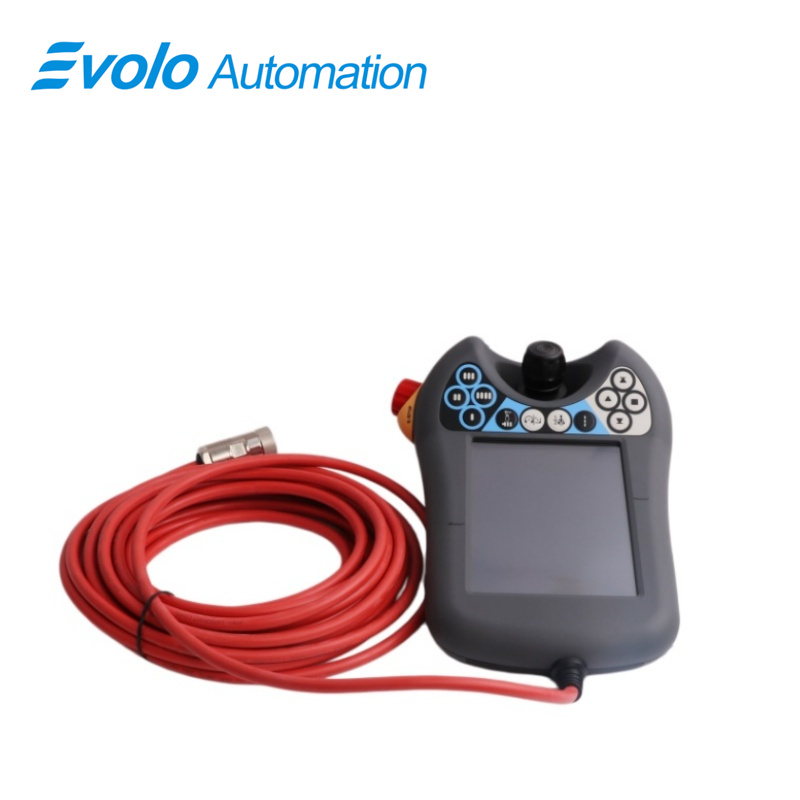
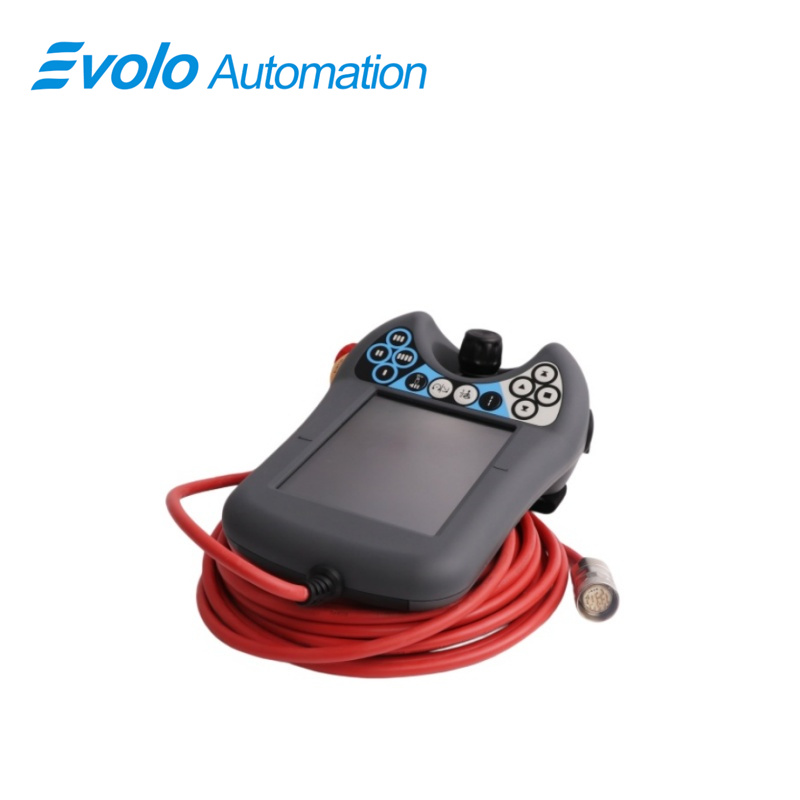
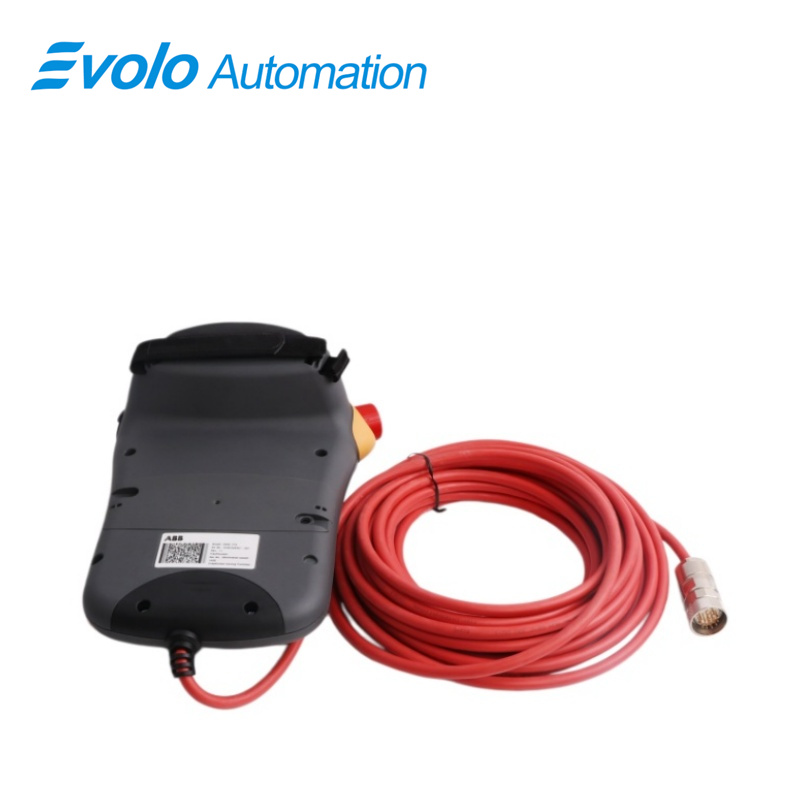
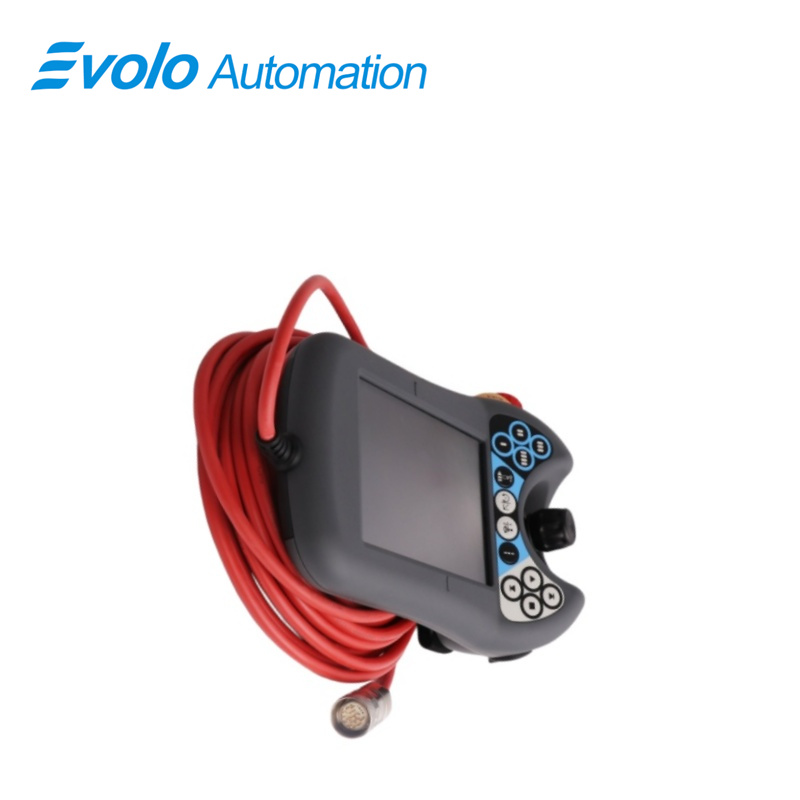
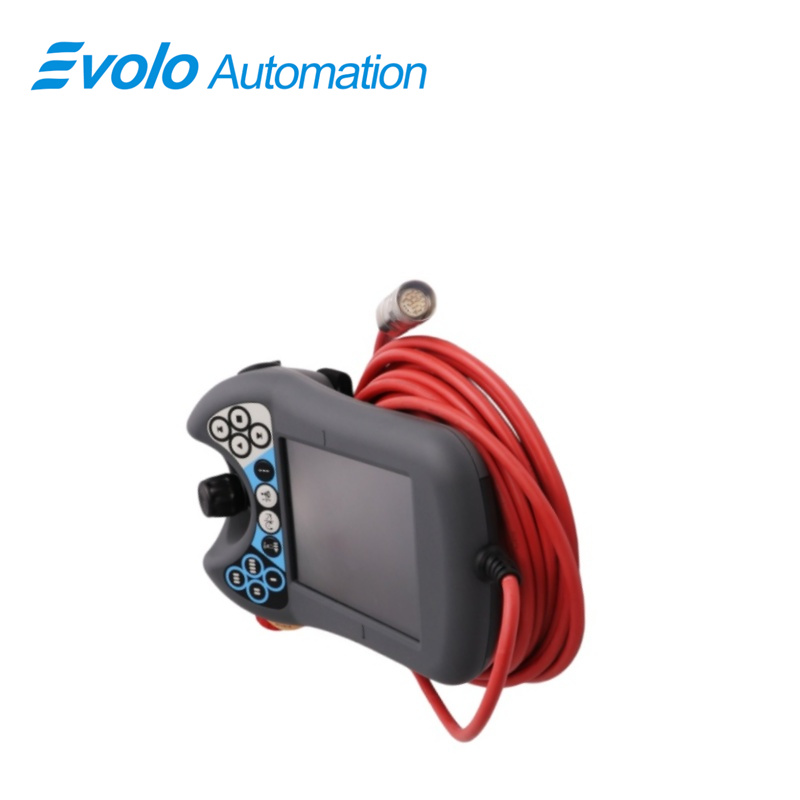
The ABB IRC5 Robot Teach Pendant, model DSQC679 3HAC028357-001, is a critical human-machine interface used for programming, operating, and monitoring ABB industrial robots equipped with the IRC5 controller. It allows operators to manually move the robot (jogging), create and modify robot programs, and interact with the robot's control system. Its robust design is suitable for industrial environments.
Applications
Automotive manufacturing plants: Used for path teaching of robots in workstations such as body-in-white welding, chassis assembly, and painting.
Electronics assembly plants: Used for precise coordinate calibration in the fine assembly of 3C products, PCB handling, and dispensing operations.
Food processing plants: Responsible for controlling the high-speed handling logic of sorting and palletizing robots.
Key Components
Touch Screen Display: The main interface for menus, program editing, and status information.
Joystick/Jogging Device: Used for manual movement (jogging) of the robot axes or tool.
Emergency Stop Button: A red mushroom-head button that immediately stops all robot motion and removes power to motors. Always accessible.
Enabling Device (Dead Man's Handle): A three-position switch (often on the back or side) that must be held in the middle position for robot motion in manual mode. Releasing it or pressing it fully stops the robot.
Function Keys: Dedicated buttons for common operations (e.g., start, stop, program editor, I/O).
Alphanumeric Keypad: For data entry and program editing.
Inspection
Periodically inspect the teach pendant cable for cuts, abrasions, or kinks. Damaged cables should be replaced immediately by qualified personnel.
Check the connector for bent pins or corrosion.
Ensure all buttons, especially the Emergency Stop and enabling device, operate freely and return to their default positions.
For "Used" units, pay extra attention to signs of wear and tear on the casing, screen, and cable.
FAQ
Q: Is the DSQC679 3HAC028357-001 teach pendant compatible with older S4C controllers?
A: No. The DSQC679 3HAC028357-001 is designed for IRC5 systems, while S4C controllers require their corresponding legacy teach pendant.
Q: Is the DSQC679 3HAC028357-001 teach pendant screen durable in heavy industrial environments?
A: Yes. It is built for industrial use with resistance to oil, dust, and splash exposure; a protective cover is still recommended for harsh environments.
Q: If the DSQC679 3HAC028357-001 teach pendant displays error "20240 Emergency Stop" during operation, how should I troubleshoot?
A: Check whether the emergency stop button is engaged and verify that the external safety circuit is properly closed.
Q: Do I need to reinstall the system after replacing the DSQC679 3HAC028357-001?
A: No. It is plug-and-play, and the system will automatically recognize it on supported RobotWare versions.
Q: If the DSQC679 3HAC028357-001 joystick breaks, must the entire unit be replaced?
A: No. The joystick can be replaced independently by qualified maintenance personnel.