EN
EN




- Overview
- Specifications
- Description
- Applications
- INSTALLATION
- OPERATION
- FREQUENTLY ASKED QUESTIONS
- Recommended Products
Overview
Place of Origin: |
USA |
Brand Name: |
GE |
Model Number: |
IS220PDIOH1A |
Packaging Details: |
Original new Factory Sealed |
Delivery Time: |
5-7 days |
Payment Terms: |
T/T |
Supply Ability: |
In stock |
Specifications
|
Part Number: |
IS220PDIOH1A |
|
Manufacturer: |
General Electric |
|
Series: |
Mark Vle |
|
Product Type: |
Discrete Input/Output Module |
|
Number of Input Channels: |
24 |
|
Input Filter: |
Hardware filter, 4 ms |
|
Input Signal Logic: |
Active High / Active Low |
|
Input Isolation in Pack: |
1500 V |
|
Input Voltage Range: |
5V DC / 24V DC |
|
AC Voltage Rejection: |
60 V RMS |
|
Isolation: |
Optical or Galvanic |
|
Output Voltage Range: |
5V DC - 250V AC |
|
Contact Rating (Relay Output): |
5A |
|
Response Time: |
<5 ms |
|
Number of Relay Command Channels: |
12 |
|
Number of Input Channels: |
24 DI and 12 Form C |
|
Operating Temperature: |
-40°C to +70°C |
|
Mounting Type: |
DIN Rail |
|
Dimensions: |
6 x 12.8 x 8.2 cm |
|
Weight: |
0.36 kg |
|
Country of Origin: |
United States |
Description
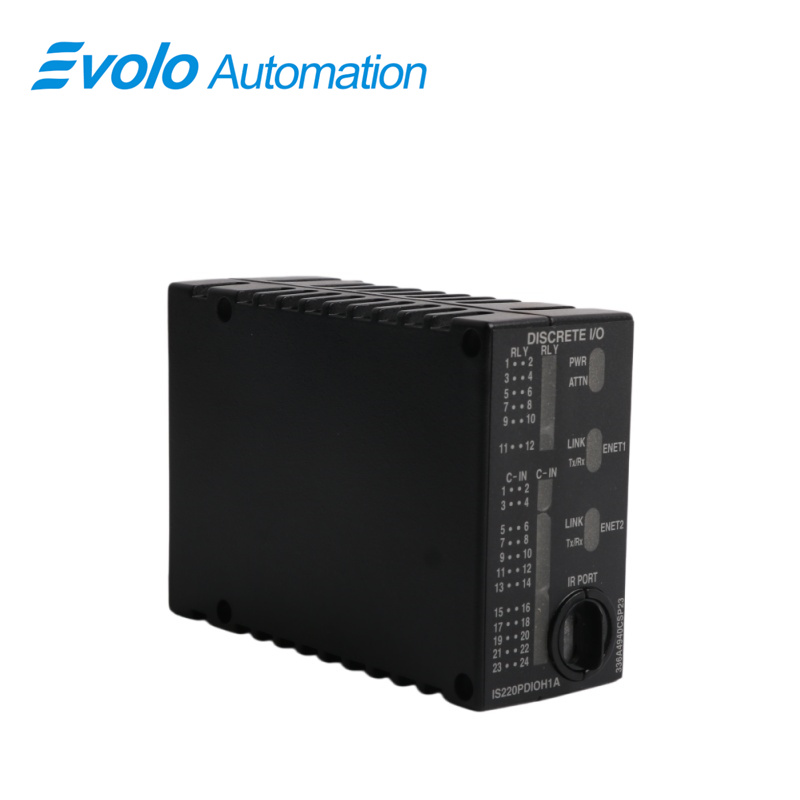
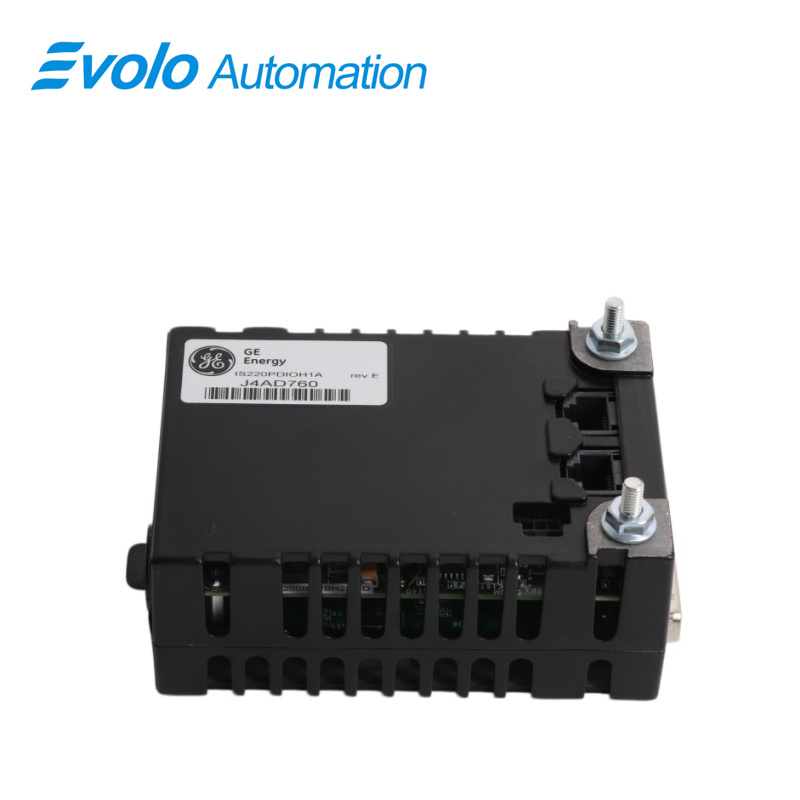
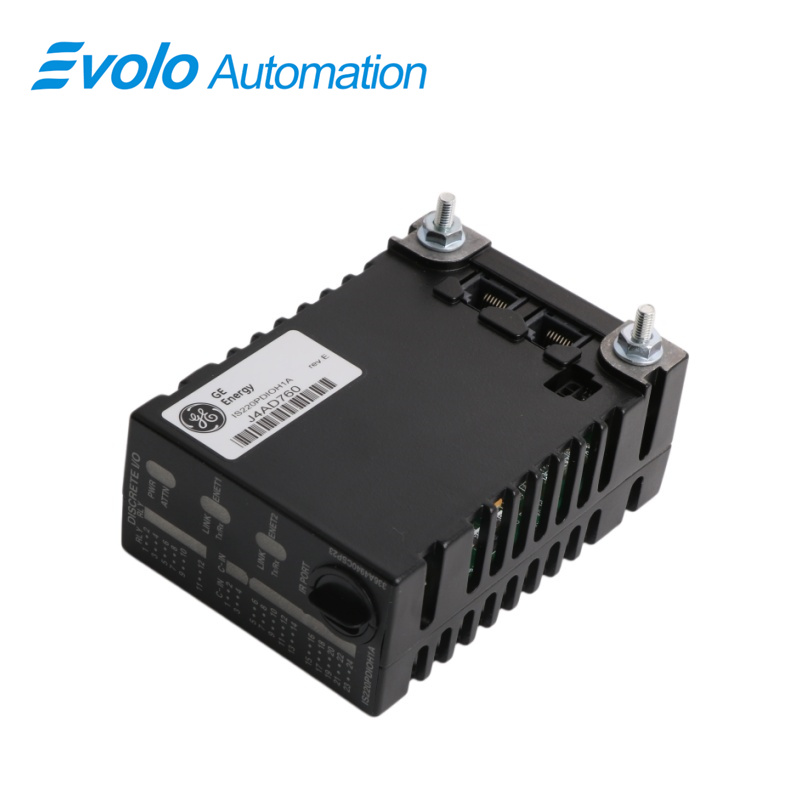
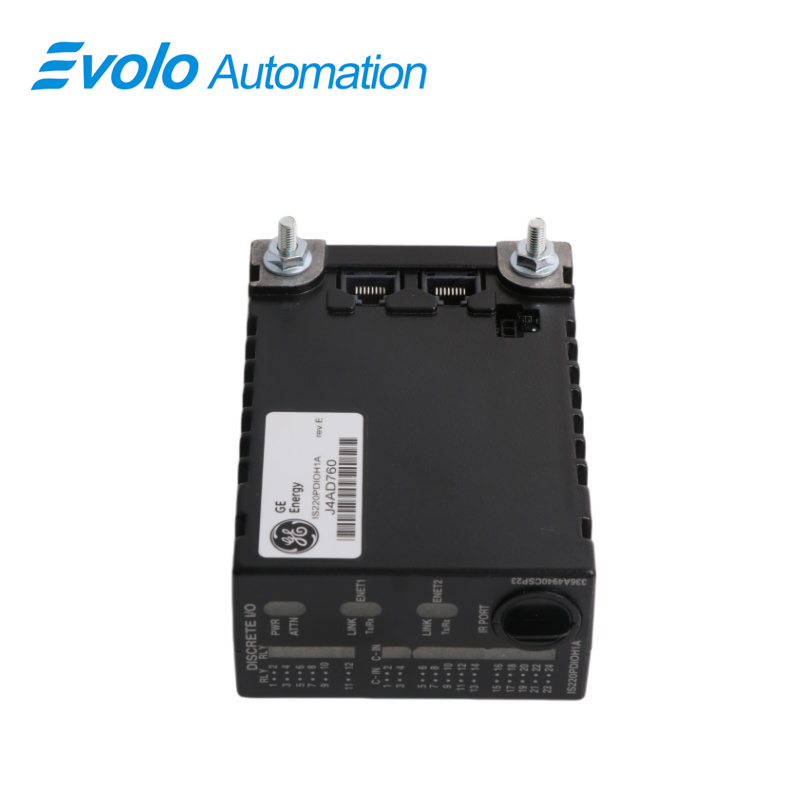
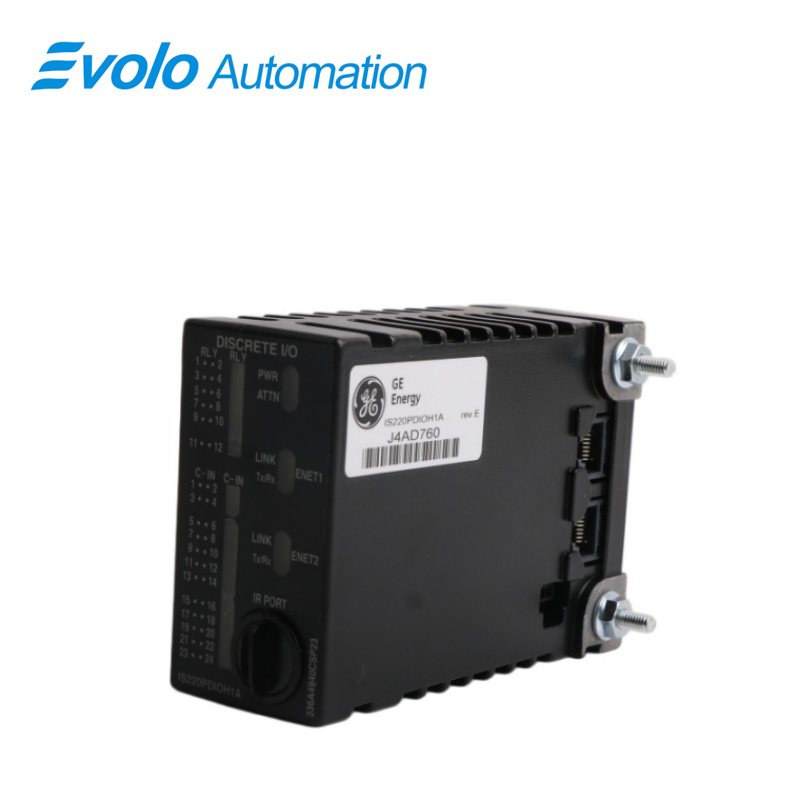
IS220PDIOH1A is a Discrete Input/Output Module Manufactured and Designed by General Electric as Part of the Mark Vle Series used in Distributed Control Systems.The Discrete Input/Output (PDl0) pack provides the electrical interface between one or two I/O Ethernet networks and a discrete input/output terminal board.The pack contains a processor board common to all Mark Vle distributed /O packs and an acquisition board specific to the discrete input/output function.The pack accepts up tc 24 contact inputs, controls up to 12 relay outputs, and receives terminal board-specific feedback signals.The associated terminal board determines the voltage capability of PDIO.System input to the pack is through dual RJ45 Ethernet connectors and a three-pin power input.Discrete signal input/output is through a DC-62 connector that connects directly with the associated terminal board connector.Visual diagnostics are provided through indicator LEDs, and local diagnostic serial communications are possible through an infrared port.PDIO is the functional equivalent of a PDIA and PDOA I/O pack combined into a single assembly.For simplex applications, it goes on a TDBS terminal board that is the equivalent of an SRLY relay terminal board combined with an STCI contact input terminal board.For TMR applications, it goes on a TDBT terminal board that, with the WROB option, provides the equivalent of a TRLYH1B relay terminal board combined with a TBCI contact input terminal board.
Applications
Gas/steam turbine power plants: Used to control the start and stop of auxiliary pump sets (such as lubricating oil pumps and turning gears), and to monitor pressure and level switches.
Wind power plants: Installed in the wind turbine nacelle or tower base cabinet, responsible for monitoring pitch system limit switches and yaw braking control.
Oil and chemical plant bases: Manage the anti-surge control logic of large compressors, automatic drain valves, and fire alarm linkage.
Hydropower plants: Monitor gate position switches and interlock control of unit auxiliary equipment.
INSTALLATION
1 Directly plug one PDIO I/O pack for simplex or three PDIO I/O packs for TMR into the terminal board connectors
2 Mechanically secure the packs using the threaded studs adjacent to the Ethernet ports. The studs slide into a mounting bracket specific to the terminal board type
3 The bracket location should be adjusted such that there is no right-angle force applied to the Dc-62 pin connector between the pack and the terminal board. The adjustment should only be required once in the life of the product
4 Plug in one or two Ethernet cables depending on the system configuration. The pack will operate over either port. If dual connections are used, the standard practice is to connect ENET1 to the network associated with the R controller
5 Apply power to the pack by plugging in the connector on the side of the pack. It is not necessary to insert this connector with the power removed from the cable as the I/O pack has inherent soft-start capability that controls the current inrush on the power application
OPERATION
The processor board connects to an acquisition board specific to the I/O pack function.Upon application of input power, the soft-start circuit ramps up the voltage available on the processor board.The local power supplies are sequenced, and the processor reset is removed.The processor completes self-test routines and then loads application code specific to the I/O pack type from flash memory.The application code reads board ID information to ensure the correct matching of the application code, acquisition board, and terminal board.With a good match, the processor attempts to establish Ethernet communications, starting with the request of a network address.The address request uses the industry standard dynamic host configuration protocol (DHCP) and the unique identification read from the terminal board.After Ethernet initialization, the processor programs the onboard logic, run the application, and enables the acquisition board to begin operation.
The processor application code contains all the logic necessary to allow the pack to operate from one or two Ethernet inputs.When operated from two Ethernet inputs, both network paths are active all the time.A failure of either network will not result in any disturbance to the I/O pack operation, and the failure will be indicated through the working network connection.This arrangement is more tolerant of faults than a classic hot-backup system where the second port is only used after a primary port failure is detected.The Ethernet ports on the processor auto-negotiate between 10 MB/s and 100 MB/s speed, and between half-duplex and full-duplex operation.The processor board in the pack is common to all Mark Vle Ethernet I/O packs.It contains the following:
1 High-speed processor with RAM and flash memory
2 Two fully independent 10/100 Ethernet ports with connectors
3 Hardware watchdog timer and reset circuit
4 Internal I/O pack temperature sensor
5 Infrared serial communications port
6 Status-indication LEDs
7 Electronic ID and the ability to read IDs on other boards
8 Substantial programmable logic supporting the acquisition board
9 Input power connector with soft start/current limiter
10 Local power supplies, including sequencing and monitoring
FREQUENTLY ASKED QUESTIONS
Q: What is a Discrete Contact Input/Output Terminal Board, such as the IS220PDIOH1A, used for?
A: A Discrete Contact Input/Output Terminal Board like the IS220PDIOH1A is designed to interface discrete (ON/OFF) signals with industrial control systems such as Programmable Logic Controllers (PLCs) or Distributed Control Systems (DCS).It enables monitoring and controlling external devices like sensors, switches, alarms, and relays by providing reliable signal transmission and electrical isolation.
Q: What is the difference between dry contact and wet contact inputs on the IS220PDIOH1A?
A: Dry contact inputs operate without an external voltage source; they function as simple mechanical switches that either open or close a circuit.Wet contact inputs, on the other hand, provide their voltage when activated, allowing them to send an electrical signal directly to the control system.Wet contacts are typically used when a signal must be transmitted over long distances with minimal voltage loss.
Q: What voltage levels are supported for inputs and outputs on the IS220PDIOH1A?
A: The IS220PDIOH1A terminal board supports a variety of input voltage levels, including 5V DC, 24V DC, 48V DC, 110V AC, and 220V AC.These options ensure compatibility with different industrial power systems and sensor types.Output voltage levels depend on the type of relay or solid-state output used, with common ratings such as up to 250V AC or 30V DC for relay-based outputs.