EN
EN




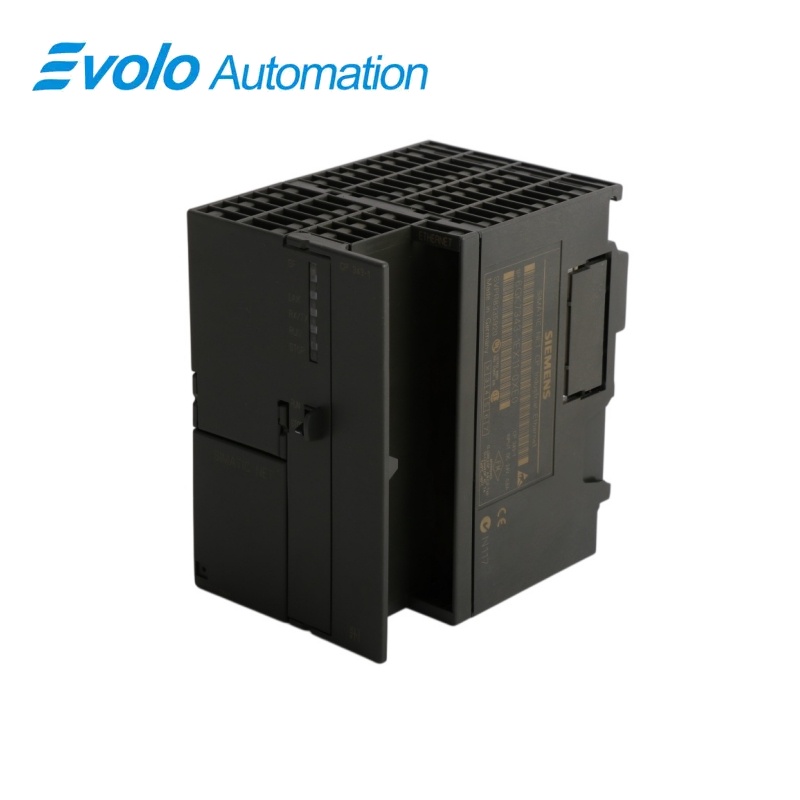
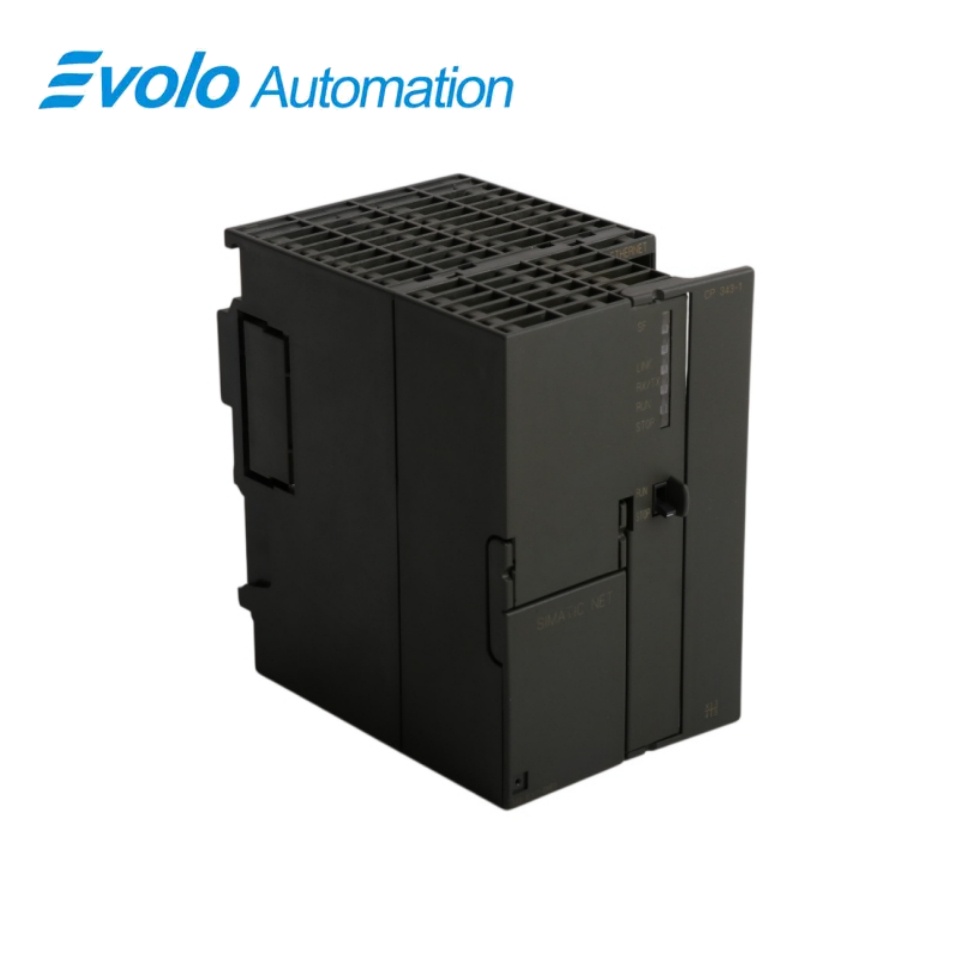
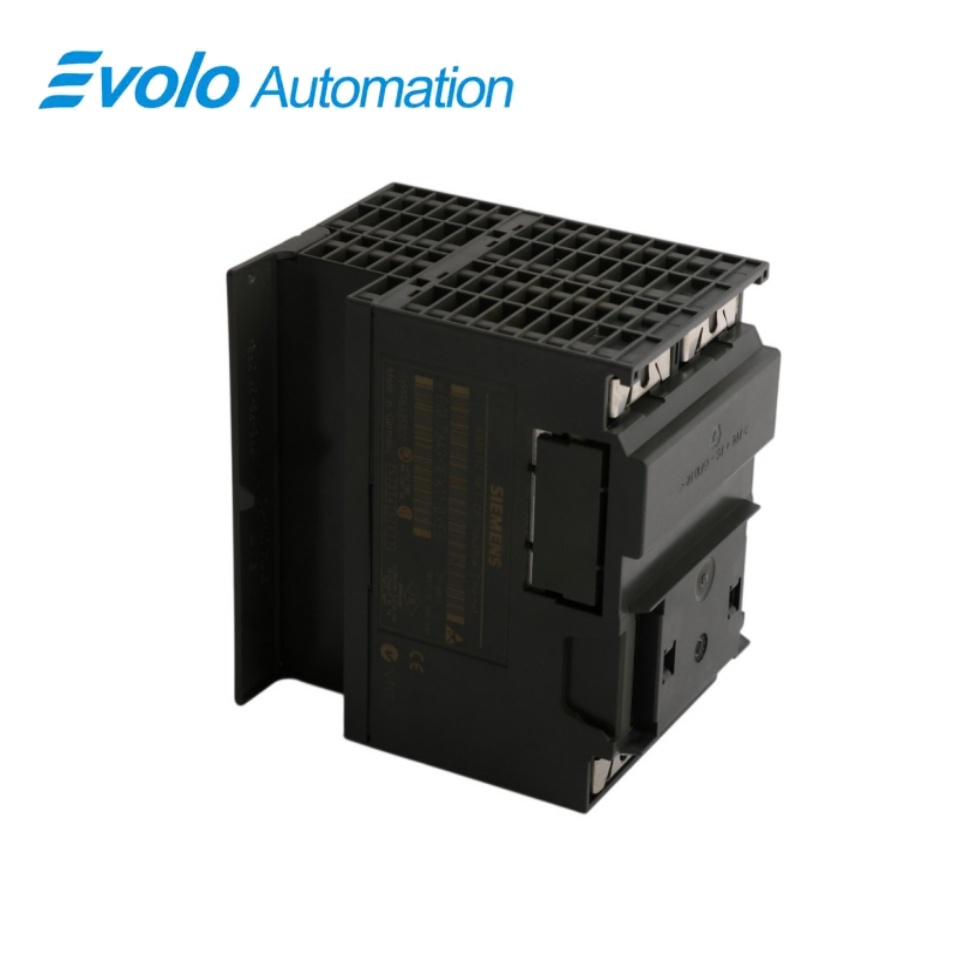
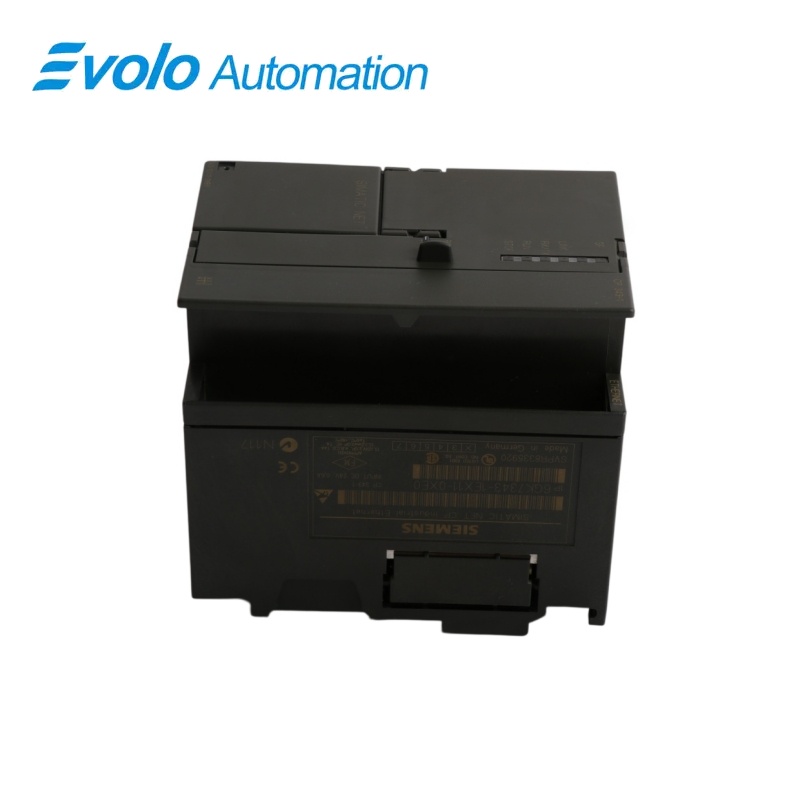
Siemens SIMATIC NET CP 343-1 Communication Processor 6GK7343-1EX11-0XE0
Manufacturer: Siemens
Condition: Brand New
Lead Time: In Stock
Origin: Germany
Warranty: 12 Months
Email: [email protected]
whatsApp: +86-18150117685
- Overview
- Product Overview
- Key Functions
- Official Specifications
- Frequently Asked Questions
- Compatibility & Ordering Notes
- Hot Selling Models
- Recommended Products
Overview
Siemens • SIMATIC S7-300 and SIMATIC NET
6GK7343-1EX11-0XE0 SIMATIC NET CP 343-1 Communication Processor
The SIMATIC NET CP 343-1 connects an S7-300 station to Industrial Ethernet and supports open communication, S7 communication and PG/OP access.
At a Glance
| Brand | Siemens |
|---|---|
| Model | 6GK7343-1EX11-0XE0 |
| Product Type | Industrial Ethernet communication processor |
| Core Function | Connects an S7-300 station to Industrial Ethernet for open and S7 communication |
| Application or Compatible Series | SIMATIC S7-300 systems using ISO, TCP/IP, ISO-on-TCP or UDP communication |
Exact Identification
Match 6GK7343-1EX11-0XE0 character by character and confirm the complete SIMATIC NET CP 343-1 Communication Processor designation.
Interface Arrangement
Confirm the installed supply, ports, field connections and required accessories before wiring the replacement.
Configuration Check
Preserve the approved engineering project, network parameters and application data used by the installed system.
Product Overview
The SIMATIC NET CP 343-1 connects an S7-300 station to Industrial Ethernet and supports open communication, S7 communication and PG/OP access.
The communication processor adds Industrial Ethernet connectivity to a compatible S7-300 station. Open communication services and S7 communication support controller and supervisory data exchange. Documented connection limits help engineers preserve the original communication architecture during replacement.
Key Functions
S7-300 Ethernet Integration
The communication processor adds Industrial Ethernet connectivity to a compatible S7-300 station.
Multiprotocol Communication
Open communication services and S7 communication support controller and supervisory data exchange.
Defined Connection Resources
Documented connection limits help engineers preserve the original communication architecture during replacement.
Official Specifications
| Industrial Ethernet Transfer Rate | 10 to 100 Mbit/s |
|---|---|
| TCP, ISO-on-TCP and ISO Payload per Connection | 8 KB maximum |
| UDP Payload per Connection | 2 KB maximum |
| Industrial Ethernet Connection | 1 electrical connection via RJ45/AUI |
| Supply Voltages | 5 V DC from the backplane bus and 24 V DC external supply |
| Simultaneous Multiprotocol Connections | 32 maximum |
| Multicast Connections | 16 |
| Supported Open Protocols | TCP, ISO-on-TCP, ISO transport and UDP |
| Power Loss | 10 W |
| Configuration Platform | SIMATIC STEP 7 |
| Diagnostic Buffer Timestamp Method | SIMATIC method |
| Released Firmware Reference | V2.0 |
Frequently Asked Questions
Which controller family accepts 6GK7343-1EX11-0XE0?
Install it only in a compatible SIMATIC S7-300 station supported by the project configuration.
How many open communication connections can 6GK7343-1EX11-0XE0 manage?
The specified maximum is sixteen open communication connections.
Which transport services are supported by 6GK7343-1EX11-0XE0?
The processor supports TCP, ISO-on-TCP, ISO transport and UDP communication.
What should be backed up before replacing 6GK7343-1EX11-0XE0?
Save the hardware configuration, IP parameters, connection table, station name and communication-block settings.
How large can TCP or ISO payloads be on 6GK7343-1EX11-0XE0?
The specified maximum user data is 8 KB per applicable connection.
Can 6GK7343-1EX11-0XE0 support both engineering access and S7 communication?
Yes; keep the PG/OP and S7 connection counts within the stated resource limits.
What must be tested after installing 6GK7343-1EX11-0XE0?
Verify station startup, IP communication, every configured connection, PG/OP access, diagnostics and application data exchange.
Compatibility & Ordering Notes
Compatibility Checklist
- Check the installed S7-300 CPU and STEP 7 compatibility.
- Preserve IP parameters and all configured communication connections.
- Keep aggregate connection use within the documented limits.