EN
EN




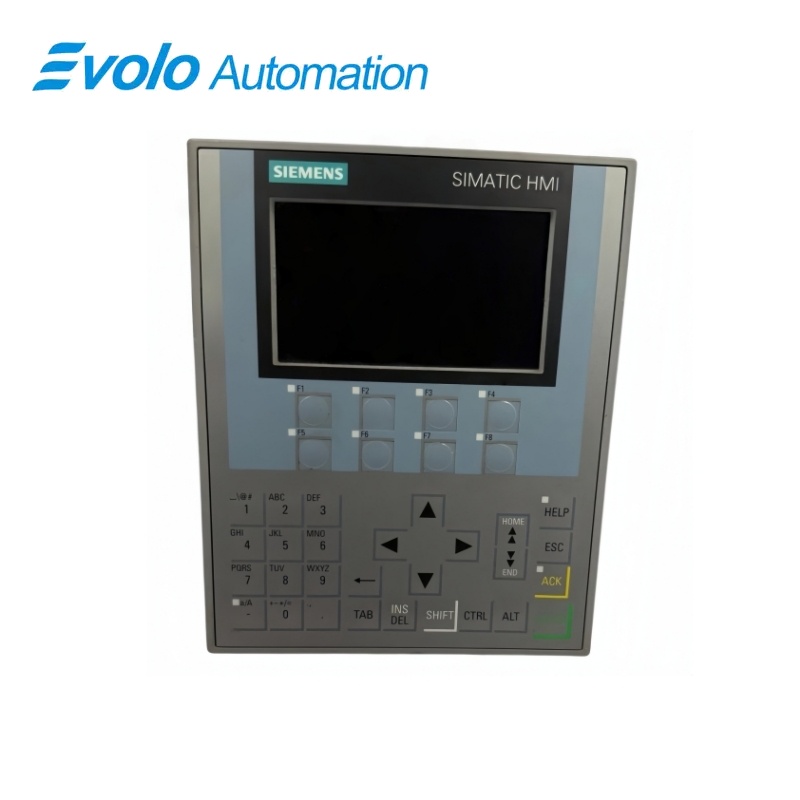
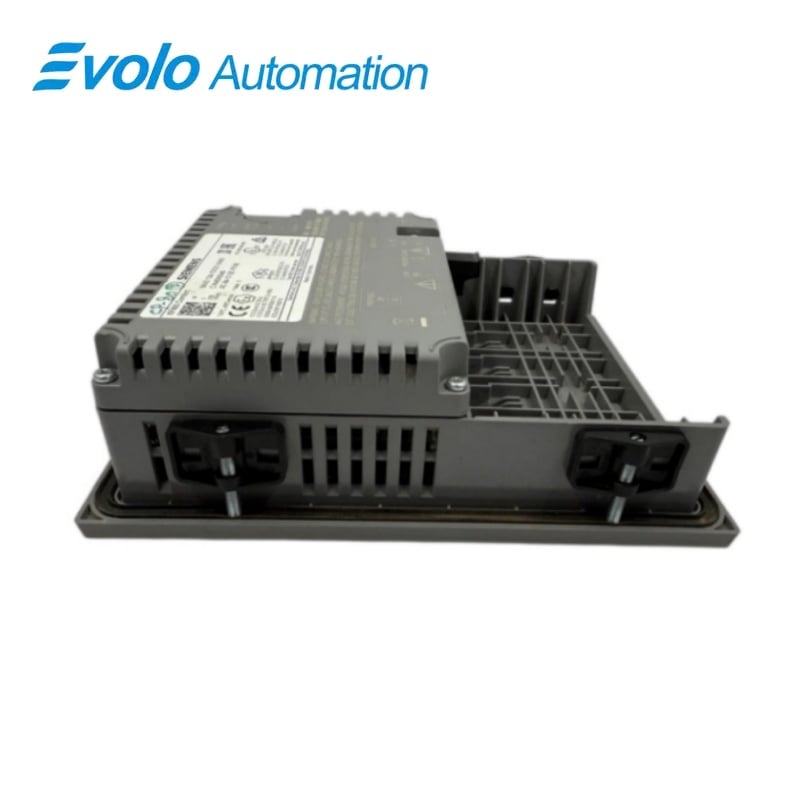
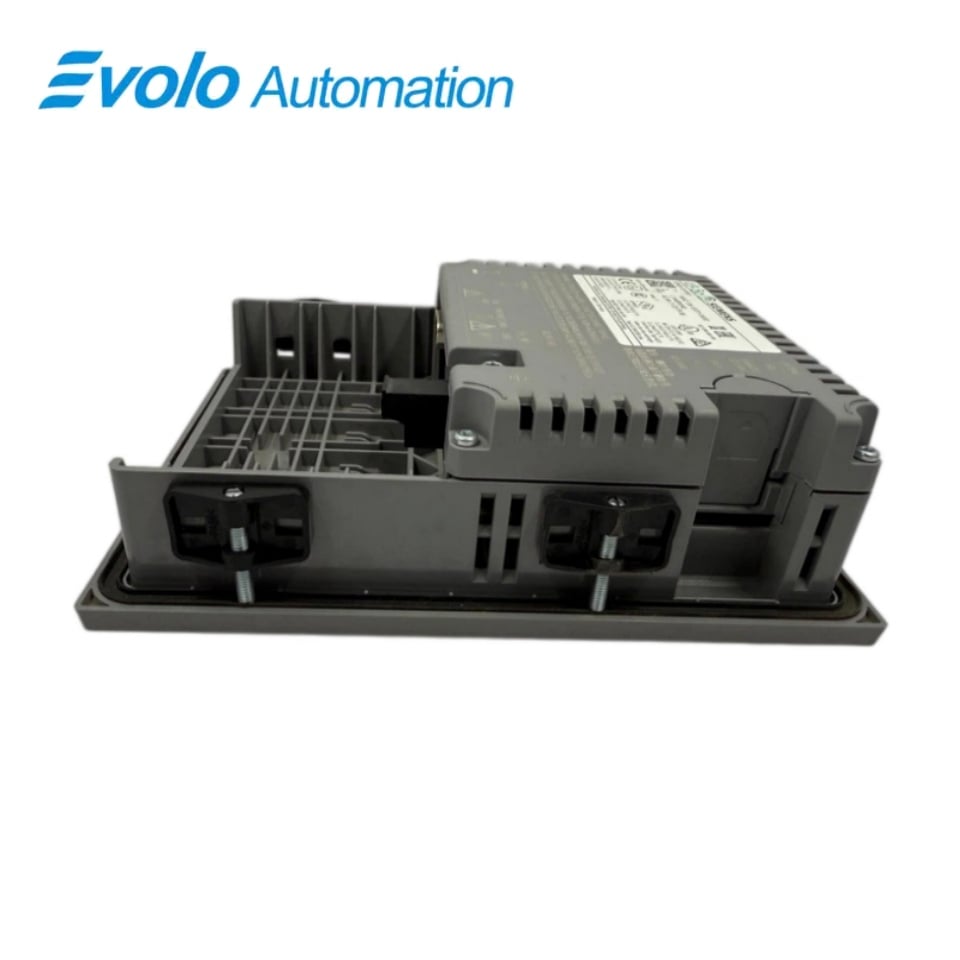
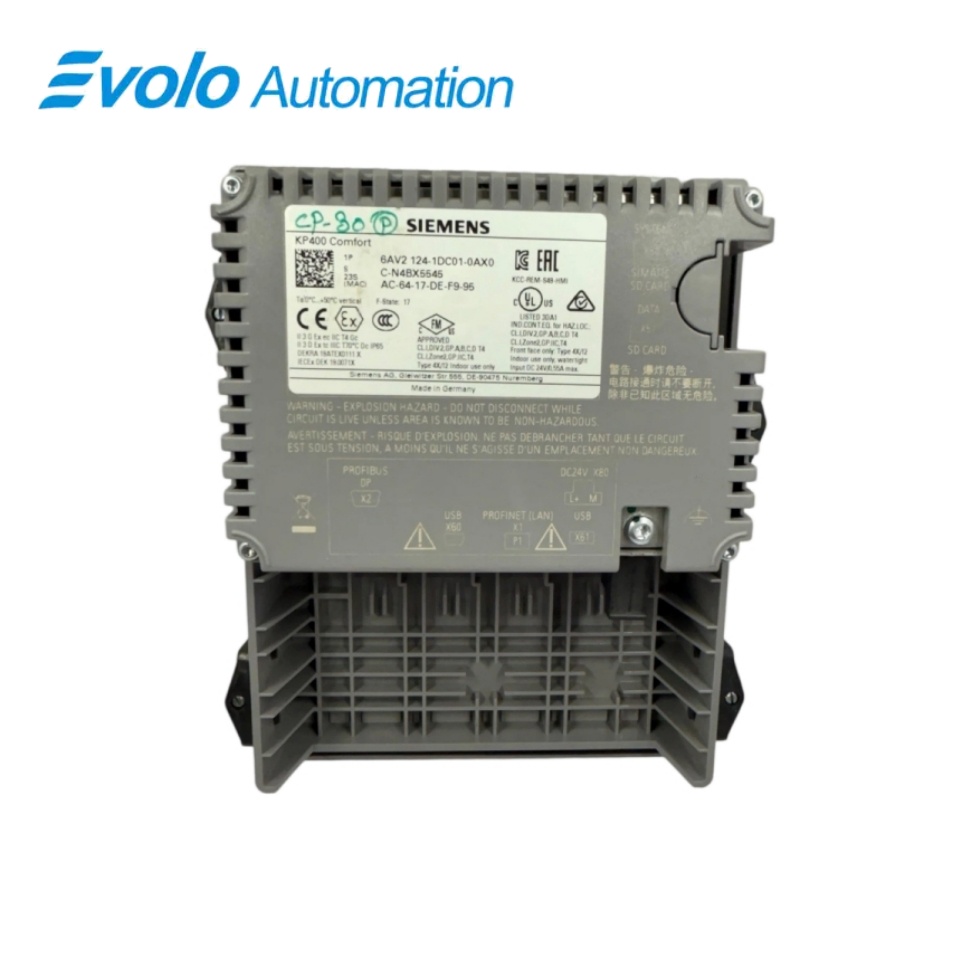
Siemens SIMATIC HMI KP400 Comfort Key Panel 6AV2124-1DC01-0AX0
Manufacturer: Siemens
Condition: Brand New
Lead Time: In Stock
Origin: Germany
Warranty: 12 Months
Email: [email protected]
whatsApp: +86-18150117685
- Overview
- Product Overview
- Key Functions
- Official Specifications
- Frequently Asked Questions
- Compatibility & Ordering Notes
- Hot Selling Models
- Recommended Products
Overview
Siemens • SIMATIC HMI Comfort Panels
6AV2124-1DC01-0AX0 SIMATIC HMI KP400 Comfort Key Panel
The KP400 Comfort is a key-operated HMI with a 4.3-inch widescreen TFT display, eight illuminated function keys, PROFINET and MPI/PROFIBUS DP interfaces and 4 MB of user memory.
At a Glance
| Brand | Siemens |
|---|---|
| Model | 6AV2124-1DC01-0AX0 |
| Product Type | Key-operated 4.3-inch widescreen HMI panel |
| Core Function | Provides local visualization and key-based operation over PROFINET or MPI/PROFIBUS DP |
| Application or Compatible Series | SIMATIC machines engineered with WinCC Comfort and a KP400 Comfort panel |
Exact Identification
Match 6AV2124-1DC01-0AX0 character by character and confirm the complete SIMATIC HMI KP400 Comfort Key Panel designation.
Interface Arrangement
Confirm the installed supply, ports, field connections and required accessories before wiring the replacement.
Configuration Check
Preserve the approved engineering project, network parameters and application data used by the installed system.
Product Overview
The KP400 Comfort is a key-operated HMI with a 4.3-inch widescreen TFT display, eight illuminated function keys, PROFINET and MPI/PROFIBUS DP interfaces and 4 MB of user memory.
Eight illuminated function keys and dedicated system keys support machine operation without a touch screen. PROFINET and the combined RS422/RS485 MPI/PROFIBUS DP interface support the configured controller connection. Recipes, alarms, user administration, removable storage and runtime transfer support the engineered HMI application.
Key Functions
Key-Based Operator Control
Eight illuminated function keys and dedicated system keys support machine operation without a touch screen.
Dual Automation Interfaces
PROFINET and the combined RS422/RS485 MPI/PROFIBUS DP interface support the configured controller connection.
Comfort Panel Functions
Recipes, alarms, user administration, removable storage and runtime transfer support the engineered HMI application.
Official Specifications
| Display Technology | TFT |
|---|---|
| Screen Diagonal | 4.3 in |
| Display Resolution | 480 x 272 pixels |
| Displayed Colors | 16,777,216 |
| Backlight MTBF at 25 °C | 80,000 h |
| Illuminated Function Keys | 8 |
| Touch Operation | Not provided |
| Rated Supply Voltage | 24 V DC |
| Permissible Supply Range | 19.2 to 28.8 V DC |
| Typical Power Input | 3.1 W |
| User Data Memory | 4 MB |
| Industrial Ethernet Interfaces | 1 |
| RS422/RS485 Interfaces | 1 combined interface |
| USB Interfaces | 1 x USB 2.0 Mini-B |
| SD Card Slots | 2 |
| Front Protection | IP65 |
| Rear Protection | IP20 |
| Housing Front Dimensions | 152 x 188 mm |
| Mounting Cutout | 136 x 172 mm |
| Mounting Depth | 48 mm |
Frequently Asked Questions
Does 6AV2124-1DC01-0AX0 have a touch screen?
No; operators use the function, system, numeric and alphanumeric keys.
Which engineering software supports 6AV2124-1DC01-0AX0?
Configure the panel with WinCC Comfort V11 or a later compatible release.
Can 6AV2124-1DC01-0AX0 communicate over both PROFINET and PROFIBUS?
Yes; it provides one Industrial Ethernet port and one combined RS422/RS485 interface for MPI or PROFIBUS DP.
How should I size the mounting cutout for 6AV2124-1DC01-0AX0?
Prepare a 136 x 172 mm cutout and allow the documented 48 mm mounting depth.
What should I back up before replacing 6AV2124-1DC01-0AX0?
Save the HMI project, runtime image, device name, IP settings, recipes, alarms, users and removable-media contents.
Which supply is required by 6AV2124-1DC01-0AX0?
Provide 24 V DC within the permitted 19.2 to 28.8 V range.
What should I test after installing 6AV2124-1DC01-0AX0?
Verify the display, every key and LED, controller communication, alarms, recipes, transfer mode and runtime functions.
Compatibility & Ordering Notes
Compatibility Checklist
- Use a WinCC Comfort version that supports the installed panel image.
- Match the original PROFINET or MPI/PROFIBUS cabling and controller configuration.
- Preserve recipes, users, archives and all runtime project data before removal.