EN
EN




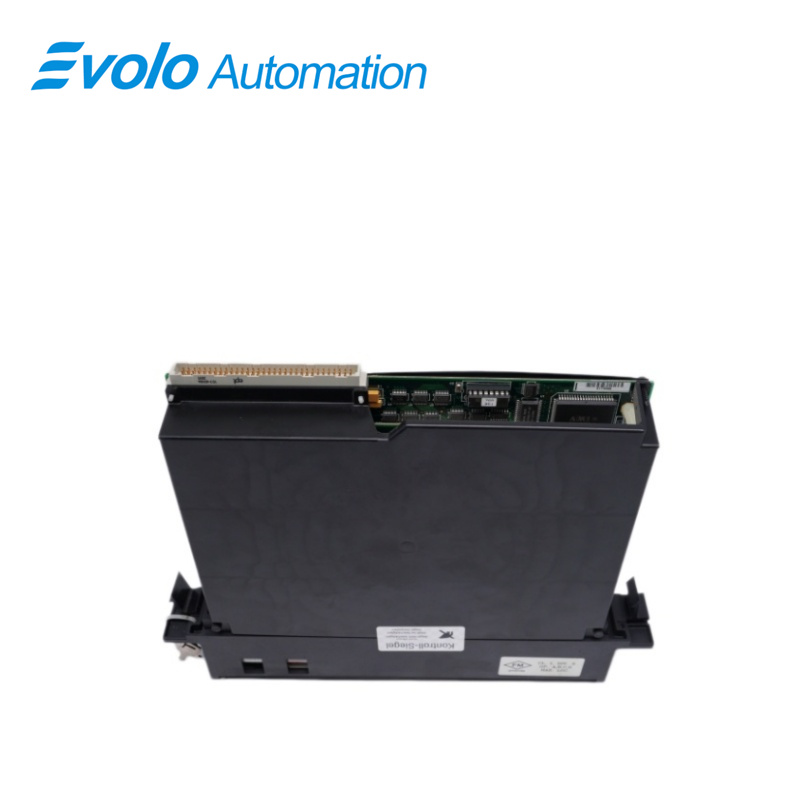
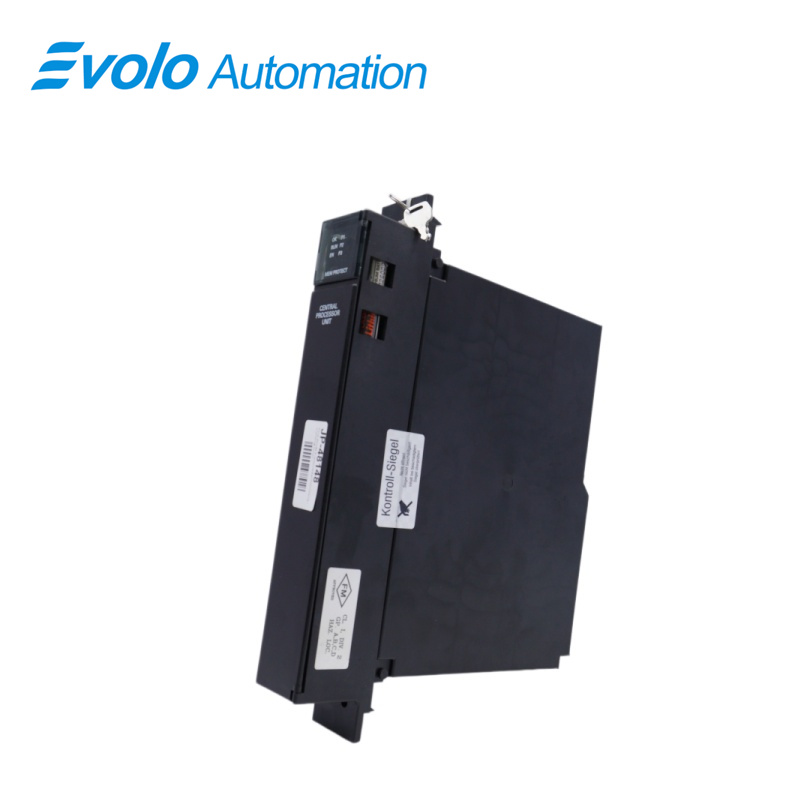
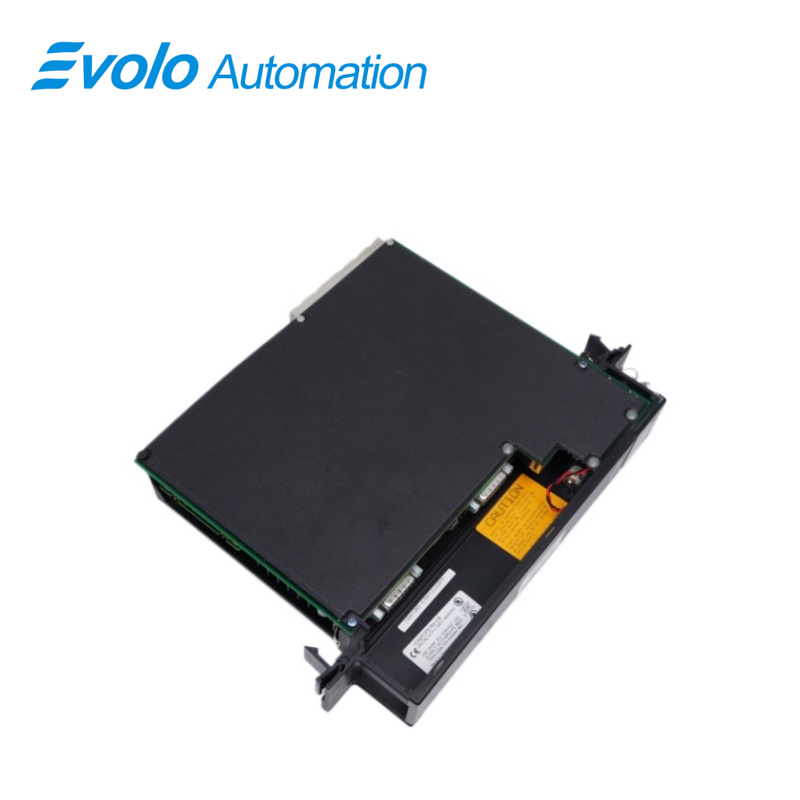
- Overview
- Specifications
- Description
- Applications
- Features
- Functions
- Configuration
- FAQ
- Recommended Products
Overview
Place of Origin: |
USA |
Brand Name: |
GE |
Model Number: |
IC697CPX782 |
Packaging Details: |
Original new Factory Sealed |
Delivery Time: |
5-7 days |
Payment Terms: |
T/T |
Supply Ability: |
In stock |
Specifications
|
Model: |
IC697CPX782 |
|
Module Type |
Central Processing Unit (CPU) |
|
Dimensions (HxWxD): |
4 x 21.8 x 29.2 cm |
|
Weight: |
0.84 kg |
|
Battery Shelf Life: |
5 years at 20°C (68°F) |
|
Memory Retention: |
6 months nominal without applied power |
|
Current Requirement +5V Bus: |
3.1 A nominal |
|
Operating Temperature: |
0°C to 60°C (32°F to 140°F) |
|
Time of Day Clock Accuracy: |
±3.5 seconds per day maximum |
|
Elapsed Time Clock Accuracy: |
±0.01% maximum |
|
Serial Ports: |
Port 1: RS-232 compatible; Port 2: RS-485 compatible (optocoupler isolated); Port 3: RS-485 compatible (not isolated) |
|
Peripheral Connections: |
Programmer Serial Attachment or other serial devices |
|
Supported Protocols: |
SNP Slave only |
|
Standards Compliance: |
VME System designed to support VME standard C.1 |
Description
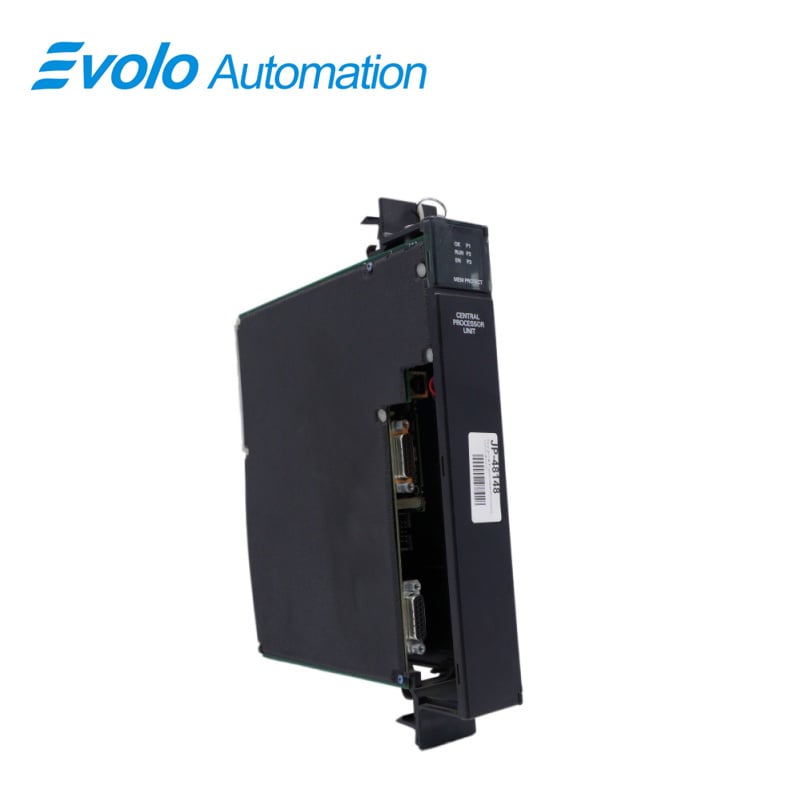
CPU model IC697CPX782 is manufactured by GE Automation and Controls. This CPU has a single slot with three independent, onboard serial ports and includes 1 MB of battery-backed CMOS RAM (inside the same slot) and 256 K non-volatile user flash memory for user data. It can calculate floating point and contains an 80486DX4 microprocessor. IC697CPX782 uses MS-DOS or Windows-based programming software to control machines, processes, and systems.
IC697CPX782 has a Scan Rate of 0.4 milliseconds for one Boolean function. Operation of this module has a three-position operating mode switch. It has software passwords which are used to lock data of the program and configuration. In addition, data locking can be initiated manually by using the memory protect key switch. Seven green LEDs show CPU status on the front face of the module.
Applications
Power and energy plants: Used for synchronous control of generator units, grid load dispatching, and substation automation.
Large metallurgical/steel plants: Used for controlling rolling mill production lines, blast furnace feeding systems, and other applications requiring high-speed logic switching.
Oil and chemical plants: Used for managing complex closed-loop control (PID) of temperature and pressure in chemical reactors.
Paper and pulp mills: Used for multi-axis synchronous drive control to ensure constant paper tension.
Features
Single slot CPU with three serial ports
Provides 1 Mbyte of battery-backed memory in the same slot
Contains 256K of non-volatile user flash memory
Supports BMA in release 7.92 and later
Supports floating point calculations
12K inputs and outputs (any mix), and up to 8K analog I/O
0.4 microseconds per boolean function
96 MHz, 80486DX4 microprocessor
Supports IC66 (can be IC660 or IC661) and IC697 I/O
Programmed by MS-DOS software products, or Windows based software products running on Windows 95 or Windows NT, over Ethernet TCP/IP, or through an SNP port
Configurable data and program memory
Battery-backed calendar clock
Three position operation mode switch
Password controlled access
Remote programmer keyswitch memory protection
Seven status LEDs
Software configuration (No DIP switches or jumpers)
Reference information inside front door
In-system upgradable firmware
Three Series Ninety Protocol (SNP Slave) ports
Functions
The CPX 782 is a single slot PLC CPU that is programmed and configured by MS-DOS or Windows based programming software to perform real time control of machines, processes, and material handling systems. It communicates with I/O and smart option modules over a rack-mounted backplane using the VME C.1 Standard format.
Supported option modules include LAN Interface modules, Programmable Coprocessor, Alphanumeric Display Coprocessor, Bus Controller for IC660/IC661 I/O products, Communications modules, I/O Link Interface, and all of the IC697 family of discrete and analog I/O modules.
Configuration
The IC697 CPU and I/O system is configured with MS-DOS or Windows based programming software, although the MS-DOS software does not support all features, such as Bulk Memory Area (BMA), which requires the Windows software version 2.2 or later. See the IPI shipped with this module for programming software feature support details. There are no DIP switches or jumpers used to configure the system. The CPU verifies the actual module and rack configuration at power-up and periodically during operation. The actual configuration must be the same as the programmed configuration. Deviations are reported to the CPU alarm processor function for configured fault response. Refer to the applicable Programming Software User‘s Manual for a description of configuration functions.
FAQ
Q: What is an IC697CPX782?
A: The IC697CPX782 is a 96 MHz, 32-Bit, Floating Point, 1 Mbyte Memory Central Processing Unit from the GE Fanuc 90-70 Series. The IC697CPX782 is a single slot PLC CPU.
Q: Through what is configuration and programming done on IC697CPX782?
A: Configuration and programming for this unit is done through MS-DOS or Windows based programming software.
Q: When testing IC697CPX782, what should I do?
A: You want to, first, plug it in. Then, make sure it is connected and communicating.
Q: If it is connected and communicating, what should I do next?
A: You should place the processor into run mode and clear ONLY I/O faults and processor faults. After, click download and run.
Q: If all 3 LEDs are on, what does that mean?
A: It means the processor is, in fact, in run mode.
Q: What do the LEDs stand for?
A: The first LED is the processor, the middle LED is the run mode, and the bottom LED is the I/O enabled.
Q: What do I do with the toggle switch (that is below the LEDs)?
A: This toggle switch can shut off the I/O or put it back into run mode and you should test it to make sure it works.
Q: What does the key at the top of the processor do?
A: This key is for memory protection. When you turn it on, a LED should light up to let you know your memory protection setting works.
Q: Are there any other tests I should perform?
A: You should test all the ports to make sure they work. A LED should come on to let you know it is communicating/working.
Q: If I think there is a problem with my IC697CPX782, what should I do?
A: If you think there is a problem, you should leave it running overnight or over a weekend and make sure it stays in run mode.