EN
EN




- Overview
- Specifications
- Description
- Applications
- Maintenance Recommendations
- FAQ
- Recommended Products
Overview
Place of Origin: |
Sweden |
Brand Name: |
ABB |
Model Number: |
YPC111A |
Packaging Details: |
Original new Factory Sealed |
Delivery Time: |
5-7 days |
Payment Terms: |
T/T |
Supply Ability: |
In stock |
Specifications
|
Parameter |
Value |
|
Model |
YPC111A |
|
Type |
Optical Distributor Module |
|
Dimensions |
15.5 x 8 x 5 cm |
|
Weight |
0.42 kg |
|
Auxiliary Power |
+24 V |
|
Current Capacity |
80 A |
|
Switching Frequency |
10 kHz |
|
Protection Class |
IP20 |
|
Operating Temperature Range |
-20 °C to +55 °C |
|
Power Rating |
2000 W |
Description
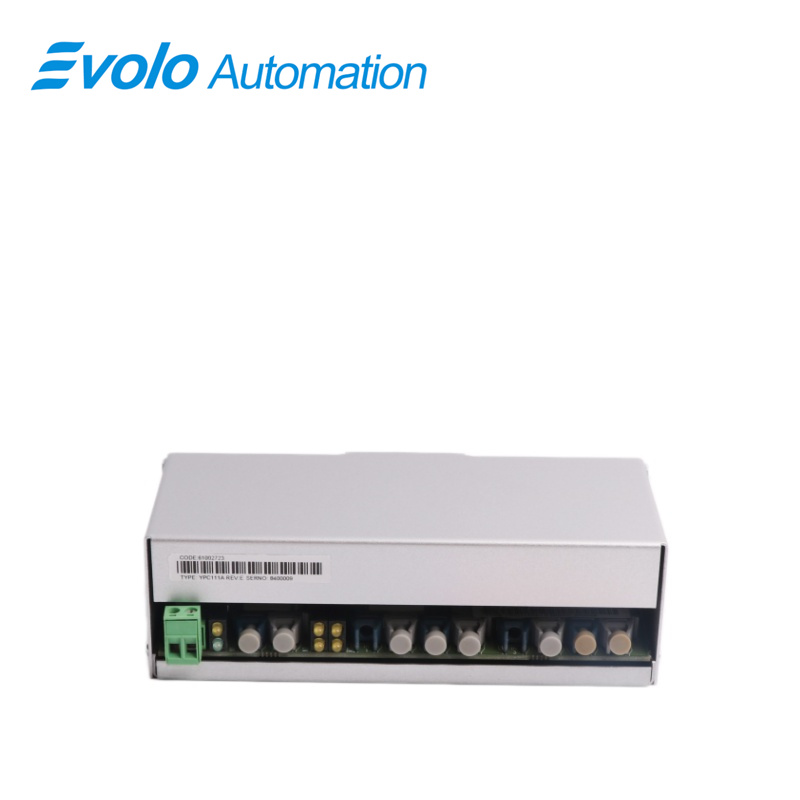
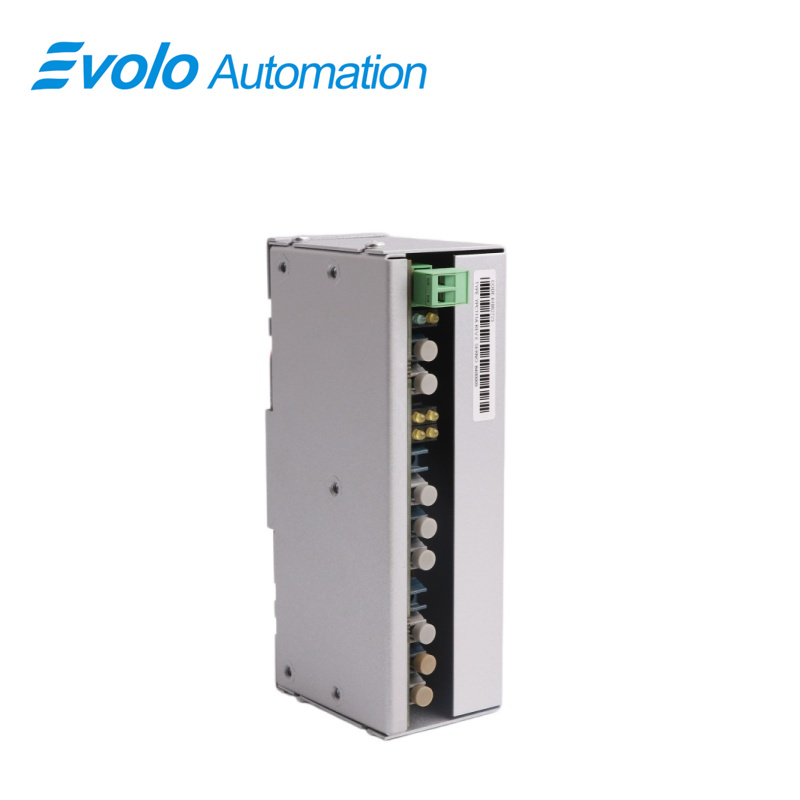
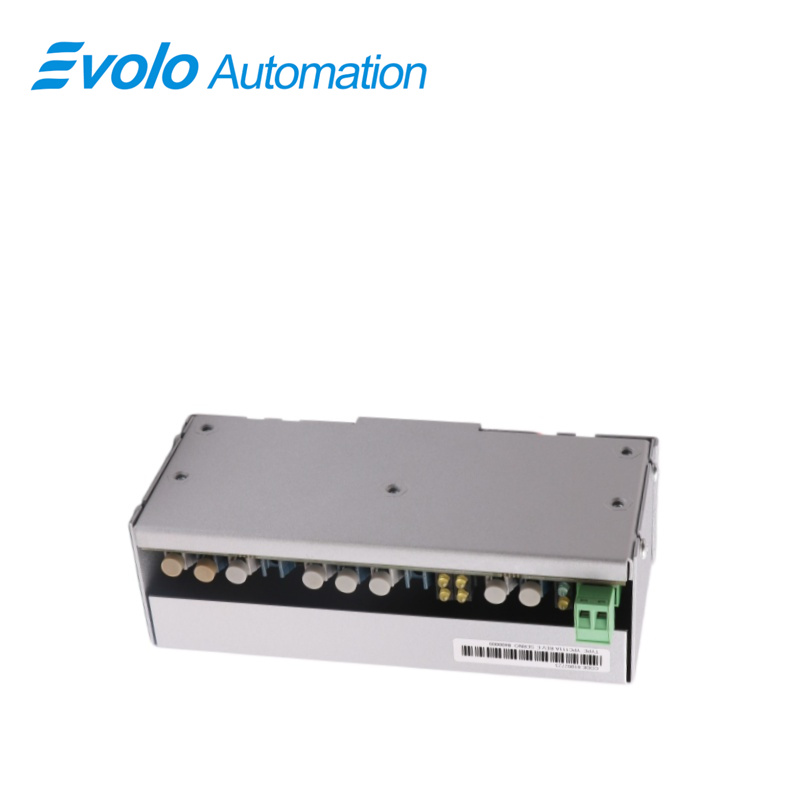
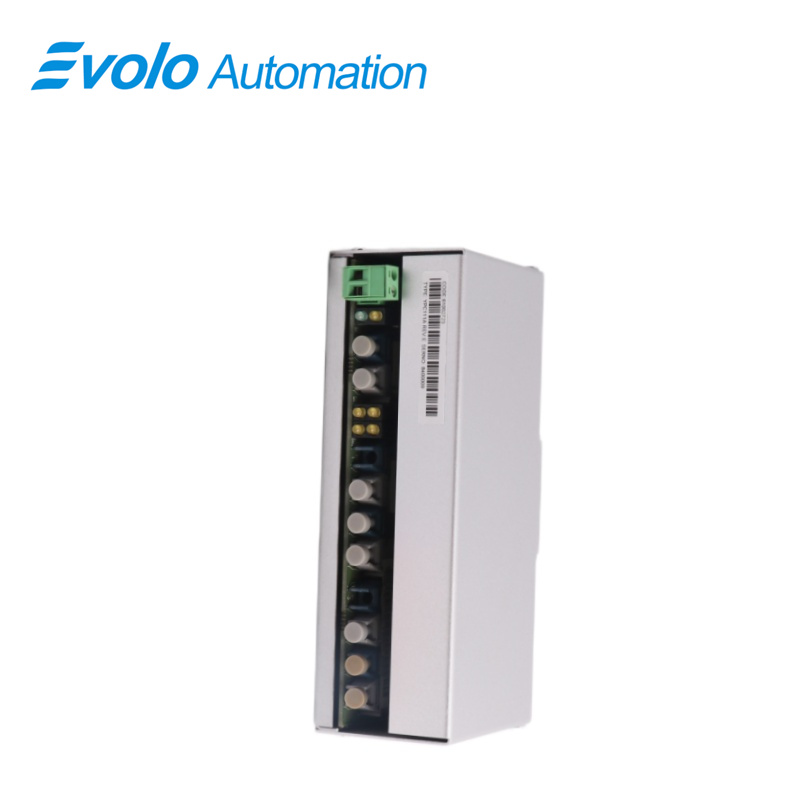
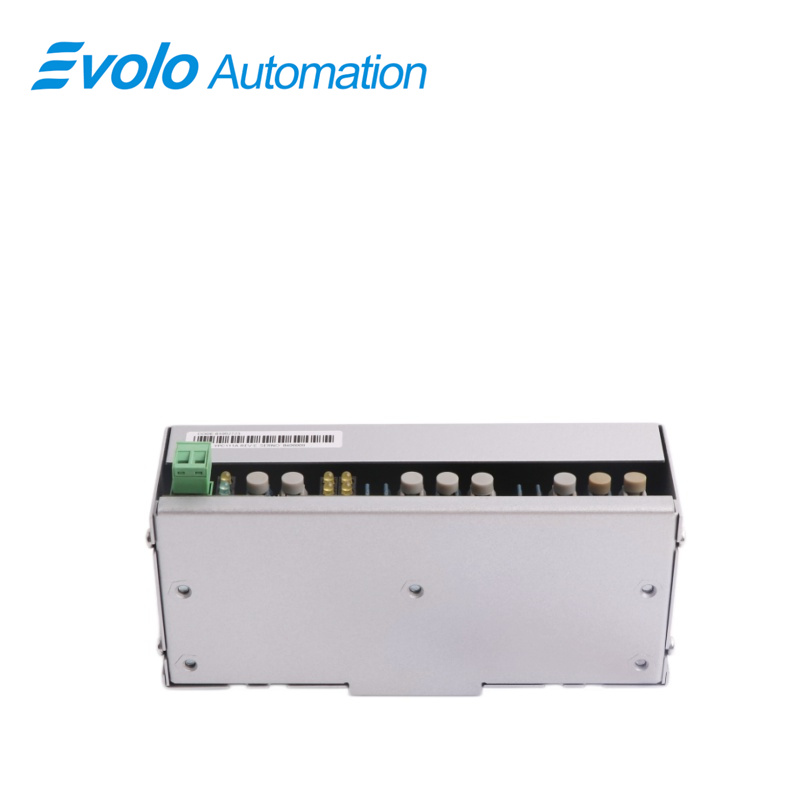
The Optical Distributor YPC111A is engineered for efficient optical signal distribution in industrial automation and marine applications.If there are several DDCs and only one PC,YPC111A optical distributors can be used between the DDCTool board and the DDCs.YPC111A has one connection for the DDCTool board and four connections for the DDCs or lower level optical distributors.When using the YPC111A board and plastic fibre cable,the maximum length between the boards is 20 metres.
Applications
Steel Plant: Used for high-speed real-time data synchronization between controllers in hot rolling mills.
Paper Mill: Connects multiple AC450 controllers to achieve coordinated control of the entire paper machine line.
Chemical Plant: Provides a remote backbone network connection between the central control room DCS system and large-scale field PLC stations.
Power Plant: Enables data exchange between the turbine control system (DEH) and auxiliary equipment control systems.
Aluminum Plant: Serves as the network backbone for the large-scale distributed control system in the electrolytic aluminum workshop.
Maintenance Recommendations
Gold Finger Cleaning: Regularly (every 1-2 years), remove the module and clean the gold fingers on the backplane with anhydrous alcohol to prevent oxidation and poor contact.
Traffic Monitoring: Regularly monitor network collision rate and packet loss rate using engineering station software.
Cable Tightening: Check the module's communication daughterboard and D-type connectors for looseness.
Surge Protection: Ensure communication lines pass through surge protectors to prevent induced lightning strikes from damaging the module's communication interfaces.
FAQ
Q: Can the YPC111A replace the YPC111?
A: Version "A" is usually an upgraded and optimized version with the same physical dimensions, but you need to confirm that the firmware version is compatible with the existing system.
Q: Is it normal for the module indicator light of the YPC111A to flash green?
A: Flashing green usually indicates that data transmission and reception are in progress, which is a normal working state; a solid green light usually indicates standby or ready.
Q: Does the YPC111A need a driver?
A: No. It is recognized by the system after being defined in the controller's hardware configuration table.
Q: Why is communication still not restored after replacing the YPC111A?
A: Please check if you need to manually set the station number DIP switch or if you need to install a new hardware configuration on the host computer.
Q: Will damage to the YPC111A cause a system shutdown?
A: If this module is responsible for core interlock signal transmission, damage may cause a system failsafe shutdown.