EN
EN




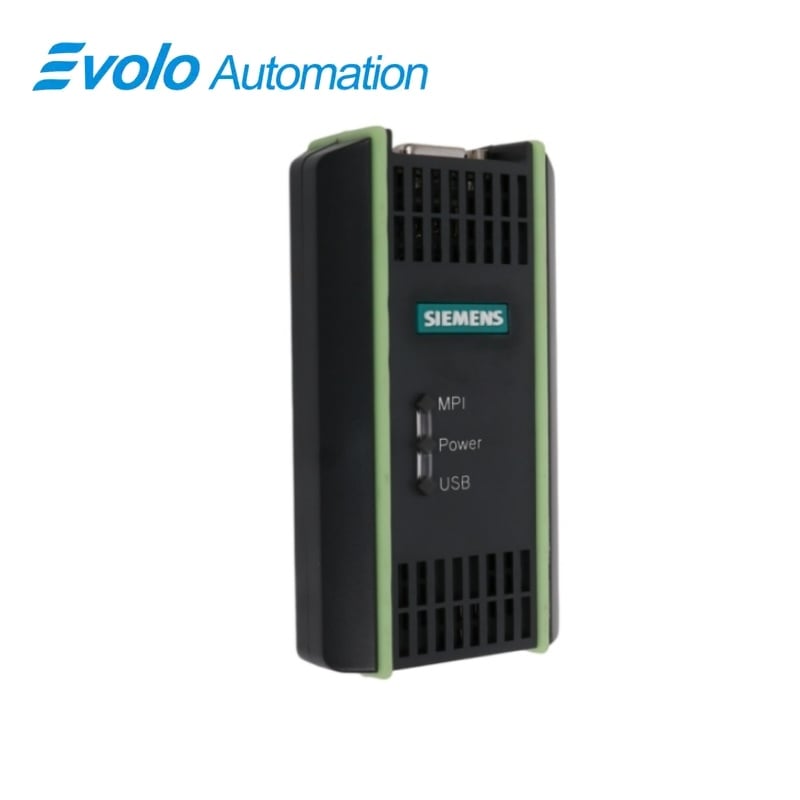
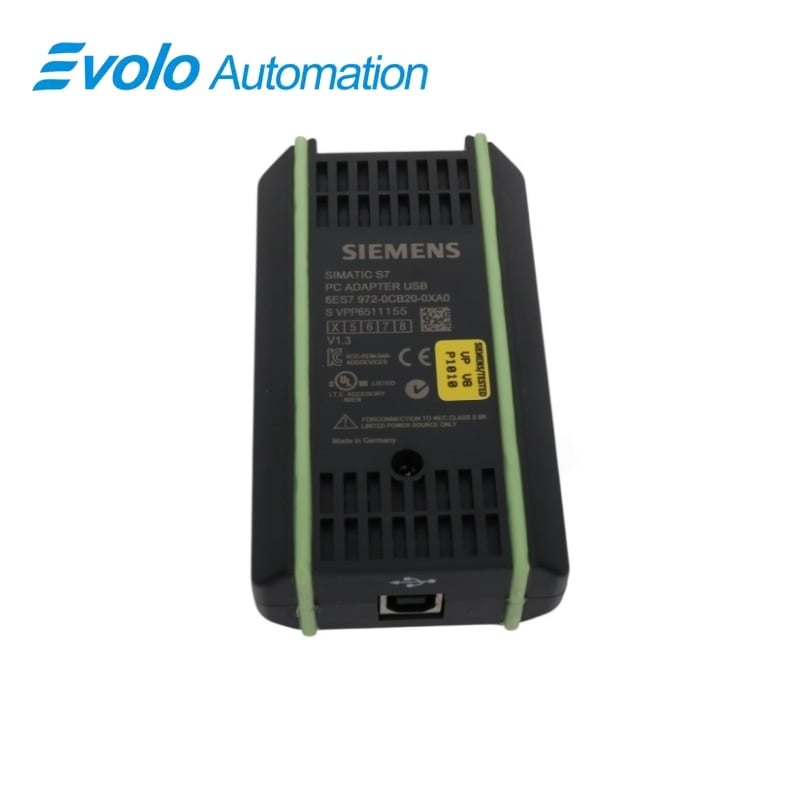
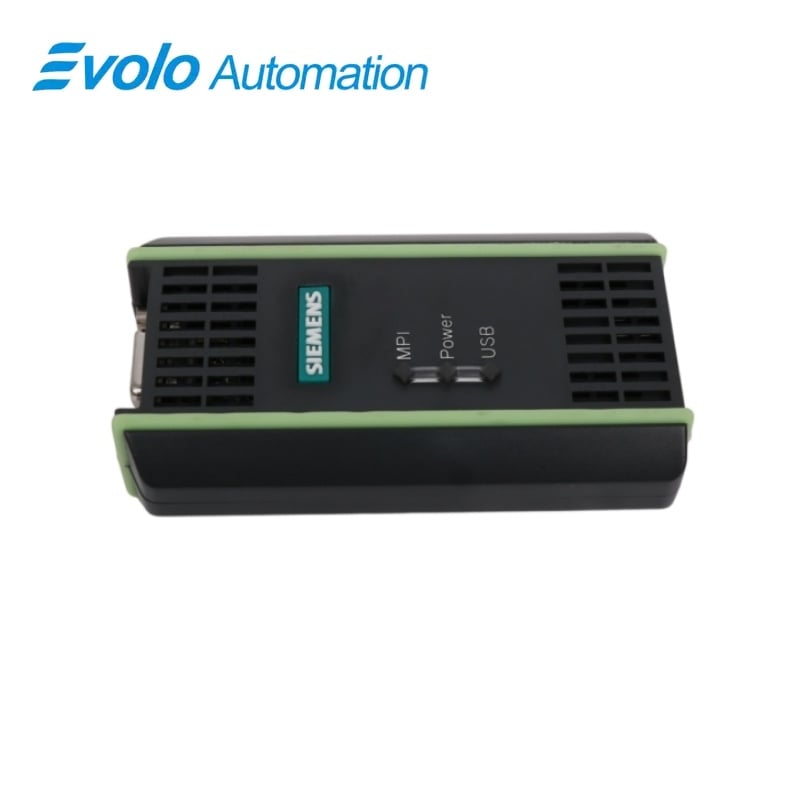
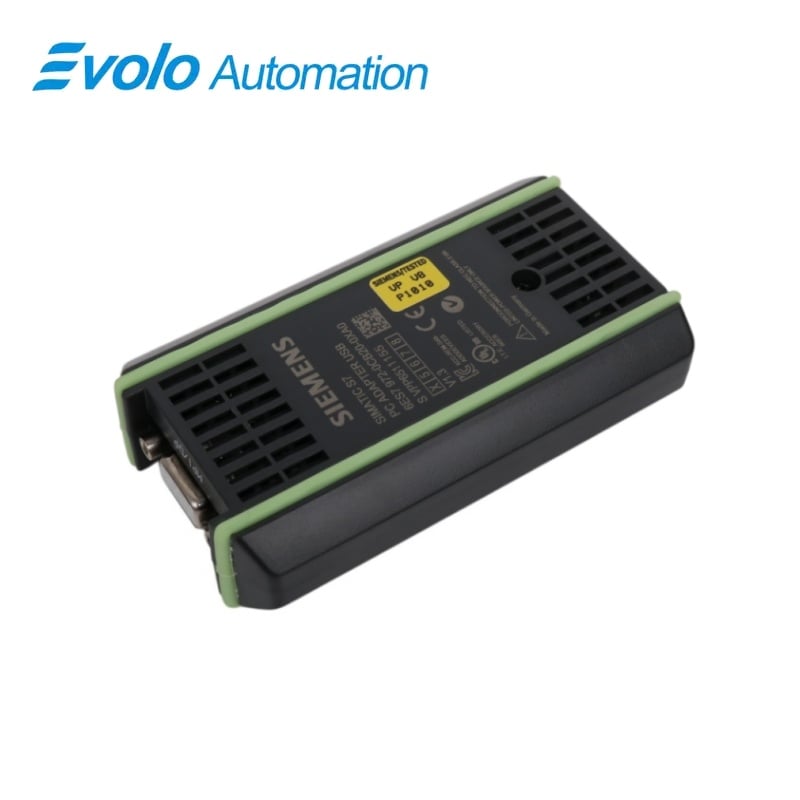
Siemens SIMATIC S7 6ES7972-0CB20-0XA0 PC Adapter USB
Manufacturer: Siemens
Condition: Brand New
Lead Time: In Stock
Origin: Germany
Warranty: 12 Months
Email: [email protected]
whatsApp: +86-18150117685
- Overview
- Hot Selling Models
- Recommended Products
Overview
- Use the supplied 0.3 m MPI cable; Siemens cautions against substituting another adapter-to-controller cable.
- Provide an external supply if the target MPI/DP interface does not furnish 24 V DC.
- For a PPI installation, use firmware V1.1 or later and STEP 7-Micro/Win.
6ES7972-0CB20-0XA0 PC Adapter USB
USB engineering access from a PG/PC to SIMATIC MPI/DP networks for programming, configuration and service.
At a Glance
| Brand | Siemens |
|---|---|
| Model | 6ES7972-0CB20-0XA0 |
| Product Type | PC Adapter USB |
| Core Function | PG/PC access to MPI/DP networks |
| Compatible Series | SIMATIC S7, M7 and C7 |
PC Connection
USB connects the adapter to a programming device or notebook.
Bus Connection
The MPI/DP interface connects to S7, M7 or C7 systems.
Status Indication
USB, POWER and MPI LEDs support connection checks.
Product Overview
6ES7972-0CB20-0XA0 connects a PC or programming device through USB to the MPI/DP interface of a SIMATIC S7, M7 or C7 automation system. It provides engineering access without an expansion slot in the computer.
The adapter supports MPI and PROFIBUS networks and, from firmware V1.1, homogeneous PPI networks. The supplied 0.3 m MPI cable joins the adapter to the automation system, while a 5 m USB cable connects it to the PC.
Key Functions
USB Engineering Access
Links a PG/PC to an MPI/DP automation interface through the PC's USB port.
Network Profile Support
Operates on MPI and PROFIBUS networks and supports homogeneous PPI with firmware V1.1 or later.
Connection Diagnostics
USB, POWER and MPI indicators show computer, supply and bus status.
Official Specifications
| Dimensions | Approx. 105 × 58 × 26 mm |
|---|---|
| Weight | Approx. 250 g |
| Controller-Side Interface | RS485, up to 1.5 Mbps |
| PC-Side Interface | USB, 12 Mbps |
| Supply via MPI Interface | 24 V DC SELV; 18 to 30 V DC |
| Power Consumption | 50 mA typical; 100 mA maximum |
| Inrush Current | 700 mA maximum for 8 µs |
| Safety Class | Class III according to IEC 60950 |
| Degree of Protection | IP20 |
| Noise Emission | Class B according to EN 55022 |
| Signal-Line Burst Immunity | 2 kV according to IEC 61000-4-4 for lines longer than 3 m |
| Electrostatic Discharge Immunity | 6 kV contact; 8 kV air according to IEC 61000-4-2 |
| Operating Temperature | 0 to 60 °C; maximum change 10 K/h |
| Storage and Shipping Temperature | −20 to 60 °C; maximum change 20 K/h |
| Operating Relative Humidity | 5% to 80% at 25 °C, non-condensing |
| Storage and Shipping Relative Humidity | 5% to 95% at 25 °C, non-condensing |
Frequently Asked Questions
How does 6ES7972-0CB20-0XA0 receive power when connected to a PLC?
The adapter normally receives 24 V DC through the MPI interface and needs an external supply when that interface does not provide 24 V.
Can I connect 6ES7972-0CB20-0XA0 to a notebook without an expansion slot?
The USB connection lets a notebook or other PC communicate with the automation system without an internal interface card.
Which bus networks can 6ES7972-0CB20-0XA0 access?
The adapter supports MPI and PROFIBUS networks, and homogeneous PPI networks from firmware V1.1.
What is the highest bus transmission rate for 6ES7972-0CB20-0XA0?
The adapter supports MPI/DP network transmission rates up to 1.5 Mbps.
Which cable should I use between 6ES7972-0CB20-0XA0 and the controller?
Use the supplied 0.3 m MPI cable for the controller connection, as Siemens warns against substituting another cable.
How do I select the PG/PC interface for 6ES7972-0CB20-0XA0?
Install the adapter software and select the appropriate PC Adapter MPI, PPI, or PROFIBUS interface in the PG/PC settings.
What should I check if the POWER LED on 6ES7972-0CB20-0XA0 is off?
Check the MPI cable, the controller power, and the availability of the required 24 V DC supply.