EN
EN




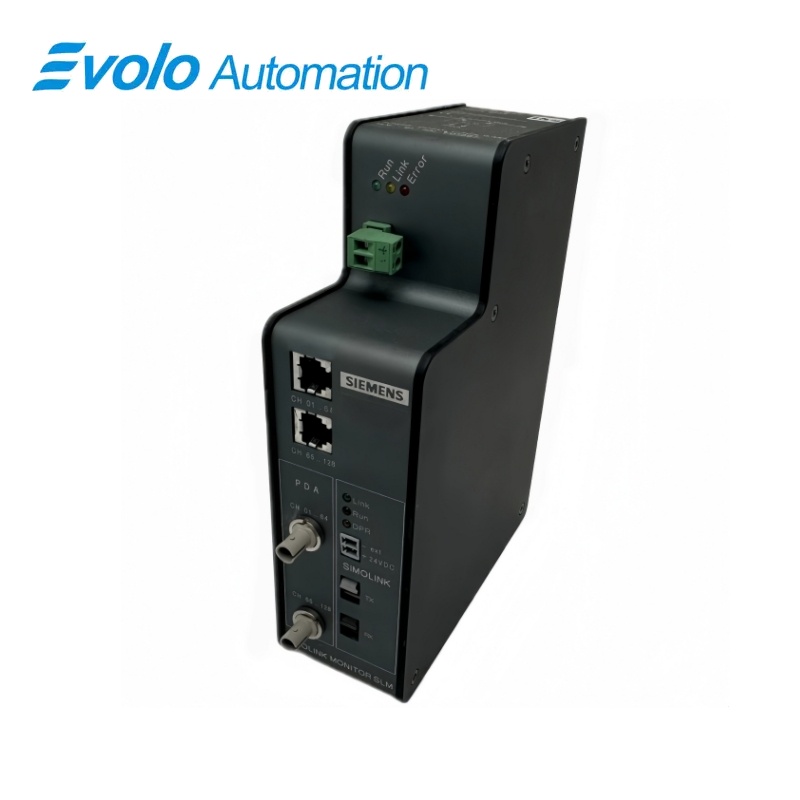
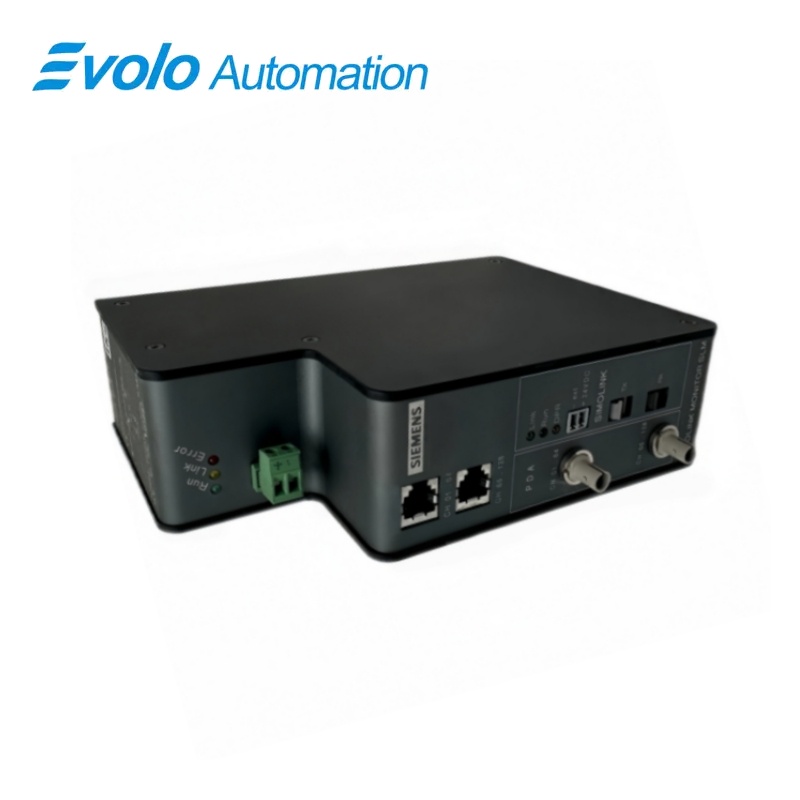
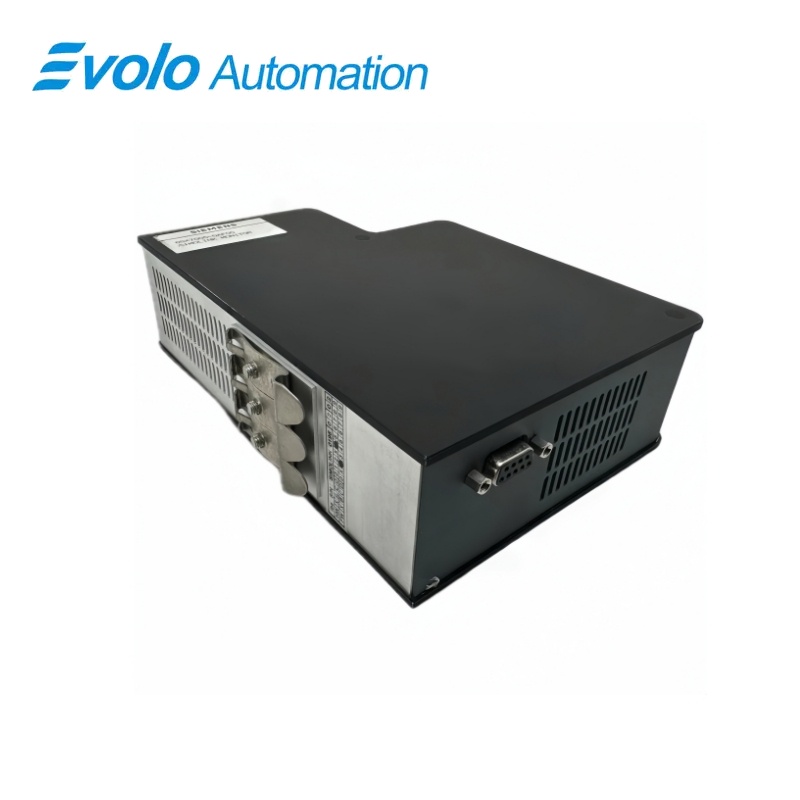
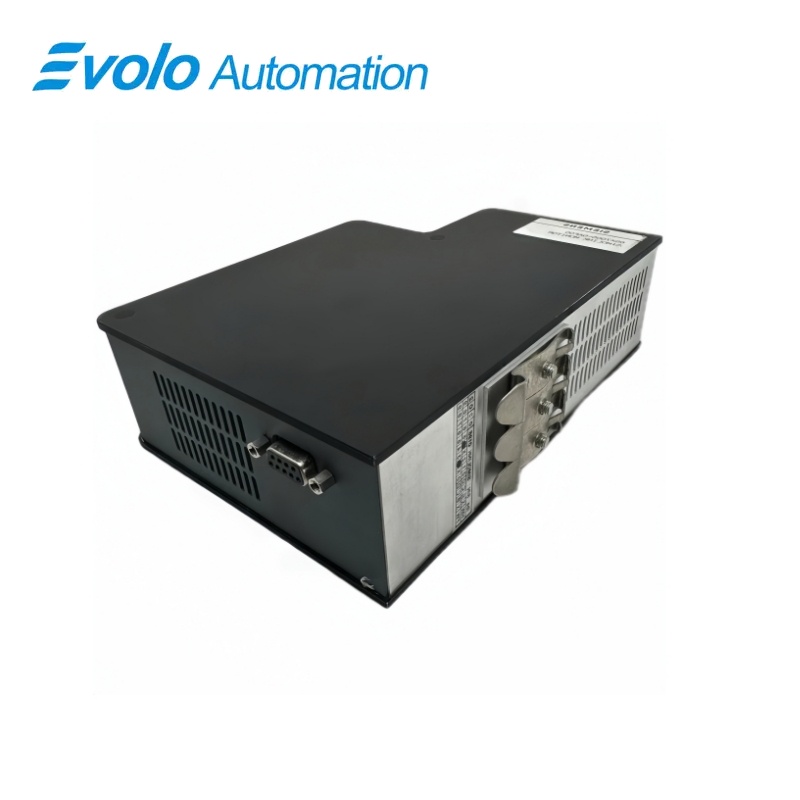
Siemens SIMOVERT MASTERDRIVES SLM SIMOLINK Monitor 6SX7005-0AF00
Manufacturer: Siemens
Condition: Brand New
Lead Time: In Stock
Origin: Germany
Warranty: 12 Months
Email: [email protected]
whatsApp: +86-18150117685
- Overview
- Product Overview
- Key Functions
- Official Specifications
- Frequently Asked Questions
- Compatibility & Ordering Notes
- Hot Selling Models
- Recommended Products
Overview
Siemens • SIMOVERT MASTERDRIVES
6SX7005-0AF00 SIMOVERT MASTERDRIVES SLM SIMOLINK Monitor
The SLM SIMOLINK monitor is a diagnostic box for reading SIMOLINK telegrams and evaluating them on a connected measuring PC.
At a Glance
| Brand | Siemens |
|---|---|
| Model | 6SX7005-0AF00 |
| Product Type | SIMOLINK diagnostic monitor |
| Core Function | Reads SIMOLINK telegrams for online and offline drive-network diagnostics |
| Application or Compatible Series | SIMOVERT MASTERDRIVES SIMOLINK networks analyzed with the specified PC software |
Exact Identification
Match 6SX7005-0AF00 character by character and confirm the complete SIMOVERT MASTERDRIVES SLM SIMOLINK Monitor designation.
Interface Arrangement
Confirm the installed supply, ports, field connections and required accessories before wiring the replacement.
Configuration Check
Preserve the approved engineering project, network parameters and application data used by the installed system.
Product Overview
The SLM SIMOLINK monitor is a diagnostic box for reading SIMOLINK telegrams and evaluating them on a connected measuring PC.
The unit observes SIMOLINK data for diagnostic analysis. Captured information is evaluated with the specified diagnostic software. The portable monitor supports online and offline service work.
Key Functions
Telegram Monitoring
The unit observes SIMOLINK data for diagnostic analysis.
PC Evaluation
Captured information is evaluated with the specified diagnostic software.
Service Tool Format
The portable monitor supports online and offline service work.
Official Specifications
| Diagnostic Modes | Online monitoring and offline evaluation |
|---|---|
| Evaluation Software | PDA diagnostic software from iba |
| Network Topology | Closed SIMOLINK fiber-optic ring |
| Transmission Medium | Fiber-optic cable |
| SIMOLINK Cycle Time | 0.20 to 6.50 ms |
| Node Address Range | 0 to 200 |
| Selectable Channel Numbers | 1 to 8 |
| Telegram-Failure Delay | 0.0 to 101.0 s |
| Plastic Fiber Link Length | Up to 40 m between adjacent nodes |
| Glass Fiber Link Length | Up to 300 m between adjacent nodes |
| Cyclic Data Classes | Control information, setpoints, status values and actual values |
| Parameter Data Transfer | Not transferred via SIMOLINK |
| Diagnostic Values | CRC errors, timeout errors, node count, bus position and synchronization deviation |
| Net Weight | 1.00 kg |
Frequently Asked Questions
What information can be analyzed with SIMOLINK monitor 6SX7005-0AF00?
It reads SIMOLINK telegrams for diagnostic evaluation.
What external equipment is needed with SIMOLINK monitor 6SX7005-0AF00?
Connect the specified measuring PC and use the separately supplied analysis software.
Which installed configuration should be recorded before replacing SIMOLINK monitor 6SX7005-0AF00?
Record the configured addresses, wiring assignments, parameters, firmware and neighboring hardware before removal.
What identification must match when selecting SIMOLINK monitor 6SX7005-0AF00?
Match the complete article number, hardware revision and every option used by the installed system.
How should technicians handle SIMOLINK monitor 6SX7005-0AF00?
Isolate the affected equipment and use grounded electrostatic-discharge precautions throughout the exchange.
Which checks are required after installing SIMOLINK monitor 6SX7005-0AF00?
Verify power, diagnostics, communication, field signals and the complete approved machine or plant function.
When should a visually similar unit replace SIMOLINK monitor 6SX7005-0AF00?
Use a visually similar unit only after engineering confirms identical electrical, mechanical and software compatibility.
Compatibility & Ordering Notes
Compatibility Checklist
- Use with the documented SIMOLINK network.
- Match the PC interface and diagnostic software version.
- Connect only under the approved drive service procedure.