EN
EN




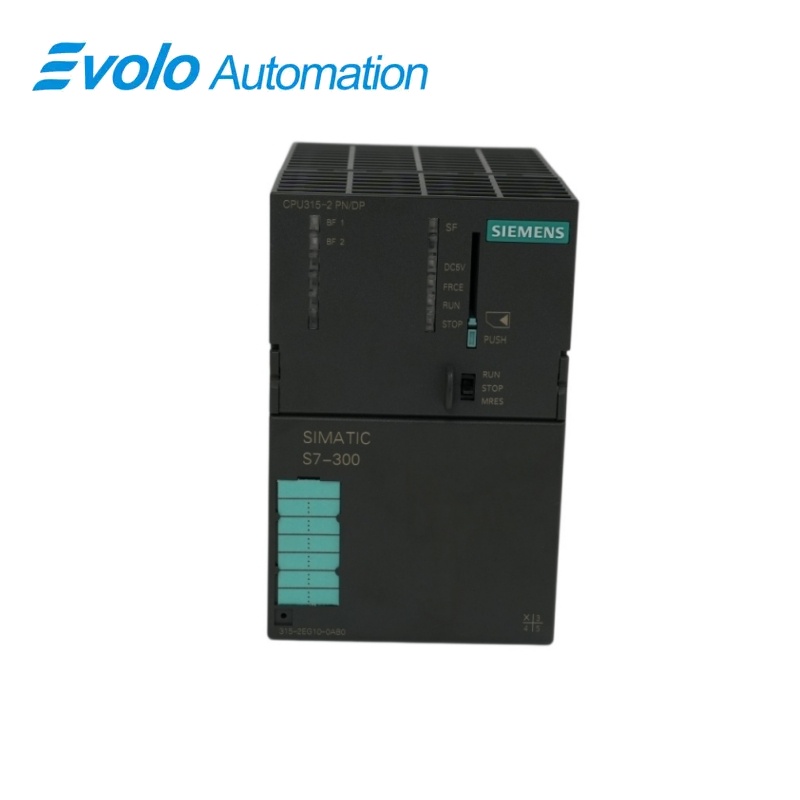
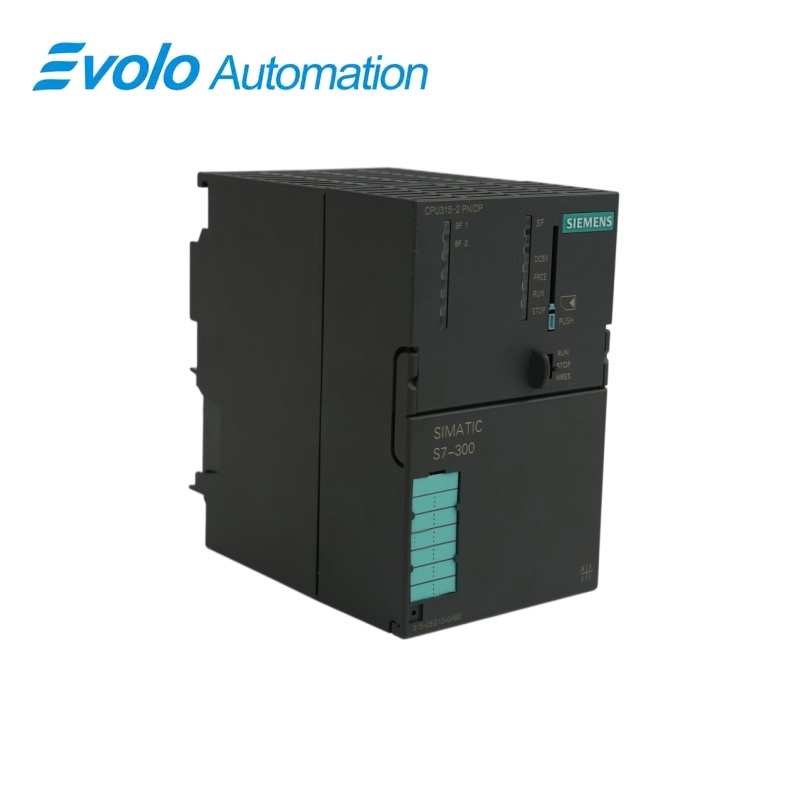
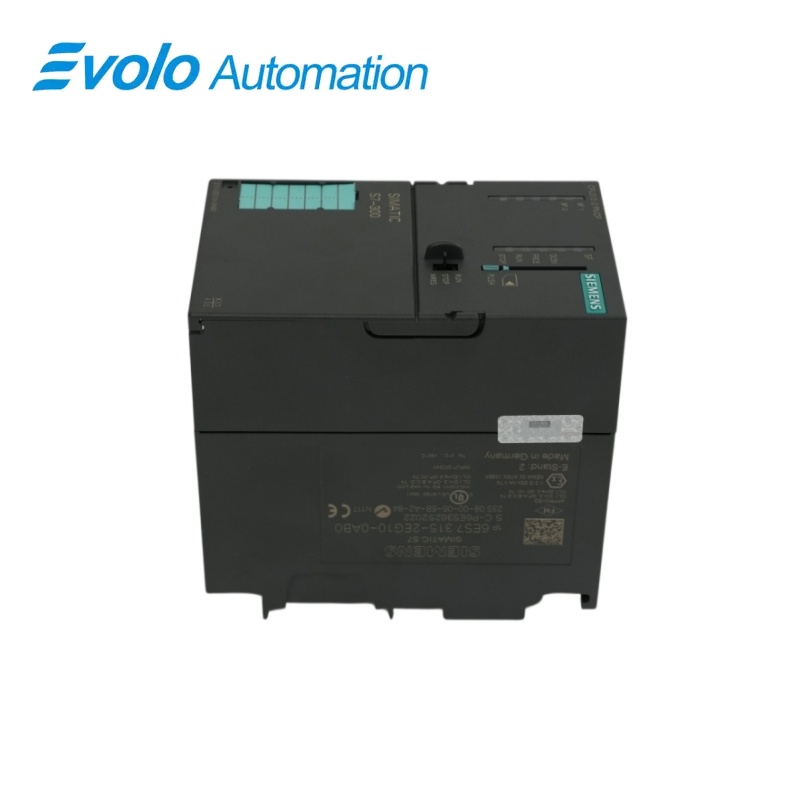
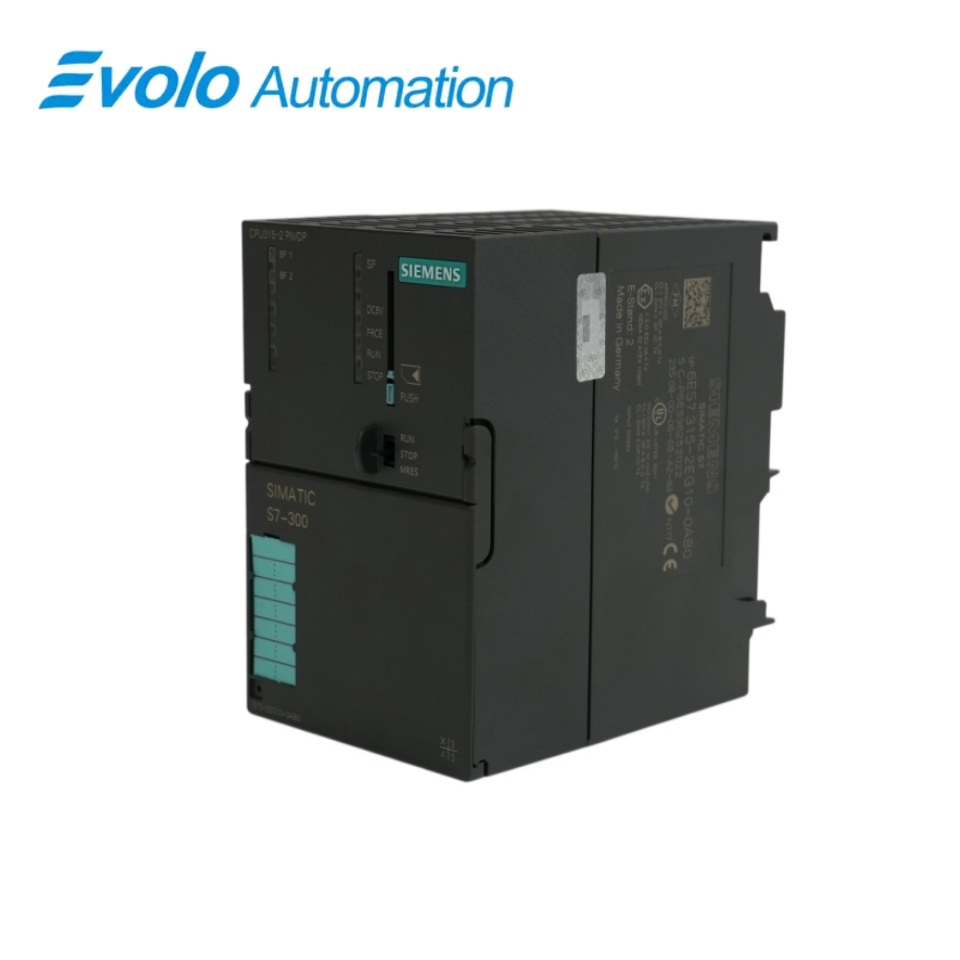
Siemens SIMATIC S7-300 CPU 315-2 PN/DP 6ES7315-2EG10-0AB0
Manufacturer: Siemens
Condition: Brand New
Lead Time: In Stock
Origin: Germany
Warranty: 12 Months
Email: [email protected]
whatsApp: +86-18150117685
- Overview
- Product Overview
- Key Functions
- Official Specifications
- Frequently Asked Questions
- Compatibility & Ordering Notes
- Hot Selling Models
- Recommended Products
Overview
Siemens · SIMATIC S7-300
6ES7315-2EG10-0AB0 SIMATIC S7-300 CPU 315-2 PN/DP
This CPU 315-2 PN/DP combines 128 KB of work memory with one MPI/PROFIBUS DP interface and one Ethernet PROFINET interface for S7-300 automation systems.
At a Glance
| Brand | Siemens |
|---|---|
| Model | 6ES7315-2EG10-0AB0 |
| Product Type | Programmable logic controller CPU with PROFINET and PROFIBUS |
| Core Function | Executes S7-300 programs and connects distributed devices through integrated PN and DP interfaces |
| Application or Compatible Series | Legacy SIMATIC S7-300 installations using CPU 315-2 PN/DP with 128 KB work memory |
Exact Identification
Match 6ES7315-2EG10-0AB0 character by character and confirm the complete SIMATIC S7-300 CPU 315-2 PN/DP designation.
Interface Arrangement
Confirm the installed supply, ports, field connections and required accessories before wiring the replacement.
Configuration Check
Preserve the approved engineering project, network parameters and application data used by the installed system.
Product Overview
This CPU 315-2 PN/DP combines 128 KB of work memory with one MPI/PROFIBUS DP interface and one Ethernet PROFINET interface for S7-300 automation systems.
The two integrated interfaces support mixed Ethernet and PROFIBUS automation networks. The CPU executes standard S7-300 logic with the documented 128 KB work memory. A SIMATIC Micro Memory Card stores the user program and configuration.
Key Functions
PN and DP Connectivity
The two integrated interfaces support mixed Ethernet and PROFIBUS automation networks.
Controller-Class Processing
The CPU executes standard S7-300 logic with the documented 128 KB work memory.
Removable Load Memory
A SIMATIC Micro Memory Card stores the user program and configuration.
Official Specifications
| CPU Type | CPU 315-2 PN/DP |
|---|---|
| Integrated Work Memory | 128 KB |
| Firmware Reference | V2.3.1 platform generation |
| Primary Interface | MPI / PROFIBUS DP |
| Primary Interface Rate | Up to 12 Mbit/s |
| Secondary Interface | Ethernet PROFINET |
| PROFINET IO Controller | Supported |
| PROFINET IO Device | Supported by the configured firmware |
| Open Ethernet Communication | TCP/IP, ISO-on-TCP and UDP services |
| Micro Memory Card | Required |
| Rated Supply | 24 V DC |
| Program Processing Reference | 0.1 ms per 1,000 binary instructions |
| Engineering Platform | SIMATIC STEP 7 |
| CPU Platform | SIMATIC S7-300 |
Frequently Asked Questions
Which communication interfaces are built into 6ES7315-2EG10-0AB0?
It provides an MPI/PROFIBUS DP interface and an Ethernet PROFINET interface.
How much integrated work memory does 6ES7315-2EG10-0AB0 provide?
The available work memory is 128 KB.
Is a Micro Memory Card mandatory for 6ES7315-2EG10-0AB0?
Yes; use a compatible SIMATIC MMC for load memory and project storage.
Can 6ES7315-2EG10-0AB0 exchange data over open Ethernet protocols?
Yes; the supported services include TCP/IP, ISO-on-TCP and UDP through configured blocks.
What should be archived before replacing 6ES7315-2EG10-0AB0?
Save the STEP 7 project, MMC image, IP settings, PROFINET name, DP network and communication blocks.
Can the published successor be inserted without engineering checks for 6ES7315-2EG10-0AB0?
No; confirm the hardware catalog, firmware, memory requirements and network configuration before migration.
What commissioning checks apply after installing 6ES7315-2EG10-0AB0?
Verify CPU startup, controller mode, PN and DP diagnostics, I/O exchange and communication connections.
Compatibility & Ordering Notes
Compatibility Checklist
- Use the exact legacy CPU hardware entry configured in STEP 7.
- Retain the validated Micro Memory Card and complete project backup.
- Check PROFINET and PROFIBUS parameters before startup.