EN
EN




- Overview
- Specifications
- Description
- Applications
- Competitive Advantage
- FAQ
- Recommended Products
Overview
Place of Origin: |
Sweden |
Brand Name: |
ABB |
Model Number: |
PFEA113-65 3BSE050092R65 |
Packaging Details: |
Original new Factory Sealed |
Delivery Time: |
5-7 days |
Payment Terms: |
T/T |
Supply Ability: |
In stock |
Specifications
|
Parameter |
Value |
|
Model |
PFEA113-65 3BSE050092R65 |
|
Dimensions |
30.5x24x16cm |
|
Weight |
5.58kg |
|
Type |
Tension Electronics |
|
Power Supply (IP20) |
24 V DC (18–36 V DC) |
|
Power Supply (IP65) |
24 V DC (18–36 V DC) or 100–240 V AC (-15%/+10%) |
|
Power Consumption |
12 W |
|
Frequency |
45–65 Hz |
|
Number of Load Cells |
4 |
|
Current |
0.5 A rms, 330 Hz |
|
Max Load |
4 load cells + 10 Ω cable resistance |
|
Digital Inputs |
1 |
|
Digital Outputs |
4 |
|
Analog Inputs |
2 |
|
Analog Outputs |
6 (voltage or current) |
|
Selectable Filter |
5 / 15 / 30 / 75 / 250 / 750 / 1500 ms |
|
Display |
Multi-language interactive display |
|
Display Units |
N, kN, kg, lbs, N/m, kN/m, kg/m, pli |
|
Memory Functions |
Maximum load memory, zero offset memory |
|
Alarm Functions |
Digital output alarm, Profibus alarm |
|
Communication |
Profibus DP (GSD: ABB_0716.GSD) |
|
LED Indicators |
Green / Red |
|
Operating Temperature |
+5°C to +55°C |
|
Protection Level |
IP20 or IP65 |
|
Standards |
EMC Directive 89/336/EEC, Low Voltage Directive 73/23/EEC, UL508 |
Description
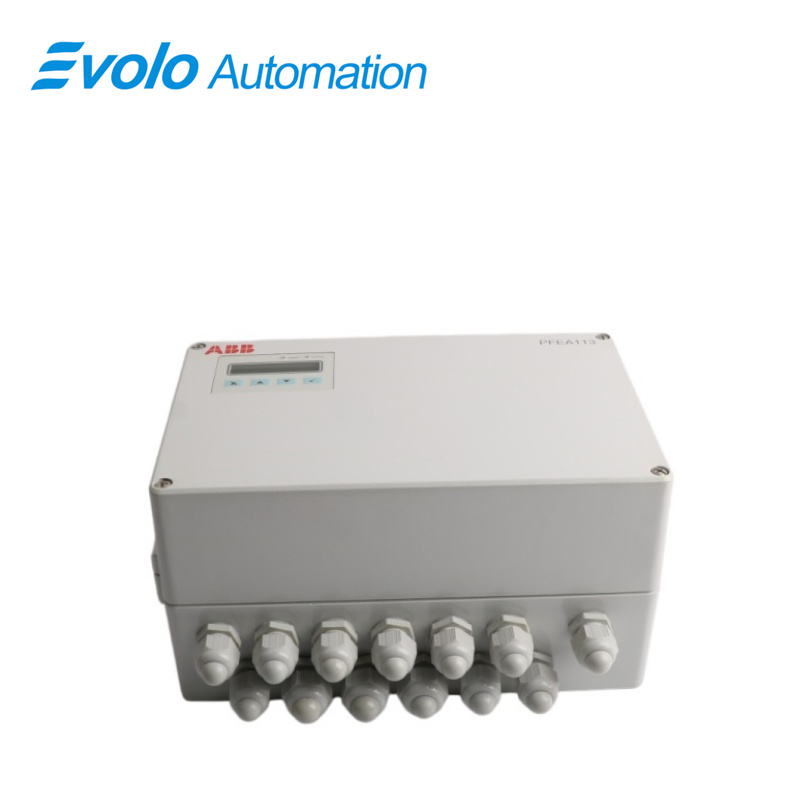
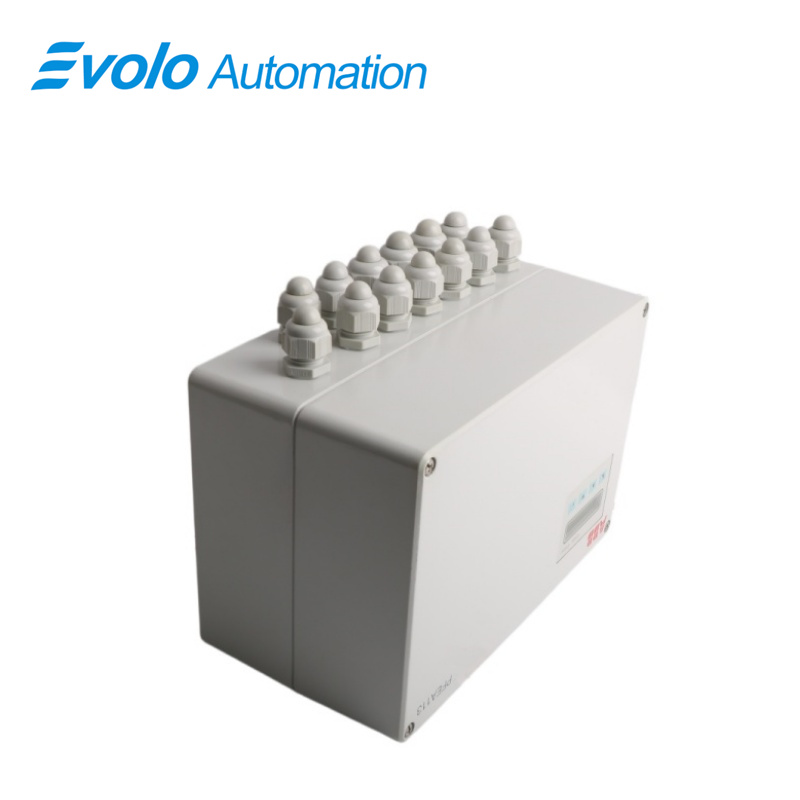
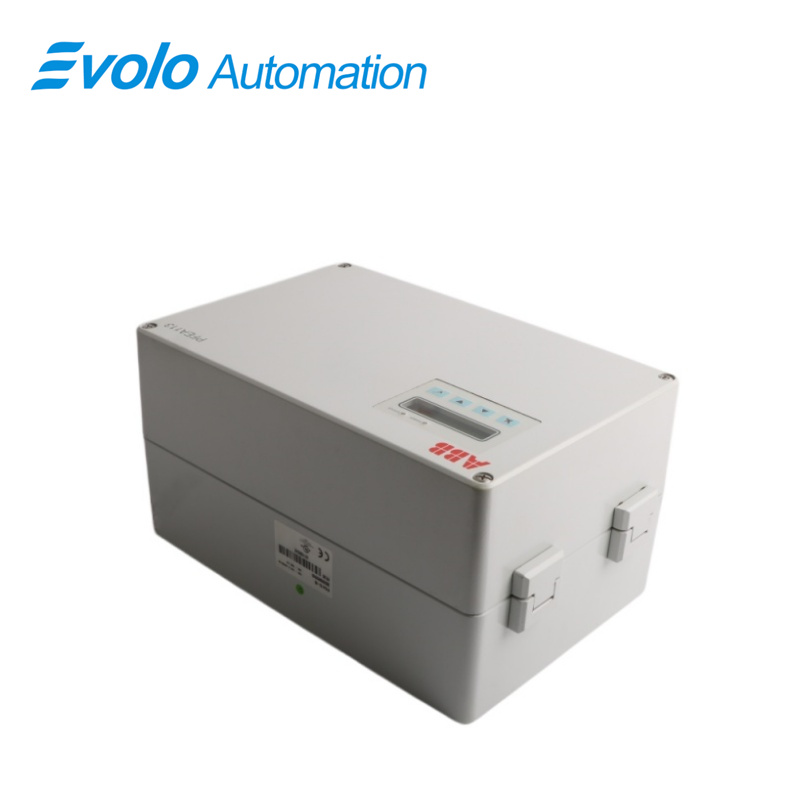
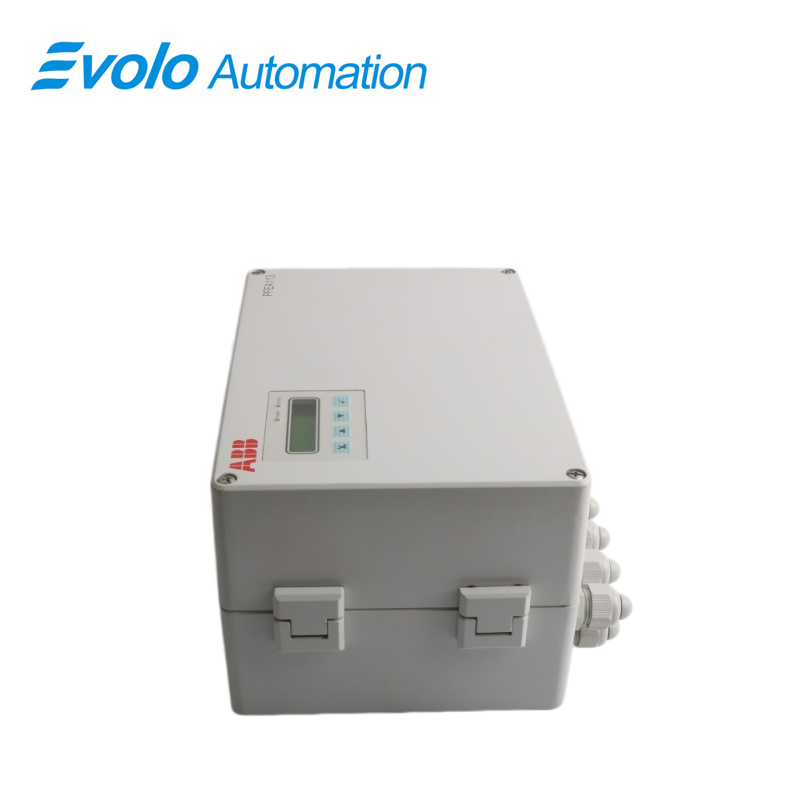
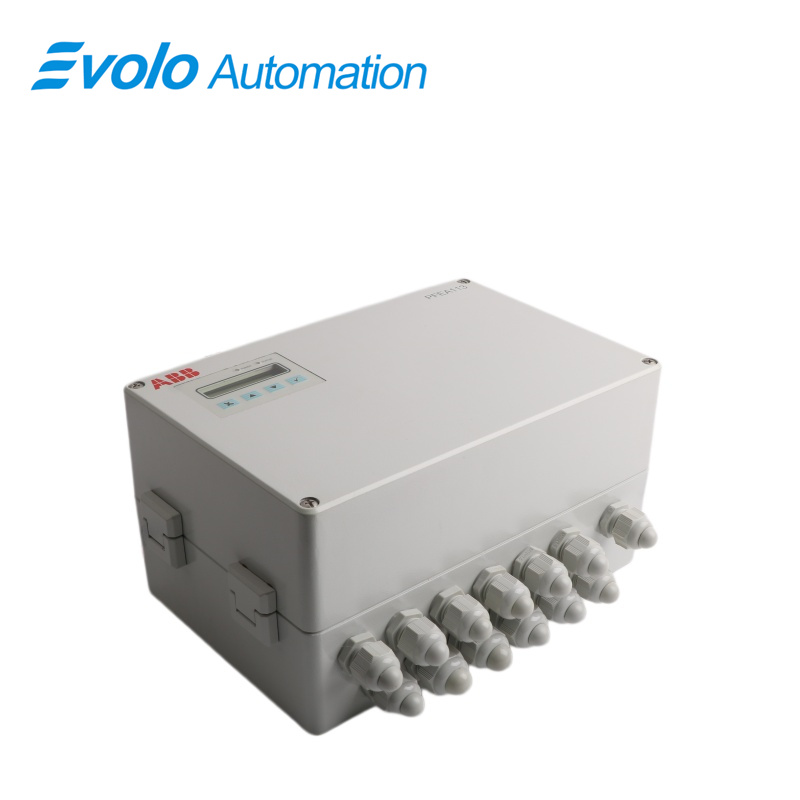
The PFEA113-65 3BSE050092R65 features a multilingual digital display and function keys. The function keys are used to set different parameters and check the status of the tension measurement system. The 2x16-bit digital display can show sum, differential, or individual indenter signals. The PFEA113-65 3BSE050092R65 is available in two mounting options: standard rail mounting and an enclosed IP65 mounting suitable for harsher environments.
Applications
Steel mills: Used in modern intelligent continuous rolling lines, pickling lines, and other environments with water mist or dust.
Paper mills: Directly installed near the wet or dry section of the paper machine to monitor the tension of paper running at high speeds.
Aluminum processing plants: Used in high-precision aluminum foil rolling mills, achieving closed-loop control via an industrial Ethernet network.
Thin film factories: Used in highly automated environments such as lithium battery electrode coating and optical film slitting.
Food processing plants: Suitable for packaging lines requiring regular rinsing and high hygiene and sealing standards.
Competitive Advantage
High Precision: Employs advanced measurement technology for precise tension measurement and control.
High Reliability: Uses high-quality components and materials, and undergoes rigorous quality control and testing to ensure stable operation over extended periods.
Flexible Configuration: Can be configured to meet diverse application needs.
Powerful Diagnostic Functions: Features self-diagnostic capabilities for timely fault detection.
FAQ
Q: What is the difference between PFEA113-65 3BSE050092R65 and PFEA112-65?
A: The PFEA113-65 3BSE050092R65 uses PROFINET (Ethernet) communication, while the PFEA112-65 uses PROFIBUS DP (fieldbus) communication.
Q: Does the PFEA113-65 3BSE050092R65 module require a specific GSDML file?
A: Yes. The corresponding GSDML configuration file must be imported when configuring in software such as TIA Portal.
Q: If the network cable is disconnected on the PFEA113-65 3BSE050092R65, will the analog output still work?
A: Yes. The local CPU continues processing the sensor signal and updates the analog output, but the remote PLC will no longer be able to monitor the data.
Q: Which types of ABB sensors are supported by the PFEA113-65 3BSE050092R65?
A: Only ABB Pressductor series (magnetostrictive) radial force gauges are supported.
Q: Can the IP address of the PFEA113-65 3BSE050092R65 be set directly on the panel?
A: Yes. The IP address can be manually assigned via the panel menu, or device names can be assigned remotely via the PROFINET scanning tool.