EN
EN




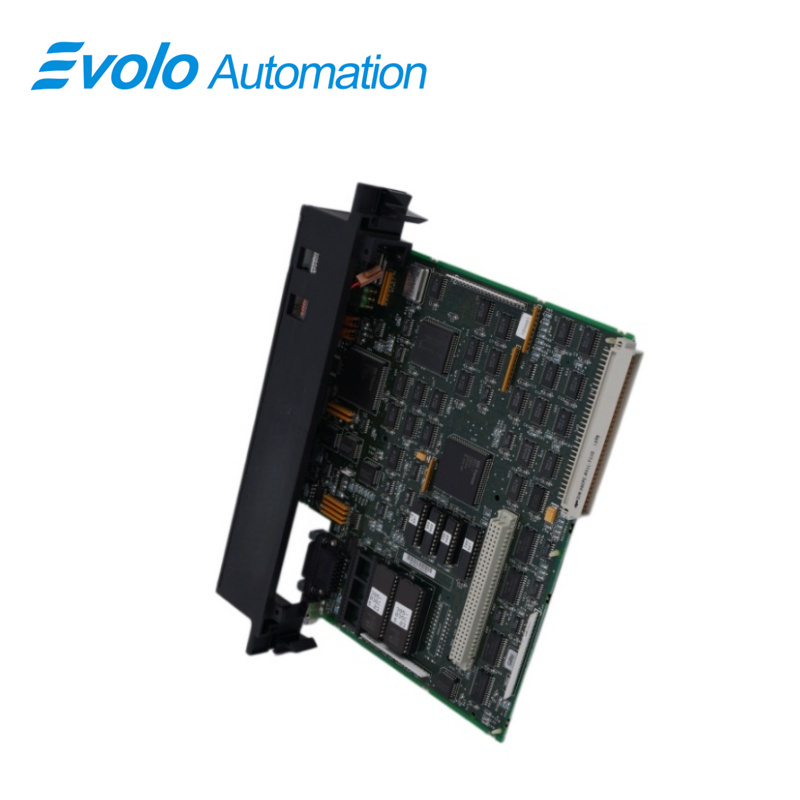
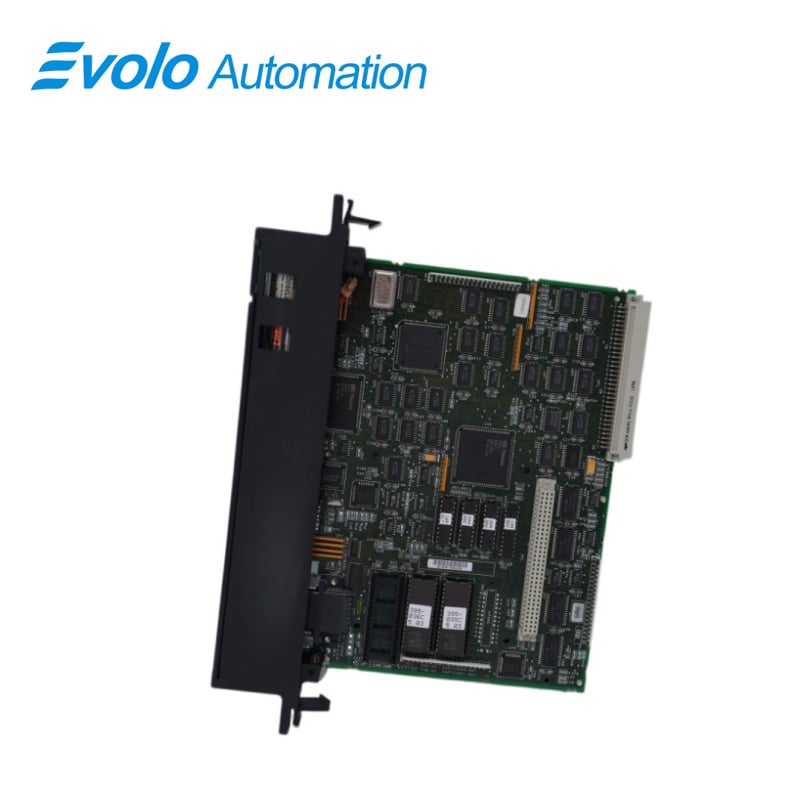
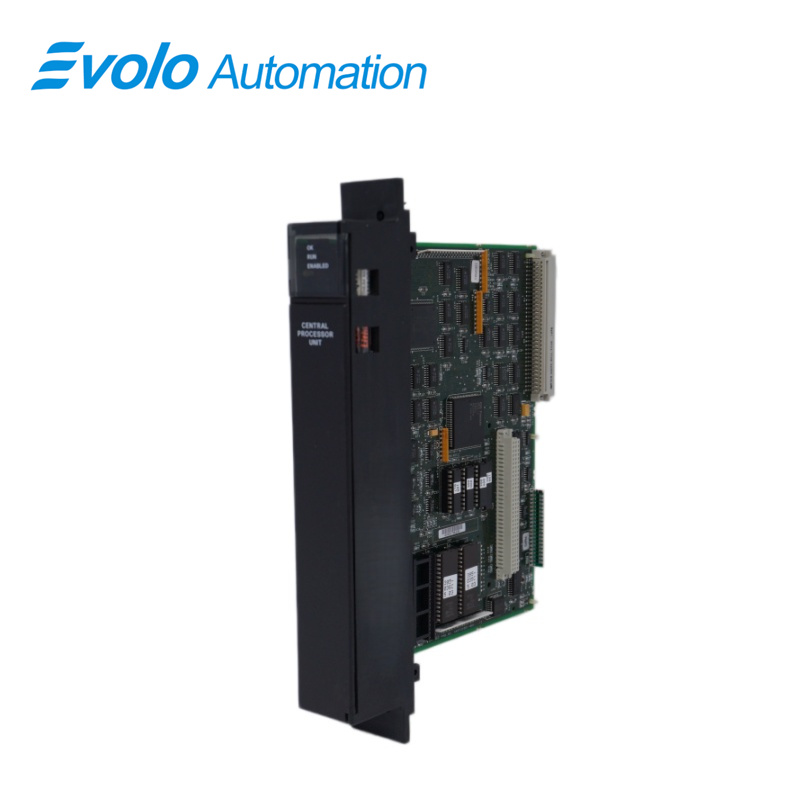
- Overview
- Specifications
- Description
- Applications
- Features
- Functions
- Installation
- FAQ
- Recommended Products
Overview
Place of Origin: |
USA |
Brand Name: |
GE |
Model Number: |
IC697CPU731 |
Packaging Details: |
Original new Factory Sealed |
Delivery Time: |
5-7 days |
Payment Terms: |
T/T |
Supply Ability: |
In stock |
Specifications
|
Model: |
IC697CPU731 |
|
Module Type |
Central Processing Unit (CPU) |
|
Dimensions (HxWxD): |
4 x 21.8 x 29.3 cm |
|
Weight: |
0.52 kg |
|
Battery Shelf Life: |
10 years at 20°C (68°F) |
|
Memory Retention: |
6 months nominal without applied power |
|
Current Requirement +5V Bus: |
1.0 A |
|
Time of Day Clock Accuracy: |
±3.5 seconds per day |
|
Elapsed Time Clock Accuracy: |
±0.01% maximum |
|
Serial Ports: |
RS-422/485 compatible, programmer serial attachment |
|
Standards Compliance: |
VME System designed to support VME standard C.1 |
|
Clock Speed: |
12 MHz |
|
RAM Size: |
32 Kbyte |
|
Status Indicators: |
3 green LED indicators |
|
Switch Type: |
Three-position operation mode switch |
Description
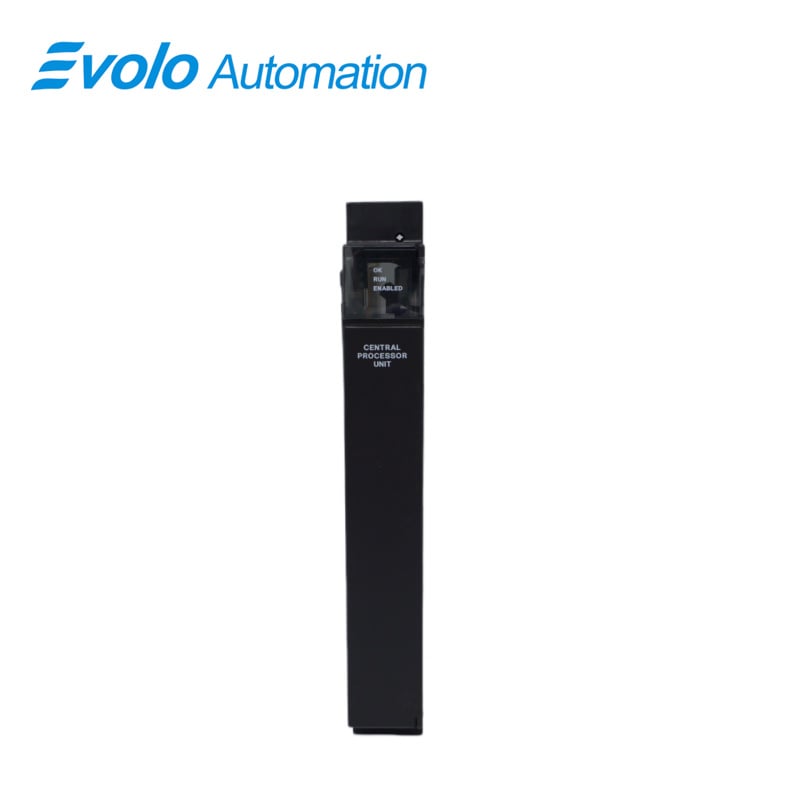
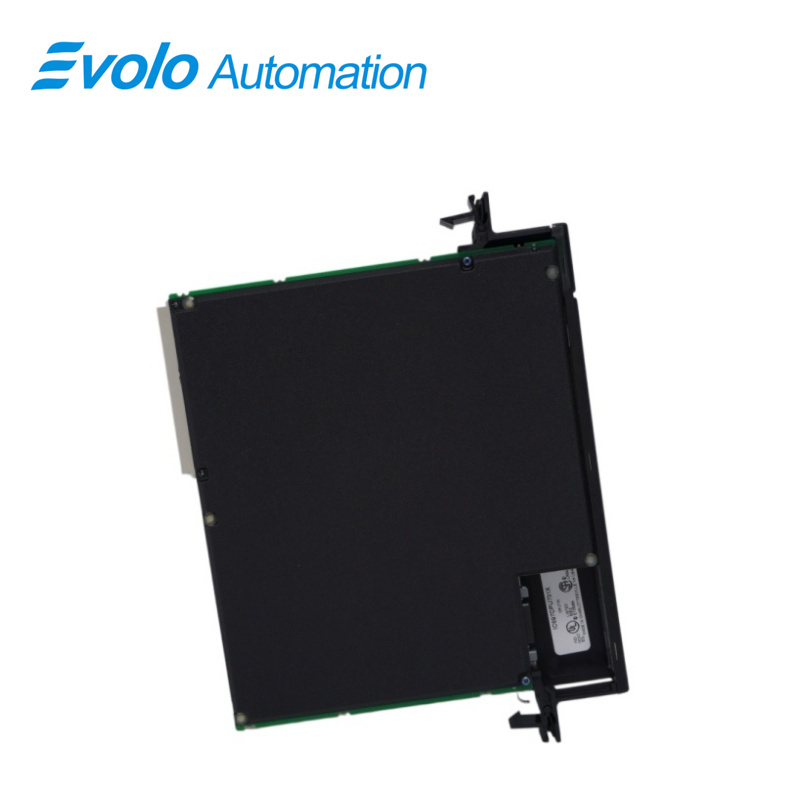
The IC697CPU731 model serves as a Central Processing Unit within the GE Fanuc Series 90-70 lineup. This unit is designed to accommodate one slot and requires a steady current of 1 Ampere. A key feature is its capability to support a substantial number of input and output modules, including up to 512 discrete modules and a remarkable capacity for up to 8,000 analog modules. This makes it efficient for intricate control systems.
The integrated lithium battery enables the CPU to maintain nominal memory retention for as long as six months without external power. Its shelf life extends to a decade at a temperature of 20°C, assuring users of sustained performance over time. Precision timing is assured by the internal clock, which boasts an accuracy of ±3.5 seconds per day.
Applications
Medium to large-sized steel and metal processing plants: Control of small and medium-sized rolling mills and material conveying systems. Analysis: Excellent durability, capable of stable operation for decades in dusty and vibrating environments.
Traditional thermal power plants and self-contained power stations: Used for ash and sulfur treatment, water system control, and auxiliary equipment interlocking. Analysis: Robust logic processing, suitable for auxiliary processes with a large number of points but moderate algorithm complexity.
Large-scale fertilizer and basic chemical plants: Management of automated loading and simple reactor control. Analysis: Mature Series 90-70 architecture, readily available spare parts, and low maintenance costs.
Cement and building materials processing plants: Control of rotary kiln drives and ball mill feeding. Analysis: Rack-mounted structure provides strong resistance to electromagnetic interference, suitable for workshops with dense high-power frequency converters.
Features
Single slot CPU
512 inputs and outputs (any mix)
Up to 8K analog I/O
0.4 microseconds per boolean function
12 MHz, 80C186 microprocessor
Supports IC660/IC661 and IC697 I/O products
Programmed by MS-DOS or Windows based software products running on Windows 95 or Windows NT over Ethernet TCP/IP or through the SNP port
32 Kbyte battery-backed CMOS memory (fixed size)
Configurable data and program memory
Battery-backed calendar clock
Three position operation mode switch
Password controlled access
Three status LEDs
Software configuration (No DIP switches or jumpers to set)
Reference information inside front door
Functions
The CPU 731 is a single slot PLC CPU which resides in an IC697CHS PLC rack. The CPU 731 is programmed and configured by MS-DOS or Windows based programming software to perform real time control of machines, processes and material handling systems. The CPU 731 communicates with I/O and smart option modules over the rack mounted backplane (IC697CHS750, 782, 783, 790, 791) by way of the VME C.1 Standard format. Supported option modules include IC697 LAN Interface modules, several Coprocessor modules, Bus Controller for IC660/IC661 I/O products, Communications modules, I/O Link Interface, and all of the IC697 family of discrete and analog I/O modules. Module operation may be controlled by the three position switch or remotely by an attached programmer and programming software. CPU status is indicated by three green LEDs on the front of the module.
Installation
It is the responsibility of the OEM, system integrator, or end user to properly install the PLC equipment for safe and reliable operation. Product manuals provide detailed information about installation, startup, and proper use of the PLC equipment. The installation manual, shipped with your PLC programming software, describes how to properly install the equipment. If the PLC installation must comply with supported standards, such as FCC or CE Directives, please refer to the Installation Requirements for Conformance to Standards, shipped with the PLC programming software, for additional guidelines.
Be sure that power to the PLC is turned off before installing the CPU 731 module
Connect the battery to either of the battery connectors on the module
FAQ
Q: What is an IC697CPU731?
A: The IC697CPU731 is a 12 MHz, 32 Kbyte Central Processing Unit from the GE Fanuc 90-70 Series.
Q: What will I need to test my IC697CPU731?
A: You will need your IC697CPU731, a slot rack, and a power supply.
Q: If the top LED is not on or is blinking when I test my processor, what does that mean?
A: It means you definitely have something wrong with your processor.
Q: How do I test the port that is on IC697CPU731?
A: Go into Proficy Machine Edition, clear the controller fault table and/or the I/O fault table—nothing else. Then, click download and run. You want to download hardware, configuration, and logic. The only thing you are trying to do is get the processor into run mode.
Q: What does each LED indicate?
A: The top LED is the OK LED, the middle LED is the run enabled LED, and the bottom LED is the I/O enabled LED.
Q: What else should I test on IC697CPU731?
A: You should test the toggle switch (that is under the LEDs). This toggle switch turns off the LEDs and you should simply make sure it works by flipping it on and off.
Q: What if I think there is a problem with my processor?
A: You should leave it in run mode overnight or over a weekend to check and see if it will stay in run mode.