EN
EN




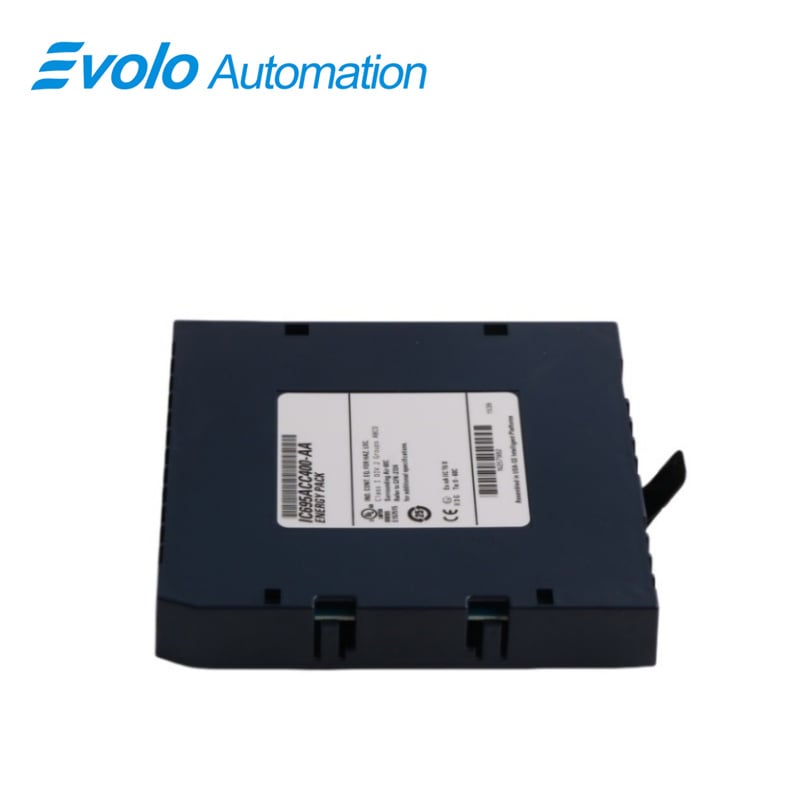
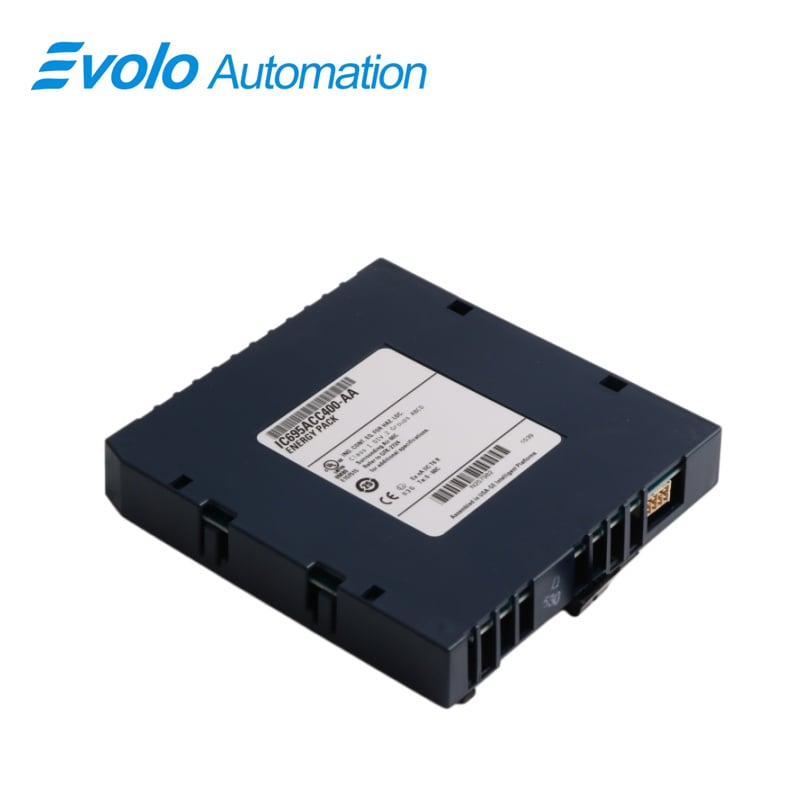
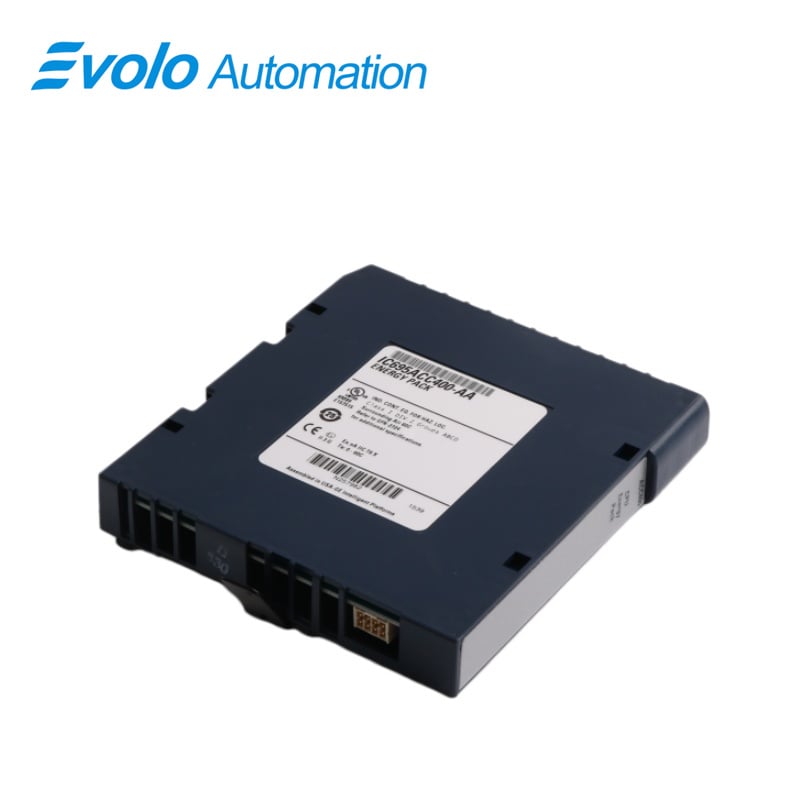
- Overview
- Specifications
- Description
- Applications
- Installation
- Operation
- FAQ
- Recommended Products
Overview
Place of Origin: |
USA |
Brand Name: |
GE |
Model Number: |
IC695ACC400 |
Packaging Details: |
Original new Factory Sealed |
Delivery Time: |
5-7 days |
Payment Terms: |
T/T |
Supply Ability: |
In stock |
Specifications
|
Parameter |
Value |
|
Module Name |
IC695ACC400 Energy Pack |
|
Module Type |
Energy Pack |
|
Product Line |
RX3i PacSystem |
|
Series |
PACSystem RX3i |
|
Part Number |
IC695ACC400 |
|
Dimensions |
2.5 x 12.5 x 14 cm |
|
Weight |
0.28 kg (0.69 lbs) |
|
Compatible Controllers |
CPE305 / CPE310 / CPE302 |
|
Purpose |
Save CPU data during power failures |
|
Operating Life |
4.5 years @ 60°C; 10+ years @ 0–50°C |
|
Operating Temperature |
0 to 60°C (32 to 140°F) |
|
Cable Length |
3 ft (0.91 m) |
|
Connector Type |
Samtec IPD1-04-D-K |
|
Mounting |
Left side of module / on module (usually near power supply) |
|
Cable Voltage Rating |
300 VAC |
|
Status Indicators |
Charging; Fault; Low capacitance; Charged |
|
Cable Insulation |
PVC |
|
Conductors |
Tinned copper |
|
Compliance |
Certified to EU RoHS Directive 2002/95/EC / 2011/65/EU |
|
Product Lifecycle |
Active |
Description
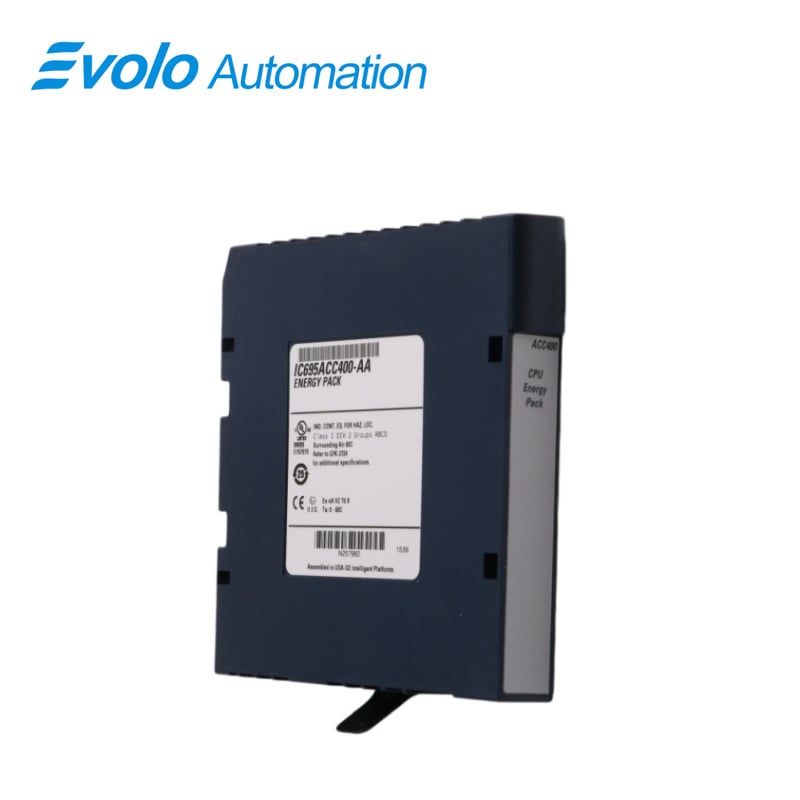
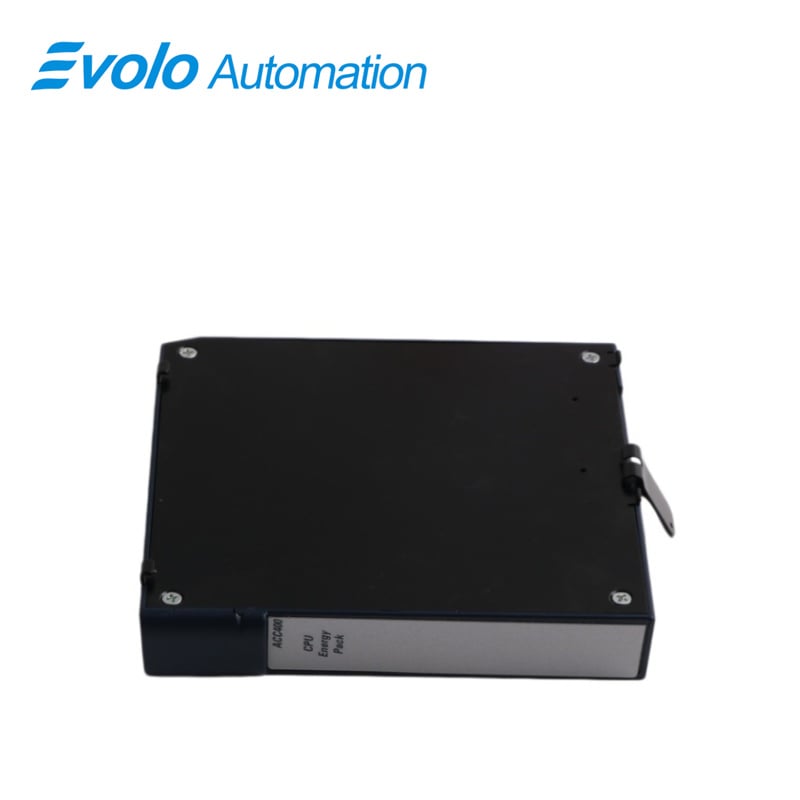
The PACSystems* RX3i IC695ACC400 Energy Pack is intended for use with one of the following RX3i CPUs: CPE302, CPE305 or CPE310. It is not compatible with any other CPUs. In the event of loss of system power, the Energy Pack maintains power long enough for the CPU to write its user memory contents to non-volatile storage (flash) memory. The Energy Pack is mounted on the left side of an RX3i module and is connected to the CPU using cable IC695CBL001. While the system is powered up, the Energy Pack charges from the RX3i 24 Vdc rail via the IC695CBL001 cable that connects the CPU to the Energy Pack. The Energy Pack is compliant with EU RoHS Directive 2011/65/EU using the following exemptions identified in the Annex: 7(a), 7(c)-I and III.
Applications
Wind Power Plants: Control cabinets on wind turbine towers have limited space and extremely high maintenance costs. Using the ACC400 eliminates the hassle of periodically climbing the tower to replace batteries.
Oil and Gas Plants (Unmanned Stations): In remote pipeline monitoring stations, it ensures that critical operational data and fault records are not lost during power outages.
Continuous Production Plants (e.g., semiconductor, chemical plants): It prevents program loss due to battery depletion during power outages, ensuring rapid restart and resumption of production.
Installation
The Energy Pack is mounted on the left side of an RX3i module. To avoid taking up a backplane slot, it should be mounted on the module (usually a power supply) in slot 0 of the rack. It is connected to the CPU by cable IC695CBL001. Note that, when mounted on a module in slot 0, the Energy Pack will extend approximately 13mm (0.5") beyond the left side of the backplane.
To install the Energy Pack:
1. Engage the top mounting hooks on the frame of the Energy Pack module as shown in Figure 3.
2. Rotate the bottom of the Energy Pack into place, engaging the bottom hooks. The latch will snap into place.
3. Connect the IC695CBL001 cable from the connector on the bottom of the Energy Pack (Figure 2) to the corresponding connector on the bottom of the CPU.
Operation
Note: When the Energy Pack is powered up for the first time, or is in a system that has been powered down long enough to completely discharge the Energy Pack, it may require a few seconds for it to charge to its operating level. The Energy Pack will report a Charging state to the CPU during this time.
The Energy Pack provides the following status information to the CPU, which the CPU uses to generate LED indications and fault messages. For details on these indications and faults, refer to the CPU user documentation.
1 Charging The Energy Pack is charging; not yet charged above the minimum operating voltage.
2 Fault A hardware fault exists in the Energy Pack.
3 Low capacitance The Energy Pack is near its end of life and should be replaced.
4 Charged The Energy Pack is charged above its minimum operating voltage and is ready to support CPU operation.
FAQ
Q: What is IC695ACC400?
A: It is an RX3i Energy Pack developed by GE.
Q: How does the IC695ACC400 Energy Pack work?
A: In the event of a power loss, the Energy Pack provides temporary power to the RX3i CPU, allowing it to write critical user data to non-volatile memory. This prevents data loss when the system experiences an unexpected shutdown.
Q: How is the IC695ACC400 Energy Pack installed?
A: The Energy Pack mounts on the left side of the RX3i module. It should be installed in slot O of the rack (typically where the power supply is located). The Energy Pack is connected to the CPU using the cable. The installation process involves securing the Energy Pack in place using its mounting hooks and connecting the cable between the Energy Pack and the CPU.
Q: How do I connect the IC695ACC400 Energy Pack to the system?
A: The cable connects the Energy Pack to the RX3i CPU. One end of the cable plugs into the bottom connector of the Energy Pack, and the other end connects to the corresponding connector on the CPU.
Q: What is the cable used to connect the IC695ACC400 to the CPU?
A: Compatible cable is the IC695CBL001 cable.