EN




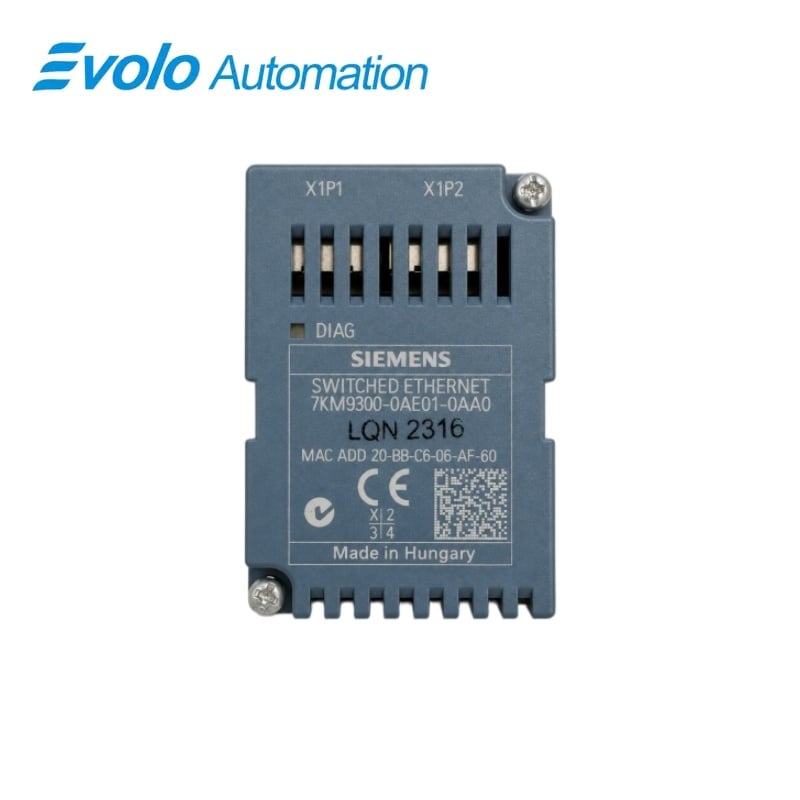
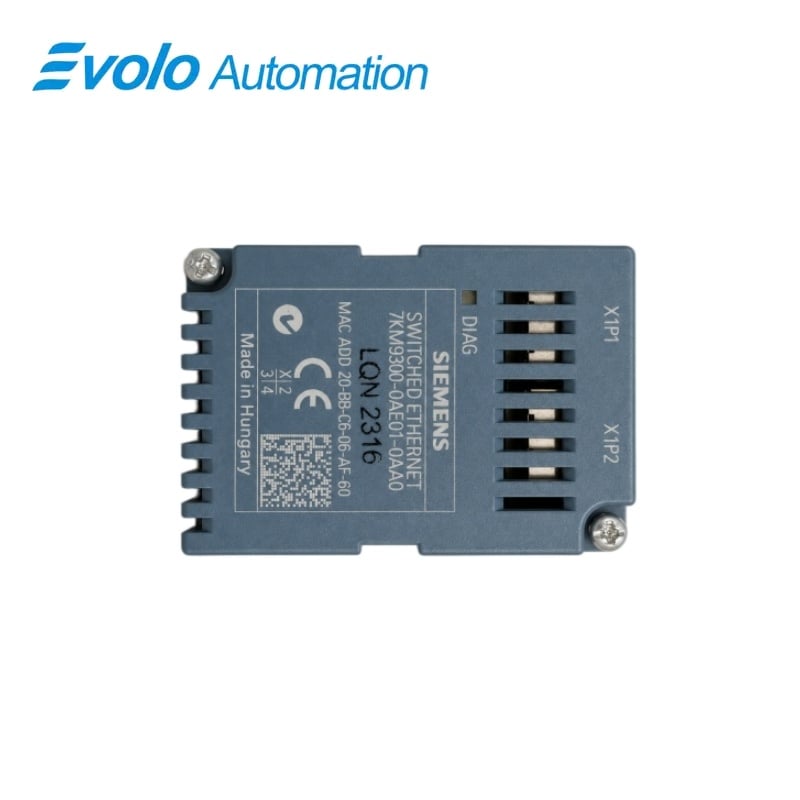
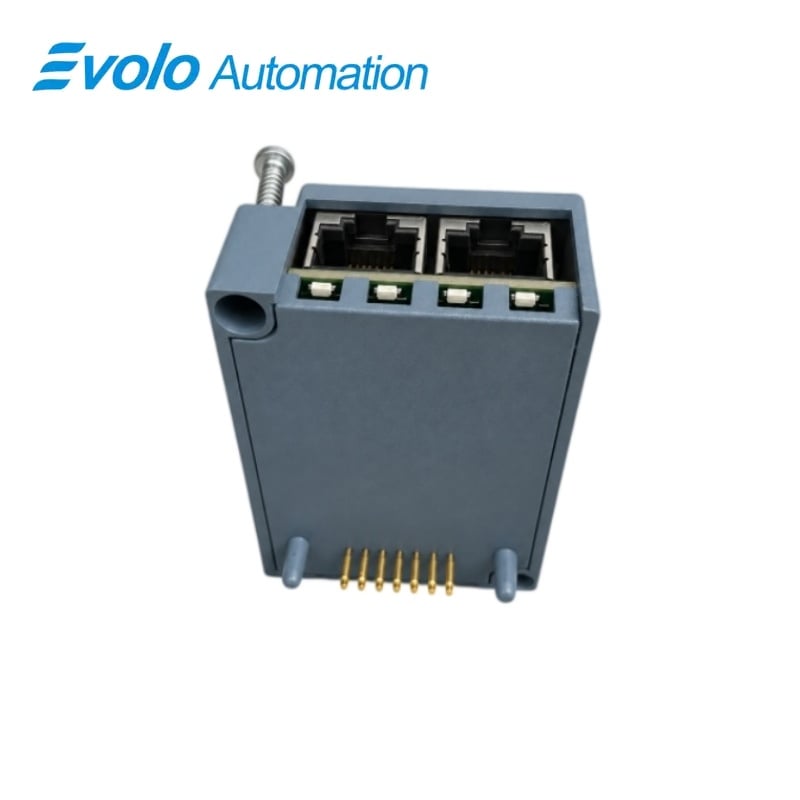
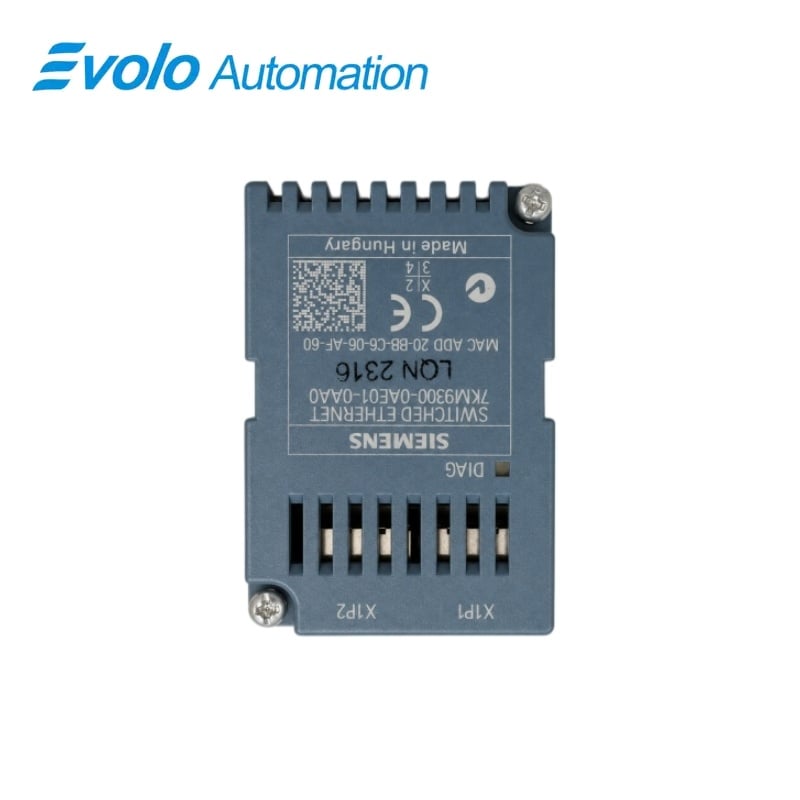
Siemens 7KM9300-0AE01-0AA0 SENTRON PAC Switched Ethernet PROFINET Module
Manufacturer: Siemens
Condition: Brand New
Lead Time: In Stock
Origin: Hungary
Warranty: 12 Months
Email: [email protected]
whatsApp: +86-18150117685
- Overview
- Hot Selling Models
- Recommended Products
Overview
- Match the expansion module to the supported PAC or COM host device.
- Mount vertically on the isolated host while observing ESD precautions.
- Use CAT5 or better Ethernet cable below 100 m and provide mechanical strain relief.
- Keep connected LAN nodes within one building and the permitted shared power-supply network arrangement.
- Assign the module to the controller with the appropriate GSDML file and configure the required measured values.
7KM9300-0AE01-0AA0 SENTRON PAC Switched Ethernet PROFINET Module
A plug-in communication module with two 10/100 Mbit/s RJ45 ports, an IRT-enabled switch and power supplied by its host device.
At a Glance
| Brand | Siemens |
|---|---|
| Model | 7KM9300-0AE01-0AA0 |
| Product Type | Switched Ethernet PROFINET expansion module |
| Core Function | Connects measured values to automation networks |
| Application | PAC3200, PAC4200 and 3VA COM100/800 |
Two-port Ethernet
Two RJ45 ports provide 10/100 Mbit/s communication with automatic negotiation.
PROFINET data exchange
The module transfers host-device measured values to a PROFINET controller.
Host-powered expansion
The module receives its power from the PAC or COM host device.
Product Overview
7KM9300-0AE01-0AA0 connects a supported SENTRON PAC power monitoring device or 3VA communication device to PROFINET and Modbus TCP networks.
The integrated IRT-capable Ethernet switch provides two RJ45 connections with auto crossover and auto negotiation, while the host device supplies operating power without a separate module power supply.
Key Functions
Measured values for the automation controller
The module makes the host device’s measured values available to the PROFINET controller, with the required cyclic data selected through the GSDML-based configuration.
Integrated Ethernet switch
Two 10/100 Mbit/s RJ45 ports link Ethernet nodes through an IRT-enabled switch, with auto negotiation and auto crossover simplifying the physical network connection.
Plug-in commissioning on the host device
The module mounts vertically on the host and is assigned to the PROFINET controller in engineering software such as STEP 7; network settings can also be handled through powerconfig.
Official Specifications
| Ethernet Ports | 2 × 8-pin RJ45 sockets, 10/100 Mbit/s |
|---|---|
| Port Adaptation | Auto negotiation and auto crossover |
| Ethernet Switch | Integrated IRT-enabled switch |
| Communication Protocols | PROFINET IO, PROFIenergy and Modbus TCP |
| Power Supply | From the host PAC or COM device |
| Host-to-Ethernet Isolation | 1,500 V AC |
| Ethernet-to-shield Isolation | 500 V AC |
| Ethernet Cable Requirement | At least CAT5; cable length below 100 m |
| Enclosure Protection | IP20 |
| Permissible Pollution Degree | 2 to IEC 61131 |
| Flammability Class | UL 94 V-0 |
| Cooling Method | Passive air cooling through ventilation slots |
| Operating Temperature | −5–55 °C |
| Storage Temperature | −25–70 °C |
| MTBF | 215.6 years |
Frequently Asked Questions
Do I need a separate 24 V power supply for 7KM9300-0AE01-0AA0?
The communication module receives power from its PAC or COM host device.
How do I assign 7KM9300-0AE01-0AA0 to the PROFINET controller?
Import the appropriate GSDML file and configure the module in engineering software such as STEP 7.
Can 7KM9300-0AE01-0AA0 connect two Ethernet nodes without an additional local switch?
The two RJ45 sockets are connected through an integrated IRT-enabled Ethernet switch.
Which cable should I use for the ports on 7KM9300-0AE01-0AA0?
Use at least CAT5 Ethernet cabling with each cable run below 100 m.
Can I set the network address of 7KM9300-0AE01-0AA0 from a PAC display?
The module IP settings can be made from the PAC display, STEP 7 or powerconfig.
How do network settings for 7KM9300-0AE01-0AA0 differ when the host is COM800?
COM800 settings must be changed through configuration software or powerconfig rather than a PAC display.
What should I do before fitting 7KM9300-0AE01-0AA0 to the host?
Isolate the supply, discharge static electricity, hold the module by its plastic enclosure and provide strain relief for the Ethernet cables.