EN




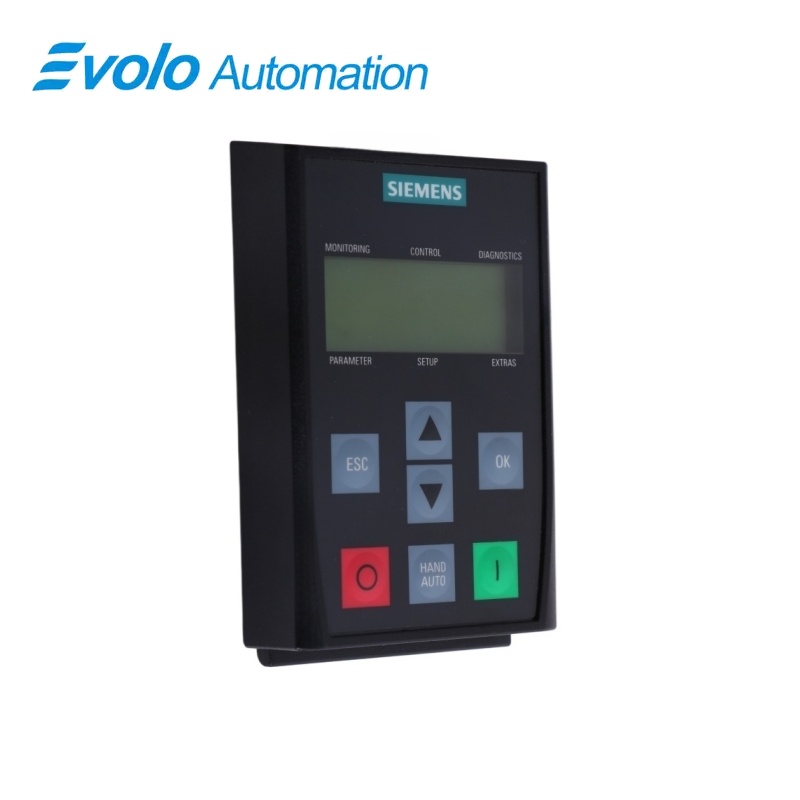
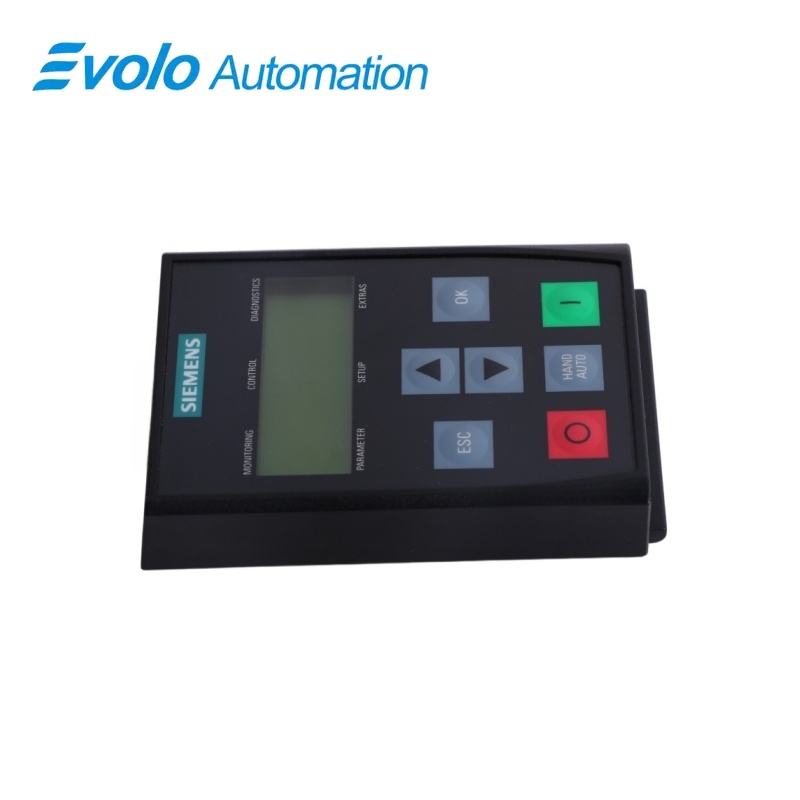
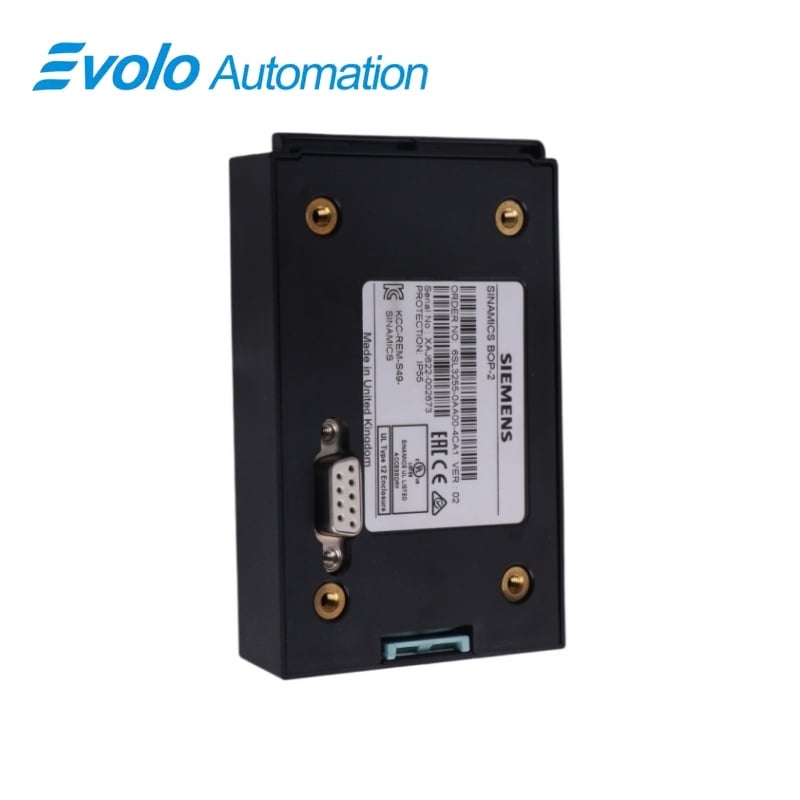
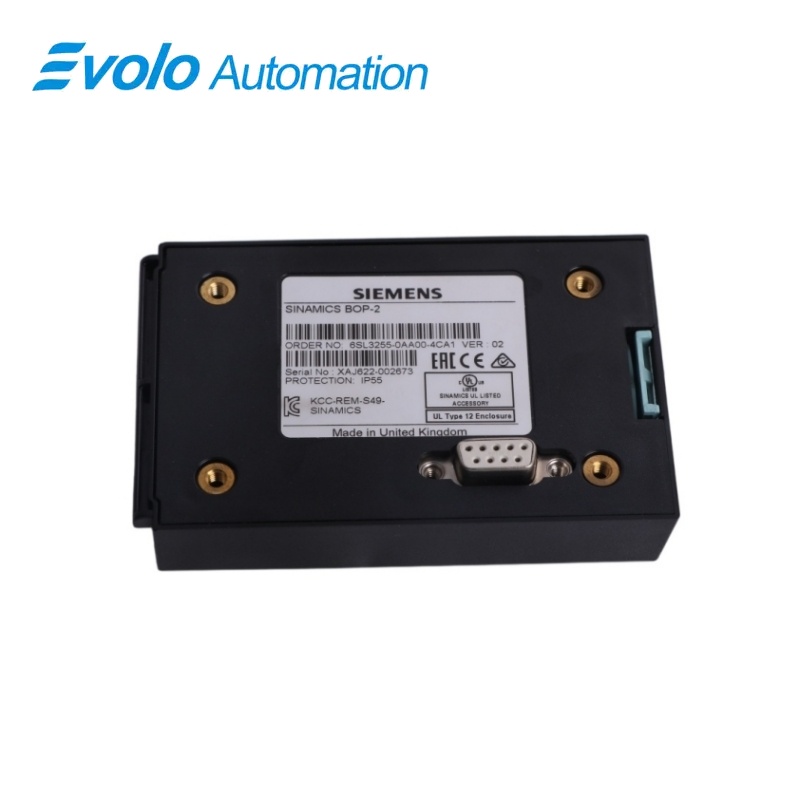
Siemens 6SL3255-0AA00-4CA1 SINAMICS BOP-2 Basic Operator Panel
Manufacturer: Siemens
Condition: Brand New
Lead Time: In Stock
Origin: Germany
Warranty: 12 Months
Email: [email protected]
whatsApp: +86-18150117685
- Overview
- Hot Selling Models
- Recommended Products
Overview
- Use the supported G120 Control Unit families or G120C converter.
- Ensure firmware V4.3 SP2 or later.
- Keep the installed IP rating within the Control Unit assembly limit.
- Back up the drive settings before transferring or replacing a configuration.
- Plan the required local and automatic control behavior.
6SL3255-0AA00-4CA1 SINAMICS BOP-2 Basic Operator Panel
A compact operator panel with menu-based parameter access, HAND/AUTO control and drive-setting backup through its RS232 connection.
At a Glance
| Brand | Siemens |
|---|---|
| Model | 6SL3255-0AA00-4CA1 |
| Product Type | Drive operator panel |
| Core Function | Local drive commissioning, operation and diagnostics |
| Application | SINAMICS G120 and G120C drive systems |
Parameter access
Standard and Expert filters organize the drive parameters.
Local operation
Dedicated keys support manual control and return to automatic operation.
Setting transfer
The Extras menu transfers drive parameters to and from the panel.
Product Overview
6SL3255-0AA00-4CA1 is the BOP-2 operator panel for compatible SINAMICS G120 Control Units and G120C converters.
The panel brings commissioning, monitoring, fault handling and parameter editing to the drive, with backup and transfer functions available through the Extras menu.
Key Functions
Guided setup
The Setup menu provides the sequence for standard drive commissioning.
Parameter filtering and editing
Standard and Expert access levels help select the required parameters, with scrolling and individual-digit editing available.
Drive parameter backup
RAM-to-ROM storage and transfers between the converter, panel and an installed Control Unit memory card support configuration management.
Official Specifications
| Display | Two-line monochrome LCD |
|---|---|
| Converter interface | RS232 |
| Operator keys | 7 keys |
| Degree of protection | IP55 / UL Type 12; installed protection also depends on the Control Unit |
| Dimensions (W × H × D) | 70 × 106.85 × 19.6 mm |
| Net weight | 0.140 kg |
| Operating temperature | 0–50 °C under the attached inverter’s nominal conditions |
| Storage and transport temperature | −40 to +70 °C |
| Maximum relative humidity | 95% at 25 °C |
| Maximum absolute humidity | 25 g/m³ |
Frequently Asked Questions
Which drive families accept 6SL3255-0AA00-4CA1?
The panel supports G120 CU230P-2, CU240B-2, CU240E-2 and CU250S-2 Control Units, plus G120C converters, with firmware V4.3 SP2 or later.
How do I reduce the parameter list on 6SL3255-0AA00-4CA1?
Select the Standard parameter filter for normal access or Expert when the complete parameter set is needed.
Can I transfer a drive setup using 6SL3255-0AA00-4CA1?
The Extras menu can save parameters to the panel and write the stored parameters back to a compatible inverter.
How do I keep parameter changes in nonvolatile memory with 6SL3255-0AA00-4CA1?
Use the RAM-to-ROM function in the Extras menu to save the converter settings permanently.
Can 6SL3255-0AA00-4CA1 be fitted while the drive is powered?
The panel can be fitted to or removed from the inverter while power is applied.
Why does the ON key on 6SL3255-0AA00-4CA1 not start the motor in AUTO?
The ON key is inactive in AUTO and starts the motor only in HAND mode.
How do I cancel an unconfirmed parameter edit on 6SL3255-0AA00-4CA1?
Press ESC before confirming with OK to leave the edit without saving the new value.