EN




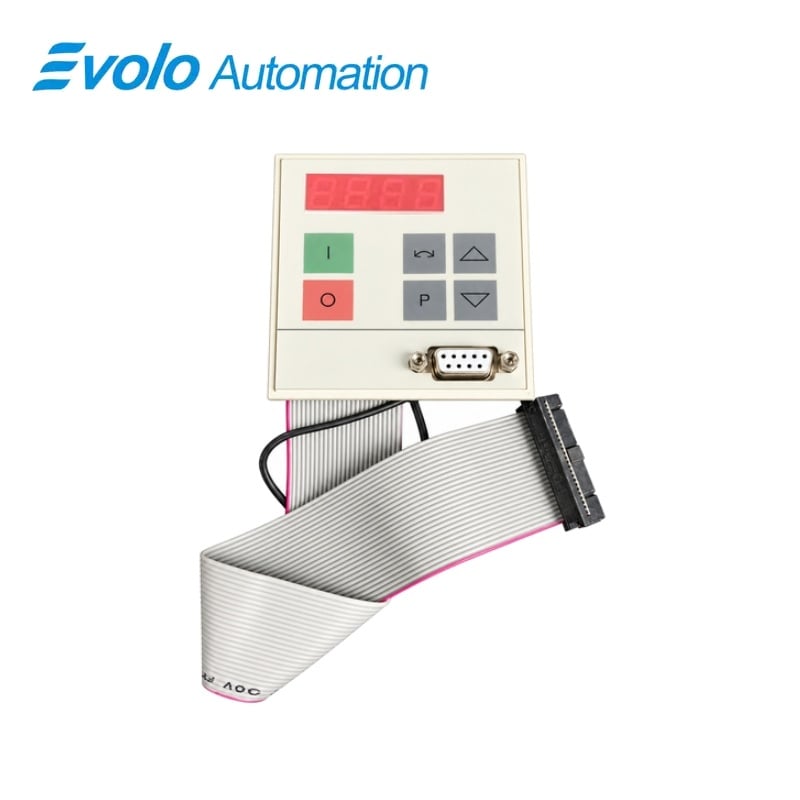
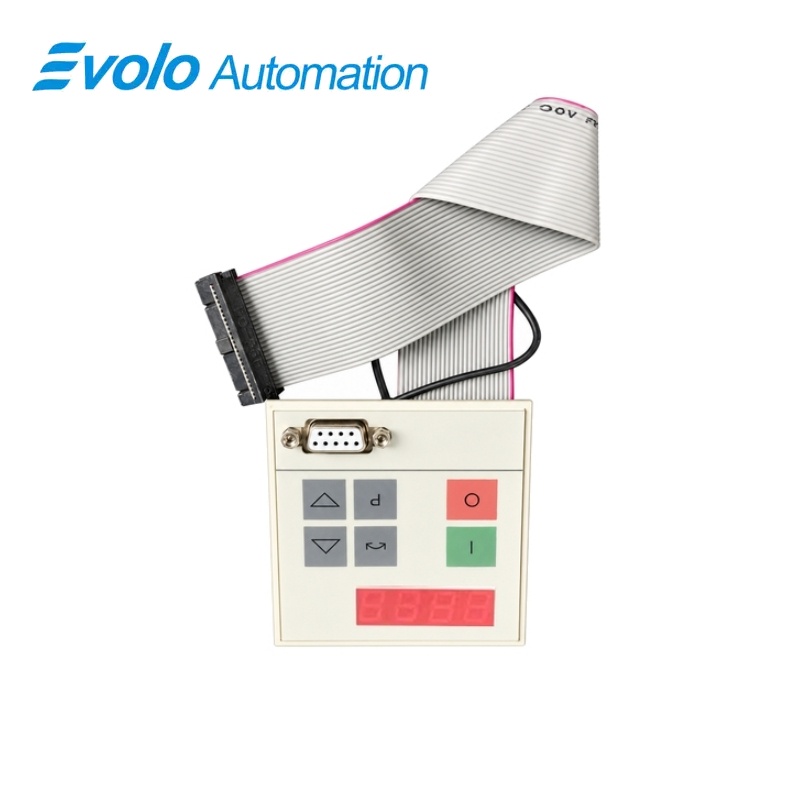
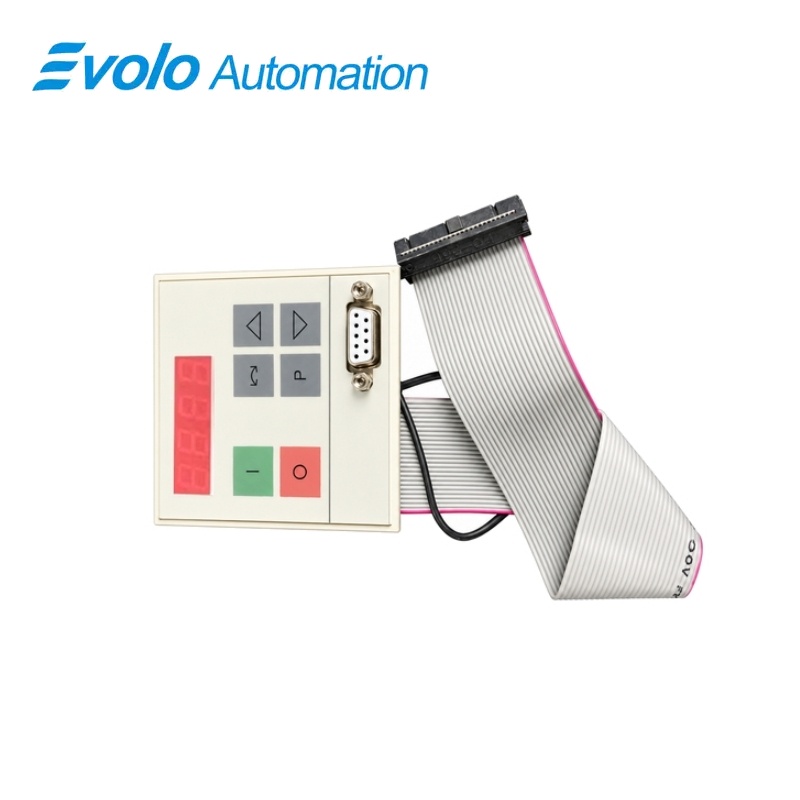
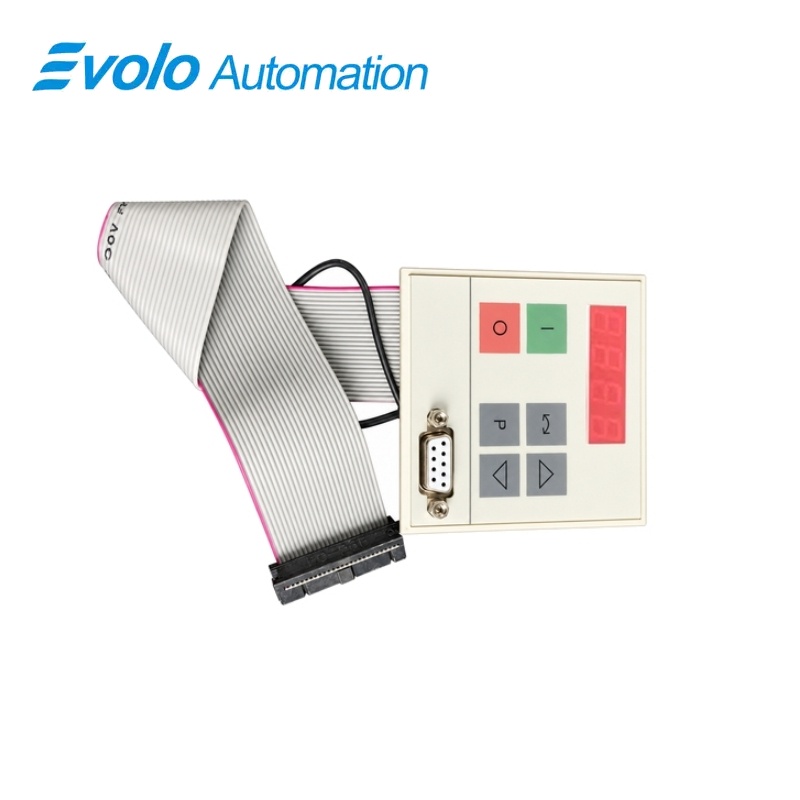
Siemens 6SE7090-0XX84-2FB0 SIMOVERT MASTERDRIVES PMU Operating Unit
Manufacturer: Siemens
Condition: Brand New
Lead Time: In Stock
Origin: Germany
Warranty: 12 Months
Email: [email protected]
whatsApp: +86-18150117685
- Overview
- Hot Selling Models
- Recommended Products
Overview
- Match the PMU spare-part assignment for the host drive design.
- Retain the configured ON, OFF and reverse-command enables.
- Use the toggle key for parameter-level navigation and fault acknowledgment.
- Isolate the drive and allow its DC-link capacitors to discharge before service.
6SE7090-0XX84-2FB0 SIMOVERT MASTERDRIVES PMU Operating Unit
A local PMU operating and parameter-assignment unit for the corresponding design C and D MASTERDRIVES units.
At a Glance
| Brand | Siemens |
|---|---|
| Model | 6SE7090-0XX84-2FB0 |
| Product Type | PMU operator component |
| Core Function | Local parameter entry and drive control |
| Application | Design C and D drive units |
Local display
A four-digit seven-segment display presents drive and parameter information.
Parameter navigation
Toggle, raise and lower keys provide direct parameter access.
Drive commands
ON, OFF and reversing keys work within the drive’s configured command assignments.
Product Overview
6SE7090-0XX84-2FB0 provides the local operating and parameter-assignment interface for the corresponding SIMOVERT MASTERDRIVES design C and D units. It forms the drive’s local operator interface.
The PMU provides direct viewing of drive states, alarms, faults and parameter values. Its keys support simple parameter entry and configured drive commands without a separate handheld operator panel.
Key Functions
Display drive and parameter information
The four-digit seven-segment display presents operating states, alarms, faults, parameter numbers, indices and values.
Navigate parameter entries
The toggle key moves between parameter number, index and value, while raise and lower keys change the displayed selection or setting.
Issue configured drive commands
ON, OFF and reversing controls operate according to the drive command and enable parameters.
Official Specifications
| Display format | Four-digit seven-segment display |
|---|---|
| Operating keys | ON, OFF, reversing, toggle, raise and lower |
| Parameter display levels | Parameter number, index and value; non-indexed parameters skip the index level |
| Value-adjustment modes | Short press for a single step; long press for rapid increase or decrease |
| Extended-value display | Digit-by-digit horizontal scrolling with a flashing outer digit indicating hidden figures |
| Parameter retention | Confirmed changes are stored in the drive EEPROM with power-failure protection |
| Fault acknowledgement | Toggle (P) key acknowledges an active displayed fault |
| Net weight | 0.07 kg |
Frequently Asked Questions
Which drive designs use 6SE7090-0XX84-2FB0 as a PMU spare part?
The PMU assignment covers the corresponding MASTERDRIVES design C and D units.
How do I move between parameter number, index and value on 6SE7090-0XX84-2FB0?
Press and release the toggle key to cycle through parameter number, parameter index and parameter value.
How can I acknowledge a displayed fault with 6SE7090-0XX84-2FB0?
The toggle key acknowledges a fault when the fault display is active.
Why might the reversing key on 6SE7090-0XX84-2FB0 have no effect?
The reversing function must be enabled through parameters P571 and P572.
How can I return directly to the operating display from 6SE7090-0XX84-2FB0?
Hold the toggle key and press the lower key from parameter-number level to return to operating display r000.
How can I view a parameter value longer than four digits on 6SE7090-0XX84-2FB0?
Hold the toggle key and use the raise or lower key to shift the value display one digit right or left.
Which stop command does the OFF key on 6SE7090-0XX84-2FB0 issue?
The OFF key issues OFF1, OFF2 or OFF3 according to the command parameterization in P554 to P560.