EN




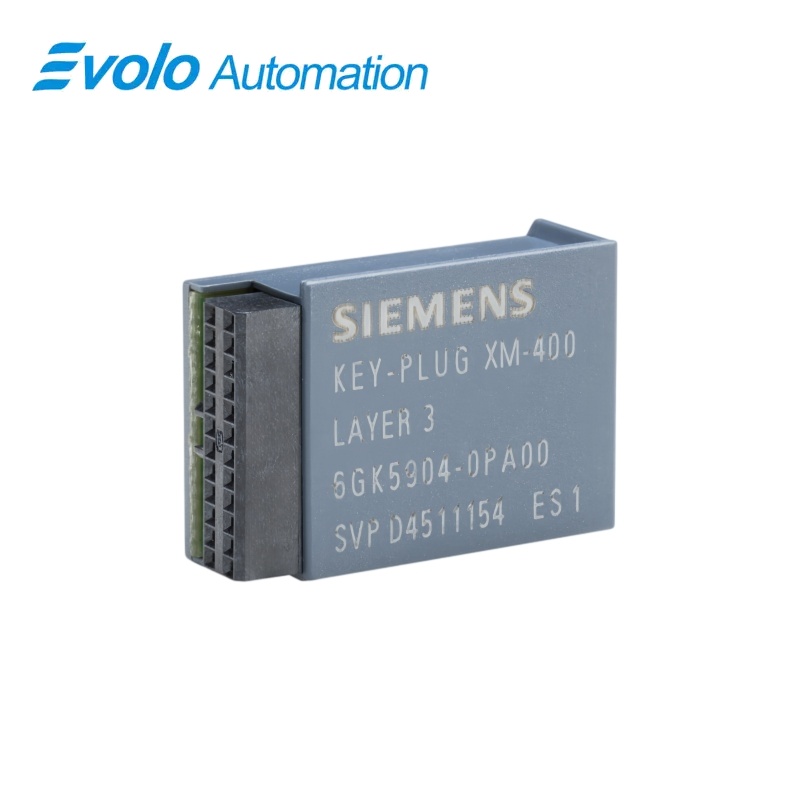
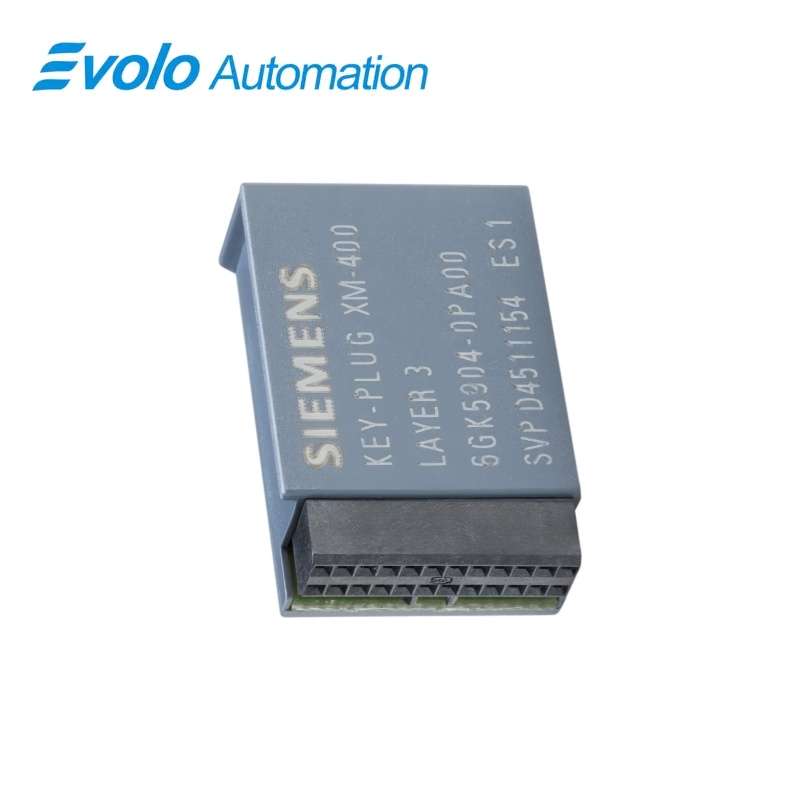
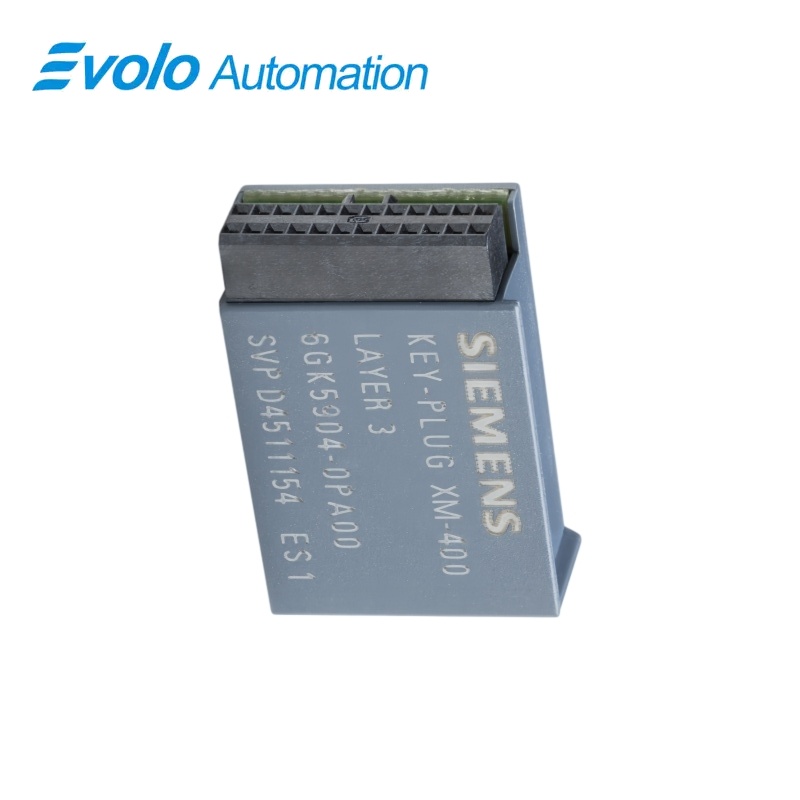
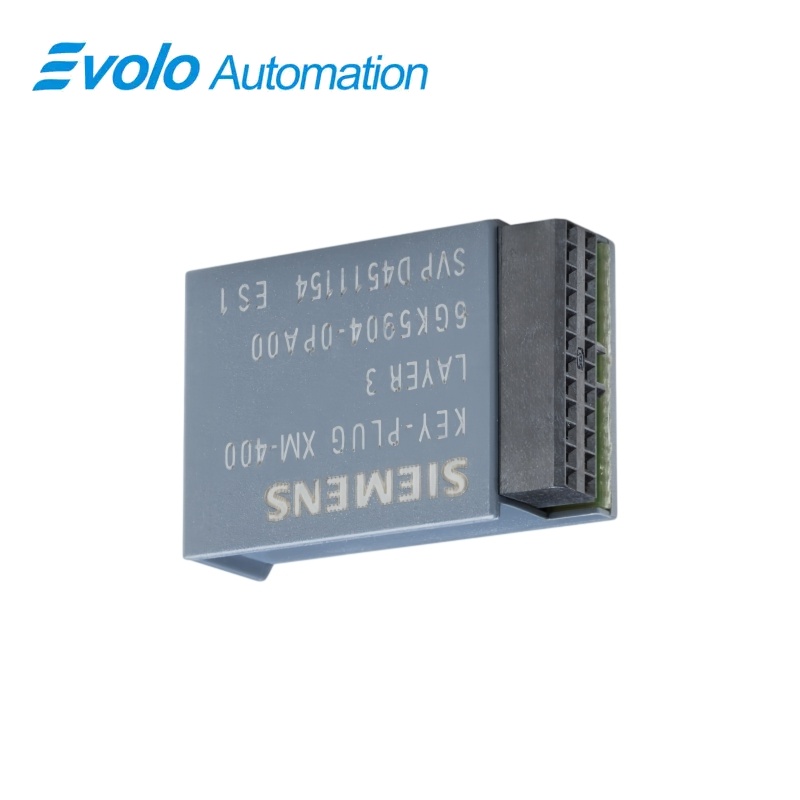
Siemens SCALANCE XM-400 6GK5904-0PA00 KEY-PLUG Layer 3
Manufacturer: Siemens
Condition: Brand New
Lead Time: In Stock
Origin: Germany
Warranty: 12 Months
Email: [email protected]
whatsApp: +86-18150117685
- Overview
- Product Overview
- Key Functions
- Official Specifications
- Frequently Asked Questions
- Compatibility & Ordering Notes
- Hot Selling Models
- Recommended Products
Overview
Siemens · SCALANCE XM-400
6GK5904-0PA00 KEY-PLUG Layer 3 License Module
Siemens 6GK5904-0PA00 is the KEY-PLUG XM-400 removable storage and license medium for SCALANCE XM-400 switches, retaining configuration data and enabling Layer 3 routing functions.
At a Glance
| Brand | Siemens |
|---|---|
| Model | 6GK5904-0PA00 |
| Product Type | Removable configuration and license plug |
| Core Function | Stores device configuration and enables Layer 3 functions |
| Application or Compatible Series | Siemens SCALANCE XM-400 managed switches |
Device Family
Use only with a compatible SCALANCE XM-400 switch that supports the KEY-PLUG XM-400.
Powered-Off Handling
Insert or remove the plug only while the switch is powered off.
Replacement Workflow
Move the accepted plug to the compatible replacement device so its stored configuration can be applied at startup.
Product Overview
Siemens 6GK5904-0PA00 is the KEY-PLUG XM-400 removable storage and license medium for SCALANCE XM-400 switches, retaining configuration data and enabling Layer 3 routing functions.
A blank plug receives the current device configuration automatically when the switch starts. The integrated license enables static, dynamic, redundant and multicast routing functions on supported switches. An accepted populated plug supplies its stored settings to a compatible replacement switch during startup.
Key Functions
Configuration Storage
A blank plug receives the current device configuration automatically when the switch starts.
Layer 3 License
The integrated license enables static, dynamic, redundant and multicast routing functions on supported switches.
Rapid Device Exchange
An accepted populated plug supplies its stored settings to a compatible replacement switch during startup.
Official Specifications
| Plug Technology | Removable storage and license medium |
|---|---|
| Target Device Family | SCALANCE XM-400 |
| Feature License | Layer 3 routing functions |
| Stored Data | Device configuration |
| Blank-Plug Startup Behavior | Copies the current device configuration automatically |
| Accepted-Plug Startup Behavior | Applies the stored configuration to the device |
| Factory MAC Address Transfer | Not transferred |
| Static Routing Functions | Static routes and policy-based routing |
| Dynamic Routing Functions | OSPF, OSPFv3, RIP and RIPng |
| Routing Redundancy | VRRP and VRRPv3 |
| Multicast Routing Functions | IGMP, PIM and MSDP |
| Installation Condition | Device powered off |
| Accepted License Status | ACCEPTED |
| Net Weight | 0.026 kg |
| Packaging Dimensions | 90 x 120 x 10 mm |
Frequently Asked Questions
What does 6GK5904-0PA00 enable on a compatible SCALANCE switch?
It enables the supported Layer 3 routing functions and stores the device configuration.
Must power be removed before installing 6GK5904-0PA00?
Yes, switch off the device before inserting or removing the plug.
How does a blank 6GK5904-0PA00 behave at first startup?
The switch automatically copies its current configuration to the blank storage medium.
Can 6GK5904-0PA00 simplify replacement of a failed switch?
Yes, an accepted populated plug can transfer its stored settings to a compatible replacement at startup.
Does 6GK5904-0PA00 transfer the factory MAC address?
No, device-specific factory MAC information remains with the switch and is not transferred.
Which routing protocols become available with 6GK5904-0PA00?
Supported functions include static routing, OSPF, RIP, VRRP and multicast routing features.
What should be verified after fitting 6GK5904-0PA00?
Check that the switch reports the plug as accepted and that the stored configuration and licensed functions are available.
Compatibility & Ordering Notes
Compatibility Checklist
- Verify the exact SCALANCE XM-400 device type and its support for the KEY-PLUG XM-400.
- Insert or remove the plug only after the switch has been powered off.
- Confirm the ACCEPTED status and review the active routing configuration after startup.