EN
EN




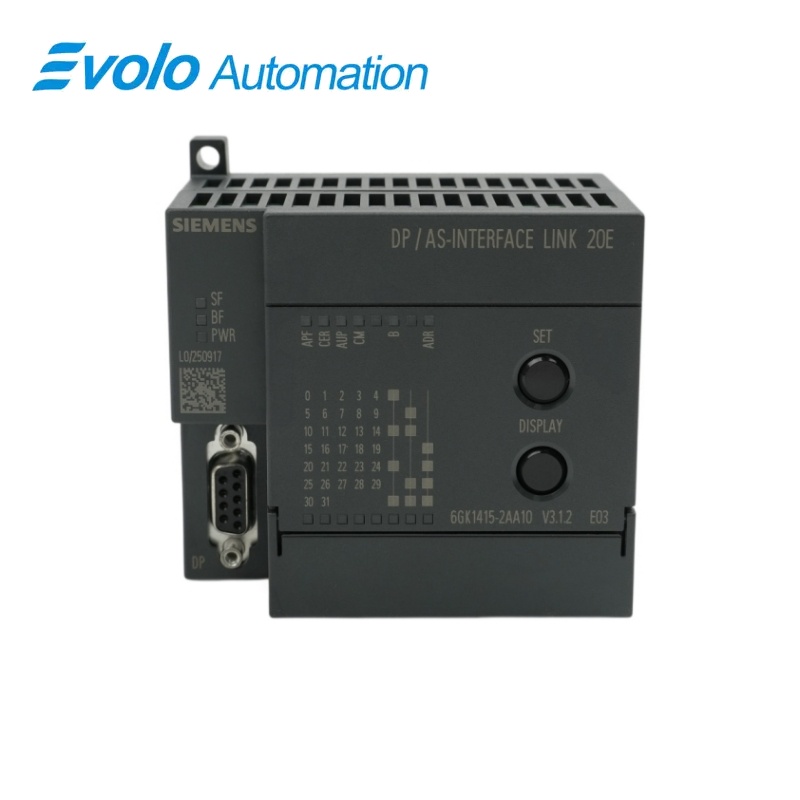
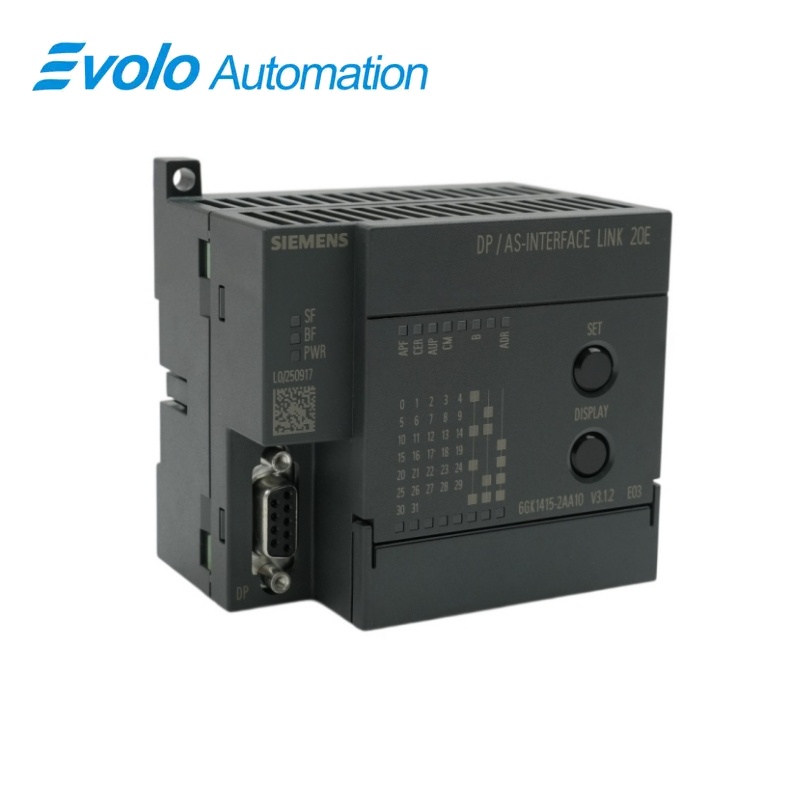
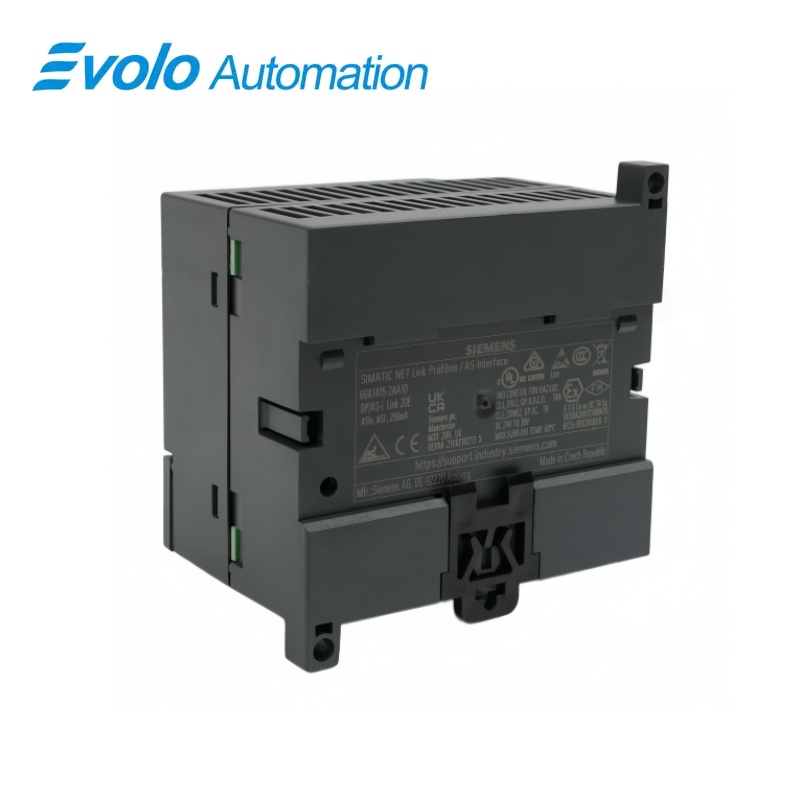
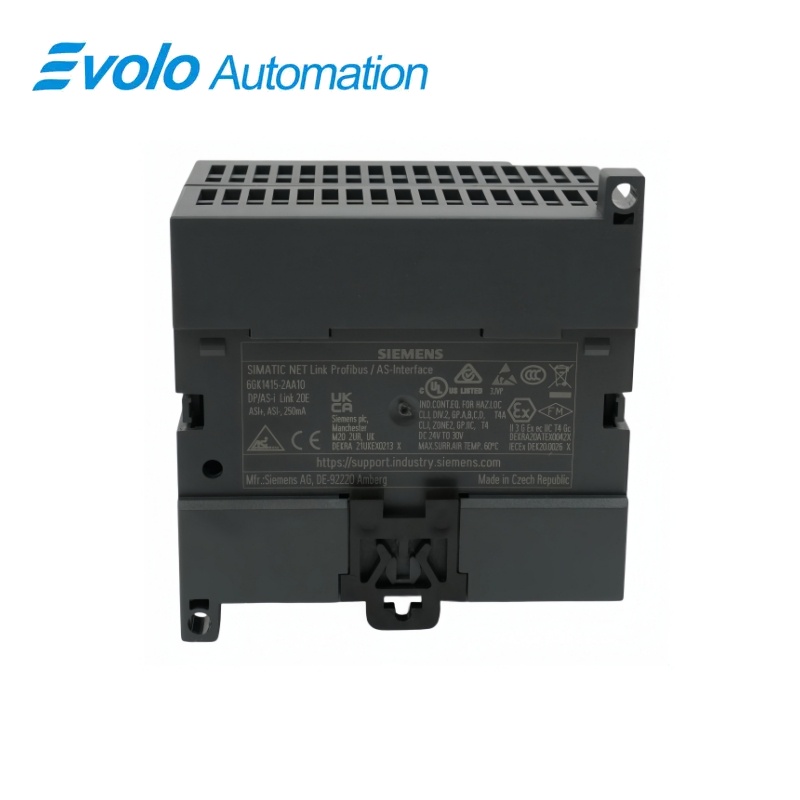
Siemens SIMATIC NET DP/AS-Interface Link 20E Gateway 6GK1415-2AA10
Manufacturer: Siemens
Condition: Brand New
Lead Time: In Stock
Origin: Czech Republic
Warranty: 12 Months
Email: [email protected]
whatsApp: +86-18150117685
- Overview
- Product Overview
- Key Functions
- Official Specifications
- Frequently Asked Questions
- Compatibility & Ordering Notes
- Hot Selling Models
- Recommended Products
Overview
Siemens • SIMATIC NET DP/AS-Interface Link 20E
6GK1415-2AA10 SIMATIC NET DP/AS-Interface Link 20E Gateway
The Siemens SIMATIC NET DP/AS-Interface Link 20E connects a PROFIBUS DP controller to one AS-Interface network and supports AS-Interface specification V3.0 with M4 master functionality.
At a Glance
| Brand | Siemens |
|---|---|
| Model | 6GK1415-2AA10 |
| Product Type | PROFIBUS DP-to-AS-Interface gateway |
| Core Function | Links PROFIBUS DP controllers with AS-Interface field devices |
| Application or Compatible Series | PROFIBUS DP automation systems using an AS-Interface field network |
Exact Identification
Match 6GK1415-2AA10 character by character and confirm the complete SIMATIC NET DP/AS-Interface Link 20E Gateway designation.
Interface Arrangement
Confirm the installed supply, ports, field connections and required accessories before wiring the replacement.
Configuration Check
Preserve the approved engineering project, network parameters and application data used by the installed system.
Product Overview
The Siemens SIMATIC NET DP/AS-Interface Link 20E connects a PROFIBUS DP controller to one AS-Interface network and supports AS-Interface specification V3.0 with M4 master functionality.
The gateway transfers digital process data between PROFIBUS DP and one AS-Interface line. Commissioning can use the device SET button, STEP 7, a GSD file or the command interface. The documented redundancy capability allows operation in a suitable Y-Link arrangement.
Key Functions
Fieldbus Gateway
The gateway transfers digital process data between PROFIBUS DP and one AS-Interface line.
Local and Project Configuration
Commissioning can use the device SET button, STEP 7, a GSD file or the command interface.
Redundant System Option
The documented redundancy capability allows operation in a suitable Y-Link arrangement.
Official Specifications
| Degree of Protection | IP20 |
|---|---|
| AS-Interface Connection | Screw-type connection |
| Supply Method | Via AS-Interface |
| Maximum AS-Interface Current at 30 V | 200 mA |
| Power Loss | 4.5 W |
| Rated Insulation Voltage | 500 V |
| Galvanic Isolation | Supported |
| Status Indicators | PWR, APF, CER, AUP, CM, BF and SF LEDs |
| Configuration Methods | SET button, STEP 7, GSD or command interface |
| AS-Interface Specification | Version 3.0 |
| AS-Interface Master Profile | M4 |
| Physical Interfaces | One AS-Interface and one RS485 interface |
| Maximum AS-Interface Inputs | 496 |
| Maximum AS-Interface Outputs | 496 |
| Maximum AS-Interface Slaves | 62 |
| AS-Interface Bus Cycle | 5 ms for 31 slaves; 10 ms for 62 slaves |
| Housing Dimensions | 90 x 80 x 62 mm |
| Mounting Method | Snap-on mounting on 35 mm DIN rail |
| Operating Temperature | 0 to 60 °C horizontal; 0 to 45 °C vertical |
| Maximum Installation Altitude | 2,000 m |
Frequently Asked Questions
How many AS-Interface slaves can 6GK1415-2AA10 manage?
One line can contain up to 62 AS-Interface slaves.
Which PROFIBUS connection does 6GK1415-2AA10 use?
The fieldbus connection uses an RS485 interface for PROFIBUS DP communication.
Can 6GK1415-2AA10 be commissioned without STEP 7?
Yes; the local SET button or a GSD-based configuration can be used where the project permits.
How quickly does 6GK1415-2AA10 scan a full AS-Interface line?
The cycle is 5 ms with 31 slaves and 10 ms with 62 slaves.
Can 6GK1415-2AA10 be installed in a redundant PROFIBUS system?
Yes; redundancy is supported in the documented Y-Link arrangement.
What should be recorded before replacing 6GK1415-2AA10?
Preserve the PROFIBUS address, AS-Interface configuration, slave assignments and controller project.
Which mounting rail is suitable for 6GK1415-2AA10?
The enclosure snaps onto a standard 35 mm DIN rail.
Compatibility & Ordering Notes
Compatibility Checklist
- Use an AS-Interface installation that complies with specification V3.0 and the M4 master profile.
- Restore the PROFIBUS and AS-Interface addresses exactly from the validated project.
- Check the mounting orientation because the permitted operating temperature differs between horizontal and vertical installation.