EN




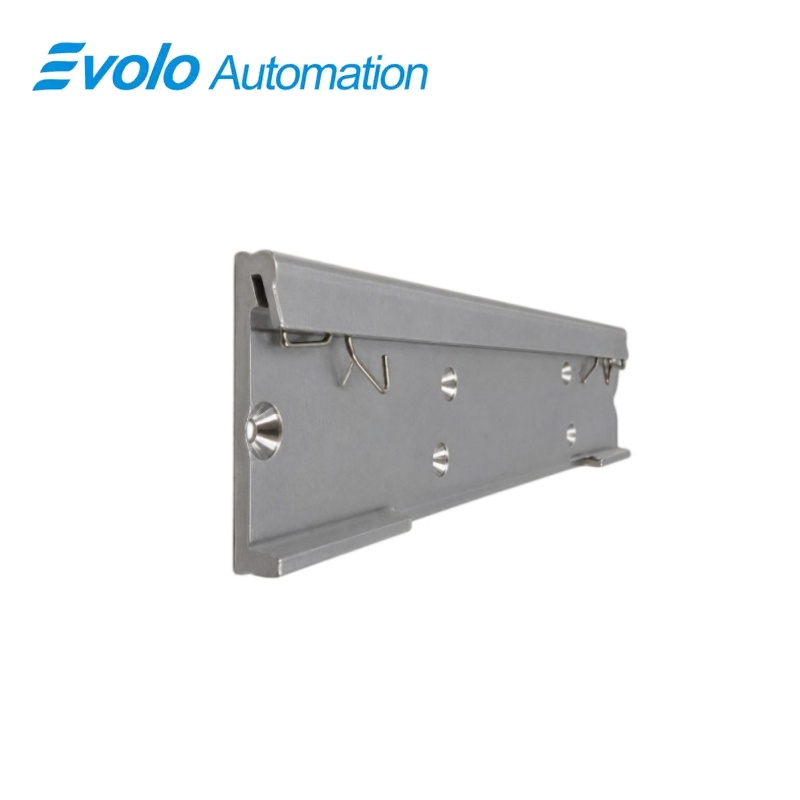
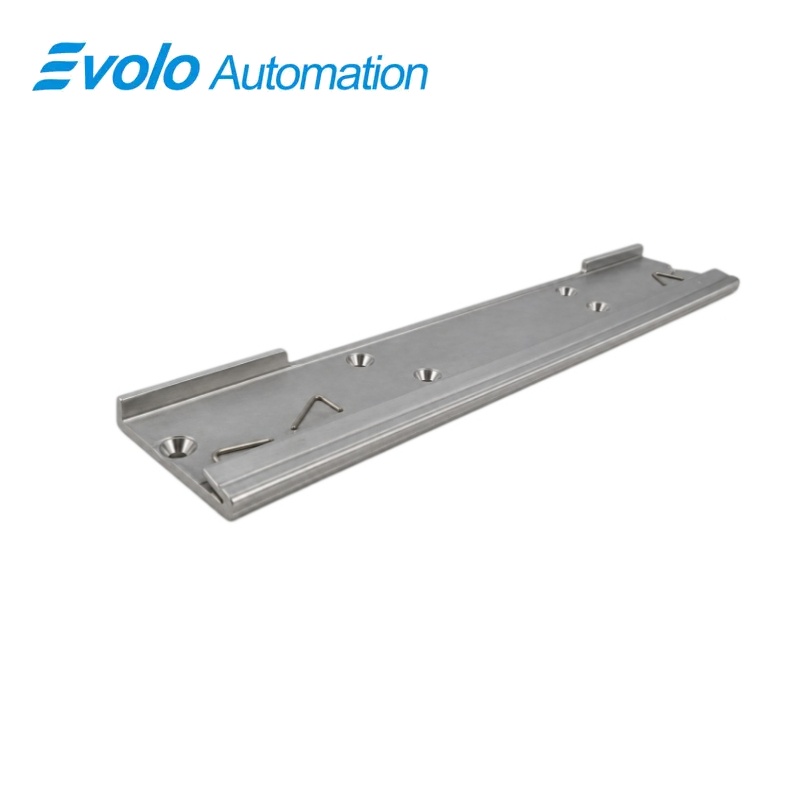
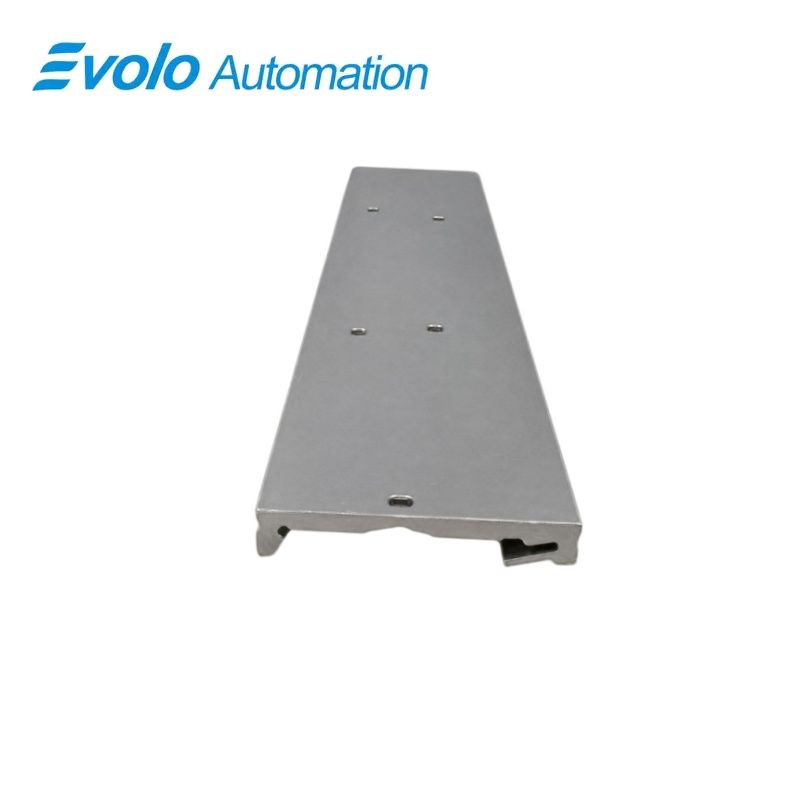
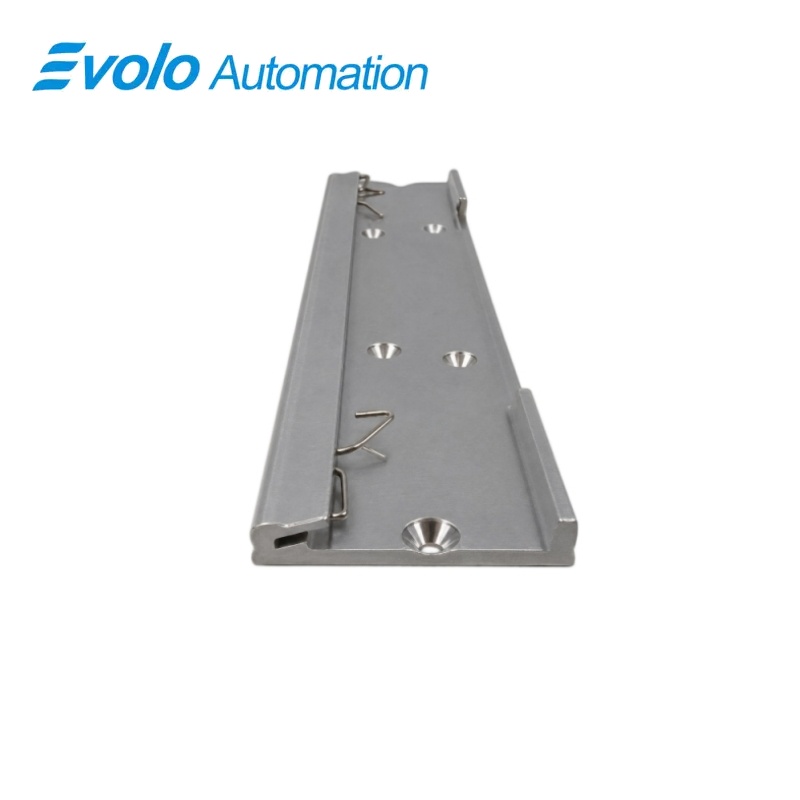
Siemens 6ES7648-1AA20-0YM0 IPC427D DIN Rail Mounting Kit
Manufacturer: Siemens
Condition: Brand New
Lead Time: In Stock
Origin: Germany
Warranty: 12 Months
Email: [email protected]
whatsApp: +86-18150117685
- Overview
- Hot Selling Models
- Recommended Products
Overview
- Use the mounting set for the SIMATIC Microbox IPC427D.
- Provide an installed 35 mm DIN rail and a T20 screwdriver for clip attachment.
- Attach the rail clip with two screws before placing the computer on the rail.
- Keep at least 100 mm clearance below and 50 mm above the computer.
- Ensure the support can carry four times the total installed weight, including rail and expansion components.
6ES7648-1AA20-0YM0 IPC427D DIN Rail Mounting Kit
A standard-rail mounting set for the SIMATIC IPC427D, using a rail clip attached to the computer with two screws.
At a Glance
| Brand | Siemens |
|---|---|
| Model | 6ES7648-1AA20-0YM0 |
| Product Type | Industrial PC mounting kit |
| Core Function | Secures the computer to a cabinet rail |
| Application | SIMATIC Microbox IPC427D |
IPC427D fit
The mounting set is intended for the IPC427D Microbox industrial PC.
35 mm rail
The rail clip engages a standard 35 mm DIN profile.
Two-screw attachment
The clip is attached to the computer before the assembly is mounted on the rail.
Product Overview
6ES7648-1AA20-0YM0 is the standard mounting-rail kit for the SIMATIC Microbox IPC427D industrial PC.
The rail clip attaches to the computer with two screws, then hooks over the upper edge of the installed 35 mm rail and engages at the lower edge when the device is pressed into place.
Key Functions
Rail-clip attachment to the computer
The IPC427D rail-mounting arrangement uses a DIN-rail clip secured to the device with two screws before installation on the cabinet rail.
Engagement on a standard DIN profile
The assembled computer is positioned on the upper rail edge, pressed downward and then pushed toward the rail until the clip engages audibly.
Removal for equipment servicing
The device can be pushed downward to release the rail clip, swung outward and lifted clear of the rail for removal.
Official Specifications
| Rail Profile | 35 mm standard DIN rail |
|---|---|
| Clip Attachment | DIN-rail clip secured by 2 screws |
| Net Weight | 0.172 kg |
| DIN-Rail Clip Span | 184 mm |
| Rear Mounting Stand-Off | 9 mm between the chassis rear plane and mounting plane |
| Lower Rail-Edge Position | 83.7 mm below the chassis top reference plane |
| Rail Retention Mechanism | Clip engagement at the upper rail edge with snap-in locking at the lower edge |
| Mounting Positions | Horizontal with interfaces at the bottom, or vertical with interfaces at the front |
Frequently Asked Questions
Which rail profile is used with 6ES7648-1AA20-0YM0?
The IPC427D rail clip engages a standard 35 mm DIN rail.
Which tool should I prepare to install 6ES7648-1AA20-0YM0?
A T20 screwdriver is required to attach the DIN-rail clip.
How many screws secure the clip in the arrangement using 6ES7648-1AA20-0YM0?
The rail clip is secured to the computer with two screws.
Which IPC427D orientation is preferred when using 6ES7648-1AA20-0YM0?
Horizontal mounting with the interfaces at the bottom is the preferred installation position.
How much cooling space should I leave around an IPC427D installed with 6ES7648-1AA20-0YM0?
Leave at least 100 mm below and 50 mm above the computer.
How strong must the support be for an IPC427D installed with 6ES7648-1AA20-0YM0?
The support must carry four times the total installed weight, including the DIN rail and expansion cards.
How do I release an IPC427D from the rail when using 6ES7648-1AA20-0YM0?
Push the device downward, swing it outward from the rail and then lift it clear.