EN
EN




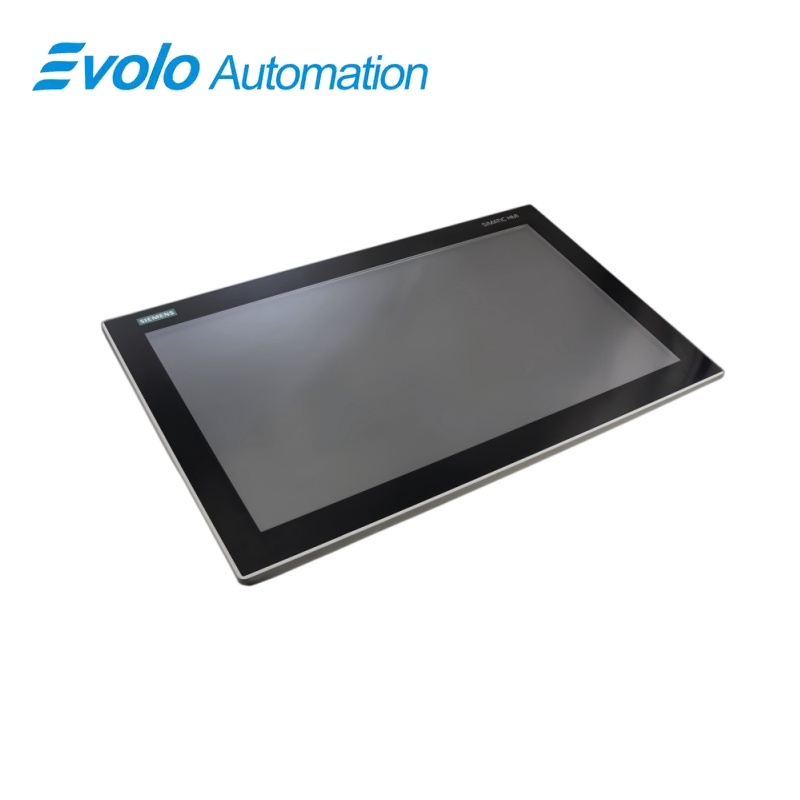
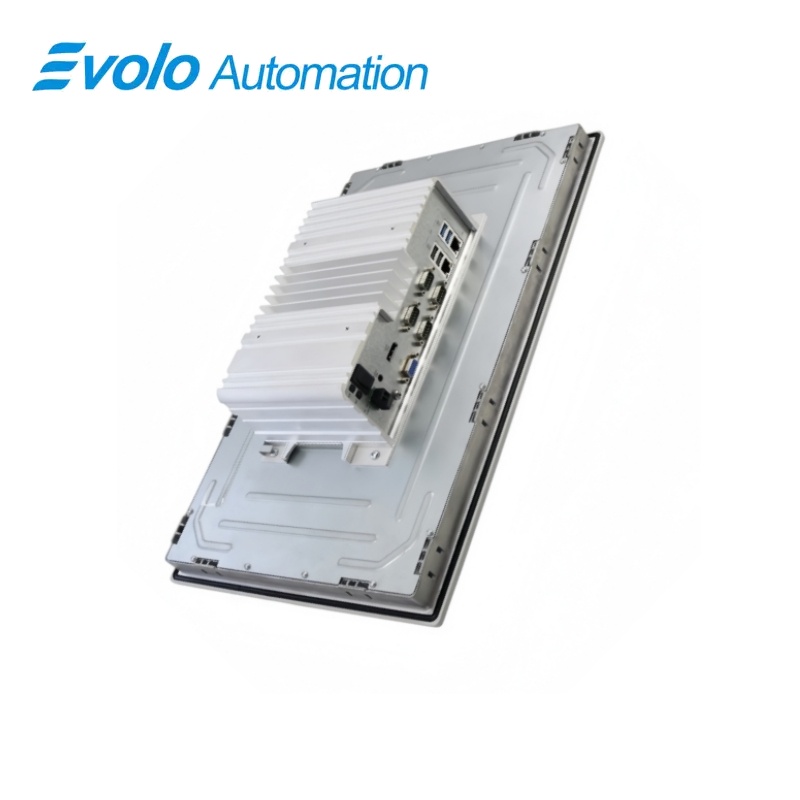
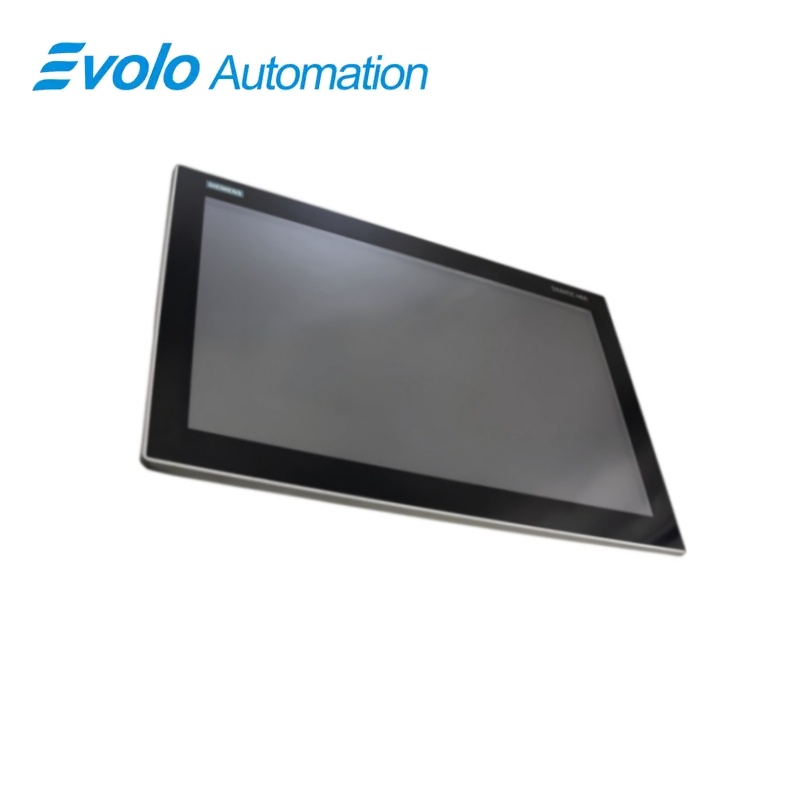
Siemens SIMATIC IPC377E 19-inch Touch Panel PC 6AV7230-0EA20-0BA0
Manufacturer: Siemens
Condition: Brand New
Lead Time: In Stock
Origin: Germany
Warranty: 12 Months
Email: [email protected]
whatsApp: +86-18150117685
- Overview
- Product Overview
- Key Functions
- Official Specifications
- Frequently Asked Questions
- Compatibility & Ordering Notes
- Hot Selling Models
- Recommended Products
Overview
SIEMENS · SIMATIC IPC
6AV7230-0EA20-0BA0 SIMATIC IPC377E 19-inch Touch Panel PC
The SIMATIC IPC377E combines a 19-inch touch panel with a quad-core Celeron N3160 processor, 4 GB RAM, 1 TB hard disk and extensive industrial interfaces.
At a Glance
| Brand | Siemens |
|---|---|
| Model | 6AV7230-0EA20-0BA0 |
| Product Type | nineteen-inch industrial touch panel PC |
| Core Function | Combines an industrial computer and large touch display for machine-level operation |
| Application or Compatible Series | SIMATIC IPC377E built-in HMI and industrial computing installations |
Exact Identification
Match 6AV7230-0EA20-0BA0 character by character and confirm the complete SIMATIC IPC377E 19-inch Touch Panel PC designation.
Interface Arrangement
Confirm the installed supply, ports, field connections and required accessories before wiring the replacement.
Configuration Check
Preserve the approved engineering project, network parameters and application data used by the installed system.
Product Overview
The SIMATIC IPC377E combines a 19-inch touch panel with a quad-core Celeron N3160 processor, 4 GB RAM, 1 TB hard disk and extensive industrial interfaces.
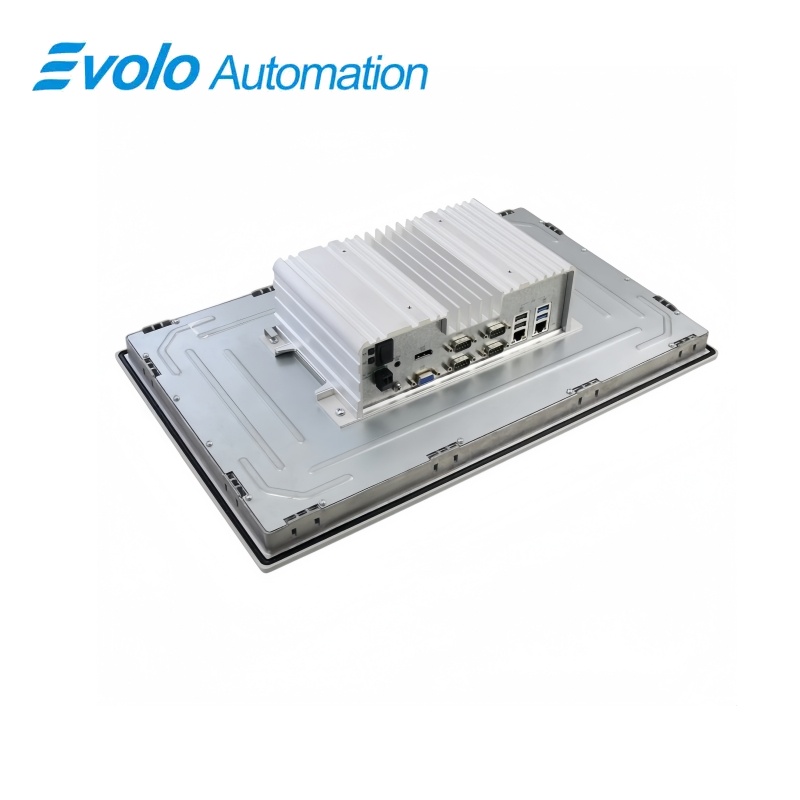
A 19-inch touch display and industrial PC hardware are combined in one built-in unit. Two RJ45 interfaces support separate 10/100/1000 Mbit/s Ethernet connections. mPCIe, mSATA, USB, serial, DisplayPort and VGA interfaces support machine visualization and peripheral integration.
Key Functions
Integrated Panel Computer
A 19-inch touch display and industrial PC hardware are combined in one built-in unit.
Independent Industrial Ethernet
Two RJ45 interfaces support separate 10/100/1000 Mbit/s Ethernet connections.
Expandable Storage and I/O
mPCIe, mSATA, USB, serial, DisplayPort and VGA interfaces support machine visualization and peripheral integration.
Official Specifications
| Processor | Intel Celeron N3160 |
|---|---|
| Processor Cores / Threads | 4 / 4 |
| Installed Main Memory | 4 GB |
| Main Memory Type | DDR3L |
| Maximum Main Memory | 8 GB |
| Installed Storage | 1 TB hard disk |
| Industrial Ethernet Ports | 2 x independent RJ45 |
| Ethernet Data Rates | 10/100/1000 Mbit/s |
| USB 3.0 Ports | 2 |
| USB 2.0 Ports | 2 |
| Serial Ports | 4 COM interfaces |
| Graphics Interfaces | 1 x DisplayPort and 1 x VGA |
| Expansion Slots | 1 x half-size mPCIe and 1 x full-size mSATA |
| Operating System | Not included |
| Rated Supply Voltage | 24 V DC |
| Installation Type | Built-in unit |
| Net Weight | 7.96 kg |
Frequently Asked Questions
Which processor is installed in 6AV7230-0EA20-0BA0?
The panel PC uses an Intel Celeron N3160 with four cores and four threads.
How much memory is available in 6AV7230-0EA20-0BA0?
Four gigabytes of DDR3L memory are preinstalled, and the platform supports up to eight gigabytes.
What local storage is fitted to 6AV7230-0EA20-0BA0?
The listed configuration includes a one-terabyte hard disk.
How many Ethernet networks can connect to 6AV7230-0EA20-0BA0?
Two independent gigabit-capable RJ45 interfaces are provided.
Which external displays can connect to 6AV7230-0EA20-0BA0?
One DisplayPort interface and one VGA interface are available.
Does 6AV7230-0EA20-0BA0 include an operating system?
No; this article-number configuration is supplied without an operating system.
What should be imaged before replacing 6AV7230-0EA20-0BA0?
Create a complete backup of the hard disk, application software, licenses, network settings and connected-peripheral configuration.
Compatibility & Ordering Notes
Compatibility Checklist
- Use the panel PC in a cutout and enclosure designed for the 19-inch IPC377E built-in unit.
- Verify all Ethernet, USB, serial, DisplayPort and VGA connections before changing hardware.
- Create and test a complete storage image before removing the installed computer.