EN
EN




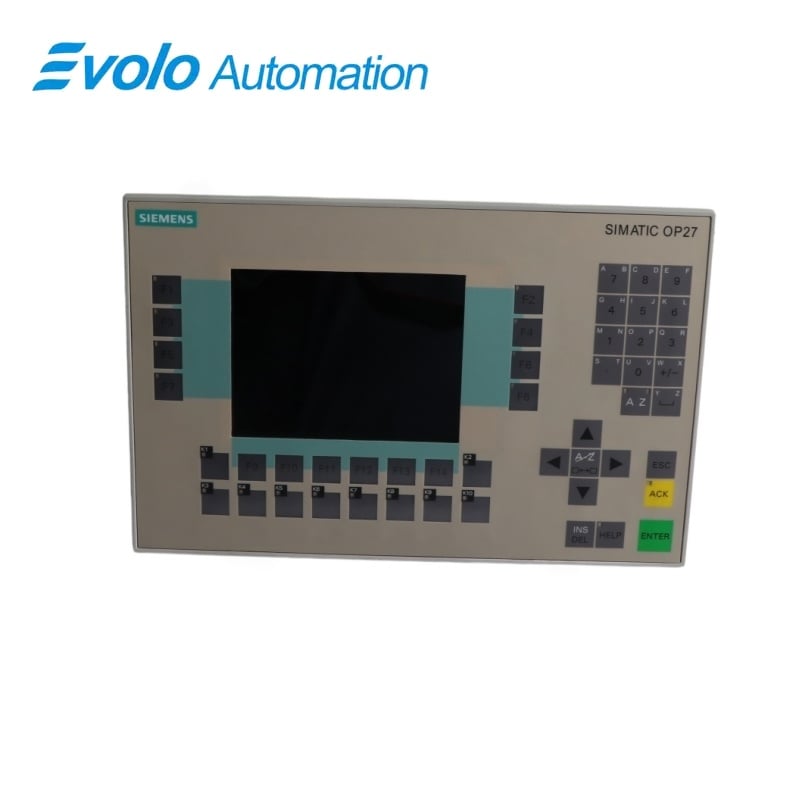
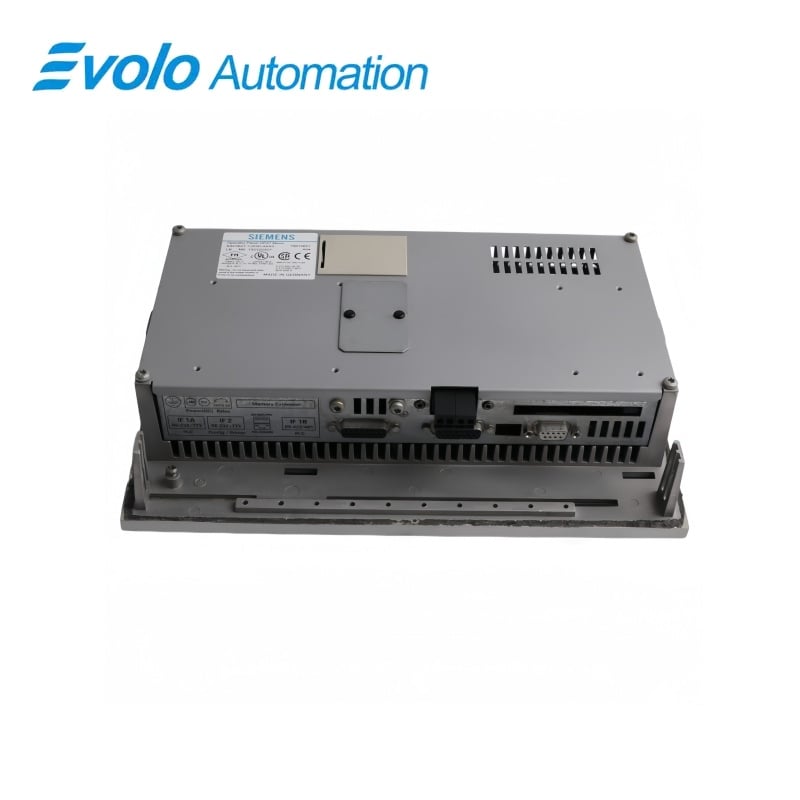
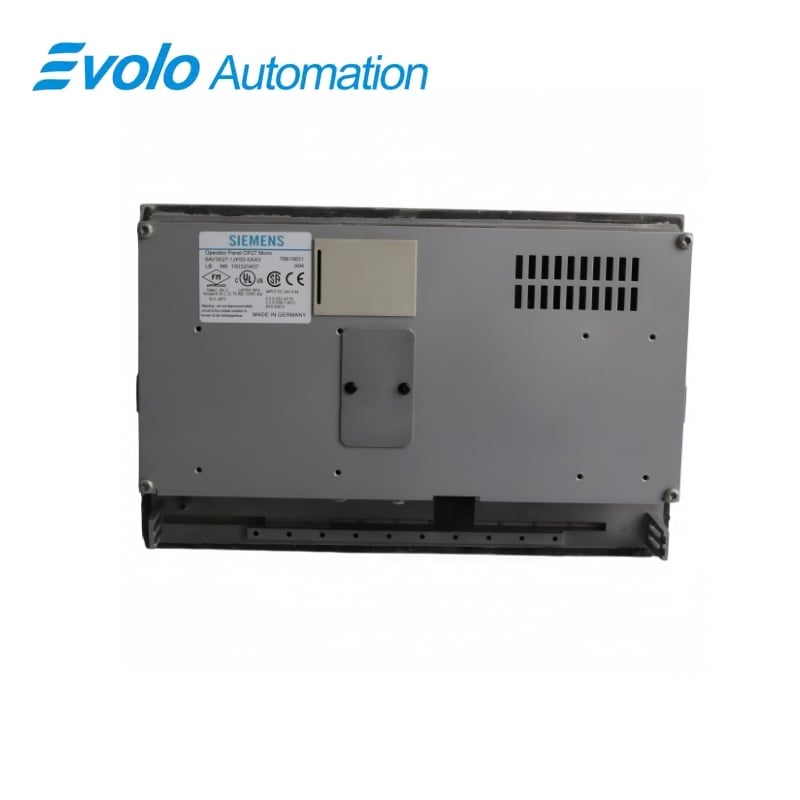
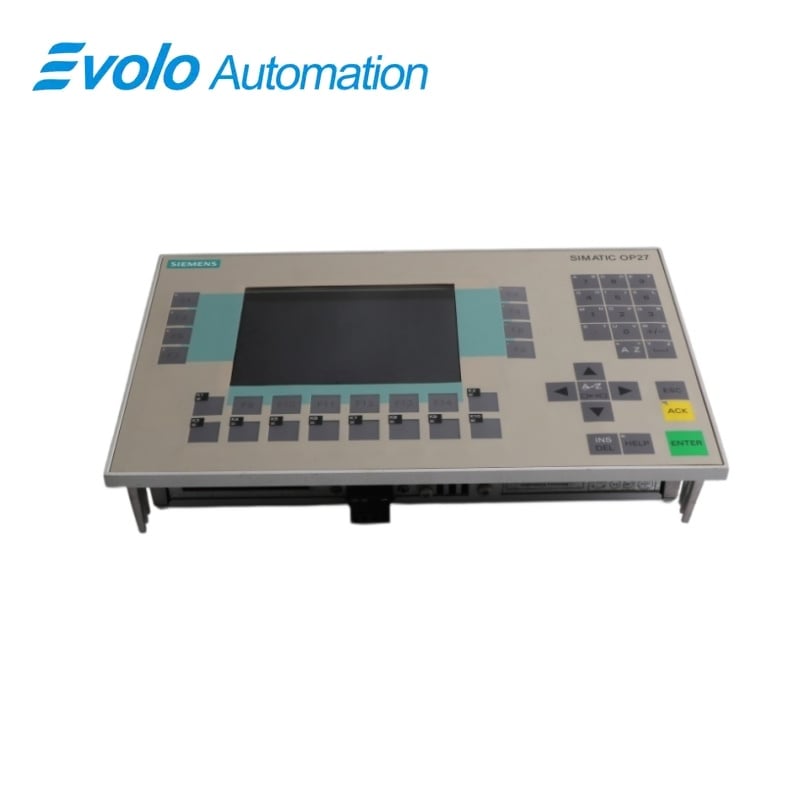
Siemens SIMATIC HMI OP27 Color Operator Panel 6AV3627-1JK00-0AX0
Manufacturer: Siemens
Condition: Brand New
Lead Time: In Stock
Origin: Germany
Warranty: 12 Months
Email: [email protected]
whatsApp: +86-18150117685
- Overview
- Product Overview
- Key Functions
- Official Specifications
- Frequently Asked Questions
- Compatibility & Ordering Notes
- Hot Selling Models
- Recommended Products
Overview
Siemens • SIMATIC HMI OP27
6AV3627-1JK00-0AX0 SIMATIC HMI OP27 Color Operator Panel
The SIMATIC HMI OP27 color operator panel combines a 320 x 240 STN display, membrane keyboard, configurable function keys and multiple serial or fieldbus interfaces for legacy machine operation.
At a Glance
| Brand | Siemens |
|---|---|
| Model | 6AV3627-1JK00-0AX0 |
| Product Type | Key-operated color STN operator panel |
| Core Function | Provides local machine visualization, alarm handling and operator input |
| Application or Compatible Series | Legacy SIMATIC S5, S7 and third-party controller systems using serial, MPI, PPI or PROFIBUS DP communication |
Exact Identification
Match 6AV3627-1JK00-0AX0 character by character and confirm the complete SIMATIC HMI OP27 Color Operator Panel designation.
Interface Arrangement
Confirm the installed supply, ports, field connections and required accessories before wiring the replacement.
Configuration Check
Preserve the approved engineering project, network parameters and application data used by the installed system.
Product Overview
The SIMATIC HMI OP27 color operator panel combines a 320 x 240 STN display, membrane keyboard, configurable function keys and multiple serial or fieldbus interfaces for legacy machine operation.
Twenty-four system keys and twenty-four configurable function keys provide deterministic operator input. RS232, TTY, RS422, RS485, MPI, PPI and PROFIBUS DP options support established SIMATIC and third-party installations. Flash, battery-backed SRAM and a JEIDA/PCMCIA slot support configuration storage and maintenance workflows.
Key Functions
Key-Based Machine Operation
Twenty-four system keys and twenty-four configurable function keys provide deterministic operator input.
Legacy Controller Connectivity
RS232, TTY, RS422, RS485, MPI, PPI and PROFIBUS DP options support established SIMATIC and third-party installations.
Serviceable Project Storage
Flash, battery-backed SRAM and a JEIDA/PCMCIA slot support configuration storage and maintenance workflows.
Official Specifications
| Display Technology | Color STN LCD with backlighting |
|---|---|
| Display Resolution | 320 x 240 pixels |
| Active Screen Area | 115 x 86 mm |
| System Keys | 24; including 4 with LED |
| Configurable Function Keys | 24; including 18 with LED |
| Soft Keys | 14 |
| Processor | 80486 at 33 MHz |
| Flash Memory | 2 MB |
| DRAM | 4 MB |
| Battery-Backed SRAM | 128 kB |
| Rated Supply Voltage | 24 V DC |
| Permissible Supply Range | 18 to 30 V DC |
| Typical Current at 24 V | Approximately 0.3 A |
| External Dimensions | 296 x 192 mm |
| Mounting Cutout | 282 +1 x 178 +1 mm |
| Mounting Depth | 59 mm without options |
| Front and Rear Protection | IP65 front / IP20 rear |
| Approximate Weight | 1.85 kg |
Frequently Asked Questions
Which controller links can be used with 6AV3627-1JK00-0AX0?
Select the installed RS232, TTY, RS422, RS485, MPI, PPI or PROFIBUS DP connection and reproduce its original parameters.
What project should be loaded into 6AV3627-1JK00-0AX0?
Use the archived ProTool project built for the same color OP27 hardware, controller driver and interface configuration.
How is the front protection of 6AV3627-1JK00-0AX0 maintained?
Install the intact seal evenly in the specified cutout and tighten the mounting clamps without distorting the front panel.
Can a memory card be used with 6AV3627-1JK00-0AX0?
Yes; the available JEIDA/PCMCIA slot accepts the compatible flash or SRAM media required by the project workflow.
What should be backed up before replacing 6AV3627-1JK00-0AX0?
Save the HMI project, recipes, alarm data, passwords, communication settings and any removable-card contents.
What power checks are required for 6AV3627-1JK00-0AX0?
Confirm a stable 24 V DC supply inside the permitted range and verify protective grounding before connecting communication cables.
What should be tested after commissioning 6AV3627-1JK00-0AX0?
Check every key, display page, alarm class, recipe, controller link, printer connection and configured function.
Compatibility & Ordering Notes
Compatibility Checklist
- Match the color OP27 hardware and the original ProTool target configuration.
- Restore the same controller driver, serial or fieldbus settings and cable pinout.
- Preserve the mounting cutout, panel seal and 24 V DC supply arrangement.