EN
EN




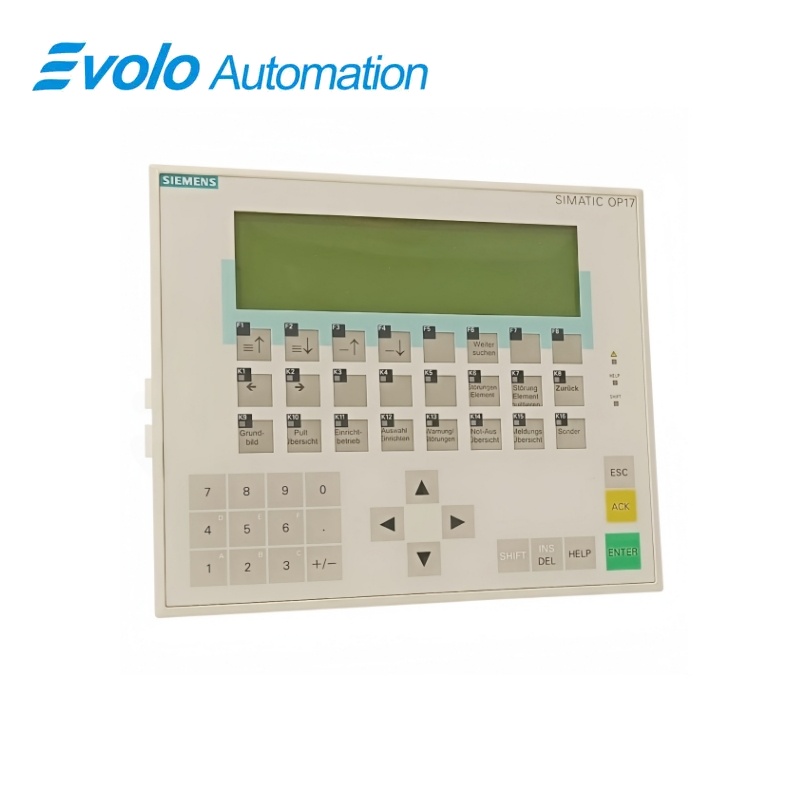
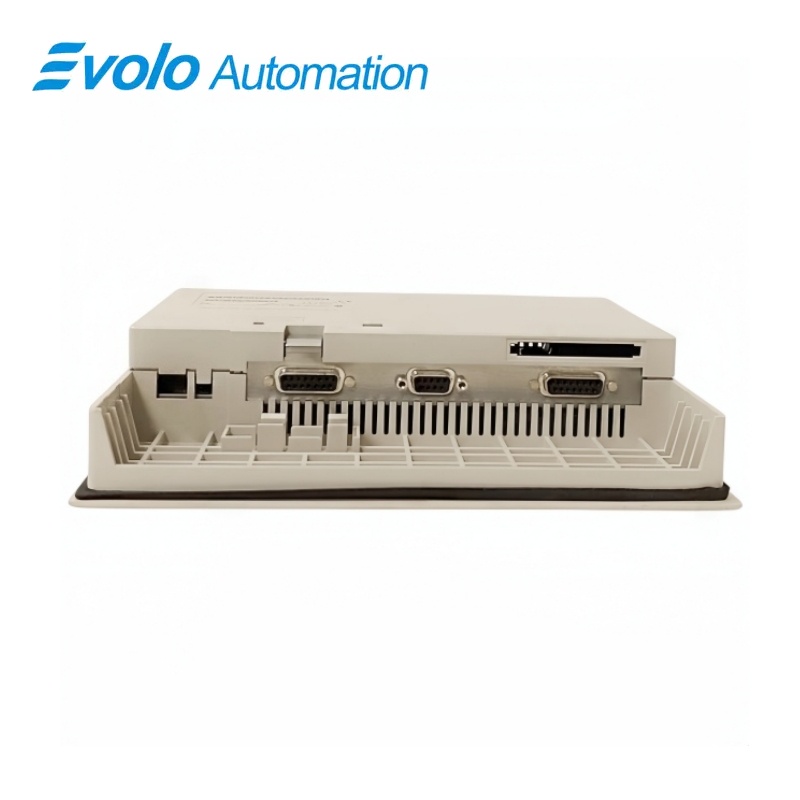
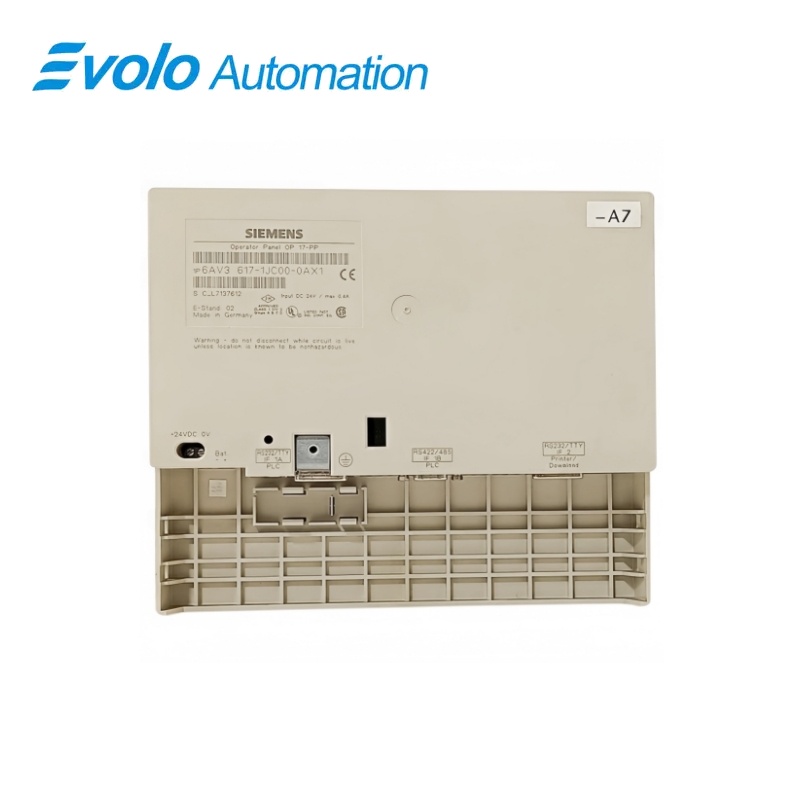
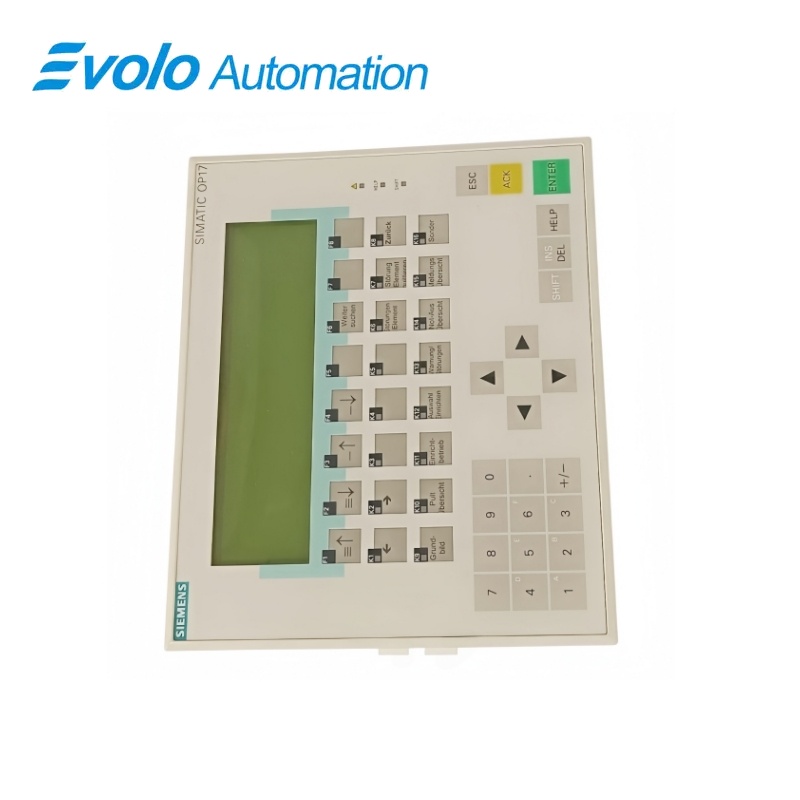
Siemens SIMATIC HMI OP17/PP Operator Panel 6AV3617-1JC00-0AX1
Manufacturer: Siemens
Condition: Brand New
Lead Time: In Stock
Origin: Germany
Warranty: 12 Months
Email: [email protected]
whatsApp: +86-18150117685
- Overview
- Product Overview
- Key Functions
- Official Specifications
- Frequently Asked Questions
- Compatibility & Ordering Notes
- Hot Selling Models
- Recommended Products
Overview
Siemens • SIMATIC HMI OP17
6AV3617-1JC00-0AX1 SIMATIC HMI OP17/PP Operator Panel
The OP17/PP is a key-operated SIMATIC HMI text panel for legacy machine visualization, alarm handling and operator input.
At a Glance
| Brand | Siemens |
|---|---|
| Model | 6AV3617-1JC00-0AX1 |
| Product Type | Key-operated text operator panel |
| Core Function | Provides local machine operation, messages and parameter entry through a text display and hardware keys |
| Application or Compatible Series | Legacy SIMATIC machines engineered for the OP17/PP panel and original ProTool project |
Exact Identification
Match 6AV3617-1JC00-0AX1 character by character and confirm the complete SIMATIC HMI OP17/PP Operator Panel designation.
Interface Arrangement
Confirm the installed supply, ports, field connections and required accessories before wiring the replacement.
Configuration Check
Preserve the approved engineering project, network parameters and application data used by the installed system.
Product Overview
The OP17/PP is a key-operated SIMATIC HMI text panel for legacy machine visualization, alarm handling and operator input.
The display presents configured process text, values and alarms. Function and system keys provide deterministic operator input. The original ProTool project and serial interface settings must be preserved.
Key Functions
Text HMI
The display presents configured process text, values and alarms.
Hardware Keys
Function and system keys provide deterministic operator input.
Legacy Project Integration
The original ProTool project and serial interface settings must be preserved.
Official Specifications
| Operator Method | Membrane and function keys |
|---|---|
| Display Type | Monochrome text display |
| Touch Screen | Not fitted |
| Supply Class | 24 V DC |
| Engineering Software | SIMATIC ProTool |
| Installation | Panel mounting |
| Communication | Configured serial controller interface |
Frequently Asked Questions
Which project should be loaded into OP17 panel 6AV3617-1JC00-0AX1?
Use the validated ProTool project from the installed machine.
Does the panel use touch operation on OP17 panel 6AV3617-1JC00-0AX1?
No; operators use the hardware and function keys.
Which installed configuration should be recorded before replacing OP17 panel 6AV3617-1JC00-0AX1?
Record the configured addresses, wiring assignments, parameters, firmware and neighboring hardware before removal.
What identification must match when selecting OP17 panel 6AV3617-1JC00-0AX1?
Match the complete article number, hardware revision and every option used by the installed system.
How should technicians handle OP17 panel 6AV3617-1JC00-0AX1?
Isolate the affected equipment and use grounded electrostatic-discharge precautions throughout the exchange.
Which checks are required after installing OP17 panel 6AV3617-1JC00-0AX1?
Verify power, diagnostics, communication, field signals and the complete approved machine or plant function.
When should a visually similar unit replace OP17 panel 6AV3617-1JC00-0AX1?
Use a visually similar unit only after engineering confirms identical electrical, mechanical and software compatibility.
Compatibility & Ordering Notes
Compatibility Checklist
- Do not substitute a different OP17 communication variant without validation.
- Preserve the project and cable pinout.
- Test every key, message and alarm after replacement.