EN
EN




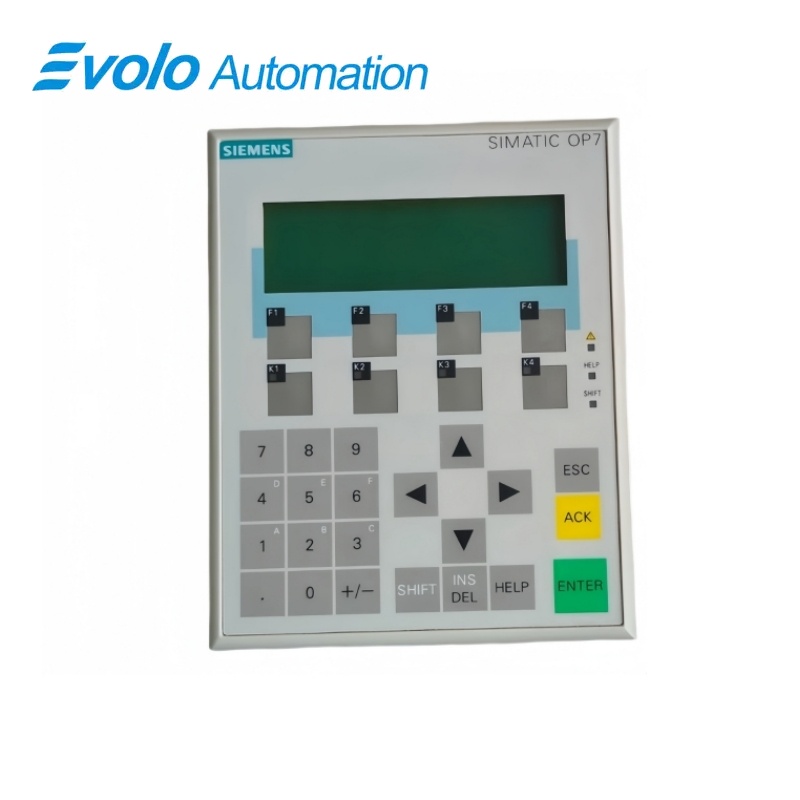
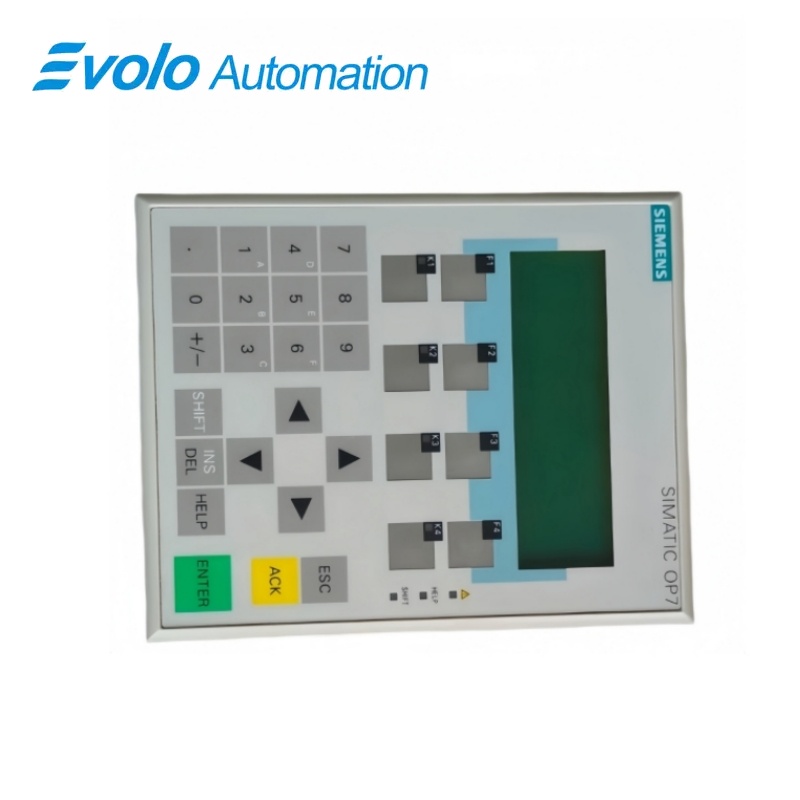
Siemens SIMATIC HMI OP7/PP Operator Panel 6AV3607-1JC00-0AX1
Manufacturer: Siemens
Condition: Brand New
Lead Time: In Stock
Origin: Germany
Warranty: 12 Months
Email: [email protected]
whatsApp: +86-18150117685
- Overview
- Product Overview
- Key Functions
- Official Specifications
- Frequently Asked Questions
- Compatibility & Ordering Notes
- Hot Selling Models
- Recommended Products
Overview
Siemens · SIMATIC HMI OP7
6AV3607-1JC00-0AX1 SIMATIC HMI OP7/PP Operator Panel
The SIMATIC HMI OP7/PP is a compact key-operated operator panel with a monochrome four-line text display, configurable function keys, 24 V DC supply and serial communication for legacy machine-level visualization.
At a Glance
| Brand | Siemens |
|---|---|
| Model | 6AV3607-1JC00-0AX1 |
| Product Type | Key-operated monochrome text operator panel |
| Core Function | Provides local machine operation, alarms and process text display through configurable keys and serial interfaces |
| Application or Compatible Series | Legacy SIMATIC automation systems engineered for the OP7/PP panel variant |
Exact Identification
Match 6AV3607-1JC00-0AX1 character by character and confirm the complete SIMATIC HMI OP7/PP Operator Panel designation.
Interface Arrangement
Confirm the installed supply, ports, field connections and required accessories before wiring the replacement.
Configuration Check
Preserve the approved engineering project, network parameters and application data used by the installed system.
Product Overview
The SIMATIC HMI OP7/PP is a compact key-operated operator panel with a monochrome four-line text display, configurable function keys, 24 V DC supply and serial communication for legacy machine-level visualization.
A four-line by twenty-character display presents process values, messages and operator prompts. System and function keys support machine operation without a touch screen. RS232 and RS422/RS485 communication interfaces support the configured controller connection.
Key Functions
Text-Based Operator Interface
A four-line by twenty-character display presents process values, messages and operator prompts.
Hardware-Key Operation
System and function keys support machine operation without a touch screen.
Legacy Serial Connectivity
RS232 and RS422/RS485 communication interfaces support the configured controller connection.
Official Specifications
| Panel Type | OP7/PP |
|---|---|
| Display Technology | Monochrome STN text display |
| Display Capacity | 4 lines x 20 characters |
| Operator Method | Membrane keys |
| Touch Screen | Not fitted |
| Supply Voltage | 24 V DC |
| Serial Interfaces | RS232 and RS422/RS485 |
| Front Degree of Protection | IP65 |
| Rear Degree of Protection | IP20 |
| Mounting Method | Panel or console cutout |
| Configuration Software Family | SIMATIC ProTool |
| Application Level | Machine-level operator control and monitoring |
| Display Color | Black and white |
Frequently Asked Questions
What information can the display of 6AV3607-1JC00-0AX1 show at one time?
The text display provides four lines with twenty characters per line.
Does 6AV3607-1JC00-0AX1 require touch operation?
No; all operator input is performed through the membrane and function keys.
Which supply should be checked for 6AV3607-1JC00-0AX1?
Verify a stable 24 V DC supply, protective conductor and correct polarity.
Which communication interface should be preserved when replacing 6AV3607-1JC00-0AX1?
Match the configured RS232 or RS422/RS485 connection, cable pinout and controller protocol.
Can an OP7 project be recreated from the runtime screen of 6AV3607-1JC00-0AX1?
Keep the original ProTool engineering project or a verified transferable backup before replacement.
What enclosure protection applies after installing 6AV3607-1JC00-0AX1?
Correct panel mounting provides IP65 at the front while the rear remains IP20.
What should be tested after installing 6AV3607-1JC00-0AX1?
Verify key functions, messages, alarms, communication, passwords and every operator screen used by the machine.
Compatibility & Ordering Notes
Compatibility Checklist
- Do not substitute a different OP7 communication variant without confirming the project and cable interface.
- Preserve the original ProTool project and all controller-address settings before removing the panel.
- Check the gasket and cutout so the specified front protection is maintained.