EN
EN




- Overview
- Specifications
- Description
- Applications
- Special Handling
- Installation Complete
- Special Handling
- FAQ
- Recommended Products
Overview
Place of Origin: |
Sweden |
Brand Name: |
ABB |
Model Number: |
NTDI01 |
Packaging Details: |
Original new Factory Sealed |
Delivery Time: |
5-7 days |
Payment Terms: |
T/T |
Supply Ability: |
In stock |
Specifications
|
Parameter |
Specification |
|
Model |
NTDI01 |
|
Device Type |
Digital I/O Termination Unit |
|
Dimensions |
18.2 × 17.8 × 2.2 cm |
|
Weight |
0.34 kg |
|
Compatible Modules |
DSI, DSO, DSM, SET, SED, ASO, HSS, FCS, NKTU, NKST, NKSD |
|
WEEE Category |
Small Equipment (no external dimension >50 cm) |
|
Number of Batteries |
0 |
|
Wire Size |
Maximum 12 AWG, Minimum 22 AWG |
|
Mounting |
Method: Mounts on field termination panel |
|
Operating Temperature |
0° to 70°C (32° to 158°F) |
|
Relative Humidity |
5%–95% up to 55°C (131°F, non-condensing), 5%–45% up to 70°C (158°F, non-condensing) |
|
Pollution Degree |
I |
|
Altitude |
Sea level to 3 km (1.86 mi) |
|
Air Quality |
Noncorrosive |
|
Cooling Requirements |
No cooling required when used in ABB Automation cabinets within environmental limits |
|
Certifications |
CSA certified for process control equipment in ordinary (nonhazardous) location |
Description
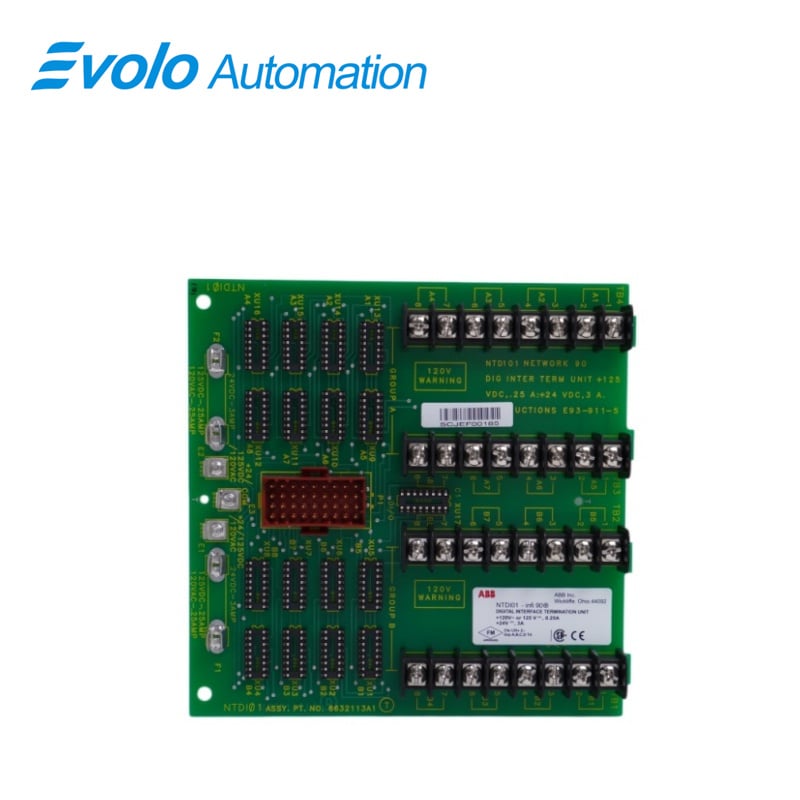
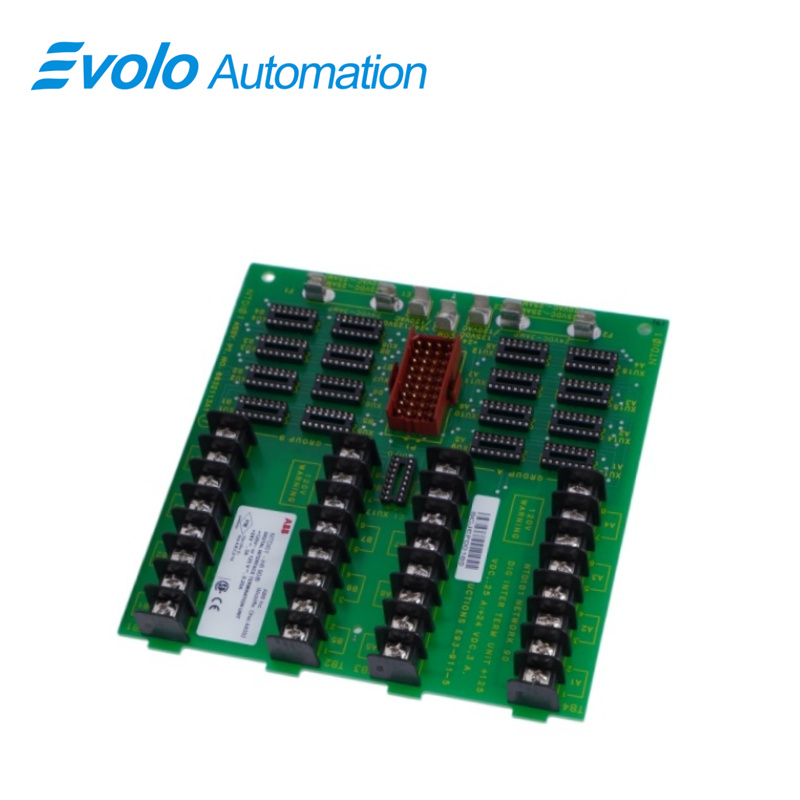
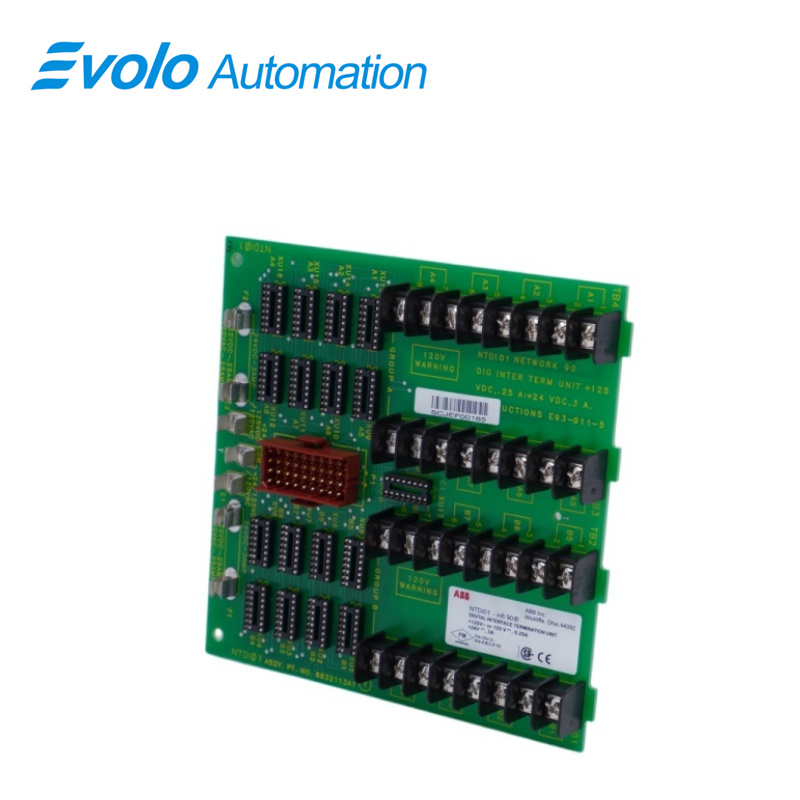
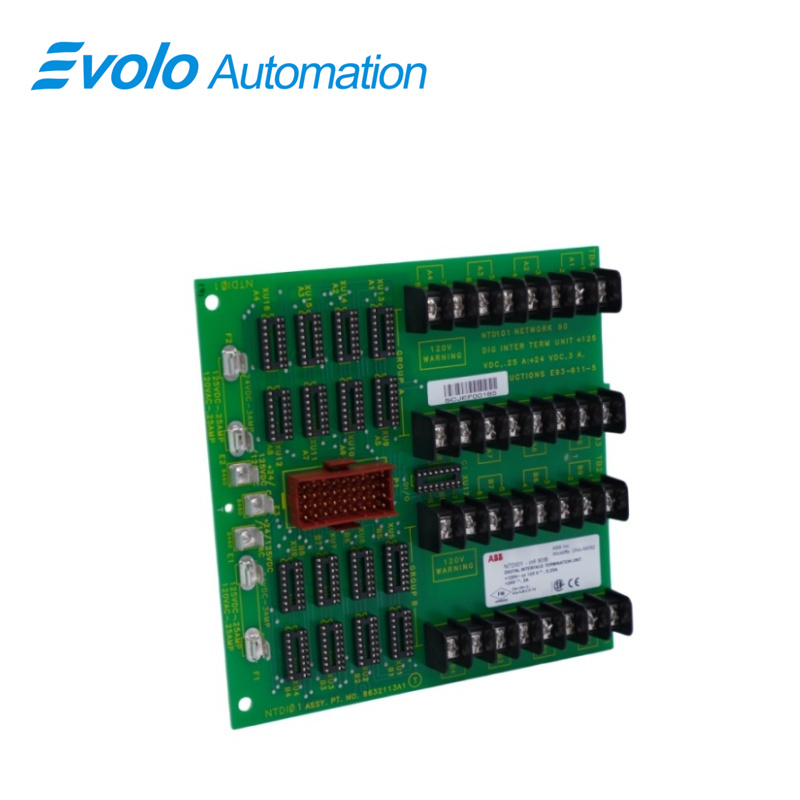
The NTDl01 Digital l/O Termination Unit is a Harmony rack I/O device that is part of the Symphony Enterprise Management and Control System.It provides a signal path between 16 l/O signals and the following I/O modules:
Analog outputmodule (ASO11)
Diqital inputmodules(DSl12. DSI13, DSI14.and DSI15)
Pulse input module (DSM04)
Digital output modules (DSO14 and DSO15)
Frequency counter module(FCS01)
Hydraulic servo module (HSS03/HSS0S)
Applications
Thermal power plants: Monitor pump start/stop status, valve limit switches, and circuit breaker feedback.
Large chemical plants: Acquire signals from pressure switches, level switches, and emergency stop buttons (ESD).
Iron and steel metallurgical plants: Input interlocking logic signals for blast furnace and converter systems.
Paper mills and water treatment plants: Remote equipment status feedback in distributed control systems (DCS).
Special Handling
Observe these steps when handling electronic circuitry:
1. Use Static Shielding Bag:Keep an assembly in its static shielding bag until ready to install it in the system Save the bag for future use.
2.Ground Bags before Opening:Before opening a bag containing an assembly with static sensitive devices. touch it to the equipment housing or ground to equalize charges.
3. Avoid Touching Circuitry: Handle assemblies by the edges; avoid touching the circuitry.
4. Avoid Partial Connection of Semiconductors: Venify that all devices connected to the module are propery grounded before using them.
5 Ground Test Equipment
6.Use an Antistatic Field Service Vacuum:Remove dust from assemblies if necessary.
7.Use a Grounded Wrist Strap:Use the A8B Automation field static kit (part number 1948385A1 consisting of two wrist straps. ground cord assembly, alligator clip, and static dissipative work surface) when working with modules. The kit grounds a technician and the static dissipative work surface to the same ground point to prevent damage to the circuitry by electrostatic discharge. Connect the wrist strap to the appropriate grounding plug on the power supply or to an unpainted portion of the enclosure with the alligator clip.The wnist strap must be effectively connected to the earth grounding electrode system through the AC safety ground.
8.Do Not Use Lead Pencils to Set Switches: To avoid contamination of switch contacts that can result in unnecessary circuit board malfunction, do not use a lead pencil to set a switch.
Installation Complete
The termination unit is ready for operation when:
The fuses are instaled.
The dipshunts are installed.
The termination unit is installed on the field termination panel.
The cables are comected.
Power wiring is connected and applied to the termination unit.
Terminal block wiring is connected to the termination unit and feld device.
The safety shield is instaled.
Special Handling
Observe these steps when handling electronic circuitry:
1. Use Static Shielding Bag:Keep an assembly in its static shielding bag until ready to install it in the system Save the bag for future use.
2.Ground Bags before Opening:Before opening a bag containing an assembly with static sensitive devices. touch it to the equipment housing or ground to equalize charges.
3. Avoid Touching Circuitry: Handle assemblies by the edges; avoid touching the circuitry.
4. Avoid Partial Connection of Semiconductors: Venify that all devices connected to the module are propery grounded before using them.
5 Ground Test Equipment
6.Use an Antistatic Field Service Vacuum:Remove dust from assemblies if necessary.
7.Use a Grounded Wrist Strap:Use the A8B Automation field static kit (part number 1948385A1 consisting of two wrist straps. ground cord assembly, alligator clip, and static dissipative work surface) when working with modules. The kit grounds a technician and the static dissipative work surface to the same ground point to prevent damage to the circuitry by electrostatic discharge. Connect the wrist strap to the appropriate grounding plug on the power supply or to an unpainted portion of the enclosure with the alligator clip.The wnist strap must be effectively connected to the earth grounding electrode system through the AC safety ground.
8.Do Not Use Lead Pencils to Set Switches: To avoid contamination of switch contacts that can result in unnecessary circuit board malfunction, do not use a lead pencil to set a switch.
FAQ
Q1: Which I/O modules is the NTDI01 primarily used with?
A: It is most commonly used with IMDSI13 or IMDSI14 discrete input modules.
Q2: Why does the system show as open even though the field switch is closed about NTDI01?
A: Please check if the channel fuse on the NTDI01 is intact and if the wiring terminals are oxidized, causing poor contact.
Q3: Does the NTDI01 have isolation functionality?
A: The terminal unit itself provides physical wiring; true opto-isolation is usually integrated into the I/O modules connected at the back end.
Q4: Does replacing the NTDI01 require system shutdown?
A: Signal terminal units typically support hot-swap replacement without touching the power supply, but you must ensure that false alarms or interlocks are not triggered.
Q5: Does NTDI01 support AC signal input?
A: This depends on the configuration of the back-end modules. When used with a specific AC input module, the NTDI01 can handle AC signals, but the voltage rating of its fuse and varistor must be confirmed.