EN
EN




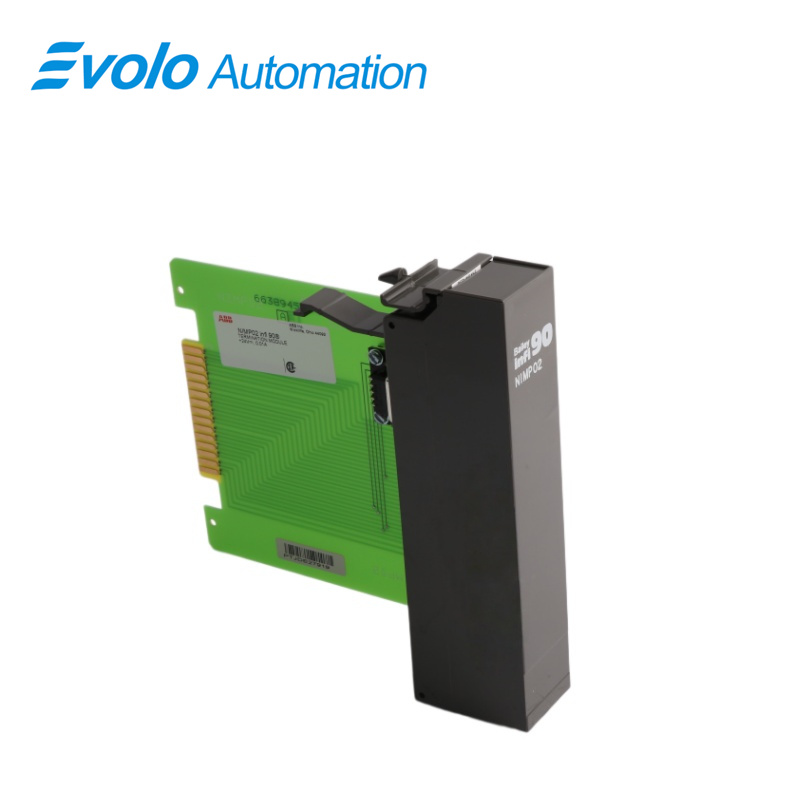
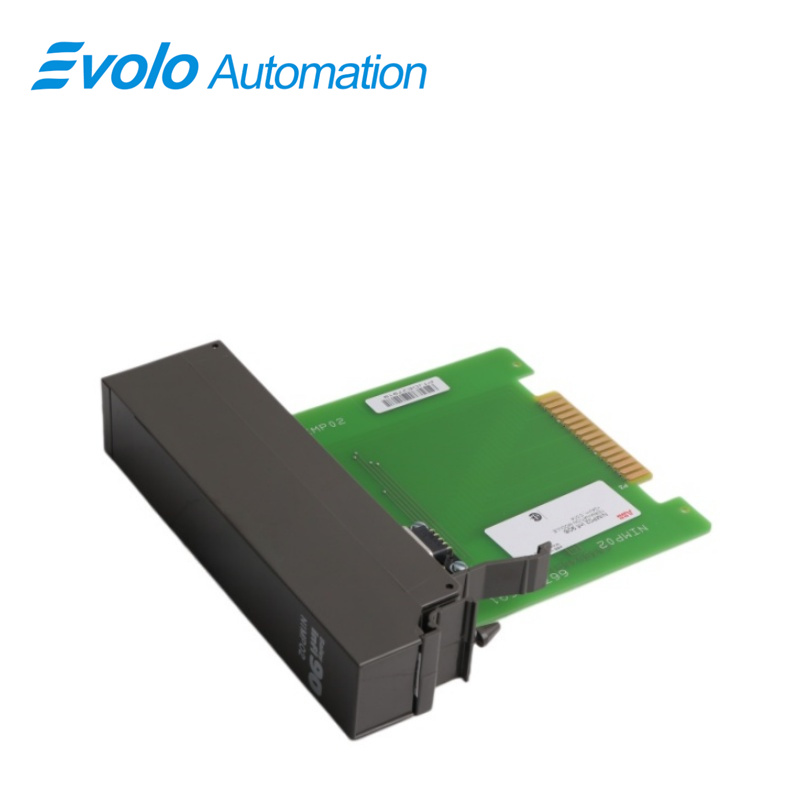
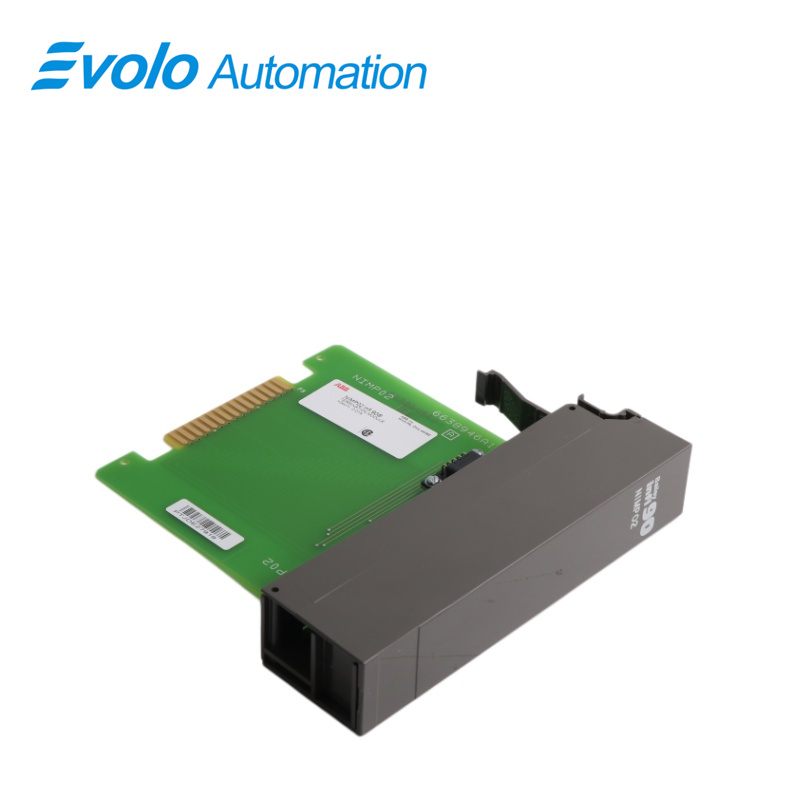
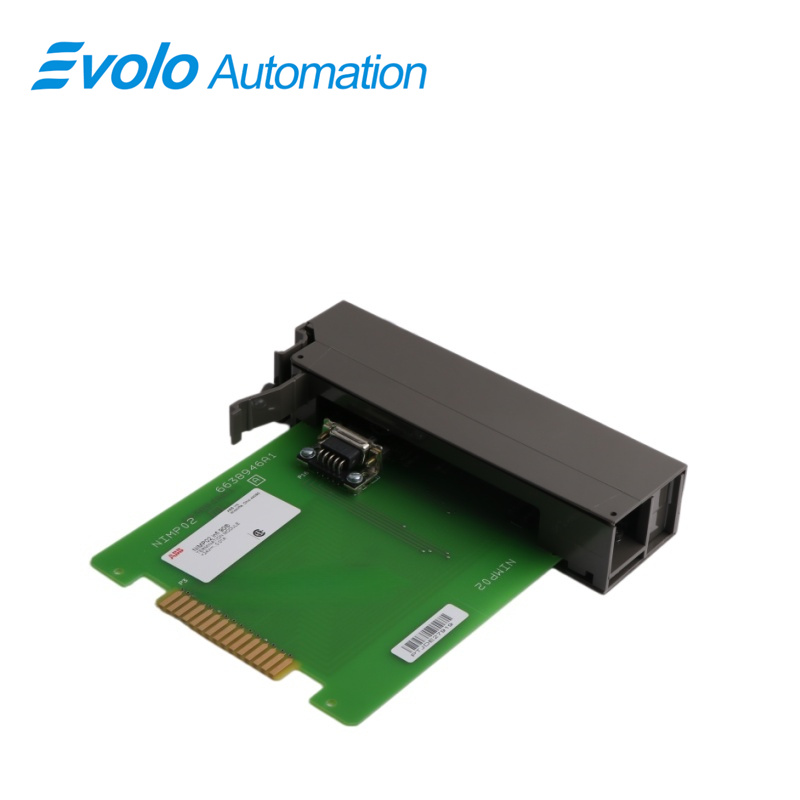
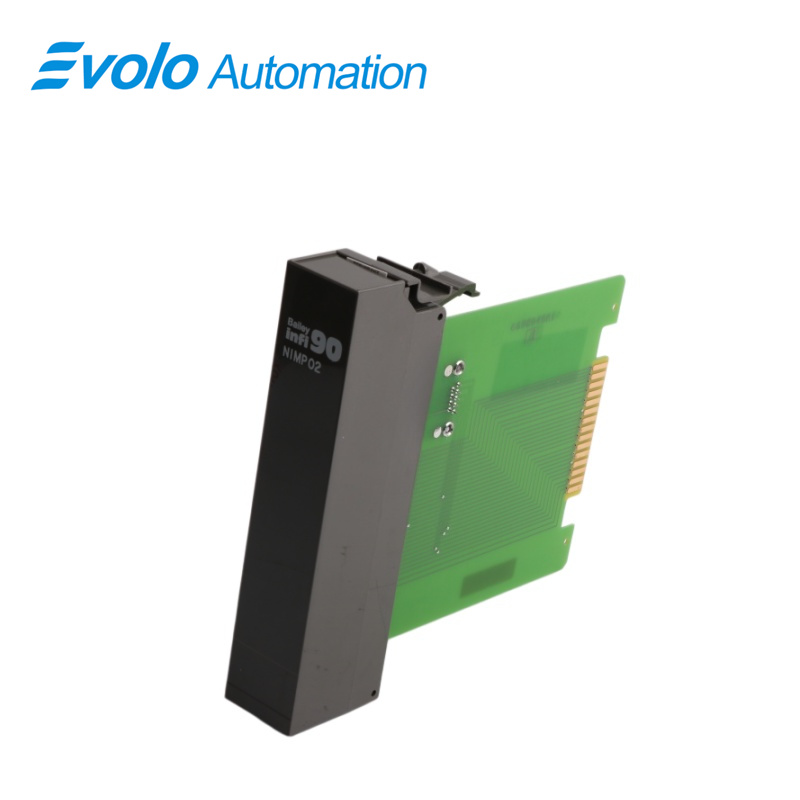
NIMP02 Multi-Function Processor Termination Module
Email: [email protected]
whatsApp: +86-18150117685
- Overview
- Specifications
- Description
- Applications
- SPECIAL HANDLING
- MAINTENANCE
- FAQ
- Recommended Products
Overview
Place of Origin: |
Sweden |
Brand Name: |
ABB |
Model Number: |
NIMP02 |
Packaging Details: |
Original new Factory Sealed |
Delivery Time: |
5-7 days |
Payment Terms: |
T/T |
Supply Ability: |
In stock |
Specifications
|
Parameter |
Specification |
|
Model |
NIMP02 |
|
Device Type |
Multi-Function Processor Termination Module |
|
Dimensions |
3.4 × 17.4 × 17.7 cm |
|
Weight |
0.18 kg |
|
Power Requirements |
+24 V DC, 210 mA max |
|
Communication |
Two RS-232-C ports, or one RS-232-C + one RS-485 port; 1 control station serial link |
|
Cable Insulation |
PVC (UL CL2) 80 °C at 300 V; Non-PVC (UL PLTC) 90 °C at 300 V |
|
Mounting |
Screw mounts on field termination panel |
|
EMI/RFI Precautions |
Keep cabinet doors closed; maintain ≥2 m distance from communication equipment |
|
Operating Temperature |
0 °C to +70 °C |
|
Humidity |
5–90 % up to 70 °C (non-condensing, ±5 %) |
|
Altitude |
Sea level to 3 km |
|
Air Quality |
Non-corrosive environment |
|
Cooling Requirements |
No cooling required within specified environmental limits |
|
Certification |
CSA certified for process control equipment in non-hazardous locations |
Description
Termination modules provide a connection from the plant equipment to the INFI 90® process modules. The NIMP02 termination module is the interface for redundant multi-function processor modules. The NIMP02 termination module requires an NIMP01 termination module to operate. This product instruction explains how to install and use the NIMP01 and NIMP02 Multi-Function Processor Termination Modules. The NIMP02 termination module is used in addition to the NIMP01 termination module when terminating redundant modules. The NIMP02 module features a single LED that illuminates when the redundant MFP module is active.
Applications
Power plants: Boiler control systems (BCS) and turbine monitoring in thermal power plants.
Petrochemical plants: Process loop regulation and safety interlocks in oil refining units.
Iron and steel plants: Complex thermal logic control of blast furnaces and coke ovens.
Paper and mining plants: Distributed process control for large-scale continuous production lines.
SPECIAL HANDLING
1 Use Static Shielding Bag. Keep the modules in the static shielding bag until you are ready to install them in the system. Save the bag for future use.
2 Ground Bag Before Opening. Before opening a bag containing an assembly with semiconductors, touch it to the equipment housing or a ground to equalize charges.
3 Avoid Touching Circuitry. Handle assemblies by the edges; avoid touching the circuitry.
4 Avoid Partial Connection of Semiconductors. Verify that all devices connected to the modules are properly grounded before using them.
5 Ground Test Equipment.
6 Use an Antistatic Field Service Vacuum. Remove dust from the module if necessary.
7 Use a Grounded Wrist Strap. Connect the wrist strap to the appropriate grounding plug on the power entry panel. The grounding plug on the power entry panel is connected to the earth grounding electrode system through the AC safety ground.
8 Do Not Use Lead Pencils to Set Dipswitches. To avoid contamination of dipswitch contacts that can result in unnecessary circuit board malfunction, do not use a lead pencil to set a dipswitch.
MAINTENANCE
The reliability of any stand-alone product or control system is affected by the maintenance of the equipment. Bailey Controls Company strongly recommends that all equipment users practice a preventive maintenance program that will keep the equipment operating at an optimum level.
This section presents procedures that the customer should be able to perform on-site. These preventive maintenance procedures should be used as a guideline to assist you in establishing good preventive maintenance practices. Select the minimum steps required to meet the cleaning needs of your system.
Personnel performing preventive maintenance should meet the following qualifications.
• Should be qualified electrical technicians or engineers that know the proper use of test equipment.
• Should be familiar with the NIMP01 Multi-Function Processor Termination Module (IMP), have experience working with process control systems, and know what precautions to take when working on live AC systems.
FAQ
Q: Can NIMP02 directly replace NIMP01?
A: NIMP02 is usually an upgraded version of NIMP01, with stronger processing power or more memory. It can replace NIMP01 provided the firmware is compatible.
Q: Why does the Status light keep flashing red after replacing the NIMP02?
A: This indicates the module is not running. Please check if the address DIP switch is consistent with the original module.
Q: What software is used to write its control logic about NIMP02?
A: It is usually configured graphically using ABB's Composer or older WinTools/CAD software.
Q: Is this NIMP02 still in mass production?
A: It is discontinued. Currently, it is mostly supplied as refurbished parts or new old stock.
Q: How do I back up the program within NIMP02?
A: Use the engineering station software via the control network to perform the "Upload" operation, saving the currently running logic configuration to a file.