EN
EN




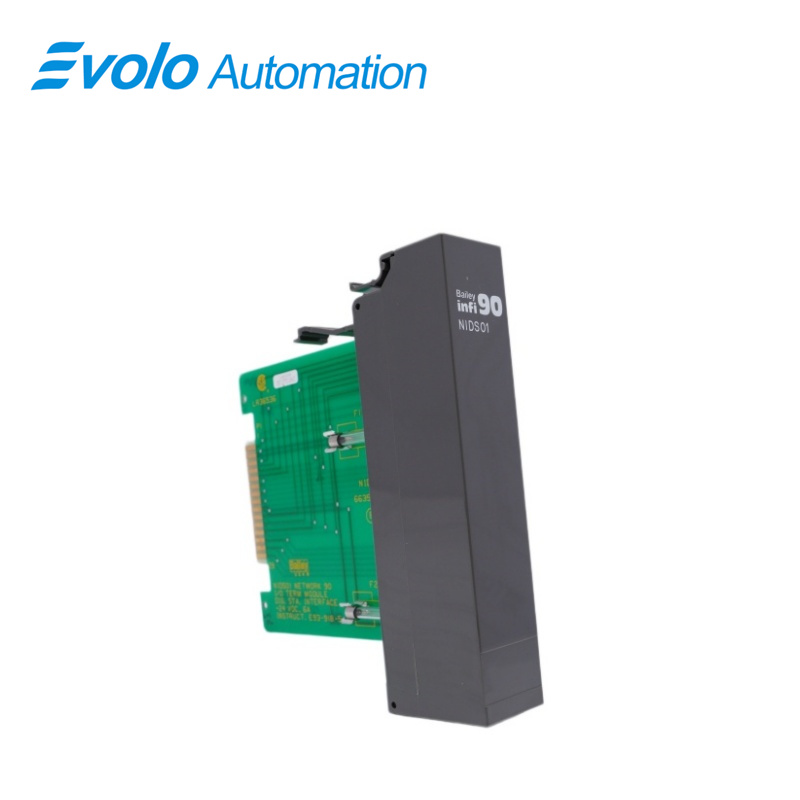
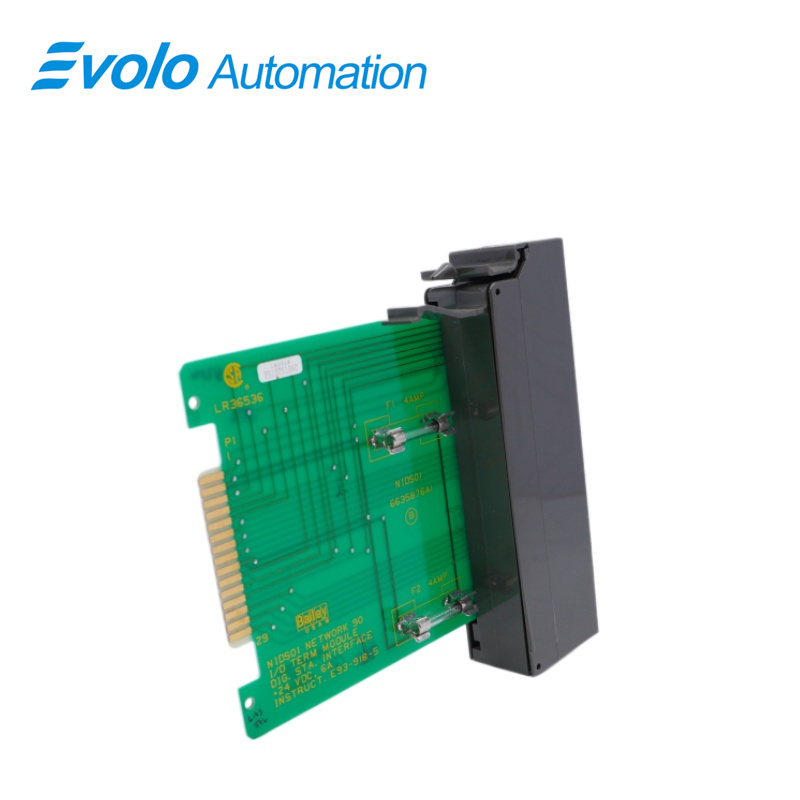
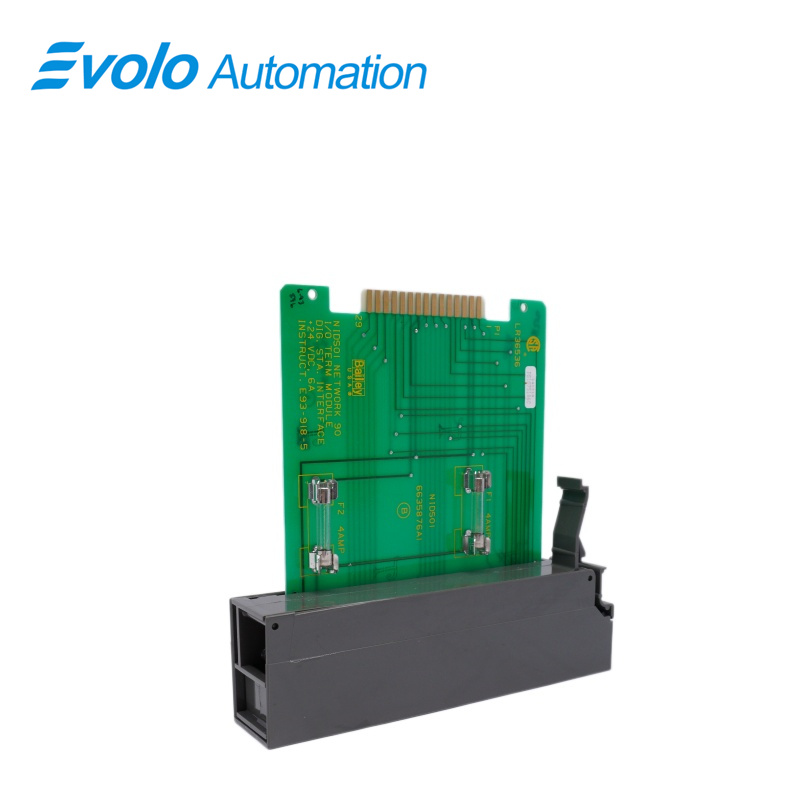
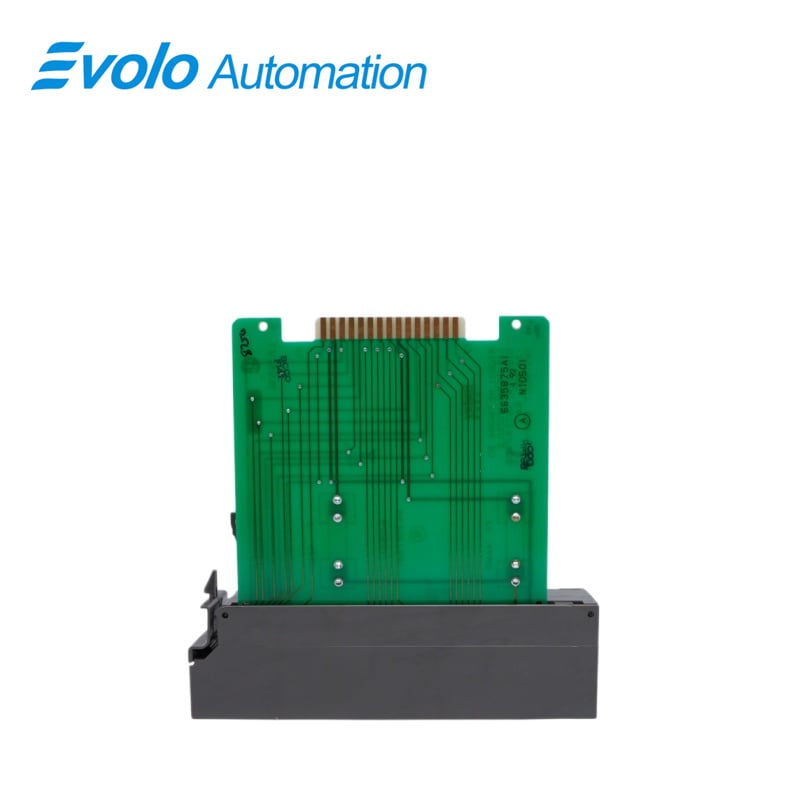
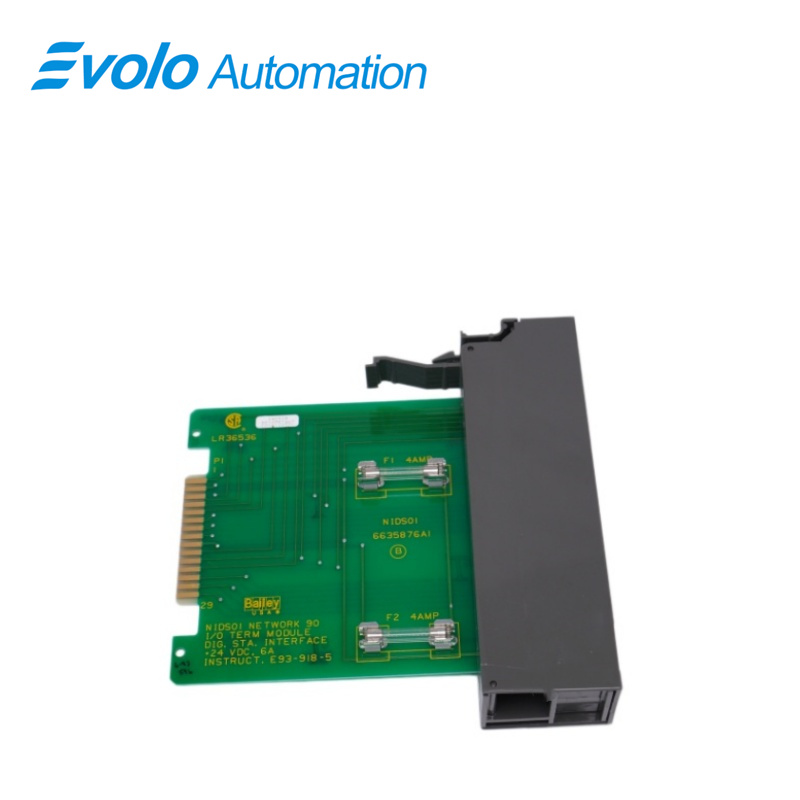
NIDS01 Bailey Infi90 Digital Station Termination Module
Email: [email protected]
whatsApp: +86-18150117685
- Overview
- Specifications
- Description
- Applications
- FUSE REPLACEMENT
- MODULE REPLACEMENT
- FAQ
- Recommended Products
Overview
Place of Origin: |
Sweden |
Brand Name: |
ABB |
Model Number: |
NIDS01 |
Packaging Details: |
Original new Factory Sealed |
Delivery Time: |
5-7 days |
Payment Terms: |
T/T |
Supply Ability: |
In stock |
Specifications
|
Parameter |
Specification |
|
Model |
NIDS01 |
|
Device Type |
Bailey Infi 90 Digital Station Termination Module |
|
Dimensions |
3.4 × 17.4 × 17.7 cm |
|
Weight |
0.18 kg |
|
Power Requirements |
+24 V DC from termination unit bus bar |
|
Outputs |
0 V DC (manual mode), 24 V DC (automatic mode) |
|
Output Function |
Controls electric drive devices; supports raise/lower manual signals |
|
Signal Description |
Power and common signals supplied from electric drive for external relay/device |
|
Mounting |
One slot in standard INFI 90 termination mounting unit |
|
Operating Temperature |
0 °C to +70 °C |
|
Humidity |
0–95 % up to 55 °C (non-condensing); 0–45 % up to 70 °C (non-condensing) |
|
Air Quality |
Non-corrosive |
|
Certification |
CSA certified for process control equipment in non-hazardous locations |
Description
The NIDS01 Digital Station Termination Module (IDS) used in conjunction with the NICS01 Controller/Station Termination Module provides bypass capability and an electric drive termination for IISAC01 Analog Control Stations and NDCS03 Digital Control Stations. NDIS01 Digital Indicator Stations can also be connected to the termination module. An NIDS01 termination module connects to the NICS01 termination module with a ribbon cable.
Applications
Power plants: Used for monitoring circuit breaker positions, valve limit switches, and operational feedback from various pump units.
Oil refineries: Process safety interlock signals from pressure switches, level switches, etc.
Large manufacturing plants: Logic access for conveyor belt status and equipment emergency stop circuits.
Chemical plants: Counting and status monitoring during mass production processes.
FUSE REPLACEMENT
1. Turn off power to the cabinet containing the IDS module.
2. Remove (pull off) the front cover of the IDS module.
3. Pull the IDS module out far enough to gain access to the fuse clip (F1 or F2).
4. Remove the faulty fuse.
5. Install the replacement fuse into fuse clip (F1 or F2).
6. Insert the module until it locks securely into place.
7. Install (snap on) the front cover of the IDS module.
8. Apply power to the cabinet containing the IDS module.
MODULE REPLACEMENT
1. Turn off power to the cabinet containing the defective IDS module.
2. Remove (pull off) the front cover from the defective IDS module.
3. Label and remove all wiring and cables from the defective IDS module.
4. Remove the defective IDS module from the termination mounting unit.
5. Verify the two 4.0 amp/250 volt fuses are installed in fuse clips F1 and F2 of the replacement IDS module. If not already installed, insert the fuses into fuse clips F1 and F2.
6. Partially insert the replacement IDS module into the termination mounting unit.
7. Connect all wiring removed in Step 3.
8. Verify proper wiring connections to the replacement IDS module.
FAQ
Q: What is NIDS01?
A: It is a Bailey Infi90 Digital Station Termination Module.
Q: What is the difference between NIDS01 and NIDI01?
A: NIDS01 typically operates as a "Slave" on the expansion bus, while NIDI01 may have more independent interface functions and requires matching based on the specific system dock model.
Q: Can NIDS01 receive 4-20mA analog signals?
A: No. It is a purely digital input module and can only recognize "On/Off" states.
Q: Why are all the channel lights flashing after plugging in a new module about NIDS01?
A: This usually indicates that the module is in configuration mode or communication with the master processor has not been established. You need to check the bus connection and controller status.
Q: Does replacing a NIDS01 require rewriting the program?
A: No. As long as the hardware model is consistent and the address DIP switches are correct, the system will automatically load the existing logic.