EN




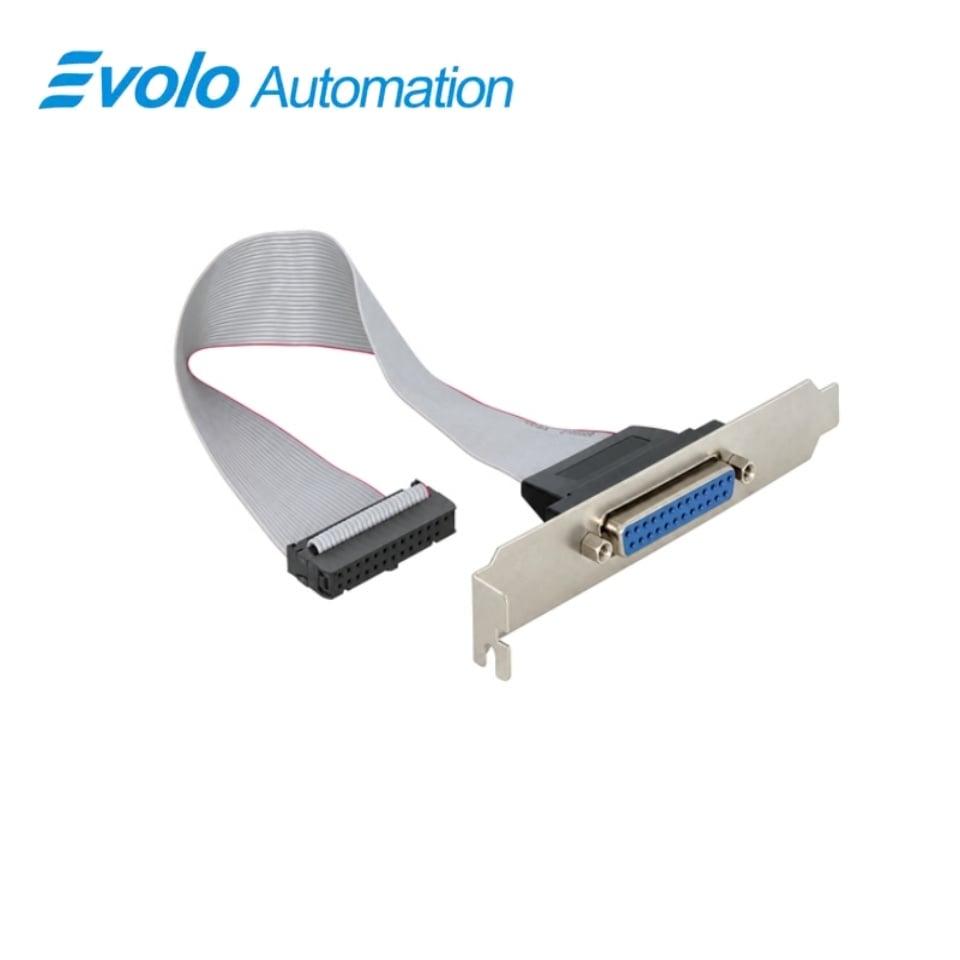
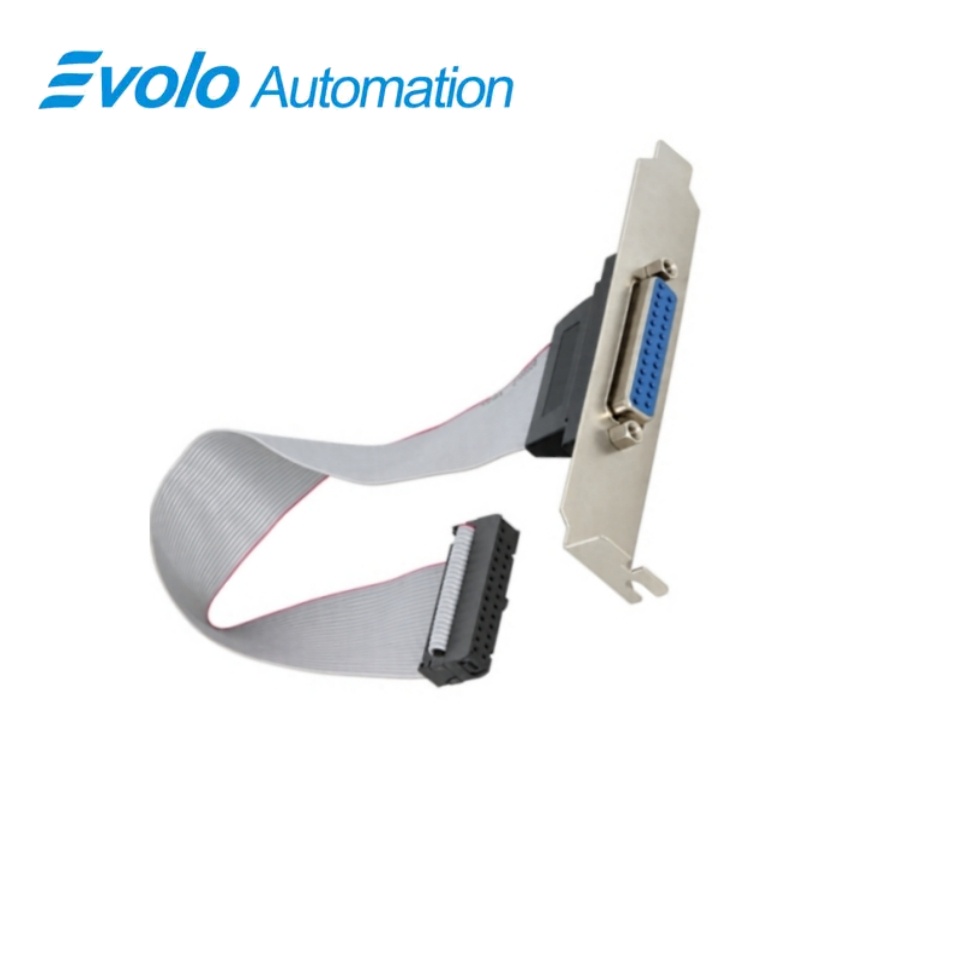
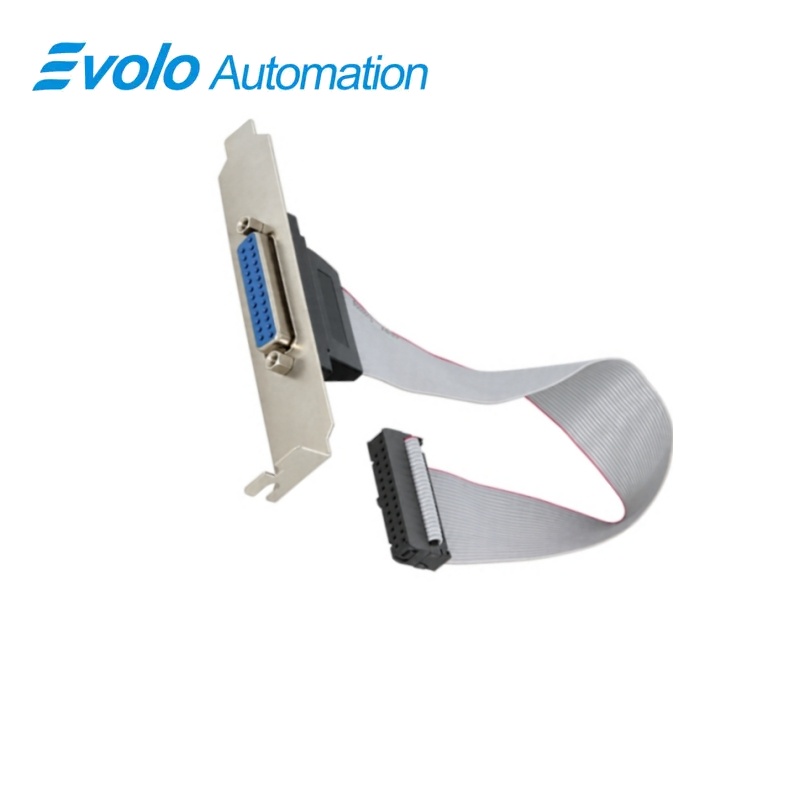
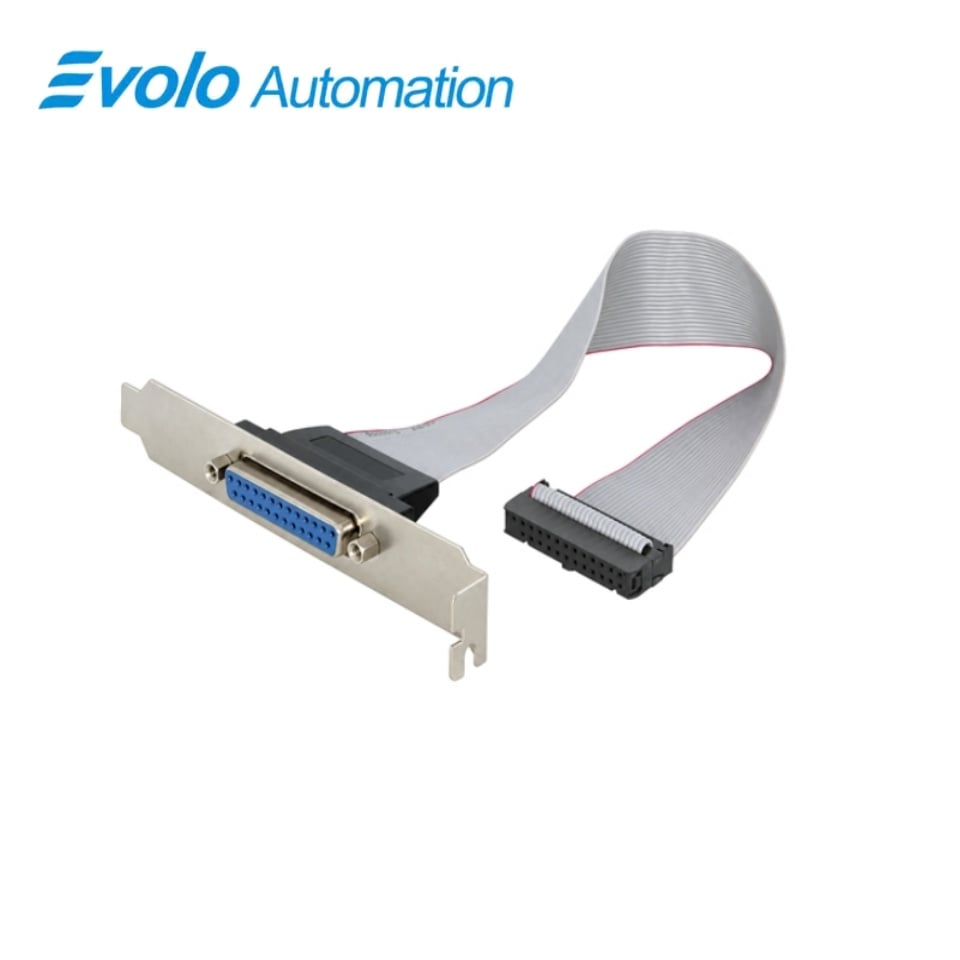
Siemens A5E02419720 SIMATIC IPC547C LPT Parallel Interface Spare Part
Manufacturer: Siemens
Condition: Brand New
Lead Time: In Stock
Origin: Germany
Warranty: 12 Months
Email: [email protected]
whatsApp: +86-18150117685
- Overview
- Hot Selling Models
- Recommended Products
Overview
- Match the complete IPC547C configuration and optional LPT1 arrangement.
- Retain the correct internal routing and external 25-pin connector position.
- Disconnect the mains supply and all cables before opening the computer.
- Use industrially approved peripherals and follow the connected equipment requirements.
A5E02419720 SIMATIC IPC547C LPT Parallel Interface Spare Part
A replacement parallel-interface connection for the IPC547C optional LPT1 arrangement, with a 25-pin port and Standard, EPP and ECP modes.
At a Glance
| Brand | Siemens |
|---|---|
| Model | A5E02419720 |
| Product Type | Replacement interface assembly |
| Core Function | Restoring the connection to legacy parallel peripherals |
| Application | Compatible IPC547C industrial computers |
25-pin connection
The LPT interface uses the 25-pin parallel-port connection.
Three operating modes
The IPC547C parallel interface supports Standard, EPP and ECP operation.
Optional configuration
The LPT1 arrangement is an optional IPC547C interface.
Product Overview
A5E02419720 provides the replacement parallel-interface connection for a compatible SIMATIC IPC547C configuration. The LPT1 arrangement connects legacy parallel-port equipment through the 25-pin interface.
The parallel interface supports Standard, EPP and ECP modes. Selection must follow the installed IPC547C interface arrangement, while servicing requires disconnecting the computer from its power supply before opening the housing.
Key Functions
Restore the parallel connection
The assembly serves the optional LPT1 connection used by compatible parallel-port peripherals.
Support the host parallel-port modes
The IPC547C LPT interface operates in Standard, EPP and ECP modes.
Retain the intended peripheral arrangement
The rear parallel interface supports the parallel-printer connection of the IPC547C configuration.
Official Specifications
| External port connector | 25-pin parallel-port connection |
|---|---|
| Parallel operating modes | Standard, EPP and ECP |
| Storage and transport temperature (IPC547C system) | −20 to +60 °C; maximum temperature change 20 °C per hour, non-condensing |
| Relative humidity (IPC547C system) | At +25 °C: 5–80% during operation and 5–95% during storage or transport, non-condensing |
| Atmospheric pressure (IPC547C system) | Operation: 795–1080 hPa (−1000 to +2000 m); storage and transport: 660–1080 hPa (−1000 to +3500 m) |
| Electrostatic-discharge immunity (IPC547C system) | IEC 61000-4-2; ±4 kV contact discharge and ±8 kV air discharge |
| Power-frequency magnetic-field immunity (IPC547C system) | 100 A/m at 50 or 60 Hz to IEC 61000-4-8 |
| Chassis degree of protection (IPC547C system) | IP30 with the front door closed; IP20 at the rear, to EN 60529 |
Frequently Asked Questions
Which external connector should I match when replacing A5E02419720?
Match the 25-pin parallel-port connection of the installed IPC547C LPT arrangement.
Can A5E02419720 be used as a direct USB printer connection?
The assembly belongs to the parallel LPT arrangement and the computer provides separate USB interfaces.
Which parallel-port modes are available with A5E02419720 in the IPC547C configuration?
The host parallel interface supports Standard, EPP and ECP modes.
Is the interface arrangement for A5E02419720 included in every IPC547C?
LPT1 is an optional interface and must match the installed computer configuration.
What must I disconnect before opening the IPC547C to install A5E02419720?
Disconnect the mains supply and all cables before opening the computer for internal service.
Which type of peripheral should I connect through the IPC547C arrangement using A5E02419720?
Use peripherals approved for industrial applications according to EN/IEC 61000-6-2.
Must I disconnect the IPC547C supply before connecting a non-hot-plug peripheral through A5E02419720?
Disconnect the computer from its power supply before connecting a peripheral that does not support hot plugging.