EN




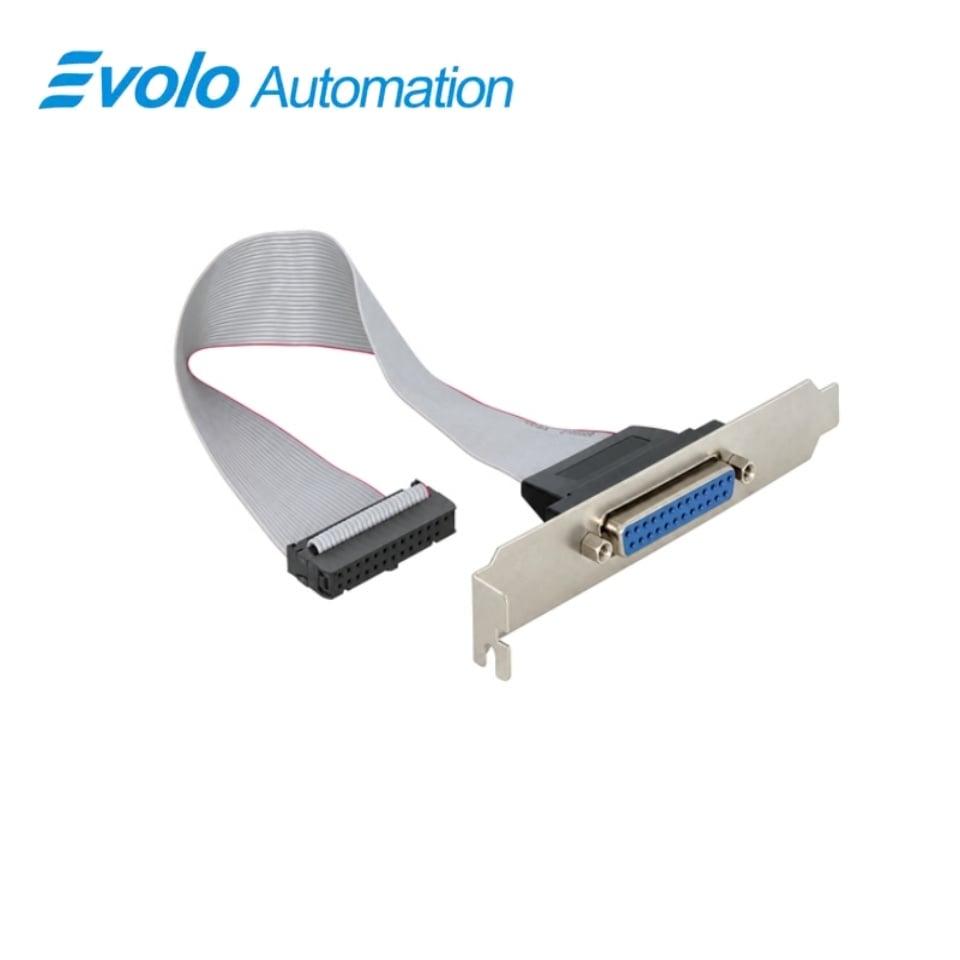
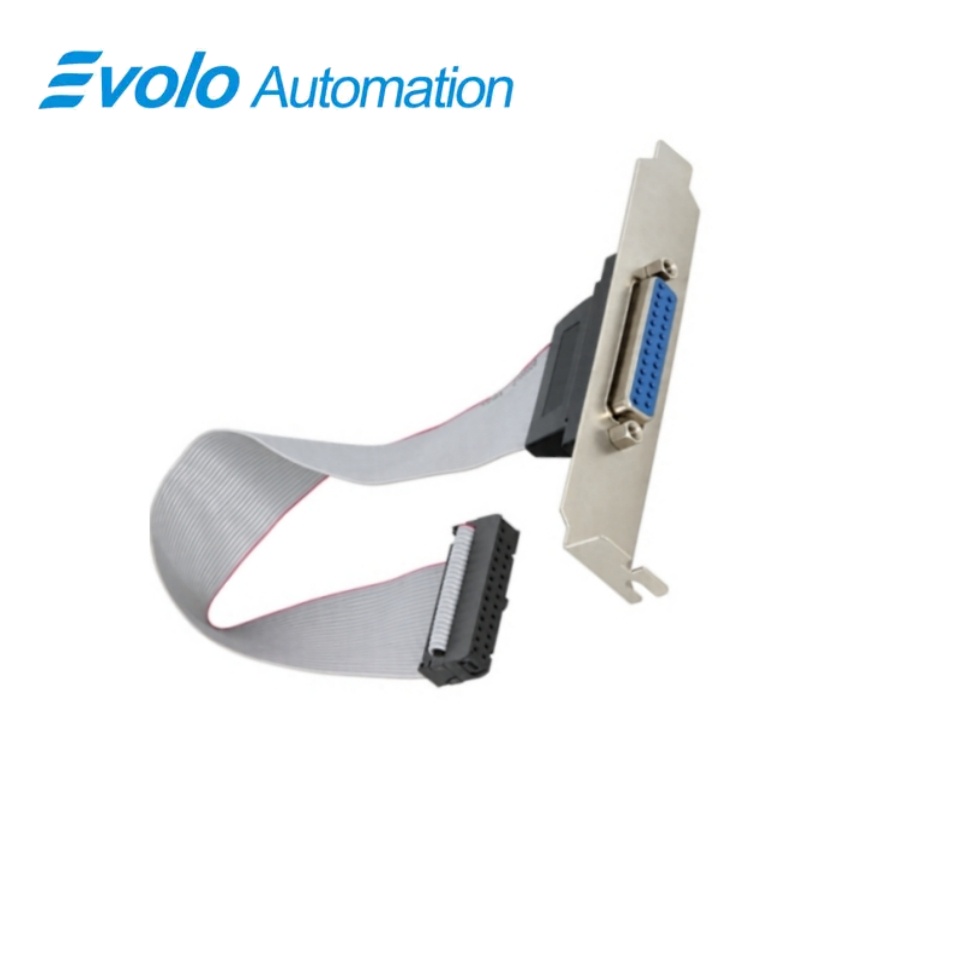
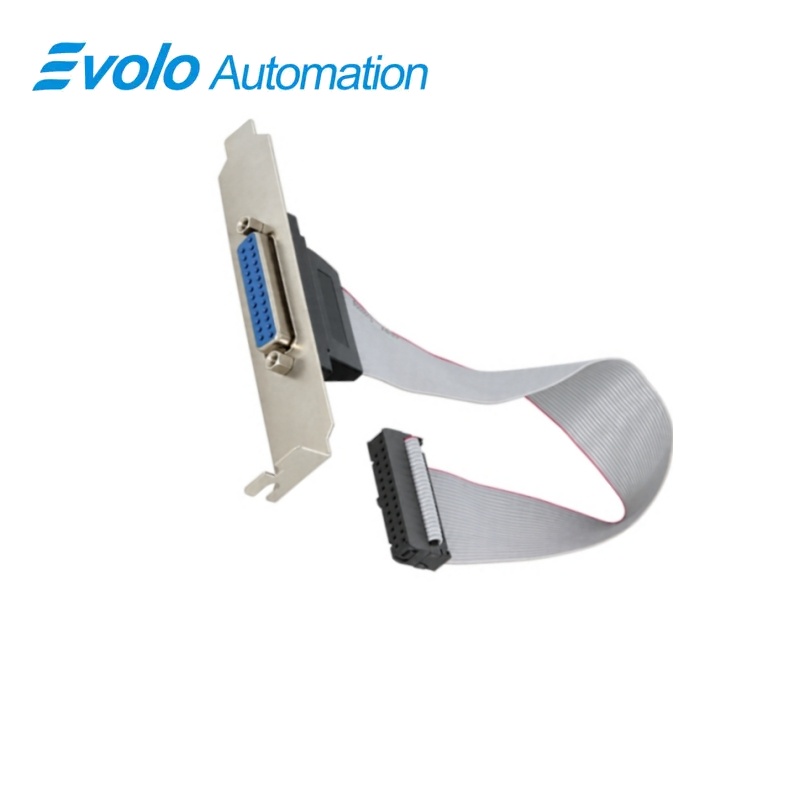
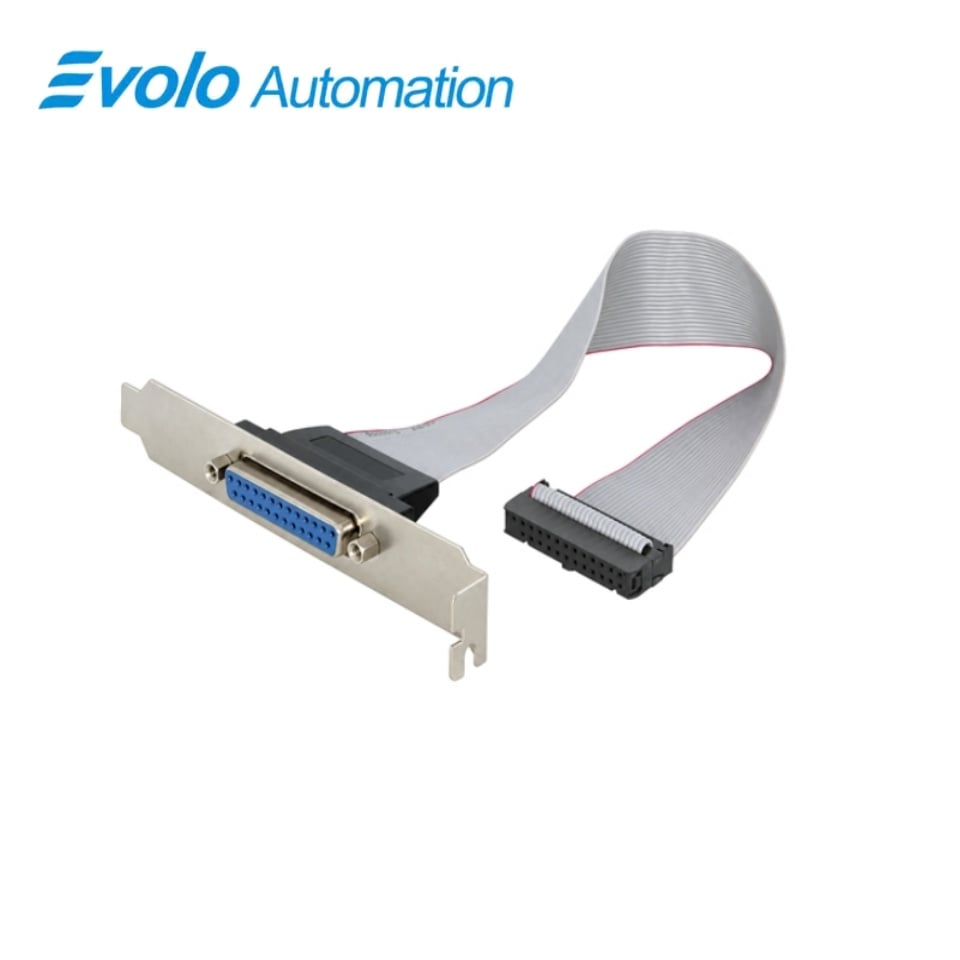
Siemens A5E02419720 Pars Reservata Interfaciei Parallelae SIMATIC IPC547C LPT
Fabricator: Siemens
Condición: Nuevo
Plazo de Entrega: En Stock
Origo: Germania
Garantía: 12 Meses
Inscriptio electronica: [email protected]
whatsapp: +86-18150117685
- Conspectus
- Hot Selling Models
- Producta commendata
Conspectus
- Match the complete IPC547C configuration and optional LPT1 arrangement.
- Retain the correct internal routing and external 25-pin connector position.
- Disconnect the mains supply and all cables before opening the computer.
- Use industrially approved peripherals and follow the connected equipment requirements.
A5E02419720 SIMATIC IPC547C LPT Parallel Interface Spare Part
A replacement parallel-interface connection for the IPC547C optional LPT1 arrangement, with a 25-pin port and Standard, EPP and ECP modes.
Ad Primum Aspectum
| Nota | Siemens |
|---|---|
| Modellum | A5E02419720 |
| Typus Producti | Replacement interface assembly |
| Functio principalis | Restoring the connection to legacy parallel peripherals |
| Applicatio | Compatible IPC547C industrial computers |
25-pin connection
The LPT interface uses the 25-pin parallel-port connection.
Tres modi operationis
Interfacs parallelus IPC547C supportat modos Standard, EPP et ECP.
Configuratio optionalis
Dispositio LPT1 est interfacs optionalis IPC547C.
Product Overview
A5E02419720 praebet substitutionem connexionis interfacis paralleli pro configuratione SIMATIC IPC547C compatibili. Dispositio LPT1 connectit apparatus antiquos portus paralleli per interfacs 25-pin.
Interfacs parallelus supportat modos Standard, EPP et ECP. Selectio debet sequi dispositam arrangementem interfacis IPC547C, dum ad servitium opus est computatrum a suppeditatione electrica disjungere antequam carapax aperitur.
Key Functions
Restituere connexionem parallelam
Hoc aggregatum servit connexioni LPT1 optionali quae ab periphericis portus paralleli compatibilibus utitur.
Supportare modos portus paralleli hostis
Interfacs LPT IPC547C operatur in modis Standard, EPP et ECP.
Retinere arrangementem periphericam intentam
Interfatum parallelum posterius supportat connexionem impressoris parallelis configurationis IPC547C.
Official Specifications
| Conector portus externus | connexio portus parallelis 25-pin |
|---|---|
| Modi operationis parallelorum | Standard, EPP et ECP |
| Temperatura stivandi et transportandi (systema IPC547C) | −20 ad +60 °C; mutatio maxima temperaturae 20 °C per horam, non-condensans |
| Humiditas relativa (systema IPC547C) | Ad +25 °C: 5–80% durante operatione et 5–95% durante stivando vel transporando, non-condensans |
| Pressio atmosphaerica (systema IPC547C) | Operatio: 795–1080 hPa (−1000 ad +2000 m); conservatio et translatio: 660–1080 hPa (−1000 ad +3500 m) |
| Immunitas ad descensum electrostaticum (systema IPC547C) | IEC 61000-4-2; ±4 kV descensus per contactum et ±8 kV descensus per aerem |
| Immunitas ad campum magneticum frequentialis (systema IPC547C) | 100 A/m ad 50 vel 60 Hz secundum IEC 61000-4-8 |
| Gradus protectionis chassidis (systema IPC547C) | IP30 cum porta anteriori clausa; IP20 in parte posteriori, secundum EN 60529 |
Quaestiones Frequenter Rogatae
Quod conector externum eligere debeo pro substituendo A5E02419720?
Adapt the 25-pin parallel-port connection to the installed IPC547C LPT arrangement.
Can A5E02419720 be used as a direct USB printer connection?
The assembly belongs to the parallel LPT arrangement, and the computer provides separate USB interfaces.
Which parallel-port modes are available with A5E02419720 in the IPC547C configuration?
The host parallel interface supports Standard, EPP, and ECP modes.
Is the interface arrangement for A5E02419720 included in every IPC547C?
LPT1 is an optional interface and must match the installed computer configuration.
What must I disconnect before opening the IPC547C to install A5E02419720?
Disconnect the mains supply and all cables before opening the computer for internal service.
Which type of peripheral should I connect through the IPC547C arrangement using A5E02419720?
Use peripherals approved for industrial applications according to EN/IEC 61000-6-2.
Must I disconnect the IPC547C power supply before connecting a non-hot-plug peripheral through A5E02419720?
Disconnect the computer from its power supply before connecting a peripheral that does not support hot plugging.