EN




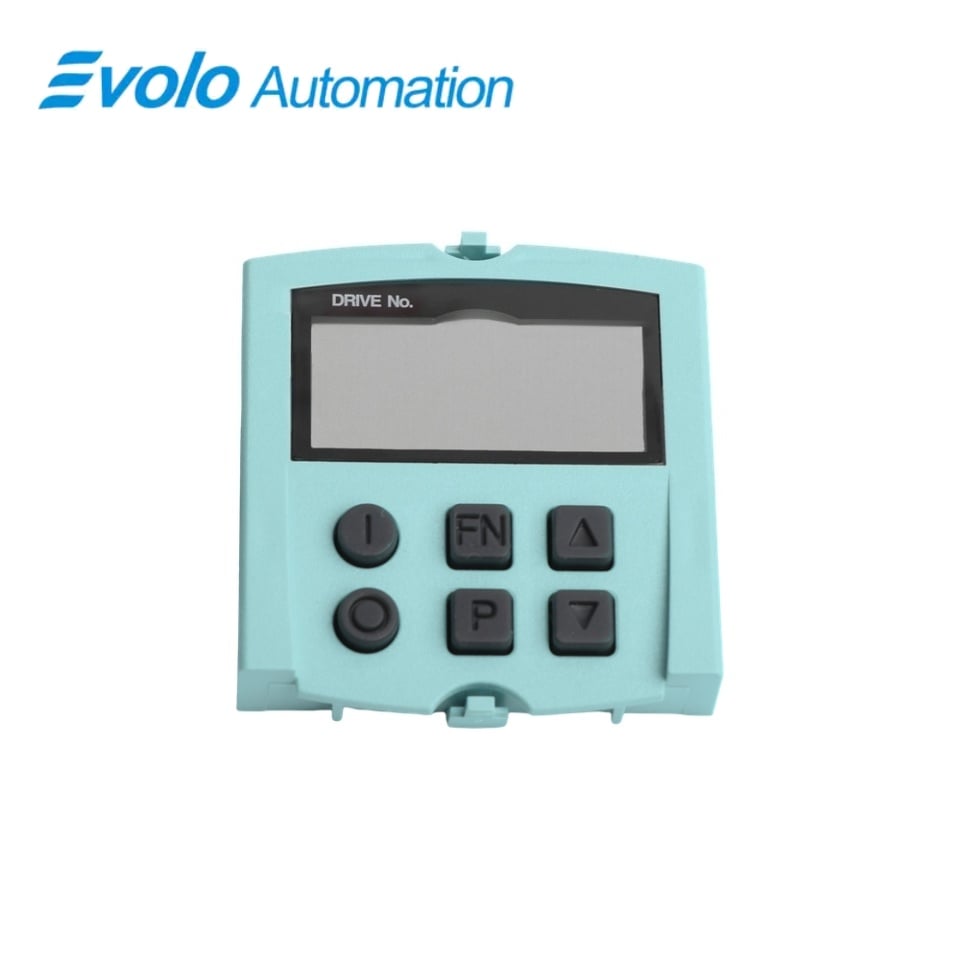
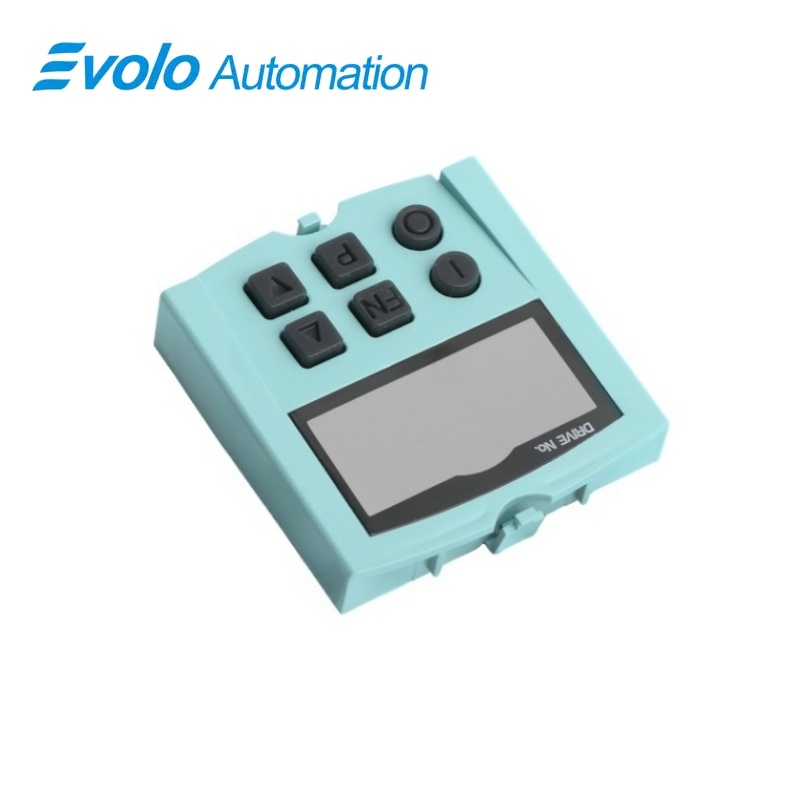
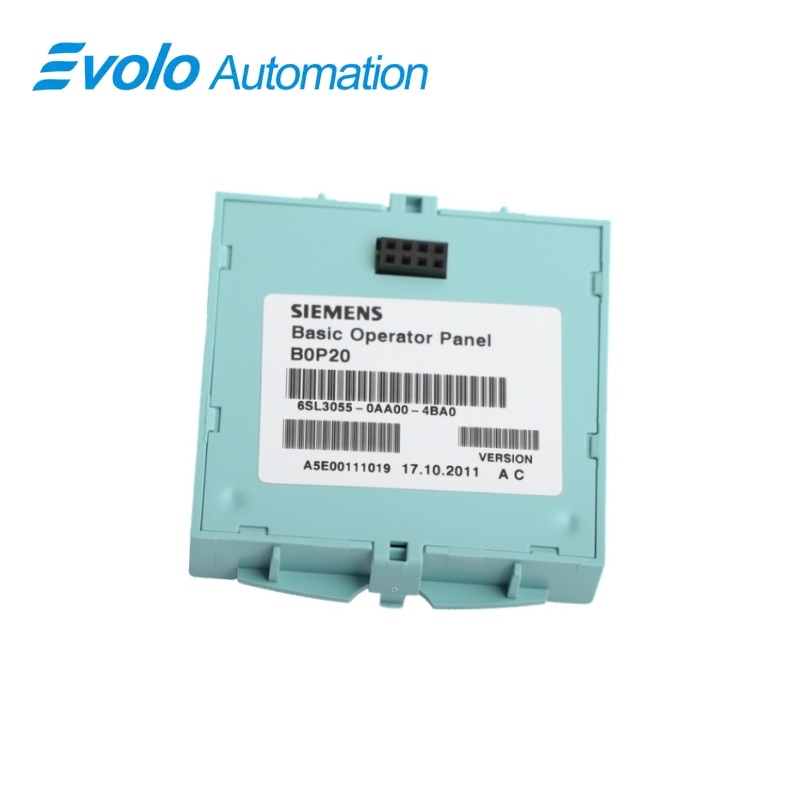
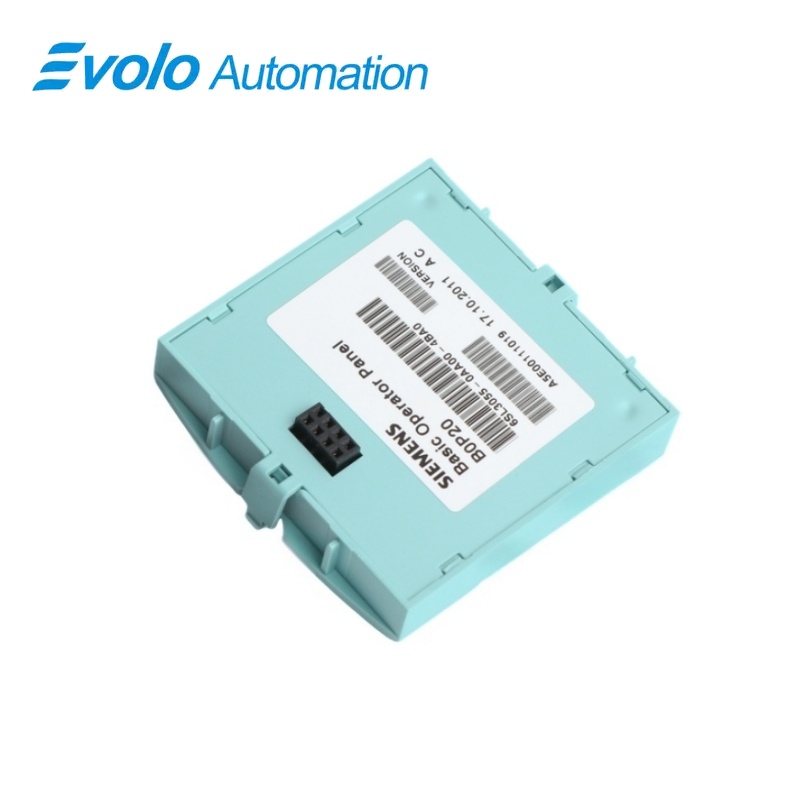
Siemens 6SL3055-0AA00-4BA0 SINAMICS BOP20 Basic Operator Panel
Manufacturer: Siemens
Condition: Brand New
Lead Time: In Stock
Origin: Germany
Warranty: 12 Months
Email: [email protected]
whatsApp: +86-18150117685
- Overview
- Hot Selling Models
- Recommended Products
Overview
- Use the Control Unit mounting interface and keep the panel straight during insertion or removal.
- Check BICO command routing before relying on the ON, OFF or fault acknowledgement keys.
- Transfer changed parameters to non-volatile memory as required by the drive configuration.
- Use the active-drive display to avoid adjusting the wrong axis.
6SL3055-0AA00-4BA0 SINAMICS BOP20 Basic Operator Panel
A compact six-key operator panel for parameter entry, drive status and fault handling at the Control Unit.
At a Glance
| Brand | Siemens |
|---|---|
| Model | 6SL3055-0AA00-4BA0 |
| Product Type | Plug-in operator panel |
| Core Function | Local drive adjustment and diagnostics |
| Application | SINAMICS Control Units |
Local display
A monochrome LCD presents the active drive object and numerical information.
Six-key operation
ON, OFF, FN, P and arrow keys support local operation.
Direct attachment
The panel latches straight into the Control Unit interface.
Product Overview
6SL3055-0AA00-4BA0 provides local access to SINAMICS parameters, operating modes, alarms and faults through its BOP20 display and keypad.
The panel connects directly to the Control Unit and uses a compact monochrome LCD with backlighting. Its ON and OFF commands depend on the configured BICO command routing.
Key Functions
Read the active drive
The upper display identifies the selected drive object, while RUN indicates that the displayed drive is operating.
Edit parameter values
The P key and raise/lower keys support parameter selection and adjustment, with S, P and C indicators showing parameter-processing states.
Handle local commands
ON, OFF and fault acknowledgement become effective according to the configured BICO interconnections.
Official Specifications
| Display Technology | Monochrome LCD with backlighting |
|---|---|
| Keypad | 6 keys: ON, OFF, FN, P, Raise and Lower |
| Numerical Display | 6-digit lower display for parameters, indices, faults and alarms |
| Drive Object Display | 2-position field at the upper left |
| Status Indicators | RUN and parameter-state indicators S, P and C |
| Ingress Protection | IP20 / UL open type |
| Dimensions (W × H) | 49.5 × 53 mm |
| Net Weight | 54 g |
Frequently Asked Questions
Why does the ON key on 6SL3055-0AA00-4BA0 not start the drive?
The ON and OFF keys act only when the drive command sources are assigned to the panel through BICO parameterization.
Which drive am I adjusting with 6SL3055-0AA00-4BA0 in a multi-axis system?
The two-position field at the upper left identifies the active drive object to which the display and keys apply.
What does a lit S indicator on 6SL3055-0AA00-4BA0 mean?
A lit S indicator means that at least one changed parameter value has not yet been transferred to non-volatile memory.
How do I avoid damaging 6SL3055-0AA00-4BA0 when fitting it?
Press the latching cams together and push the panel straight into the Control Unit until it engages.
Can I pull 6SL3055-0AA00-4BA0 out by its lower edge?
No, press both latching cams and withdraw the panel straight out to avoid damaging the rear interface.
Why is P illuminated on 6SL3055-0AA00-4BA0 after a parameter change?
The P indicator means that the parameter value becomes effective only after pressing the P key.
Can 6SL3055-0AA00-4BA0 show both alarms and faults during maintenance?
Yes, its lower numerical display can present fault and alarm information as well as parameters and indices.