EN




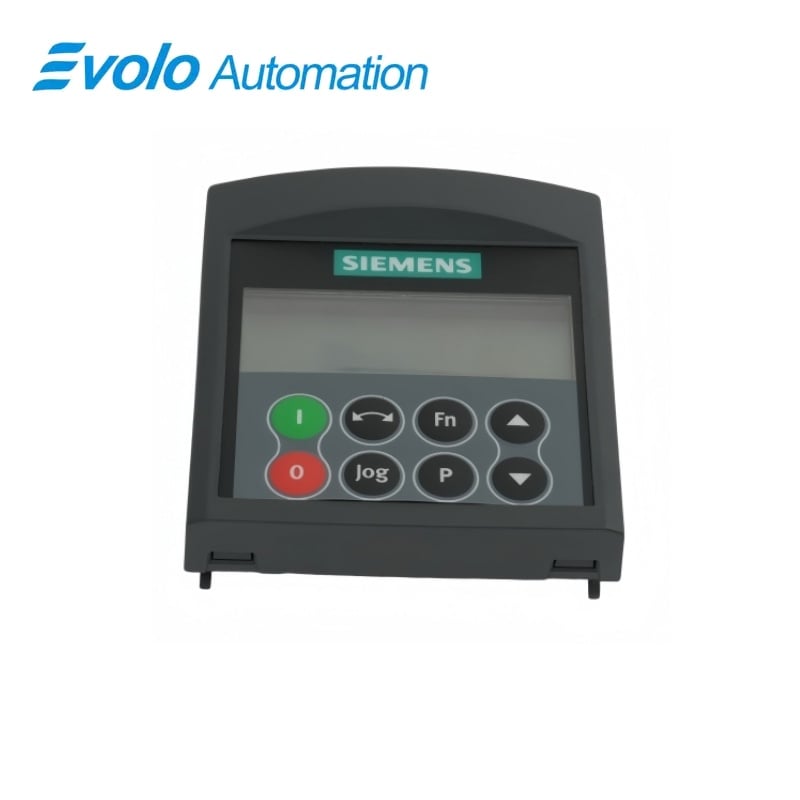
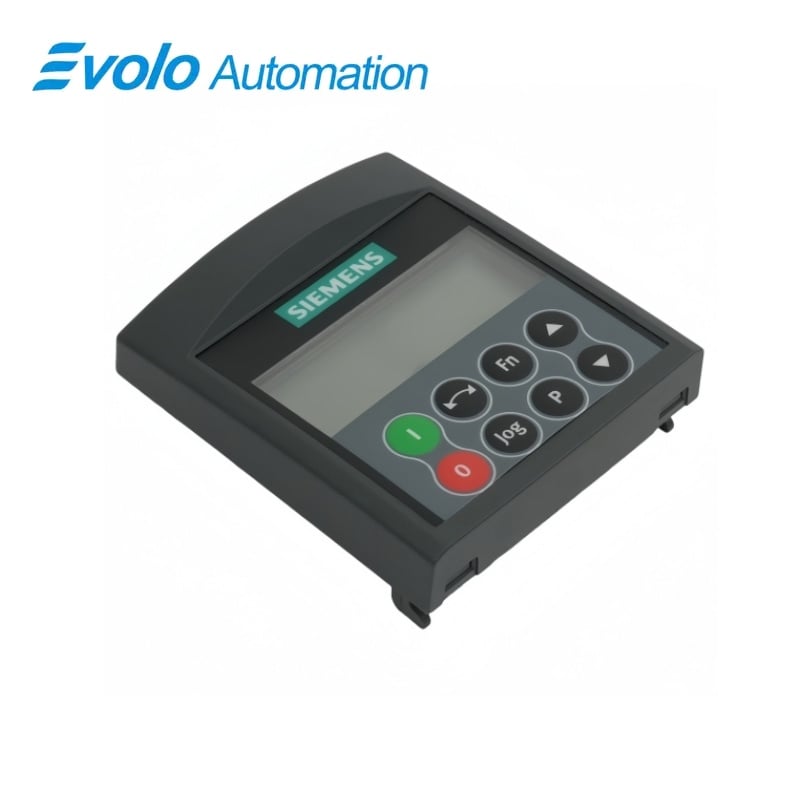
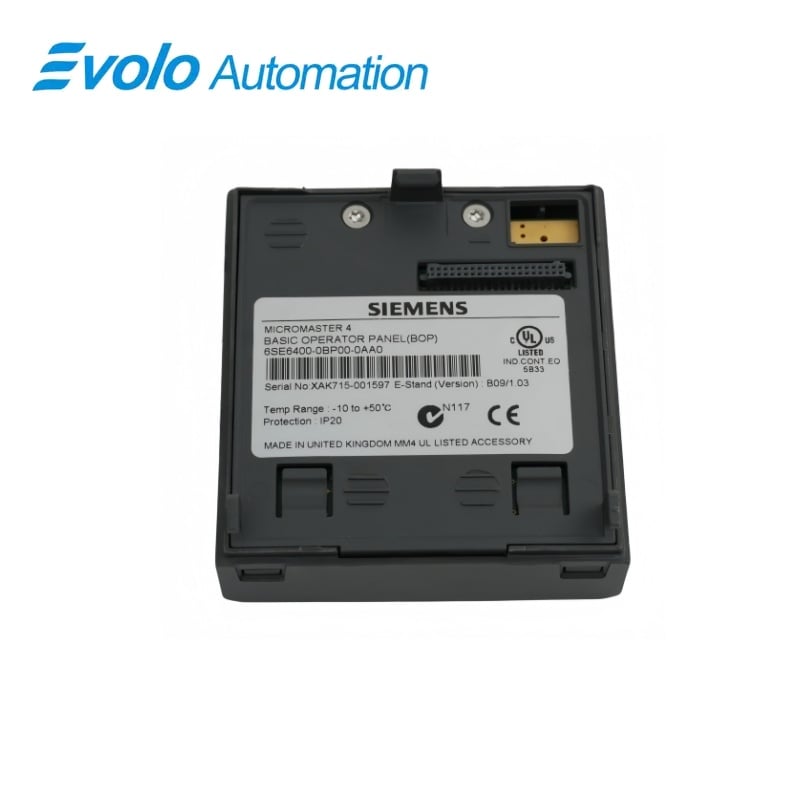
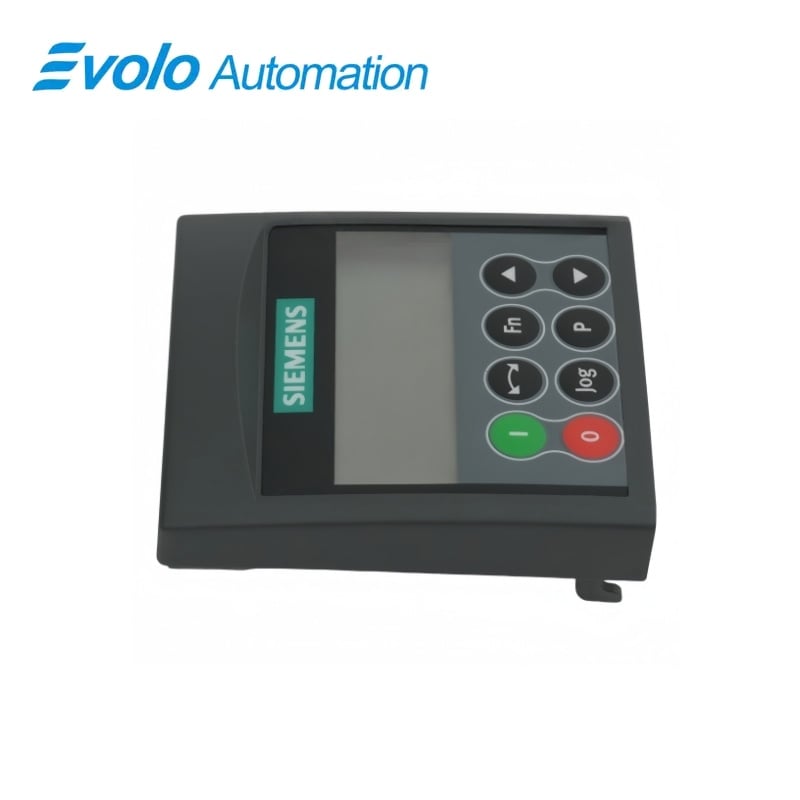
Siemens 6SE6400-0BP00-0AA0 MICROMASTER 4 Basic Operator Panel BOP
Manufacturer: Siemens
Condition: Brand New
Lead Time: In Stock
Origin: Germany
Warranty: 12 Months
Email: [email protected]
whatsApp: +86-18150117685
- Overview
- Hot Selling Models
- Recommended Products
Overview
- Match the panel to the installed drive and serial interface.
- For the 411 ECOFAST arrangement, provide mounting kit 6SE6401-1DF00-0AA0 and the interface link.
- Select P0700 = 1 when motor commands must come from the BOP.
- Return P0010 to 0 after commissioning.
- Account for the coast-to-stop response if the selected BOP command source is removed.
6SE6400-0BP00-0AA0 MICROMASTER 4 Basic Operator Panel BOP
A detachable BOP with a five-digit LCD and keypad access to drive settings, status displays and local motor commands when the corresponding command source is enabled.
At a Glance
| Brand | Siemens |
|---|---|
| Model | 6SE6400-0BP00-0AA0 |
| Product Type | Basic operator panel |
| Core Function | Local parameter entry and drive operation |
| Application | Compatible MICROMASTER drive commissioning |
Parameter access
The keypad selects parameter numbers and edits setting values.
Local drive commands
Start, stop, direction and jog keys support the configured operating mode.
Reusable commissioning panel
One BOP can be used to configure several compatible inverters.
Product Overview
6SE6400-0BP00-0AA0 provides a local keypad and LCD interface for commissioning and operating compatible MICROMASTER drives.
For MICROMASTER 411 ECOFAST and COMBIMASTER 411 ECOFAST installations, the BOP uses the operator-panel mounting kit and interface link to the inverter serial port.
Key Functions
Edit drive parameters at the keypad
The parameter key opens the selected value, the arrow keys change it and confirmation stores the adjustment.
Operate the configured motor controls
Start, ramp-down stop and direction commands require local command selection; the OFF2 stop function remains available through the stop key.
Inspect operating values
The function key cycles through DC-link voltage, output current, output frequency, output voltage and the selected status value.
Official Specifications
| Display | Five-digit LCD |
|---|---|
| OFF1 Stop Response | Motor follows the selected ramp-down rate |
| OFF2 Key Operation | Two presses or one long press initiate coast-to-stop |
| Function-Key Hold Time | 2 seconds to show additional operating information |
Frequently Asked Questions
Why will the start key on 6SE6400-0BP00-0AA0 not run a MICROMASTER 411 ECOFAST drive?
The BOP motor-control functions are disabled by default and require P0700 to be set to 1 for local commands.
Can I use one 6SE6400-0BP00-0AA0 to commission several inverters?
One panel can be used to configure several compatible inverters.
What happens if I unplug 6SE6400-0BP00-0AA0 while it is the selected command source?
With P0700 set to 1, removing the panel during operation stops the inverter and the motor coasts to a standstill.
How do I request coast-to-stop from 6SE6400-0BP00-0AA0?
Pressing the stop key twice or holding it initiates the always-enabled OFF2 function.
How can I view current and DC-link voltage on 6SE6400-0BP00-0AA0?
Holding the function key for two seconds opens the additional operating-value display sequence.
Which mounting kit connects 6SE6400-0BP00-0AA0 to a MICROMASTER 411 ECOFAST inverter?
The panel uses mounting kit 6SE6401-1DF00-0AA0 with an interface link cable to the inverter serial communications port.
Why does a drive remain unable to run after quick commissioning with 6SE6400-0BP00-0AA0?
P0010 must return to 0 before the inverter can run.