EN




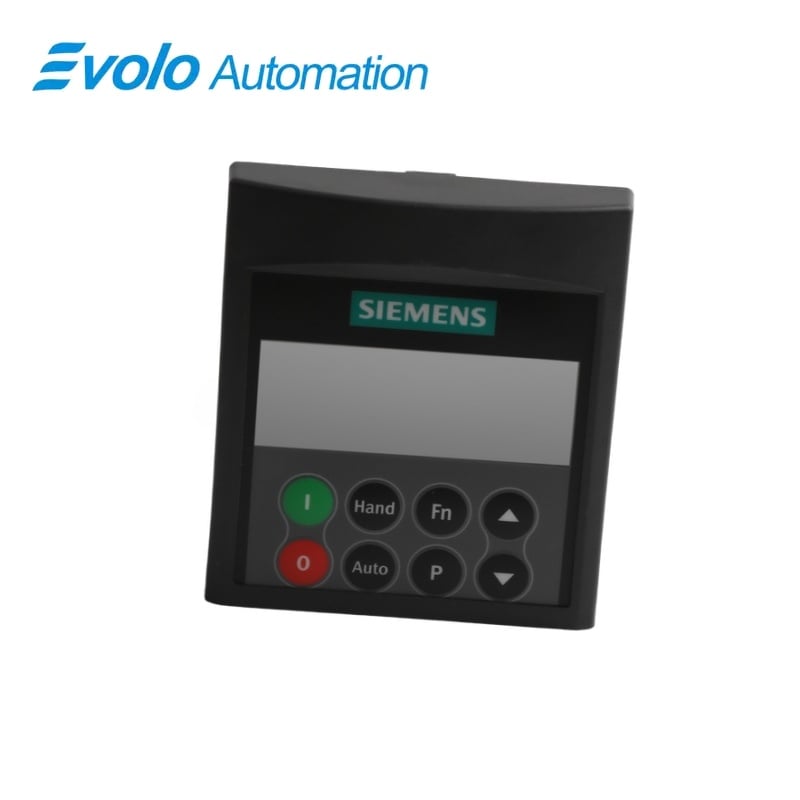
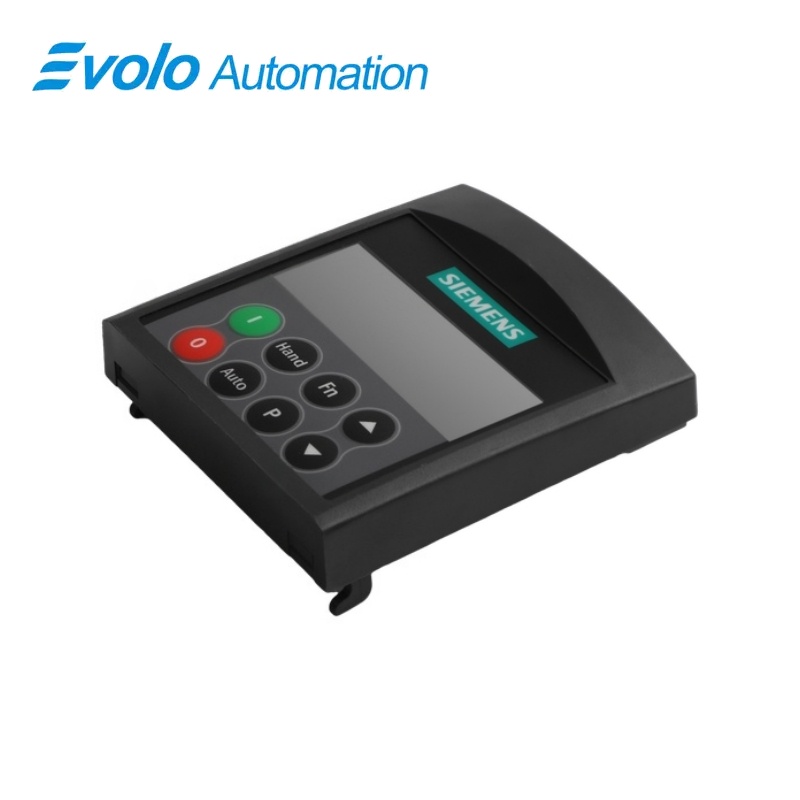
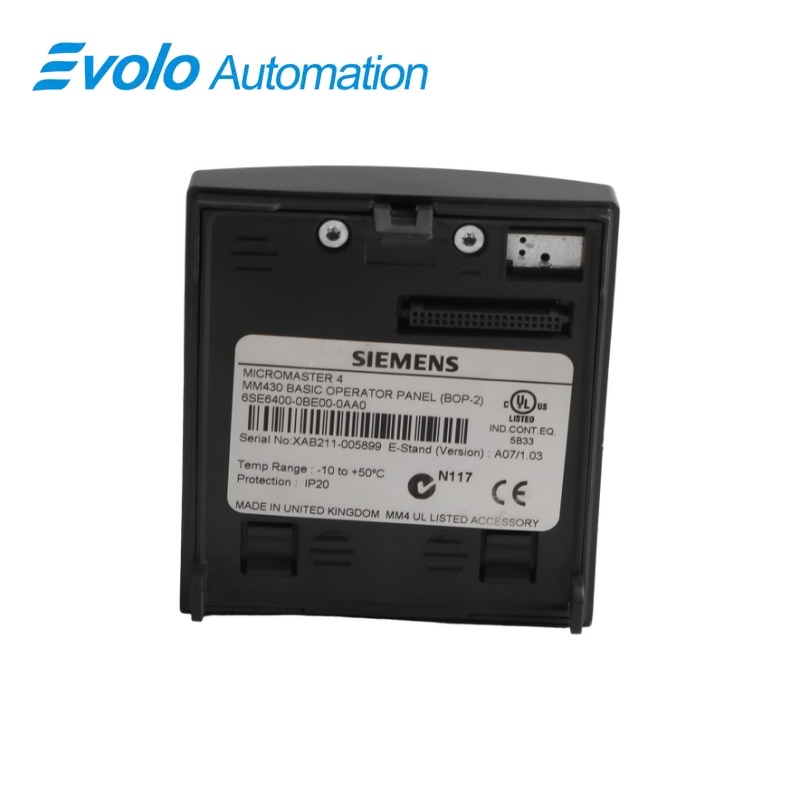
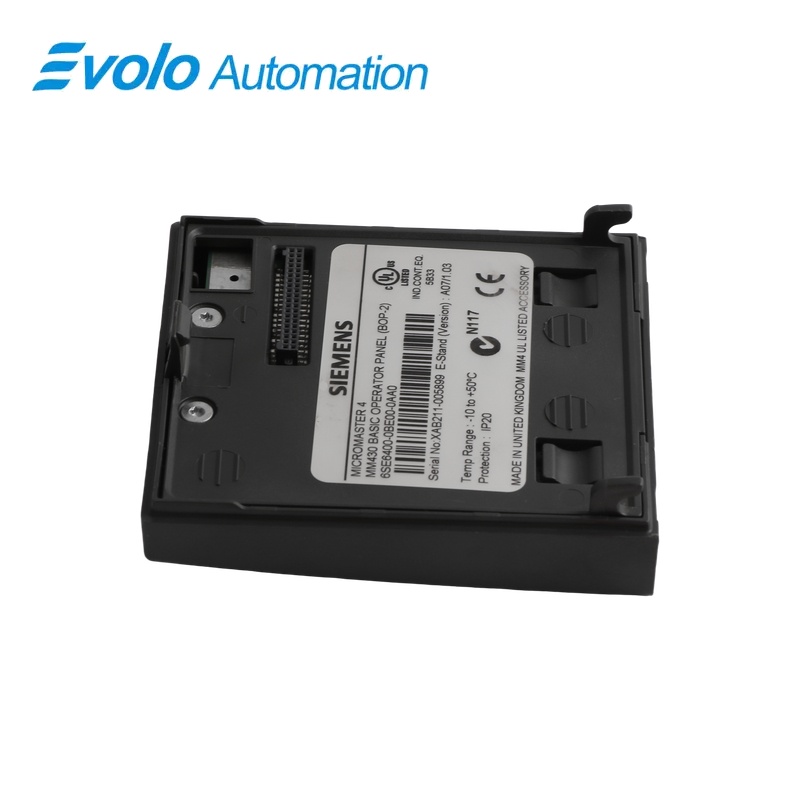
Siemens 6SE6400-0BE00-0AA0 MICROMASTER 430 BOP-2 Basic Operator Panel
Manufacturer: Siemens
Condition: Brand New
Lead Time: In Stock
Origin: Germany
Warranty: 12 Months
Email: [email protected]
whatsApp: +86-18150117685
- Overview
- Hot Selling Models
- Recommended Products
Overview
- Select BOP-2 for MICROMASTER 430.
- Use P0700 = 1 and P1000 = 1 when panel motor commands are required.
- Return P0010 to 0 after quick commissioning.
- Preserve a separate parameter backup because the panel cannot store a complete parameter set.
6SE6400-0BE00-0AA0 MICROMASTER 430 BOP-2 Basic Operator Panel
A BOP-2 panel with a five-digit LCD for parameter adjustment, drive status and local Hand/Auto operation.
At a Glance
| Brand | Siemens |
|---|---|
| Model | 6SE6400-0BE00-0AA0 |
| Product Type | Removable local operator panel |
| Core Function | Editing drive parameters and issuing local commands |
| Application | MICROMASTER 430 inverters |
Five-digit readout
The seven-segment LCD displays parameters, actual values, setpoints and faults.
Local control selection
Motor control from the panel requires the appropriate command and setpoint parameters.
No parameter cloning
The panel cannot store complete parameter sets for transfer.
Product Overview
6SE6400-0BE00-0AA0 is the BOP-2 Basic Operator Panel for MICROMASTER 430 inverters. It replaces the status display panel when local parameter access and a numeric readout are required.
The panel supports local motor commands after configuration and includes Hand/Auto selection for the drive command-data sets. It is not a parameter-backup device, and removing it stops the drive when the panel is selected as the command source.
Key Functions
Adjust drive parameters
The panel permits editing drive parameters and displays the selected number and value.
Show operational information
The five-digit LCD presents setpoints, actual values, alarm messages and fault messages.
Select local operating behavior
Configured panel commands and Hand/Auto selection support local operation of the MICROMASTER 430.
Official Specifications
| Display | Five-digit, seven-segment LCD for parameters, values and alarm/fault messages |
|---|---|
| Parameter-set storage | No complete parameter-set storage in the BOP-2 |
| Keypad | Eight pushbuttons: ON, OFF, Hand, Auto, Fn, P, Increase and Decrease |
| Stop-button response | OFF1: ramp-down stop when P0700 = 1; OFF2: coast stop after a double press or one long press, always enabled |
| Hand/Auto command-data selection | Switching between CDS 1 and CDS 2; inactive while CDS 3 is selected through P0811 |
| Operating-data quick view | Fn hold time: 2 s; DC-link voltage, output current, output frequency, output voltage and the P0005-selected value, with duplicate values omitted |
| Digit-by-digit value editing | Fn selects individual digits; Increase and Decrease adjust the selected digit; P exits the value-editing level |
| Attachment and removal under power | Permitted while inverter power is applied; removal stops the drive when the panel is the I/O command source (P0700 = 1) |
Frequently Asked Questions
Can I use 6SE6400-0BE00-0AA0 to copy a complete parameter set to another drive?
The panel cannot save complete parameter sets.
Why do the motor-control buttons on 6SE6400-0BE00-0AA0 not operate with the factory settings?
Panel motor control is disabled by default and requires P0700 = 1 and P1000 = 1.
Will removing 6SE6400-0BE00-0AA0 stop a running drive?
The drive stops if the panel is removed while P0700 = 1 selects it as the command source.
Can 6SE6400-0BE00-0AA0 be fitted while power remains applied to the inverter?
The BOP-2 may be fitted or removed while inverter power is applied.
Why does the Hand/Auto button on 6SE6400-0BE00-0AA0 become inactive with command-data set 3?
The button toggles between command-data sets 1 and 2 and is inactive when set 3 is selected.
Which setting prevents a run command after quick commissioning through 6SE6400-0BE00-0AA0?
P0010 must return to 0 before the drive can run.
Can I replace 6SE6400-0BE00-0AA0 with a standard MICROMASTER BOP or AOP?
MICROMASTER 430 uses the BOP-2 and cannot be operated with the BOP or AOP.