EN
EN




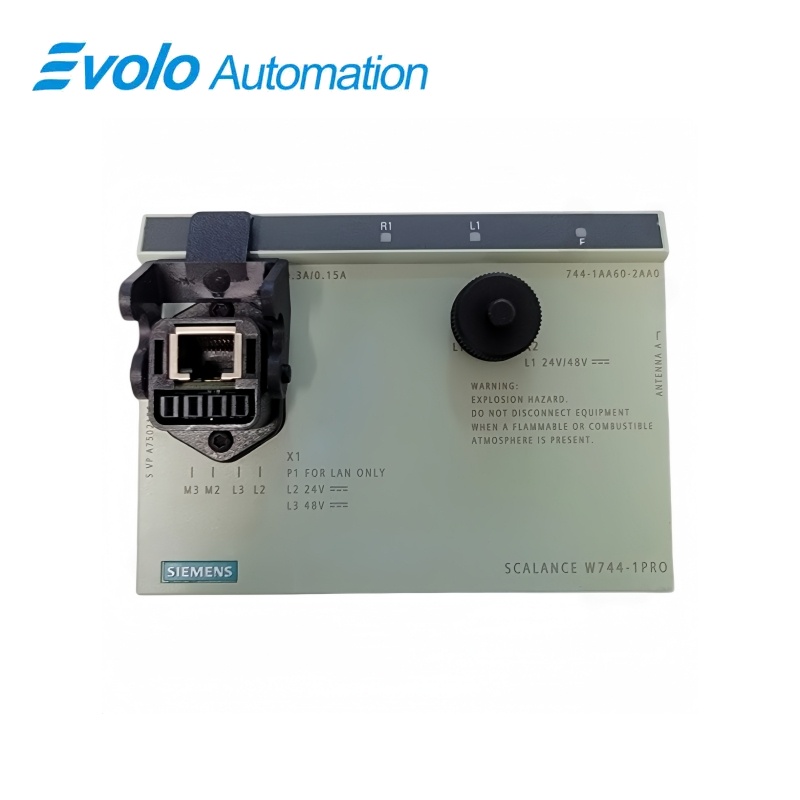
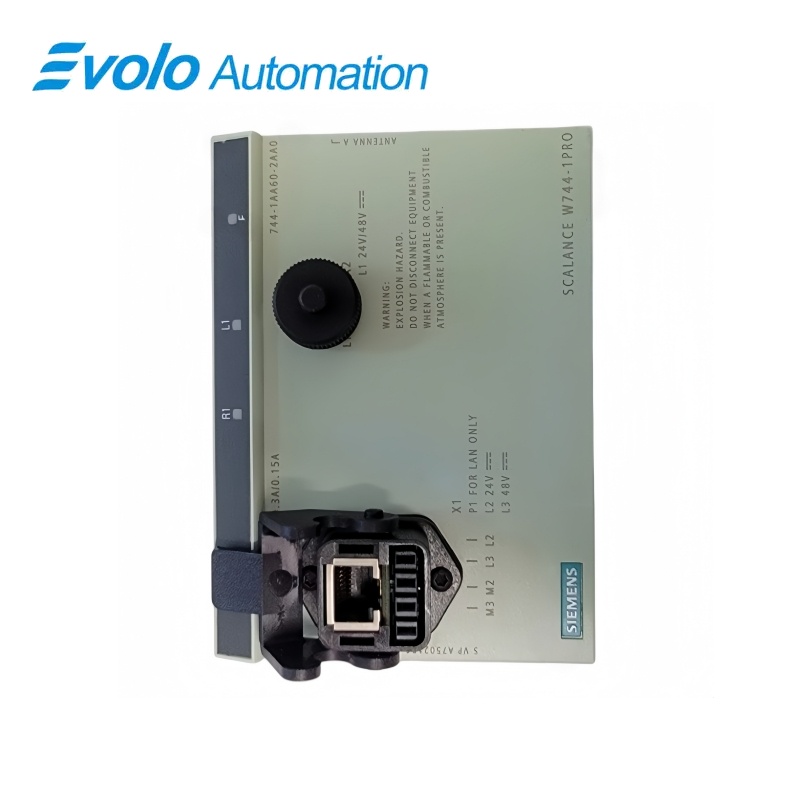
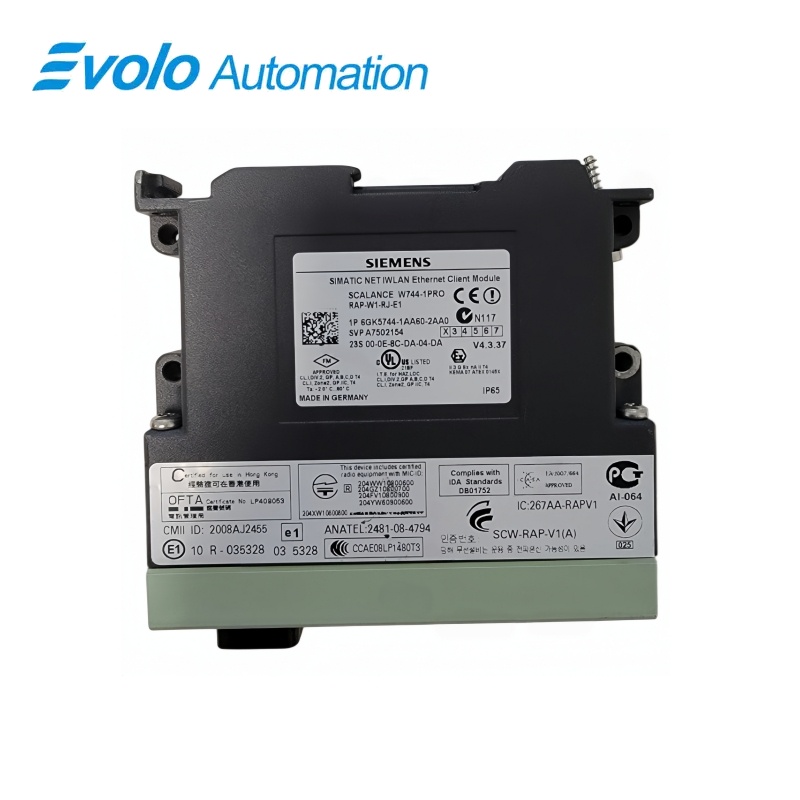
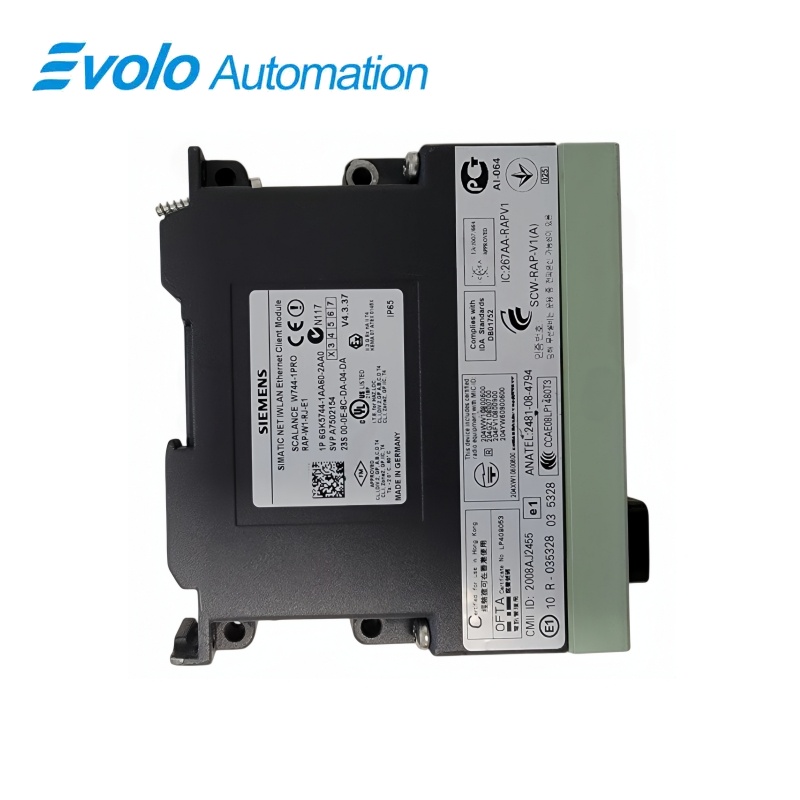
Siemens SCALANCE W744-1 Industrial Wireless LAN Client Module 6GK5744-1AA60-2AA0
Manufacturer: Siemens
Condition: Brand New
Lead Time: In Stock
Origin: Germany
Warranty: 12 Months
Email: [email protected]
whatsApp: +86-18150117685
- Overview
- Product Overview
- Key Functions
- Official Specifications
- Frequently Asked Questions
- Compatibility & Ordering Notes
- Hot Selling Models
- Recommended Products
Overview
Siemens • SCALANCE W-700
6GK5744-1AA60-2AA0 SCALANCE W744-1 Industrial Wireless LAN Client Module
The SCALANCE W744-1 operates as an industrial wireless client for connecting Ethernet devices to the configured WLAN infrastructure.
At a Glance
| Brand | Siemens |
|---|---|
| Model | 6GK5744-1AA60-2AA0 |
| Product Type | Industrial wireless LAN client module |
| Core Function | Connects an Ethernet device or machine cell to an industrial wireless LAN |
| Application or Compatible Series | Industrial WLAN installations engineered for a SCALANCE W744-1 client and approved antennas |
Exact Identification
Match 6GK5744-1AA60-2AA0 character by character and confirm the complete SCALANCE W744-1 Industrial Wireless LAN Client Module designation.
Interface Arrangement
Confirm the installed supply, ports, field connections and required accessories before wiring the replacement.
Configuration Check
Preserve the approved engineering project, network parameters and application data used by the installed system.
Product Overview
The SCALANCE W744-1 operates as an industrial wireless client for connecting Ethernet devices to the configured WLAN infrastructure.
The module bridges a wired device into the wireless plant network. Country settings, channel plan and security must match the installed WLAN. Use only the approved antenna and cable arrangement.
Key Functions
Industrial WLAN Client
The module bridges a wired device into the wireless plant network.
Configured Radio Operation
Country settings, channel plan and security must match the installed WLAN.
External Antenna System
Use only the approved antenna and cable arrangement.
Official Specifications
| Radio Interfaces | 1 |
|---|---|
| Wireless Standards | IEEE 802.11a/b/g/h |
| Frequency Bands | 2.4 GHz and 5 GHz |
| Maximum WLAN Data Rate | 54 Mbit/s |
| Wireless Security | WPA2 / IEEE 802.11i |
| Quality of Service | IEEE 802.11e |
| Ethernet Interface | Industrial Ethernet client connection |
| Antenna Connections | External R-SMA sockets |
| Power Supply Method | Power over Ethernet (PoE) |
| Degree of Protection | IP65 |
| Operating Temperature | -20 to +60 °C |
| Railway Qualification | EN 50155 |
| Included Antennas | 2 × ANT 795-4MR |
| Included Network Connector | IP67 hybrid plug-in connector |
| Packaging Dimensions (L × W × H) | 25.1 × 19.4 × 17.0 cm |
| Net Weight | 1.05 kg |
Frequently Asked Questions
Which network role is intended for wireless client 6GK5744-1AA60-2AA0?
Configure it as the industrial WLAN client for the connected Ethernet device.
Which radio settings must be restored on wireless client 6GK5744-1AA60-2AA0?
Restore the approved country, channel, SSID, security and roaming parameters.
Which installed configuration should be recorded before replacing wireless client 6GK5744-1AA60-2AA0?
Record the configured addresses, wiring assignments, parameters, firmware and neighboring hardware before removal.
What identification must match when selecting wireless client 6GK5744-1AA60-2AA0?
Match the complete article number, hardware revision and every option used by the installed system.
How should technicians handle wireless client 6GK5744-1AA60-2AA0?
Isolate the affected equipment and use grounded electrostatic-discharge precautions throughout the exchange.
Which checks are required after installing wireless client 6GK5744-1AA60-2AA0?
Verify power, diagnostics, communication, field signals and the complete approved machine or plant function.
When should a visually similar unit replace wireless client 6GK5744-1AA60-2AA0?
Use a visually similar unit only after engineering confirms identical electrical, mechanical and software compatibility.
Compatibility & Ordering Notes
Compatibility Checklist
- Use only antennas approved for the exact radio variant.
- Match the configured WLAN standards and country setting.
- Validate roaming and link quality in the machine area.