EN




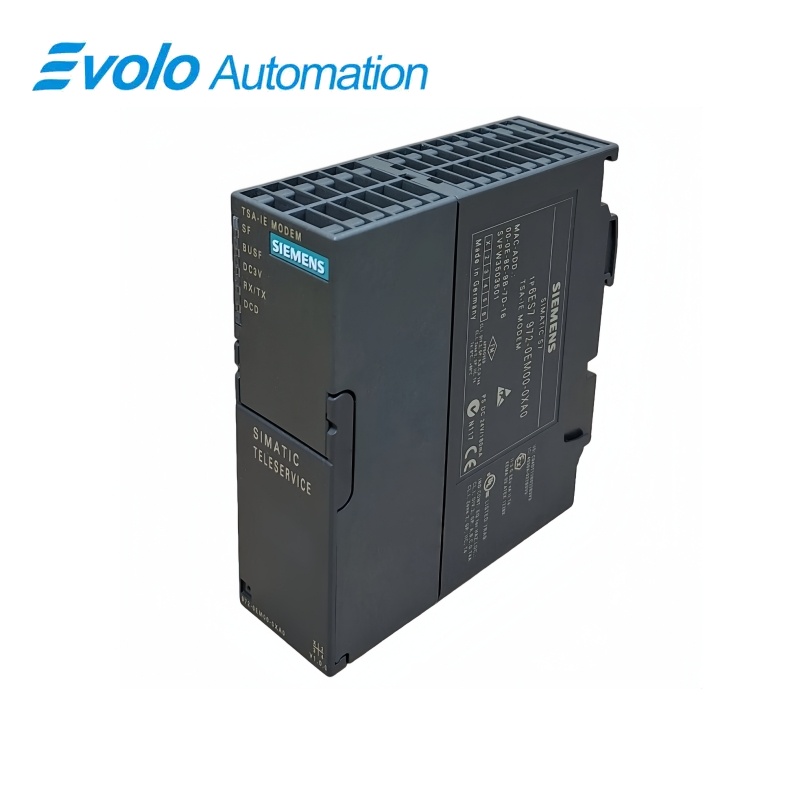
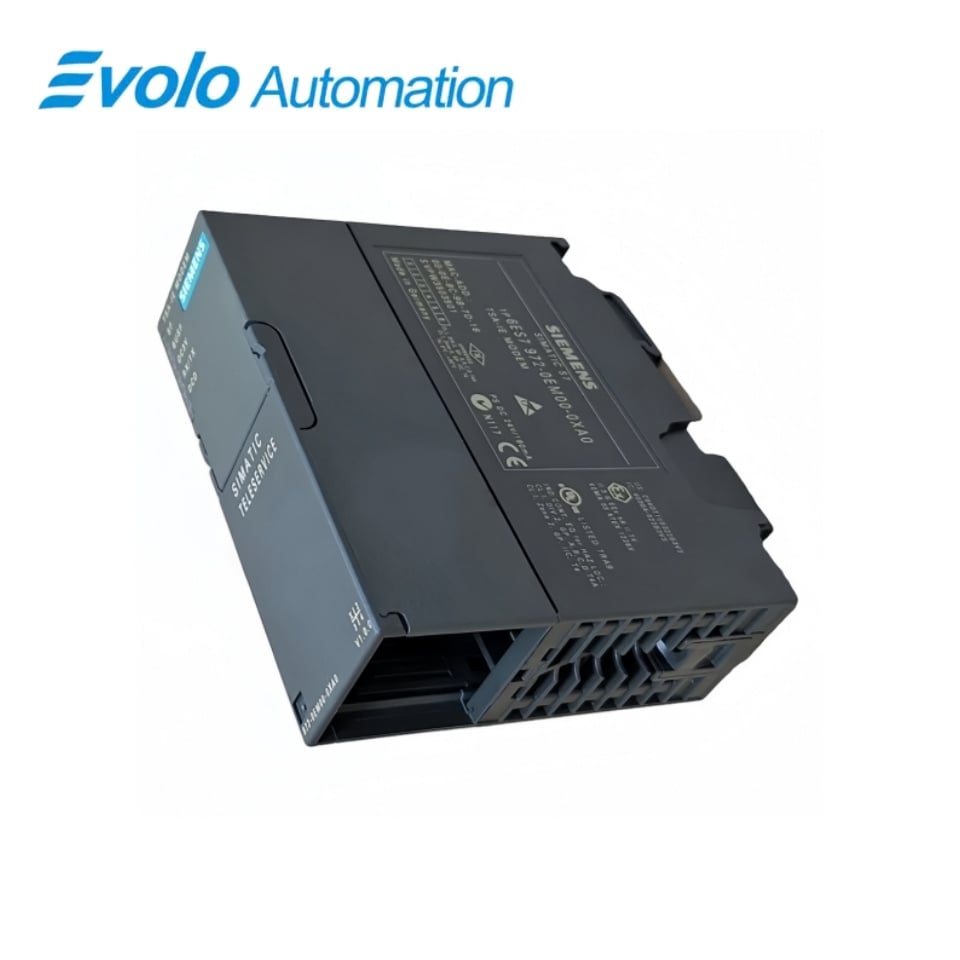
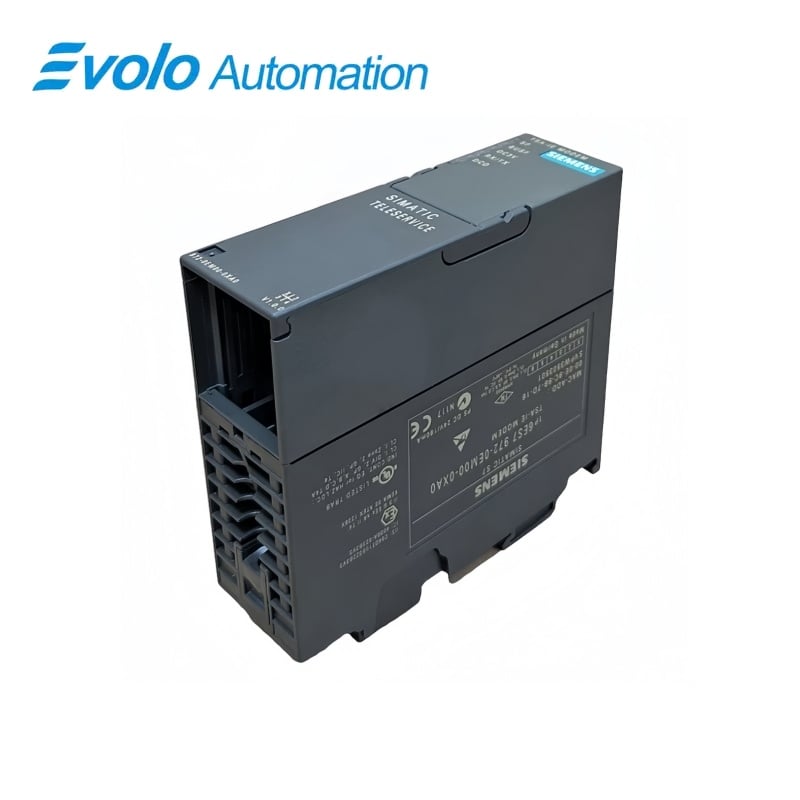
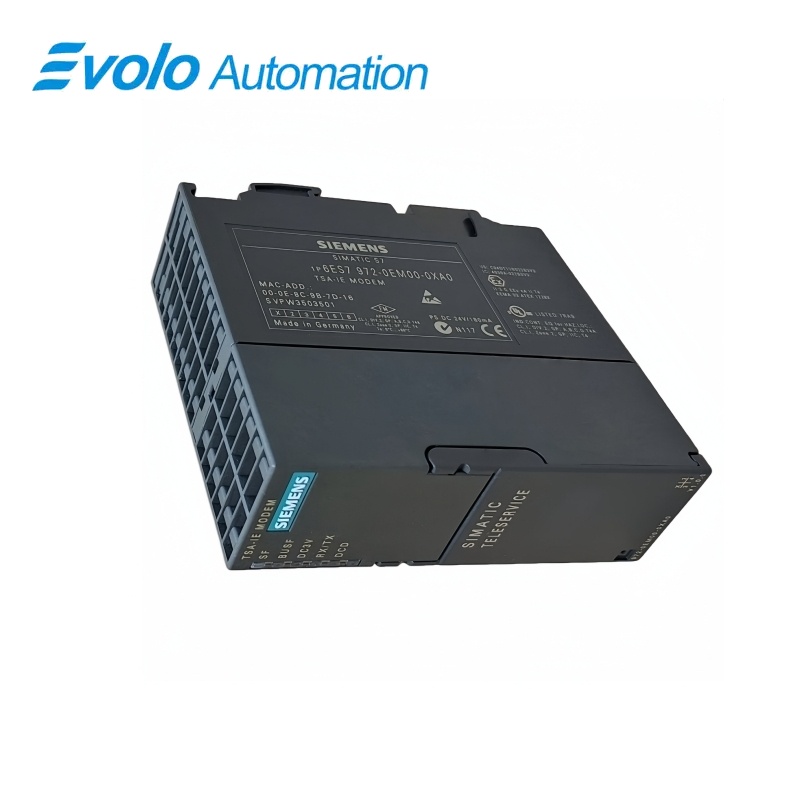
Siemens SIMATIC 6ES7972-0CB35-0XA0 TS Adapter II Analog Modem
Manufacturer: Siemens
Condition: Brand New
Lead Time: In Stock
Origin: Germany
Warranty: 12 Months
Email: [email protected]
whatsApp: +86-18150117685
- Overview
- Product Overview
- Key Functions
- Official Specifications
- Frequently Asked Questions
- Compatibility & Ordering Notes
- Hot Selling Models
- Recommended Products
Overview
Siemens · SIMATIC TeleService
6ES7972-0CB35-0XA0 TS Adapter II Analog Modem
Siemens 6ES7972-0CB35-0XA0 is the SIMATIC TS Adapter II with an integrated analog modem, RS-485 connection to MPI/DP, USB parameterization and optional external 24 V DC supply.
At a Glance
| Brand | Siemens |
|---|---|
| Model | 6ES7972-0CB35-0XA0 |
| Product Type | Remote-service adapter with integrated analog modem |
| Core Function | Provides remote access to MPI/PROFIBUS automation stations over an analog telephone network |
| Application or Compatible Series | SIMATIC S7 and C7 systems using TeleService software |
Country Approval
Confirm that operation of the integrated modem is permitted in the installation country.
Bus Connection
Preserve the MPI or PROFIBUS address, baud rate, cable and external termination arrangement.
Remote Access
Transfer modem initialization, dial settings, access control and TeleService connection parameters.
Product Overview
Siemens 6ES7972-0CB35-0XA0 is the SIMATIC TS Adapter II with an integrated analog modem, RS-485 connection to MPI/DP, USB parameterization and optional external 24 V DC supply.
The integrated modem supports dial-up maintenance over an approved analog telephone network. An RS-485 port connects the adapter to SIMATIC S7 or C7 automation systems. USB 1.1 supports local parameterization and programming of connected devices.
Key Functions
Analog Remote Service
The integrated modem supports dial-up maintenance over an approved analog telephone network.
MPI/DP Interface
An RS-485 port connects the adapter to SIMATIC S7 or C7 automation systems.
USB Parameterization
USB 1.1 supports local parameterization and programming of connected devices.
Official Specifications
| Product Designation | TS Adapter II Modem |
|---|---|
| Automation Interface | RS-485 for MPI/PROFIBUS DP |
| Maximum Automation-Bus Rate | 12 Mbit/s |
| PC Interface | USB 1.1 |
| USB Rate | 12 Mbit/s |
| External Modem Interface | RS-232 |
| Maximum RS-232 Rate | 115 kbit/s |
| Analog Network Connector | RJ12 |
| External Supply | 24 V DC SELV |
| Permitted Supply Range | 20.4 to 28.8 V DC |
| Power from MPI Interface | Supported |
| Typical Current Consumption | 44 mA |
| Maximum Current Consumption | 120 mA |
| Maximum Inrush Current | 700 mA for 8 µs |
| Dimensions | Approximately 125 x 110 x 40 mm |
| Weight | Approximately 250 g |
| Dial Procedures | DTMF and pulse dialing |
| Modem Command Set | Hayes AT |
| Error Correction and Compression | Supported |
| Lifecycle | Spare part / product cancellation |
Frequently Asked Questions
Which SIMATIC networks can I access through 6ES7972-0CB35-0XA0?
The RS-485 interface connects to supported MPI and PROFIBUS DP automation stations.
How is 6ES7972-0CB35-0XA0 parameterized locally?
Use the USB 1.1 connection with the applicable TeleService configuration environment.
Can 6ES7972-0CB35-0XA0 receive power from the bus connector?
Yes, it can be supplied through the MPI interface or from an external 24-volt SELV source.
What telephone connection is used by 6ES7972-0CB35-0XA0?
The integrated analog modem connects to the telephone network through an RJ12 interface.
Why must the installation country be checked for 6ES7972-0CB35-0XA0?
Telecommunications approval and permitted modem settings vary by country.
What should I preserve before replacing 6ES7972-0CB35-0XA0?
Preserve bus parameters, modem initialization, dialing information, access control and the TeleService connection setup.
What should I test after installing 6ES7972-0CB35-0XA0?
Test local USB access, bus communication, outbound and inbound calls, authentication and a controlled remote session.
Compatibility & Ordering Notes
Compatibility Checklist
- Use the modem variant only where its analog telecommunications approval and network connection are valid.
- Match the MPI or PROFIBUS address, rate, cable, termination and station configuration.
- Restore modem initialization, dialing, security and TeleService parameters before remote use.