EN
EN




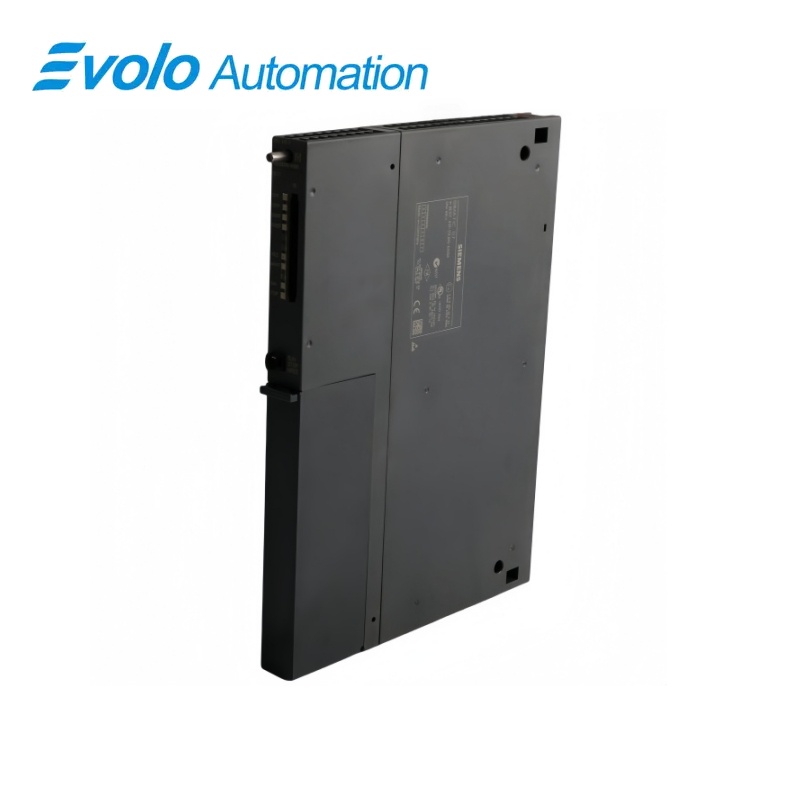
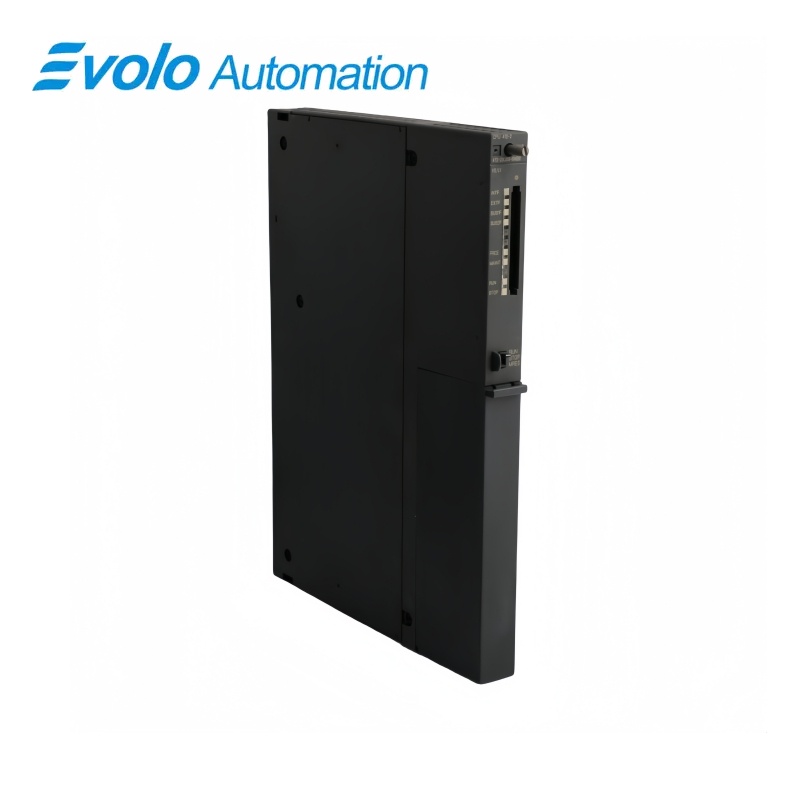
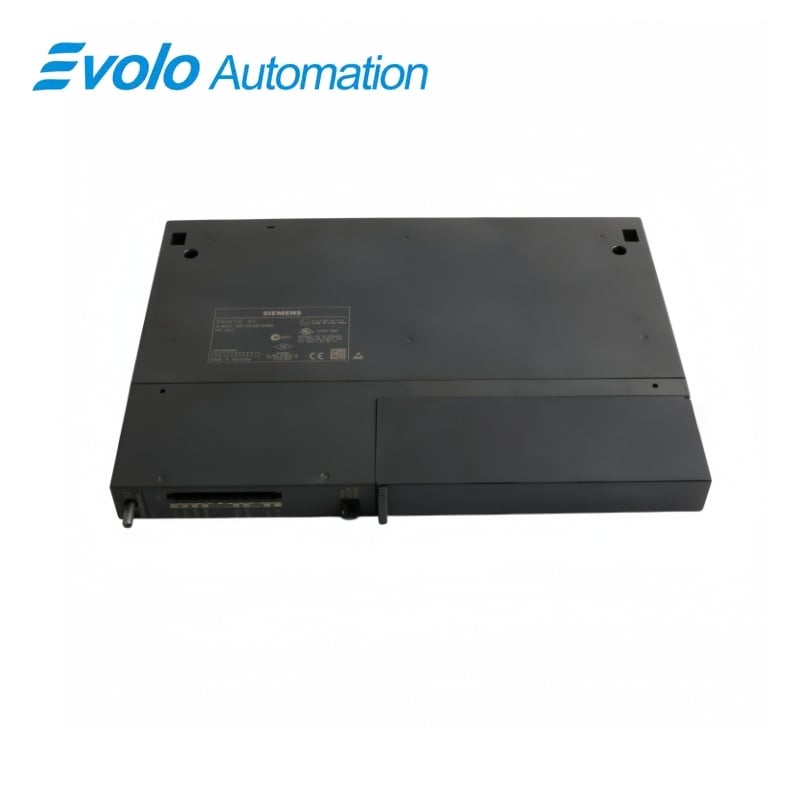
Siemens SIMATIC S7-400 CPU 412-2 6ES7412-2XJ05-0AB0
Manufacturer: Siemens
Condition: Brand New
Lead Time: In Stock
Origin: Germany
Warranty: 12 Months
Email: [email protected]
whatsApp: +86-18150117685
- Overview
- Product Overview
- Key Functions
- Official Specifications
- Frequently Asked Questions
- Compatibility & Ordering Notes
- Hot Selling Models
- Recommended Products
Overview
SIEMENS · SIMATIC S7-400
6ES7412-2XJ05-0AB0 SIMATIC S7-400 CPU 412-2
The CPU 412-2 integrates 512 KB work memory, an MPI/DP interface and a second PROFIBUS DP interface for distributed automation.
At a Glance
| Brand | Siemens |
|---|---|
| Model | 6ES7412-2XJ05-0AB0 |
| Product Type | CPU 412-2 central processing unit |
| Core Function | Runs S7-400 control programs with 512 KB work memory and two PROFIBUS-capable interfaces |
| Application or Compatible Series | SIMATIC S7-400 controller racks engineered for firmware V5.3 |
Exact Identification
Match 6ES7412-2XJ05-0AB0 character by character and confirm the complete SIMATIC S7-400 CPU 412-2 designation.
Interface Arrangement
Confirm the installed supply, ports, field connections and required accessories before wiring the replacement.
Configuration Check
Preserve the approved engineering project, network parameters and application data used by the installed system.
Product Overview
The CPU 412-2 integrates 512 KB work memory, an MPI/DP interface and a second PROFIBUS DP interface for distributed automation.
Separate 256 KB code and data areas support medium S7-400 projects. MPI/DP and the second DP interface must retain their configured addresses and roles. Supported CiR functions allow documented distributed-I/O changes during operation.
Key Functions
Expanded CPU Memory
Separate 256 KB code and data areas support medium S7-400 projects.
PROFIBUS Engineering
MPI/DP and the second DP interface must retain their configured addresses and roles.
Configuration in RUN
Supported CiR functions allow documented distributed-I/O changes during operation.
Official Specifications
| Hardware Functional Status | 03 |
|---|---|
| Firmware Version | V5.3 |
| Code Work Memory | 256 KB |
| Data Work Memory | 256 KB |
| Total Work Memory | 512 KB |
| First Interface | MPI/DP up to 12 Mbit/s |
| Second Interface | PROFIBUS DP |
| Integrated Load RAM | 512 KB |
| Maximum Flash Load Memory | 64 MB with memory card |
| Maximum RAM Load Memory | 64 MB with memory card |
| Engineering Baseline | STEP 7 V5.3 SP2 or later with hardware update |
| Isochronous Mode | Supported for PROFIBUS |
| CiR Basic Synchronization Load | 100 ms |
| CiR Time per I/O Byte | 30 µs |
Frequently Asked Questions
What should an engineer verify about hardware functional status before replacing 6ES7412-2XJ05-0AB0?
Confirm 03 and compare it with the installed hardware, wiring and saved configuration before removal.
How should firmware version be matched when commissioning 6ES7412-2XJ05-0AB0?
Use V5.3, then retain the matching interface, project and parameter settings during commissioning.
Is 6ES7412-2XJ05-0AB0 suitable when the project requires the stated code work memory?
It supports 256 KB; the complete system must also meet the electrical, mechanical and engineering requirements.
What installation check applies to data work memory on 6ES7412-2XJ05-0AB0?
Verify 256 KB, complete the associated wiring or configuration checks and record the result before startup.
Can 6ES7412-2XJ05-0AB0 be substituted without confirming total work memory?
No. Confirm 512 KB together with the connector arrangement and project settings before approving a replacement.
Why does first interface matter when integrating 6ES7412-2XJ05-0AB0?
The required condition is MPI/DP up to 12 Mbit/s; a mismatch can prevent communication, correct control or safe operation.
What should be tested for second interface after installing 6ES7412-2XJ05-0AB0?
Test operation with PROFIBUS DP, review diagnostics and complete the required functional and safety checks before service.
Compatibility & Ordering Notes
Compatibility Checklist
- Match hardware functional status (03) to the installed system.
- Verify firmware version (V5.3) before changing wiring or configuration.
- Back up all available project, parameter and network data, then complete the required functional and safety checks.