EN
EN




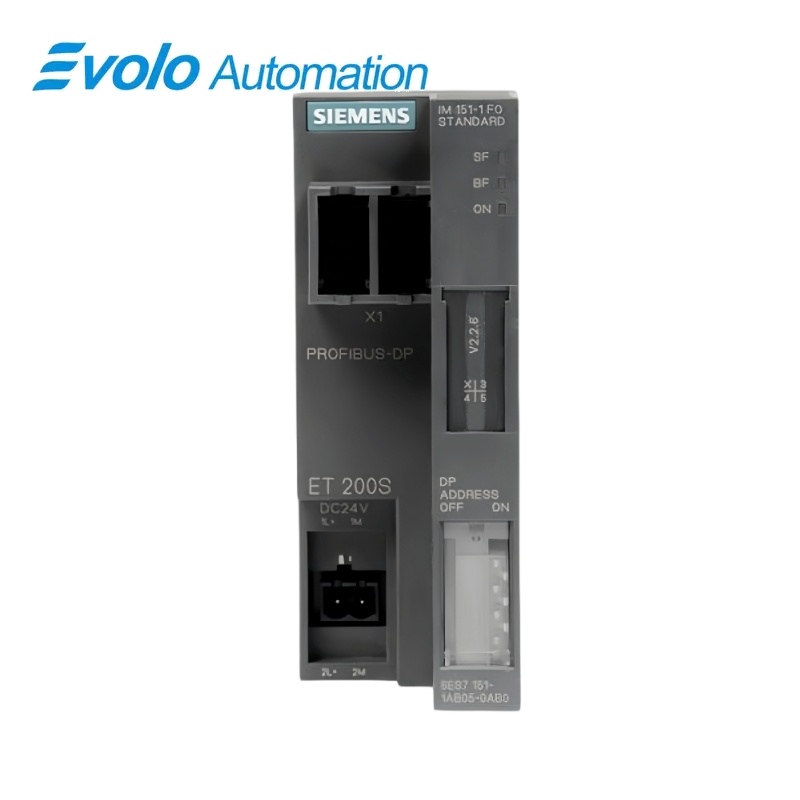
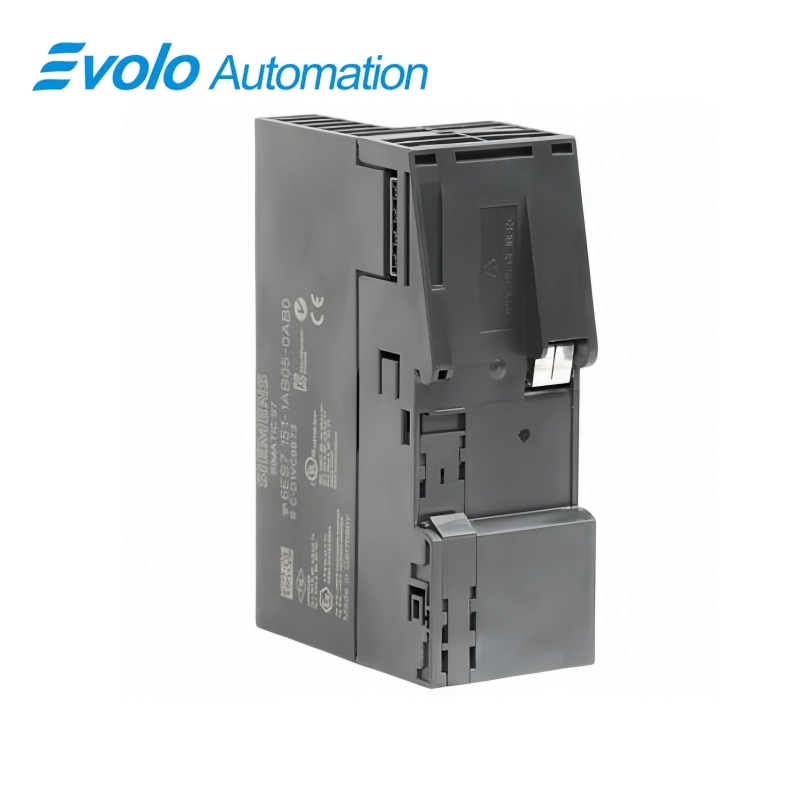
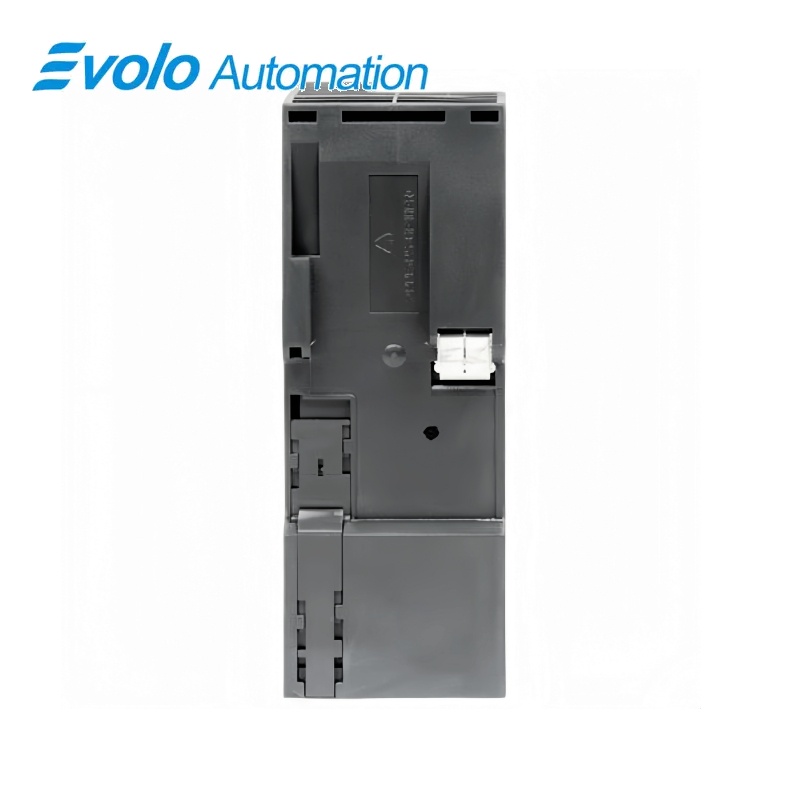
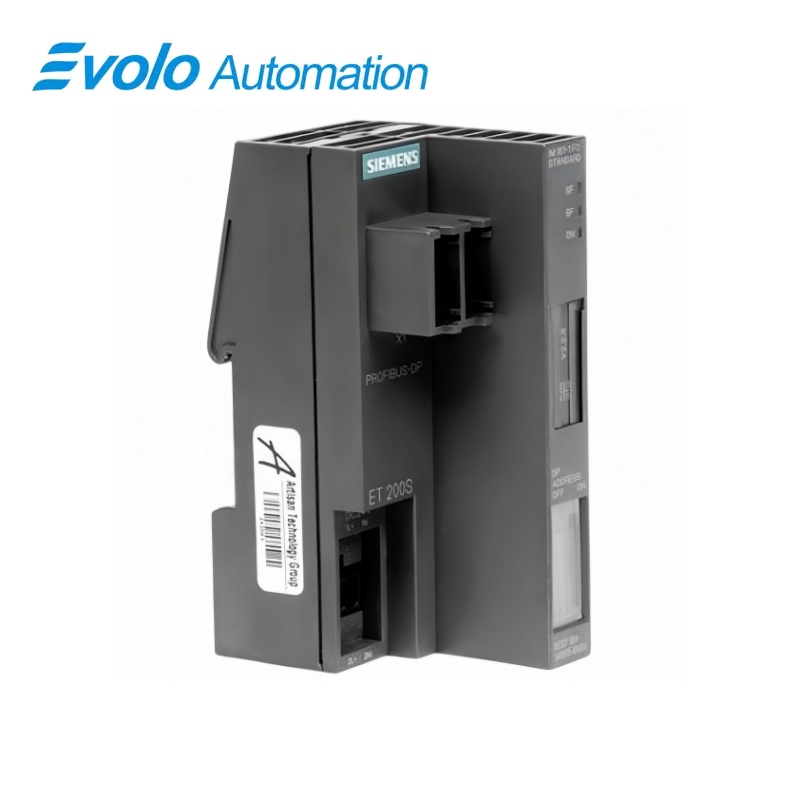
Siemens SIMATIC ET 200S IM151-1 FO STANDARD Interface Module 6ES7151-1AB05-0AB0
Manufacturer: Siemens
Condition: Brand New
Lead Time: In Stock
Origin: Germany
Warranty: 12 Months
Email: [email protected]
whatsApp: +86-18150117685
- Overview
- Product Overview
- Key Functions
- Official Specifications
- Frequently Asked Questions
- Compatibility & Ordering Notes
- Hot Selling Models
- Recommended Products
Overview
Siemens · SIMATIC ET 200S
6ES7151-1AB05-0AB0 SIMATIC ET 200S IM151-1 FO STANDARD Interface Module
The IM151-1 FO STANDARD is the optical PROFIBUS DP interface module for an ET 200S station, providing station communication, diagnostics and firmware service functions.
At a Glance
| Brand | Siemens |
|---|---|
| Model | 6ES7151-1AB05-0AB0 |
| Product Type | PROFIBUS DP fiber-optic interface module |
| Core Function | Connects an ET 200S distributed-I/O station to PROFIBUS DP through a fiber-optic interface |
| Application or Compatible Series | ET 200S stations requiring an IM151-1 FO STANDARD optical PROFIBUS connection |
Exact Identification
Match 6ES7151-1AB05-0AB0 character by character and confirm the complete SIMATIC ET 200S IM151-1 FO STANDARD Interface Module designation.
Interface Arrangement
Confirm the installed supply, ports, field connections and required accessories before wiring the replacement.
Configuration Check
Preserve the approved engineering project, network parameters and application data used by the installed system.
Product Overview
The IM151-1 FO STANDARD is the optical PROFIBUS DP interface module for an ET 200S station, providing station communication, diagnostics and firmware service functions.
The module links ET 200S I/O to the PROFIBUS DP network over fiber. LEDs, diagnostic messages and identification data support service and commissioning. The installed firmware can be updated through the documented Siemens procedure.
Key Functions
Optical PROFIBUS Connection
The module links ET 200S I/O to the PROFIBUS DP network over fiber.
Station Diagnostics
LEDs, diagnostic messages and identification data support service and commissioning.
Firmware Service
The installed firmware can be updated through the documented Siemens procedure.
Official Specifications
| PROFIBUS Variant | DPV0 and DPV1 |
|---|---|
| Maximum I/O Modules | 63 |
| Maximum Station Width | 2 m |
| Data Transmission Rates | 9.6, 19.2, 45.45, 93.75, 187.5 and 500 kbit/s; 1.5 and 12 Mbit/s |
| Physical Bus Interface | Fiber-optic cable |
| I/O Address Space | 244 bytes for inputs and 244 bytes for outputs |
| Parameter Length | 27 bytes |
| Rated Electronics Supply | 24 V DC |
| Power-Failure Bypass | Minimum 20 ms |
| Current Consumption | Approximately 200 mA at rated supply voltage |
| Power Dissipation | Typically 3.3 W |
| Permitted Potential Difference to Rail | 75 V DC or 60 V AC |
| Insulation Test Voltage | 500 V DC |
| Manufacturer Identification | 806B hex |
| Firmware Update Method | Via PROFIBUS DP using STEP 7 |
| Group Error Indication | Red SF LED |
| PROFIBUS Bus-Fault Indication | Red BF LED |
| Electronics Supply Indication | Green ON LED |
| Module Width | 45 mm |
| Module Weight | Approximately 150 g |
Frequently Asked Questions
Which distributed-I/O family uses 6ES7151-1AB05-0AB0?
Use the module as the optical PROFIBUS interface at the head of a compatible ET 200S station.
How many I/O modules can be connected behind 6ES7151-1AB05-0AB0?
A station can contain up to sixty-three compatible I/O modules within the width and data limits.
What media is required for the fieldbus connection of 6ES7151-1AB05-0AB0?
Use the specified PROFIBUS fiber-optic cabling and approved connectors.
Can firmware be updated on 6ES7151-1AB05-0AB0?
Yes; perform the supported update procedure with the correct firmware package and uninterrupted power.
What should be recorded before replacing 6ES7151-1AB05-0AB0?
Save the PROFIBUS address, station configuration, firmware, module order and diagnostic settings.
Does 6ES7151-1AB05-0AB0 provide identification records for maintenance?
Yes; the module supports the defined identification and maintenance data records.
What should be tested after installing 6ES7151-1AB05-0AB0?
Verify the optical link, PROFIBUS diagnostics, complete ET 200S module configuration and process-data exchange.
Compatibility & Ordering Notes
Compatibility Checklist
- Use only with the documented ET 200S terminal and I/O modules.
- Keep the station configuration within the module and data-volume limits.
- Match the optical PROFIBUS topology and configured address exactly.