EN




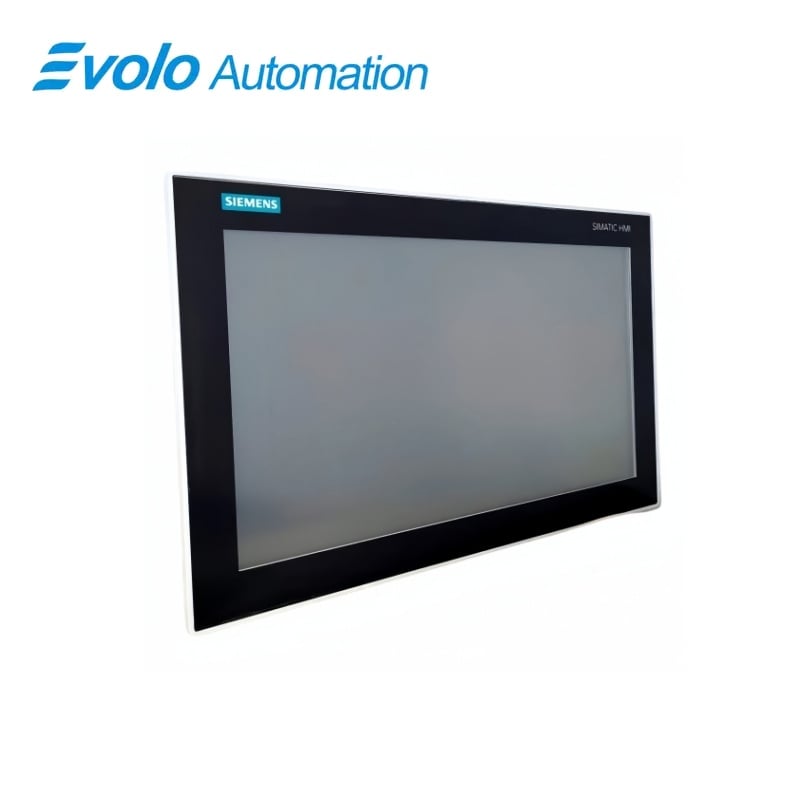
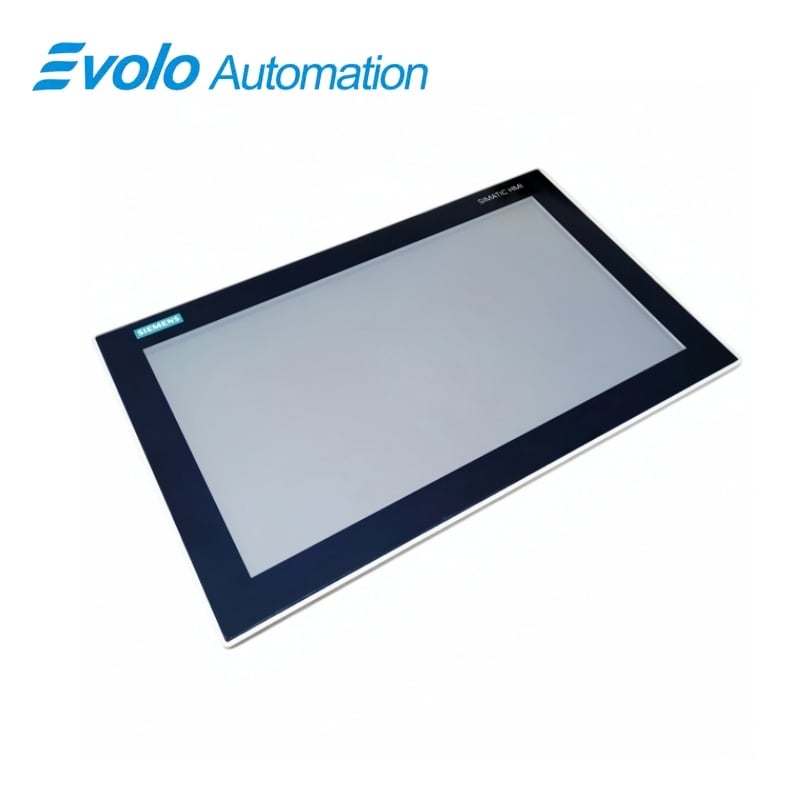
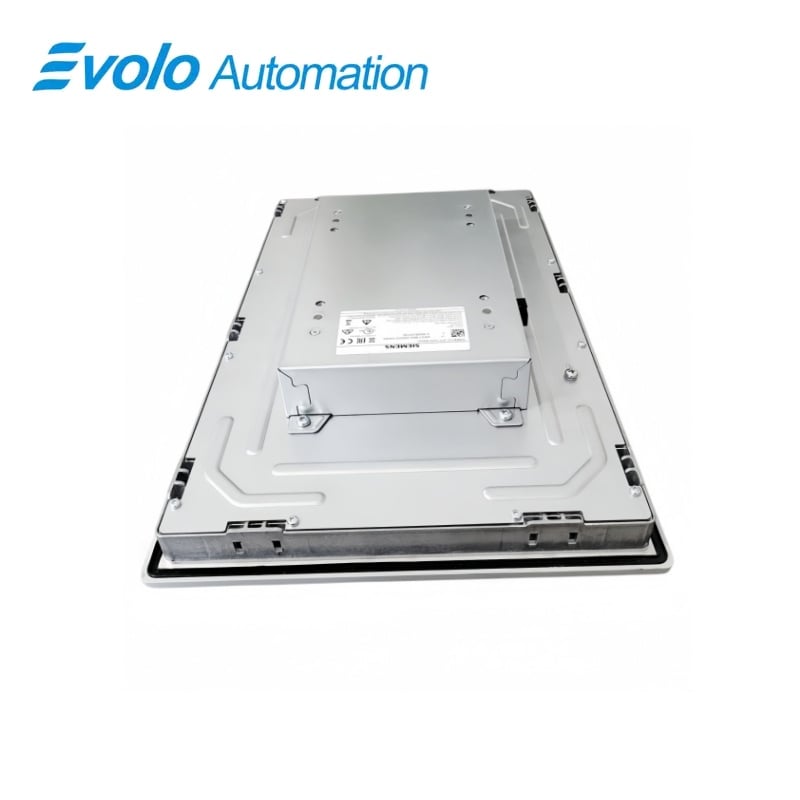
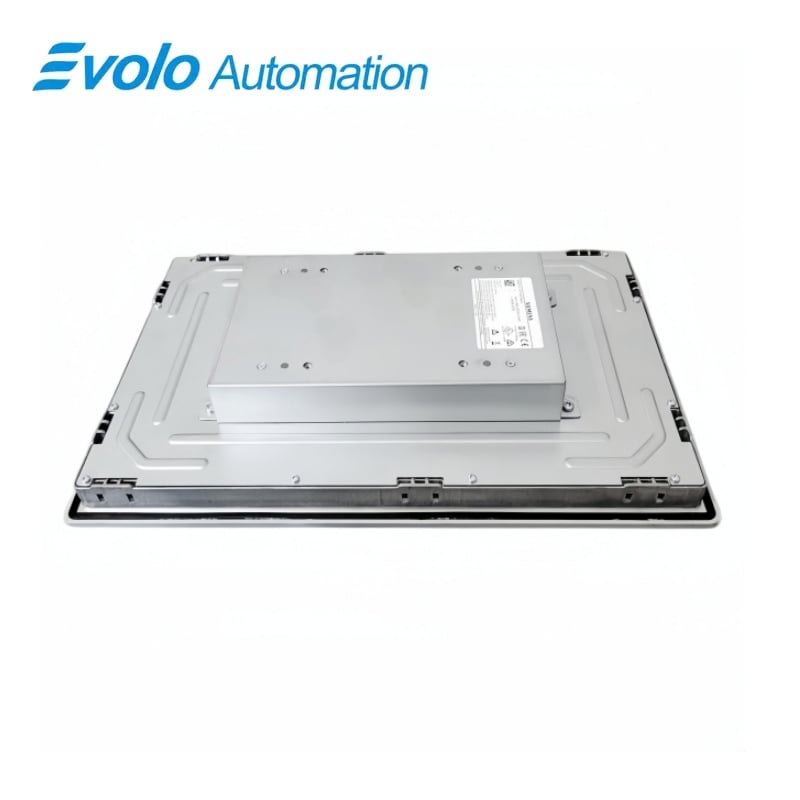
Siemens SIMATIC IFP1500 Basic 6AV7862-2BD00-0AA0 Flat Panel
Manufacturer: Siemens
Condition: Brand New
Lead Time: In Stock
Origin: Germany
Warranty: 12 Months
Email: [email protected]
whatsApp: +86-18150117685
- Overview
- Product Overview
- Key Functions
- Official Specifications
- Frequently Asked Questions
- Compatibility & Ordering Notes
- Hot Selling Models
- Recommended Products
Overview
Siemens · SIMATIC IFP Basic
6AV7862-2BD00-0AA0 IFP1500 Basic Flat Panel
Siemens 6AV7862-2BD00-0AA0 is a SIMATIC IFP1500 Basic industrial flat panel with a 15.6-inch widescreen touch display, DisplayPort/VGA video inputs and USB touch connection.
At a Glance
| Brand | Siemens |
|---|---|
| Model | 6AV7862-2BD00-0AA0 |
| Product Type | Industrial touch display |
| Core Function | Provides touch visualization for an external industrial computer |
| Application or Compatible Series | SIMATIC Industrial Flat Panel Basic installations |
Panel Cutout
Confirm the enclosure opening, mounting depth and permitted orientation.
PC Connections
Match the video input, USB touch link and maximum separation distance.
Power and Environment
Provide the specified 24 V DC range and maintain the front-panel sealing conditions.
Product Overview
Siemens 6AV7862-2BD00-0AA0 is a SIMATIC IFP1500 Basic industrial flat panel with a 15.6-inch widescreen touch display, DisplayPort/VGA video inputs and USB touch connection.
The 15.6-inch TFT panel presents 1366 × 768 pixels and supports touch operation. DisplayPort and VGA inputs connect the panel to the external computer unit. The installed front achieves IP65 protection when the mounting and enclosure conditions are satisfied.
Key Functions
Widescreen Touch Display
The 15.6-inch TFT panel presents 1366 × 768 pixels and supports touch operation.
Flexible Video Connection
DisplayPort and VGA inputs connect the panel to the external computer unit.
Industrial Front Protection
The installed front achieves IP65 protection when the mounting and enclosure conditions are satisfied.
Official Specifications
| Display Technology | TFT with LED backlighting |
|---|---|
| Screen Diagonal | 15.6 in |
| Display Colors | 16 million |
| Native Resolution | 1,366 × 768 pixels |
| Maximum Computer Separation | 5 m |
| Backlight MTBF at 25 °C | 50,000 h |
| Backlight Dimming Range | 0 to 100% |
| Permitted Orientation | Portrait or landscape |
| Maximum Forward and Backward Tilt | 45° from vertical in either direction |
| Supply Voltage | 24 V DC nominal; 20.4 to 28.8 V DC permitted |
| Typical Power Loss | 17 W |
| Maximum Power Loss | 60 W |
| USB Interfaces | 2 USB 2.0 downstream ports |
| Video Inputs | DisplayPort and VGA |
| Touch Connection | USB Type A |
| Front Protection Rating | IP65 |
| Operating Temperature | 0 to 45 °C |
| Storage and Transport Temperature | -20 to 60 °C |
| Front Dimensions and Mounting Depth | 406 × 258 mm front; 59 mm mounting depth |
| Mounting Cutout and Weight | 388.4 × 240.5 mm; 4.1 kg |
Frequently Asked Questions
Which video outputs can drive 6AV7862-2BD00-0AA0?
The panel accepts DisplayPort or VGA video from the connected computer.
How is touch data returned from 6AV7862-2BD00-0AA0 to the computer?
A USB connection carries the touch interface to the host system.
What enclosure cutout is required for 6AV7862-2BD00-0AA0?
Prepare a 388.4 × 240.5 mm cutout and allow 59 mm mounting depth.
May I install 6AV7862-2BD00-0AA0 in portrait orientation?
The built-in panel supports both portrait and landscape mounting.
What DC range should power 6AV7862-2BD00-0AA0?
Use a nominal 24 V DC supply within the permitted 20.4 to 28.8 V range.
How do I retain IP65 protection with 6AV7862-2BD00-0AA0?
Use the specified cutout and fastening method so the panel front seals correctly against the enclosure.
How far can 6AV7862-2BD00-0AA0 be installed from the computer?
The standard configuration permits a separation of up to 5 m.
Compatibility & Ordering Notes
Compatibility Checklist
- Confirm the host computer provides a supported DisplayPort or VGA signal and USB connection.
- Check the enclosure cutout, mounting depth and front-seal surface before installation.
- Keep the cable run within the standard 5 m distance and use the documented panel connectors.