EN




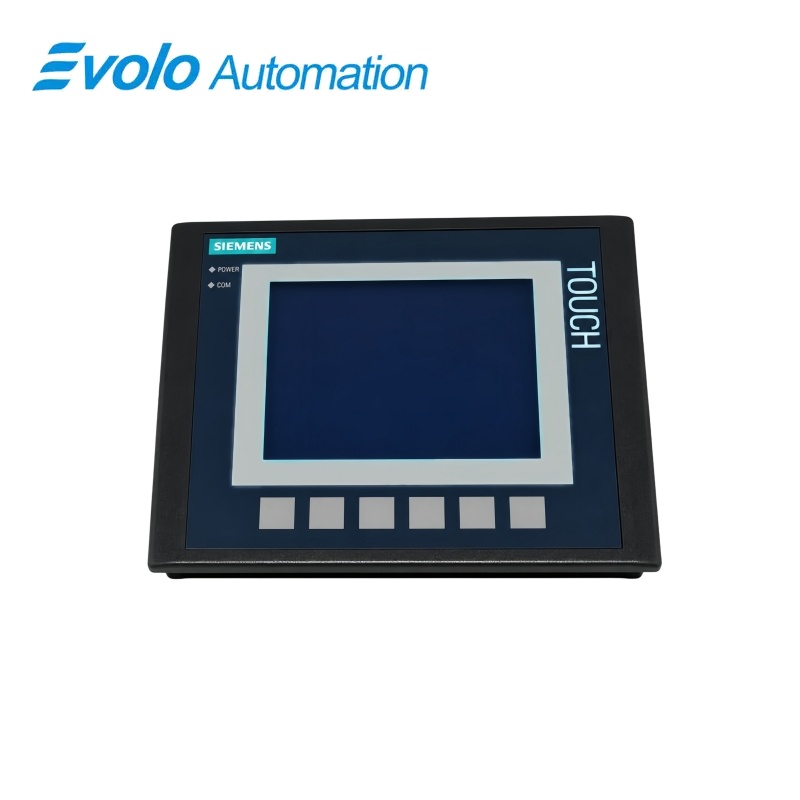
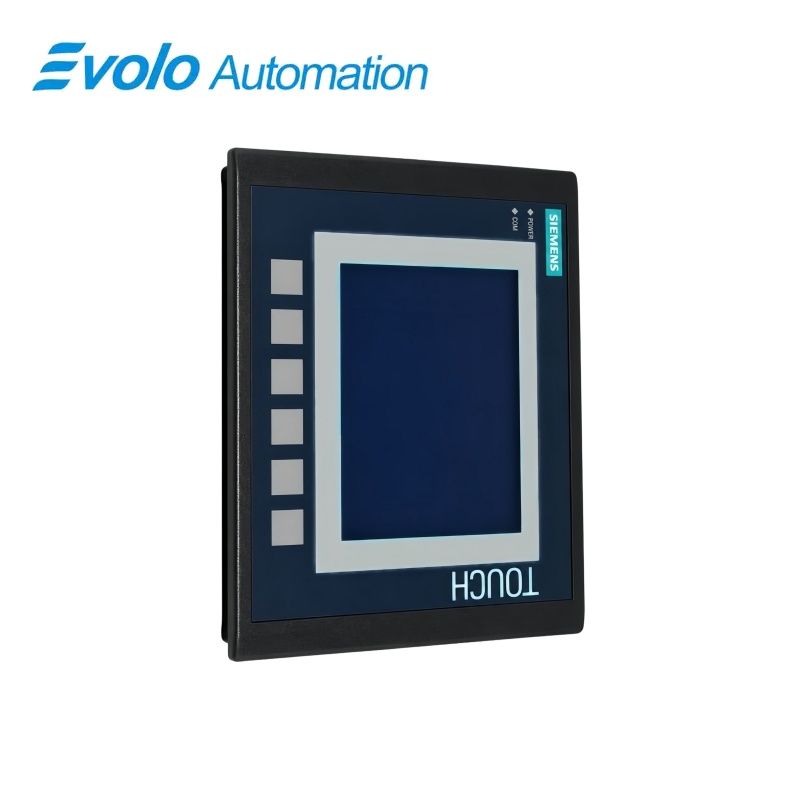
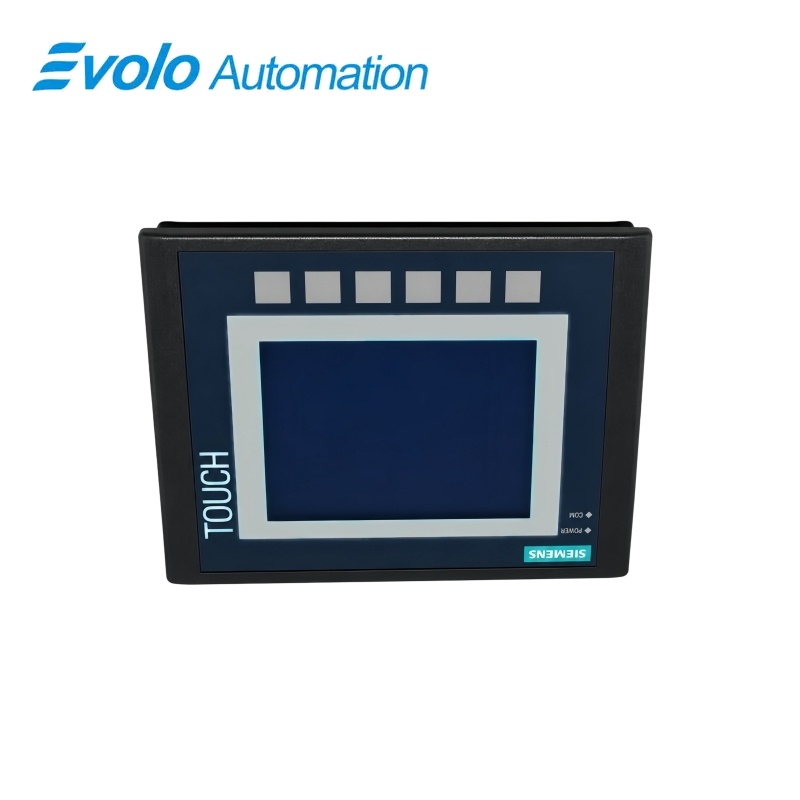
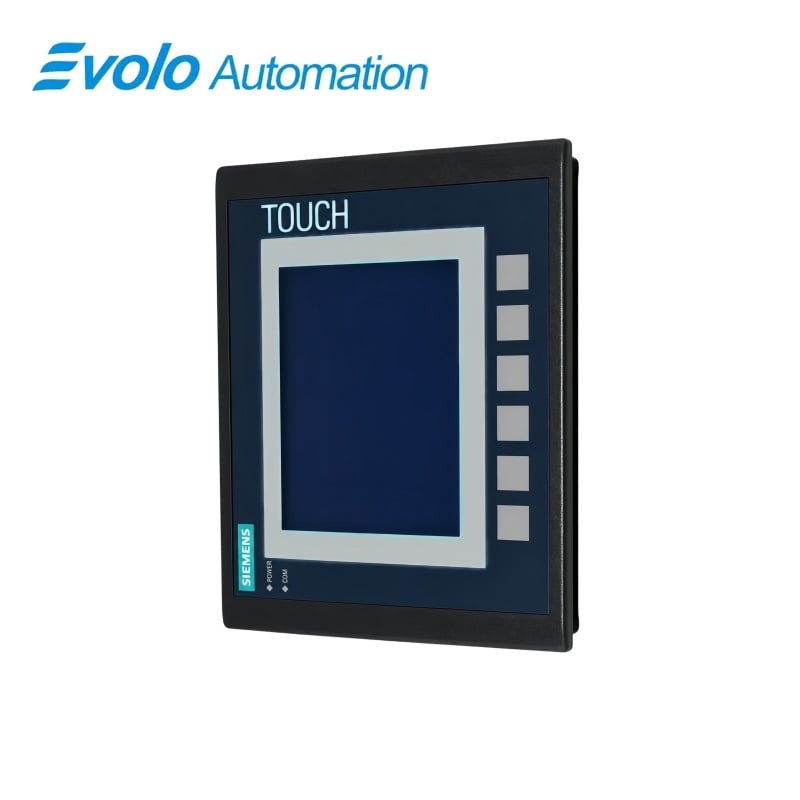
Siemens 6AV6640-0DA11-0AX0 SIMATIC K-TP178 Micro Touch Panel
Manufacturer: Siemens
Condition: Brand New
Lead Time: In Stock
Origin: Germany
Warranty: 12 Months
Email: [email protected]
whatsApp: +86-18150117685
- Overview
- Hot Selling Models
- Recommended Products
Overview
- Configuration uses the Chinese Standard edition of WinCC flexible 2004 SP1 with the applicable HSP.
- Retain the original WinCC flexible engineering project independently from runtime backup files.
- Use a compatible PPI adapter cable and the required USB cable revision where applicable.
- Match the configured device type and OS image before performing recovery.
- Disconnect panel power before attaching the computer serial connection.
6AV6640-0DA11-0AX0 SIMATIC K-TP178 Micro Touch Panel
A 5.7-inch blue-mode STN touch panel with six additional function keys and serial project transfer through PPI cables.
At a Glance
| Brand | Siemens |
|---|---|
| Model | 6AV6640-0DA11-0AX0 |
| Product Type | Touch operator panel |
| Core Function | Operating and visualizing a small machine |
| Application | SIMATIC S7-200 systems |
Combine touch and key operation
The 5.7-inch STN display is complemented by six additional function keys.
Transfer the machine project
WinCC flexible transfers the configured runtime project through the serial connection using a supported PC/PPI or USB/PPI cable.
Recover the runtime installation
ProSave provides backup/restore, while operating-system updates for Micro panels use the factory-reset procedure.
Product Overview
6AV6640-0DA11-0AX0 provides touch-based machine operation with six additional function keys for S7-200 applications. Its blue-mode STN screen forms the operator interface for the configured machine project.
The K-TP178 Micro belongs to the WinCC flexible Micro-panel workflow. Serial transfer settings, operating-system image matching and a retained engineering project are central to replacement and recovery.
Key Functions
Combine touch and key operation
The 5.7-inch STN display is complemented by six additional function keys.
Transfer the machine project
WinCC flexible transfers the configured runtime project through the serial connection using a supported PC/PPI or USB/PPI cable.
Recover the runtime installation
ProSave provides backup/restore, while operating-system updates for Micro panels use the factory-reset procedure.
Official Specifications
| Display diagonal | 5.7 inches |
|---|---|
| Display technology | Blue-mode STN |
| Additional function keys | 6 |
| Panel transfer interface | IF1B, RS485 |
| Clock implementation | Software clock |
Frequently Asked Questions
Which serial cable can I use to download a project to 6AV6640-0DA11-0AX0?
A supported PC/PPI cable such as 6ES7901-3CB30-0XA0 connects the computer serial port to the panel IF1B interface.
What USB/PPI revision is needed for project transfer to 6AV6640-0DA11-0AX0?
USB/PPI transfer requires the 6ES7901-3DB30-0XA0 cable at E-Stand 5.0 and WinCC flexible 2005 SP1 or later.
How do I put 6AV6640-0DA11-0AX0 into project transfer mode?
Enable Channel1 in the Control Panel transfer settings, save the setting and select Transfer in the startup menu.
Can I retrieve an editable WinCC flexible project from 6AV6640-0DA11-0AX0?
Editable project uploading is not supported, so retain the original engineering project separately.
Can I make a runtime backup of 6AV6640-0DA11-0AX0 with ProSave?
ProSave supports backup and restore for the panel.
Can I use a normal OS update instead of factory reset on 6AV6640-0DA11-0AX0?
Micro panels support operating-system updates through the factory-reset procedure rather than a normal OS update.
What device selection should I keep when updating the OS of 6AV6640-0DA11-0AX0?
The engineering project must select the same K-TP178 Micro device type as the physical panel.