EN
EN




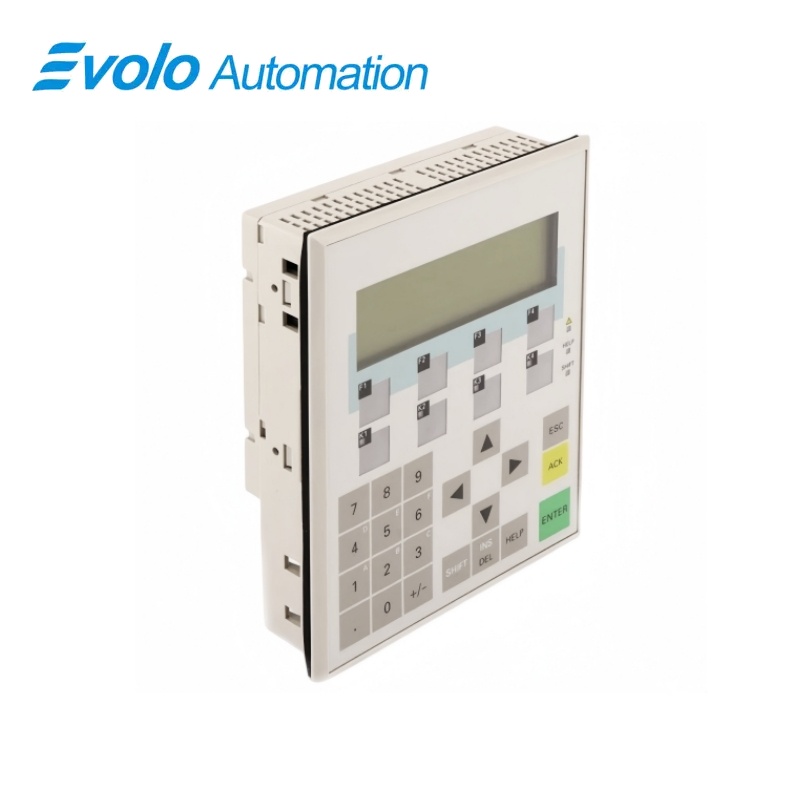
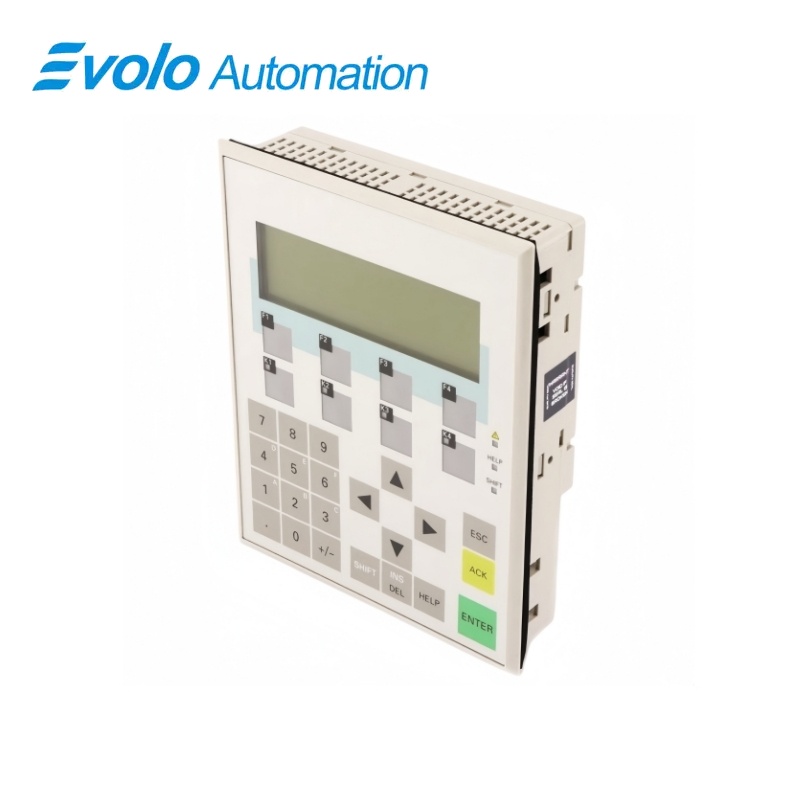
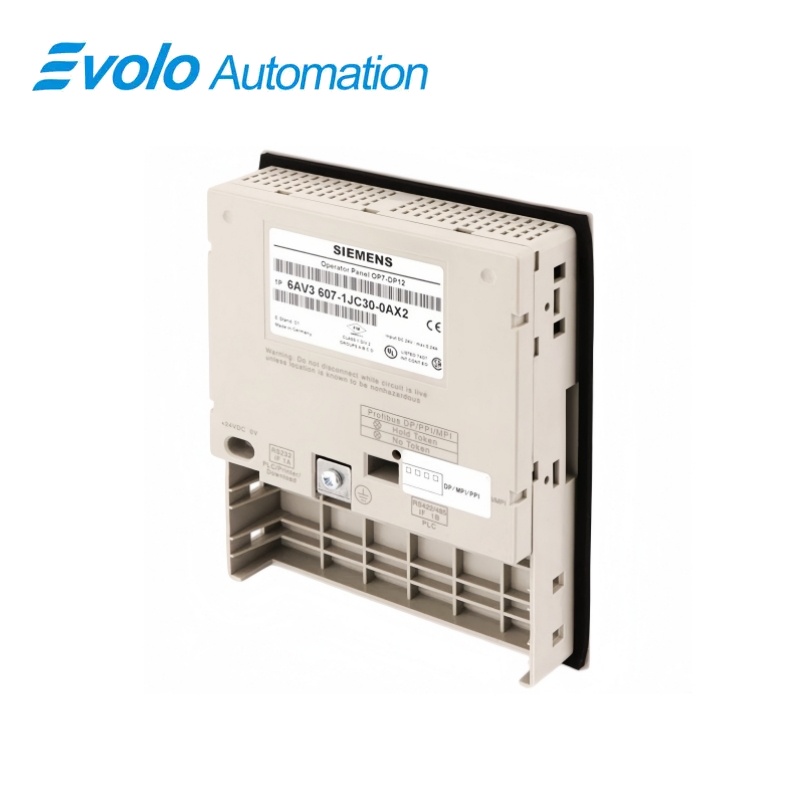
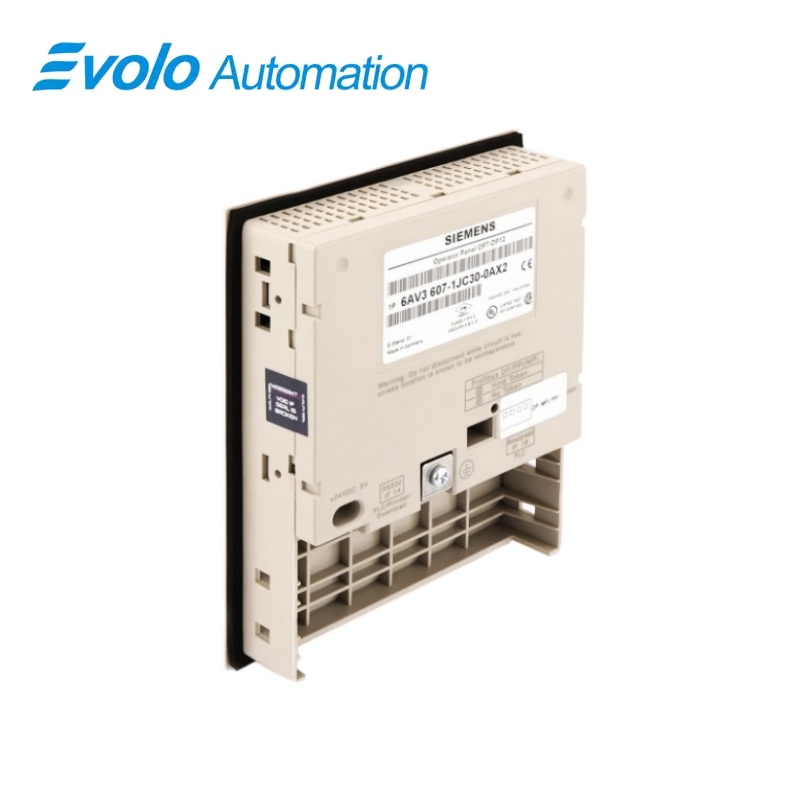
Siemens SIMATIC HMI OP7/DP12 Operator Panel 6AV3607-1JC30-0AX2
Manufacturer: Siemens
Condition: Brand New
Lead Time: In Stock
Origin: Germany
Warranty: 12 Months
Email: [email protected]
whatsApp: +86-18150117685
- Overview
- Product Overview
- Key Functions
- Official Specifications
- Frequently Asked Questions
- Compatibility & Ordering Notes
- Hot Selling Models
- Recommended Products
Overview
SIEMENS · SIMATIC HMI OP7
6AV3607-1JC30-0AX2 SIMATIC HMI OP7/DP12 Operator Panel
The OP7/DP12 is a compact operator panel with a four-line backlit LC display, native controller drivers and PROFIBUS DP communication up to 12 Mbaud.
At a Glance
| Brand | Siemens |
|---|---|
| Model | 6AV3607-1JC30-0AX2 |
| Product Type | text-based operator panel |
| Core Function | Provides keypad operation and text visualization over PROFIBUS DP for legacy automation systems |
| Application or Compatible Series | SIMATIC S5, SIMATIC S7, SIMATIC M7 and TI 505 systems using supported native drivers |
Exact Identification
Match 6AV3607-1JC30-0AX2 character by character and confirm the complete SIMATIC HMI OP7/DP12 Operator Panel designation.
Interface Arrangement
Confirm the installed supply, ports, field connections and required accessories before wiring the replacement.
Configuration Check
Preserve the approved engineering project, network parameters and application data used by the installed system.
Product Overview
The OP7/DP12 is a compact operator panel with a four-line backlit LC display, native controller drivers and PROFIBUS DP communication up to 12 Mbaud.
The LED-backlit LC display presents four lines with 20 characters per line. Integrated drivers support SIMATIC S5, S7, M7 and TI 505 control systems. The DP interface supports network communication at rates up to 12 Mbaud.
Key Functions
Four-Line Text Display
The LED-backlit LC display presents four lines with 20 characters per line.
Native PLC Drivers
Integrated drivers support SIMATIC S5, S7, M7 and TI 505 control systems.
PROFIBUS DP Operation
The DP interface supports network communication at rates up to 12 Mbaud.
Official Specifications
| Product Type | OP7/DP12 |
|---|---|
| Display Technology | LC display |
| Backlighting | LED |
| Display Lines | 4 |
| Characters per Line | 20 |
| Operator Input | Membrane keys |
| Communication Network | PROFIBUS DP |
| Maximum PROFIBUS Rate | 12 Mbaud |
| Configuration Memory | 128 kbytes |
| Character Height | 8 mm |
| System Keys | 22 |
| Function Keys | 8; all eight can be configured as soft keys |
| Status LEDs | 7 |
| Supply Voltage | 24 V DC nominal; permissible range 18 to 30 V DC |
| Net Weight | 0.503 kg |
| Packaging Dimensions | 15.4 × 18.7 × 5.6 cm |
Frequently Asked Questions
How many text lines are shown by 6AV3607-1JC30-0AX2?
The display presents four lines with 20 characters on each line.
Which fieldbus is used by 6AV3607-1JC30-0AX2?
The DP12 version communicates over PROFIBUS DP at rates up to 12 Mbaud.
Which Siemens controller families have native drivers for 6AV3607-1JC30-0AX2?
Native connectivity includes SIMATIC S5, S7 and M7 systems.
Can it communicate with a TI 505 controller on 6AV3607-1JC30-0AX2?
Yes, the specified native-driver set includes TI 505.
What project data should be secured before replacing 6AV3607-1JC30-0AX2?
Save the operator-panel project, text lists, alarm definitions, key assignments and PROFIBUS address.
What display limitation should be considered when migrating from 6AV3607-1JC30-0AX2?
Retain the compact four-line, 20-character presentation or redesign the screens for the replacement panel.
What network checks are required after fitting 6AV3607-1JC30-0AX2?
Verify the DP address, baud rate, bus termination, connector orientation and controller configuration.
Compatibility & Ordering Notes
Compatibility Checklist
- Use a project and driver that match the connected legacy controller.
- Maintain the existing PROFIBUS DP address, baud rate and termination arrangement.
- Verify all key assignments and text resources after restoring the project.