EN
EN




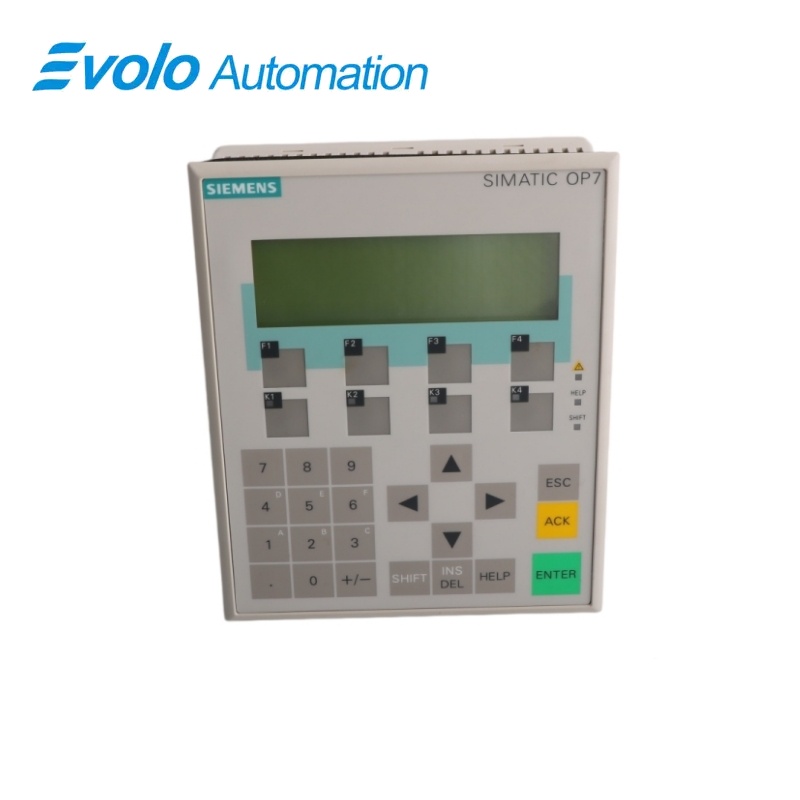
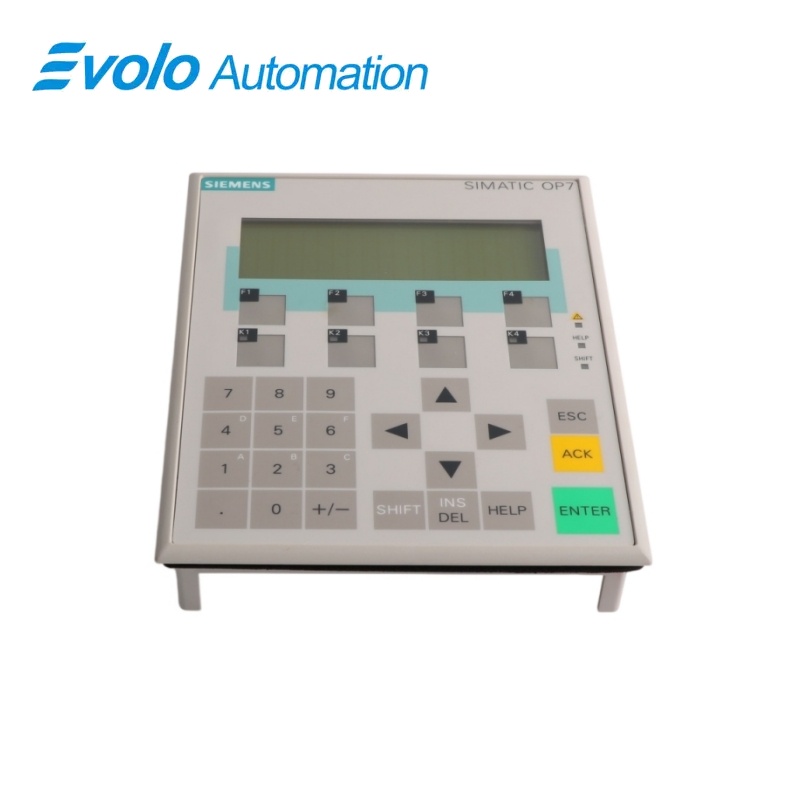
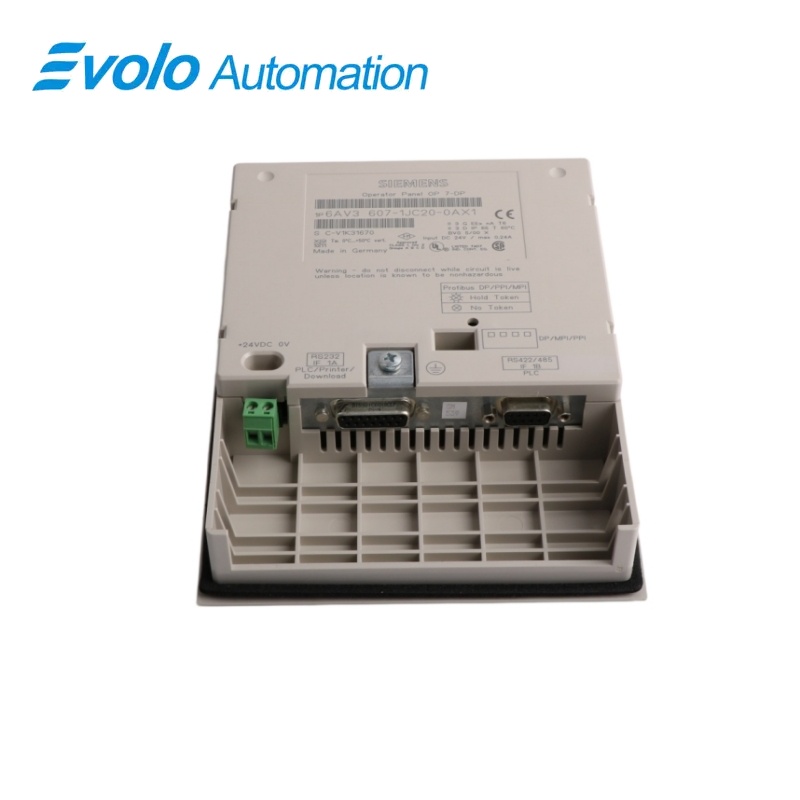
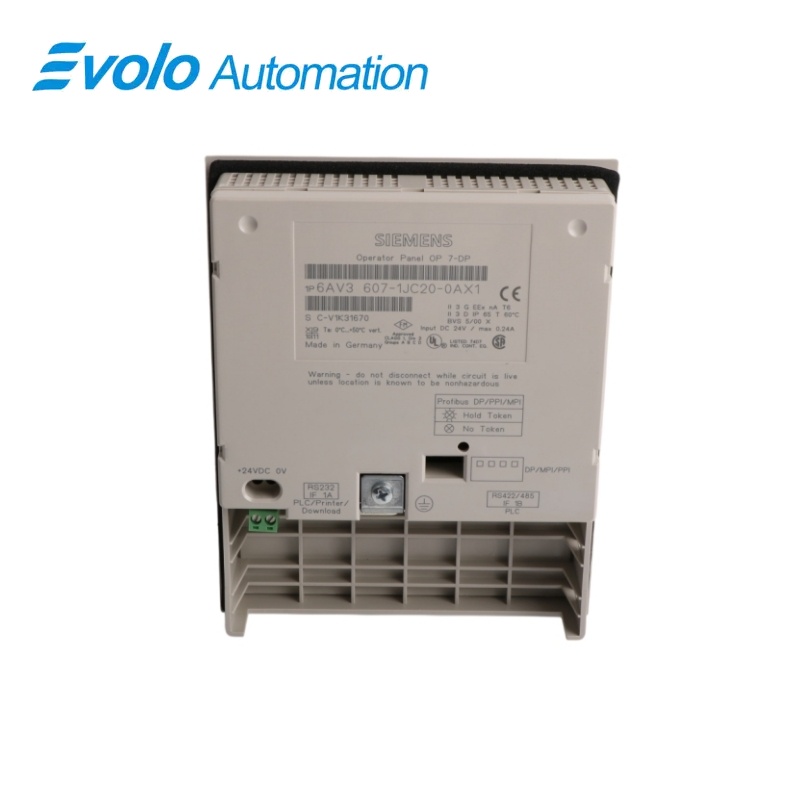
Siemens SIMATIC HMI OP7/DP Operator Panel 6AV3607-1JC20-0AX1
Manufacturer: Siemens
Condition: Brand New
Lead Time: In Stock
Origin: Germany
Warranty: 12 Months
Email: [email protected]
whatsApp: +86-18150117685
- Overview
- Product Overview
- Key Functions
- Official Specifications
- Frequently Asked Questions
- Compatibility & Ordering Notes
- Hot Selling Models
- Recommended Products
Overview
Siemens · SIMATIC HMI OP7
6AV3607-1JC20-0AX1 SIMATIC HMI OP7/DP Operator Panel
The OP7/DP is a compact key-operated HMI with a backlit four-line text display and serial/PROFIBUS communication for legacy SIMATIC machine visualization.
At a Glance
| Brand | Siemens |
|---|---|
| Model | 6AV3607-1JC20-0AX1 |
| Product Type | Key-operated monochrome text operator panel |
| Core Function | Provides local machine operation, messages and process text through keys and PROFIBUS DP communication |
| Application or Compatible Series | Legacy SIMATIC S7 and M7 machines engineered for the OP7/DP panel |
Exact Identification
Match 6AV3607-1JC20-0AX1 character by character and confirm the complete SIMATIC HMI OP7/DP Operator Panel designation.
Interface Arrangement
Confirm the installed supply, ports, field connections and required accessories before wiring the replacement.
Configuration Check
Preserve the approved engineering project, network parameters and application data used by the installed system.
Product Overview
The OP7/DP is a compact key-operated HMI with a backlit four-line text display and serial/PROFIBUS communication for legacy SIMATIC machine visualization.
Four lines of twenty characters present process values, alarms and operator prompts. Programmable function keys support machine operation without a touch screen. RS232, RS422 and RS485 interfaces support the configured SIMATIC connection.
Key Functions
Text Display
Four lines of twenty characters present process values, alarms and operator prompts.
Physical Key Operation
Programmable function keys support machine operation without a touch screen.
Legacy Controller Communication
RS232, RS422 and RS485 interfaces support the configured SIMATIC connection.
Official Specifications
| Display Technology | Backlit monochrome LC display |
|---|---|
| Display Capacity | 4 lines with 20 characters per line |
| Programmable Function Keys | 8, including 4 with LEDs |
| Touch Operation | Not provided |
| Rated Supply Voltage | 24 V DC |
| Rated Current Consumption | 0.19 A |
| Processor Type | x86 |
| User Data Memory | 128 KB |
| Serial Interfaces | RS232, RS422 and RS485 |
| Maximum RS485 Rate | 1.5 Mbit/s |
| Clock Type | Synchronizable software clock |
| Mounting Position | Vertical |
| Maximum Inclination without Forced Ventilation | 90° |
| Configuration Software Family | SIMATIC ProTool |
Frequently Asked Questions
How much information can the display of 6AV3607-1JC20-0AX1 show at once?
The display presents four text lines with up to twenty characters per line.
Does 6AV3607-1JC20-0AX1 use a touch screen?
No; operators use the system and programmable function keys.
Which supply is required by 6AV3607-1JC20-0AX1?
Provide a stable 24 V DC supply with correct polarity and grounding.
Which communication interface should be preserved for 6AV3607-1JC20-0AX1?
Match the existing RS232, RS422 or RS485 connection, cable pinout and configured protocol.
What project files should be saved before replacing 6AV3607-1JC20-0AX1?
Keep the original ProTool project, runtime backup, controller connection and message configuration.
How should 6AV3607-1JC20-0AX1 be mounted?
Install the panel vertically and keep the inclination within the permitted limit.
What should be tested after installing 6AV3607-1JC20-0AX1?
Verify every key, display line, alarm, communication link and configured operator function.
Compatibility & Ordering Notes
Compatibility Checklist
- Use the exact OP7/DP hardware variant configured by the engineering project.
- Preserve the project and communication-cable pinout before removal.
- Test all keys, messages and controller variables after replacement.