EN
EN




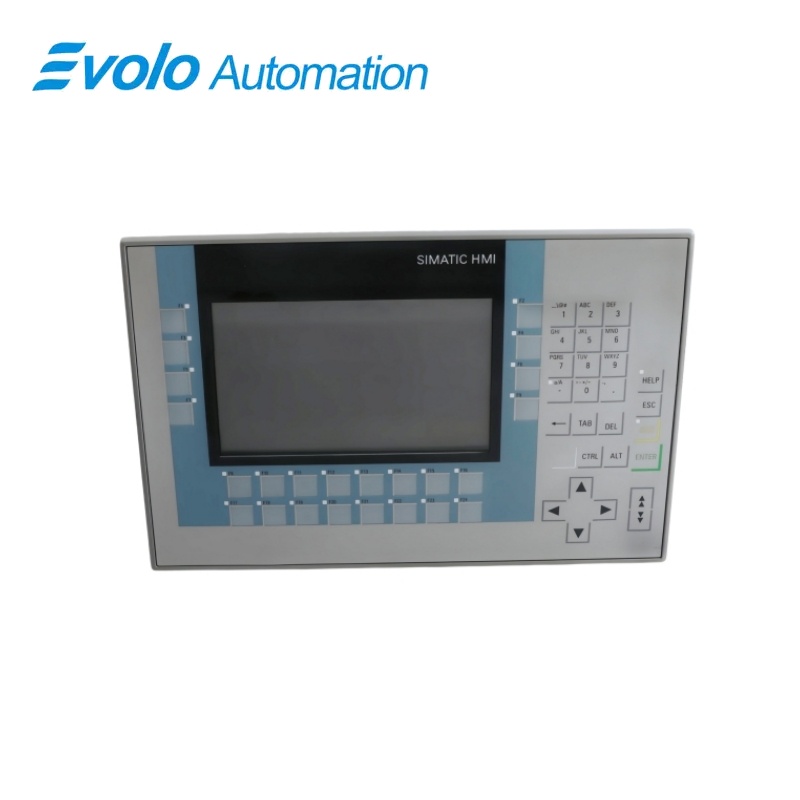
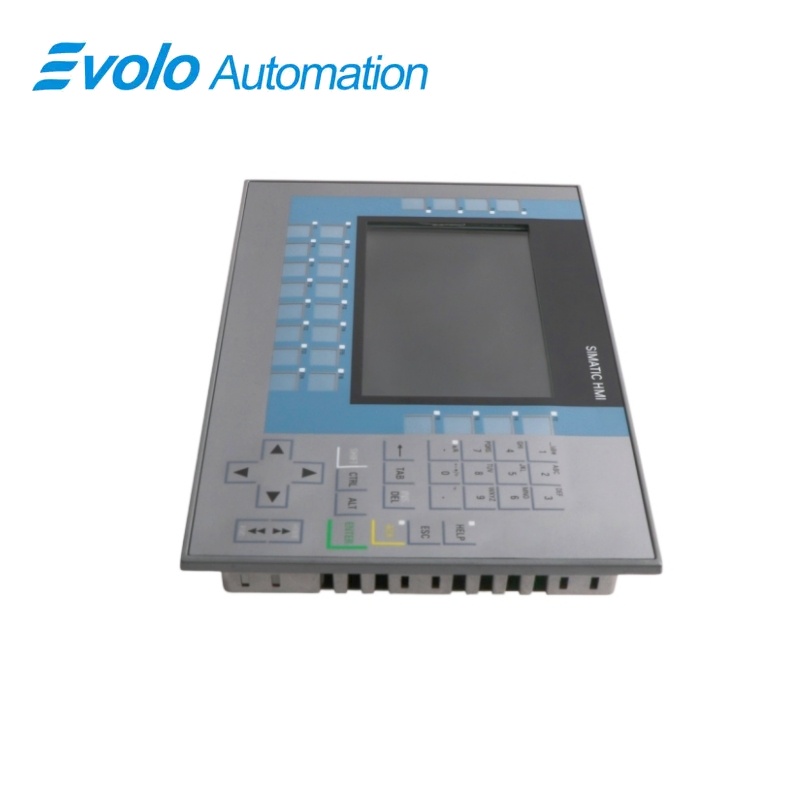
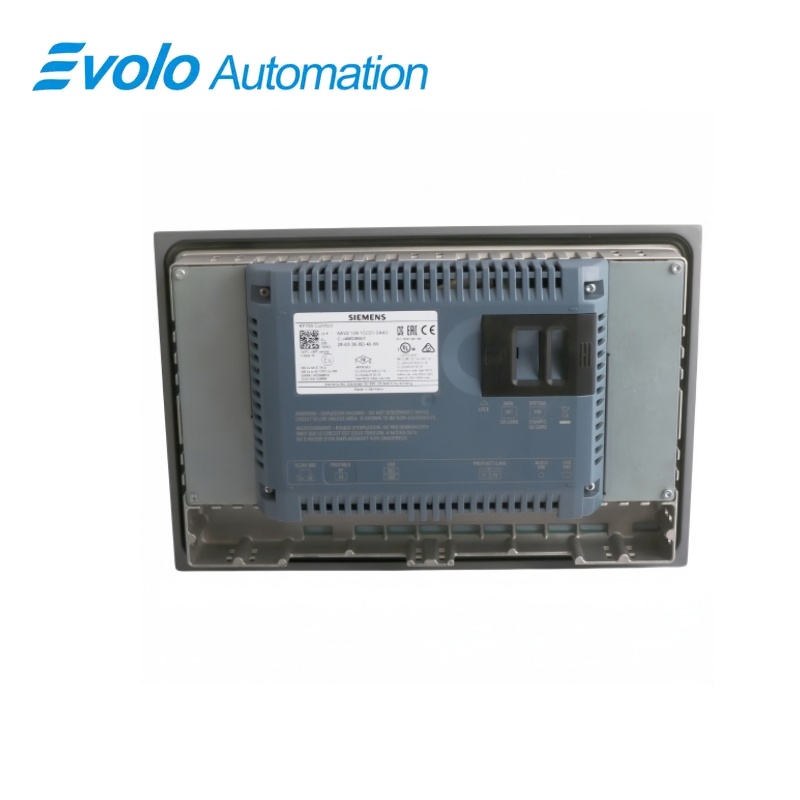
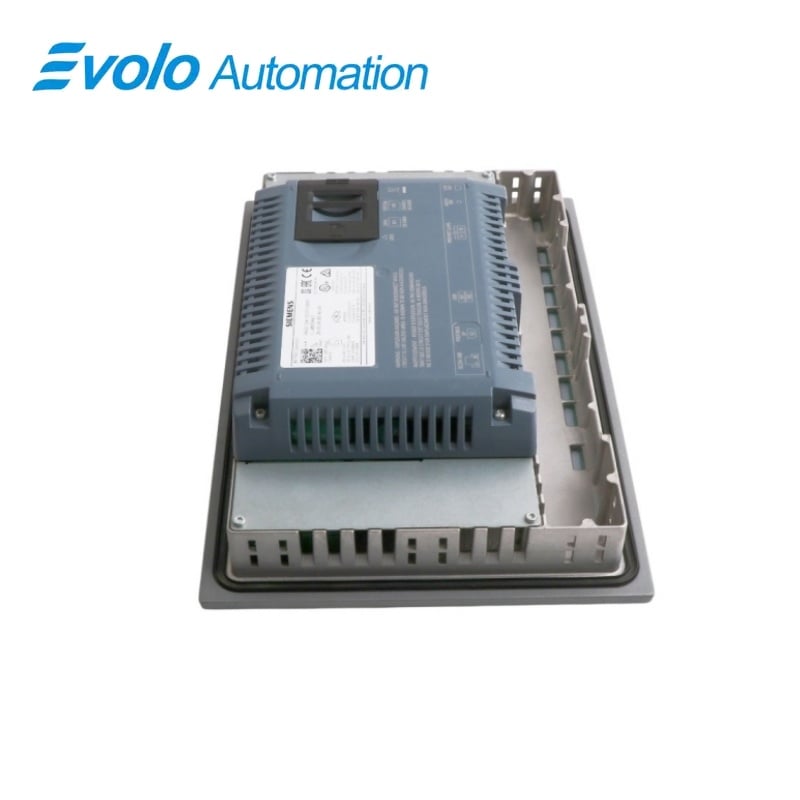
Siemens SIMATIC HMI KP700 Comfort Key Panel 6AV2124-1GC01-0AX0
Manufacturer: Siemens
Condition: Brand New
Lead Time: In Stock
Origin: Germany
Warranty: 12 Months
Email: [email protected]
whatsApp: +86-18150117685
- Overview
- Product Overview
- Key Functions
- Official Specifications
- Frequently Asked Questions
- Compatibility & Ordering Notes
- Hot Selling Models
- Recommended Products
Overview
SIEMENS · SIMATIC HMI Comfort Panels
6AV2124-1GC01-0AX0 SIMATIC HMI KP700 Comfort Key Panel
The SIMATIC HMI KP700 Comfort is a seven-inch key-operated panel with a widescreen TFT display, 24 illuminated function keys, PROFINET and MPI/PROFIBUS DP communication, and 12 MB of configuration memory.
At a Glance
| Brand | Siemens |
|---|---|
| Model | 6AV2124-1GC01-0AX0 |
| Product Type | seven-inch key-operated Comfort Panel |
| Core Function | Provides local process visualization and operator control through illuminated hardware keys |
| Application or Compatible Series | SIMATIC automation systems engineered with WinCC Comfort |
Exact Identification
Match 6AV2124-1GC01-0AX0 character by character and confirm the complete SIMATIC HMI KP700 Comfort Key Panel designation.
Interface Arrangement
Confirm the installed supply, ports, field connections and required accessories before wiring the replacement.
Configuration Check
Preserve the approved engineering project, network parameters and application data used by the installed system.
Product Overview
The SIMATIC HMI KP700 Comfort is a seven-inch key-operated panel with a widescreen TFT display, 24 illuminated function keys, PROFINET and MPI/PROFIBUS DP communication, and 12 MB of configuration memory.
Twenty-four LED-equipped function keys, system keys and an alphanumeric keypad support operation without a touch screen. The seven-inch TFT display presents 16,777,216 colors at 800 by 480 pixels with adjustable backlight brightness. PROFINET and MPI/PROFIBUS DP interfaces connect the panel to supported automation systems configured in WinCC Comfort.
Key Functions
Key-Based Machine Operation
Twenty-four LED-equipped function keys, system keys and an alphanumeric keypad support operation without a touch screen.
Widescreen Process Display
The seven-inch TFT display presents 16,777,216 colors at 800 by 480 pixels with adjustable backlight brightness.
Integrated SIMATIC Networking
PROFINET and MPI/PROFIBUS DP interfaces connect the panel to supported automation systems configured in WinCC Comfort.
Official Specifications
| Display Technology | TFT |
|---|---|
| Screen Diagonal | 7 in |
| Active Display Area | 152.4 x 91.4 mm |
| Display Resolution | 800 x 480 pixels |
| Display Colors | 16,777,216 |
| Backlight Service Life at 25 °C | 80,000 h MTBF |
| Backlight Dimming Range | 0 to 100% |
| Function Keys with LEDs | 24 |
| System and Alphanumeric Keys | Available |
| Touch Operation | Not fitted |
| Configuration Memory | 12 MB |
| Operating System | Windows CE 6.0 |
| Engineering Baseline | WinCC Comfort V11 or higher |
| Communication Interfaces | PROFINET and MPI/PROFIBUS DP |
| Permitted Mounting Orientation | Landscape |
| Maximum Inclination without External Ventilation | 35° |
| Net Weight | 2.645 kg |
Frequently Asked Questions
Can 6AV2124-1GC01-0AX0 be operated entirely from hardware keys?
Yes; the panel provides illuminated function keys, system keys and an alphanumeric keypad without a touch screen.
Which project software should I use for 6AV2124-1GC01-0AX0?
Use WinCC Comfort V11 or a supported later release that includes the correct device image.
What display resolution should graphics use on 6AV2124-1GC01-0AX0?
Design the project for an 800 by 480 pixel widescreen display.
Which controller networks can connect to 6AV2124-1GC01-0AX0?
The panel provides PROFINET and MPI/PROFIBUS DP interfaces for supported SIMATIC connections.
Can I install 6AV2124-1GC01-0AX0 in portrait orientation?
No; this key-panel version is intended for landscape installation.
How should I preserve an existing 6AV2124-1GC01-0AX0 project before replacement?
Create a verified backup of the HMI project, recipes, alarms, passwords and communication settings.
What must I compare before fitting 6AV2124-1GC01-0AX0 into an existing cutout?
Check the panel dimensions, mounting orientation, connector positions, power wiring and original project target.
Compatibility & Ordering Notes
Compatibility Checklist
- Use a project compiled for the KP700 Comfort key-panel hardware rather than the touch-panel variant.
- Confirm the selected PROFINET or MPI/PROFIBUS DP connection and all node addresses before commissioning.
- Back up the complete HMI project and operational data before removing the installed panel.