EN
EN




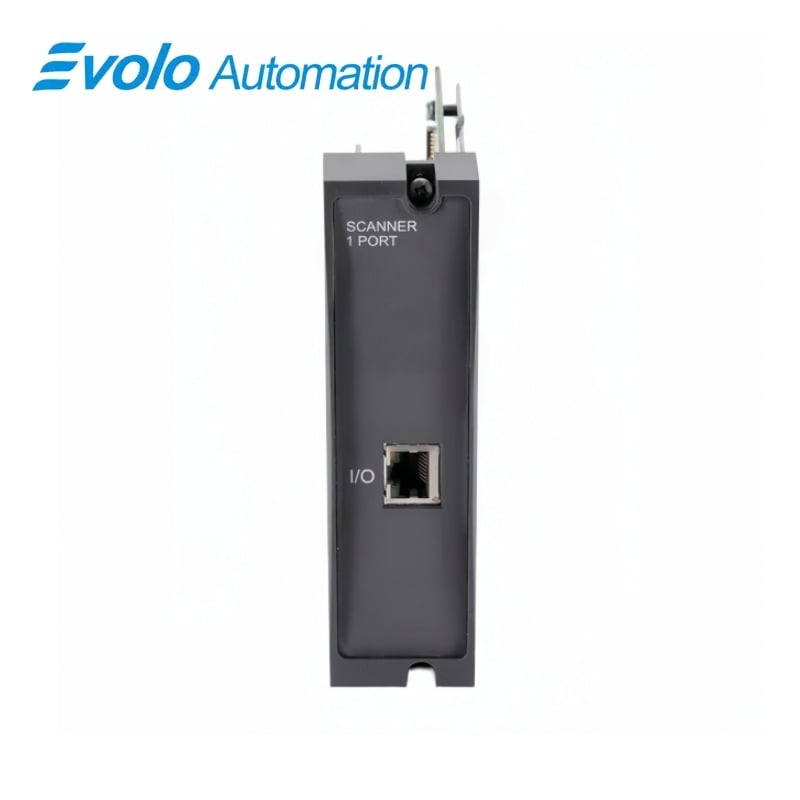
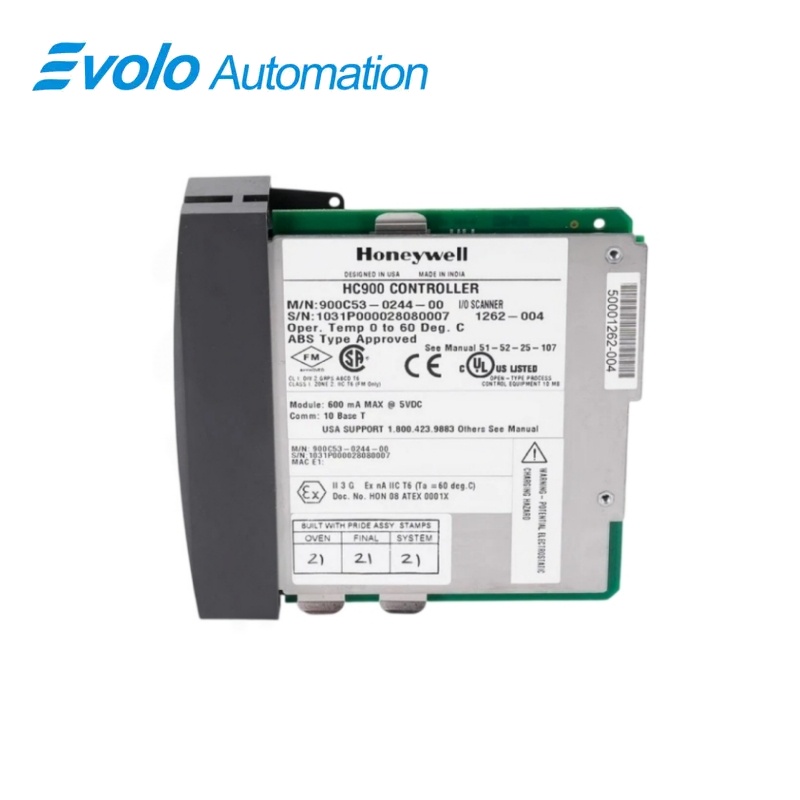
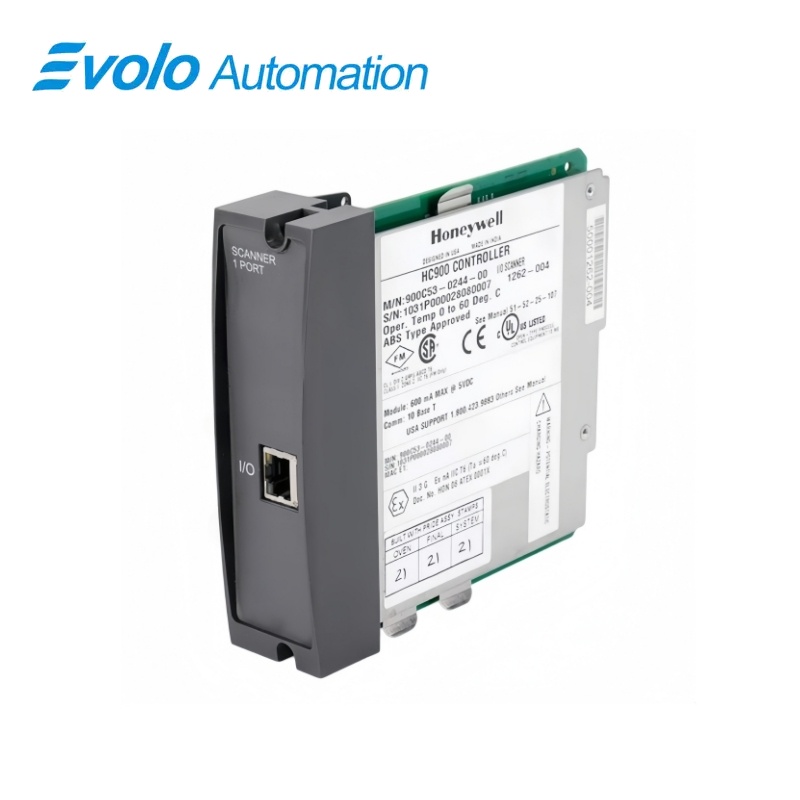
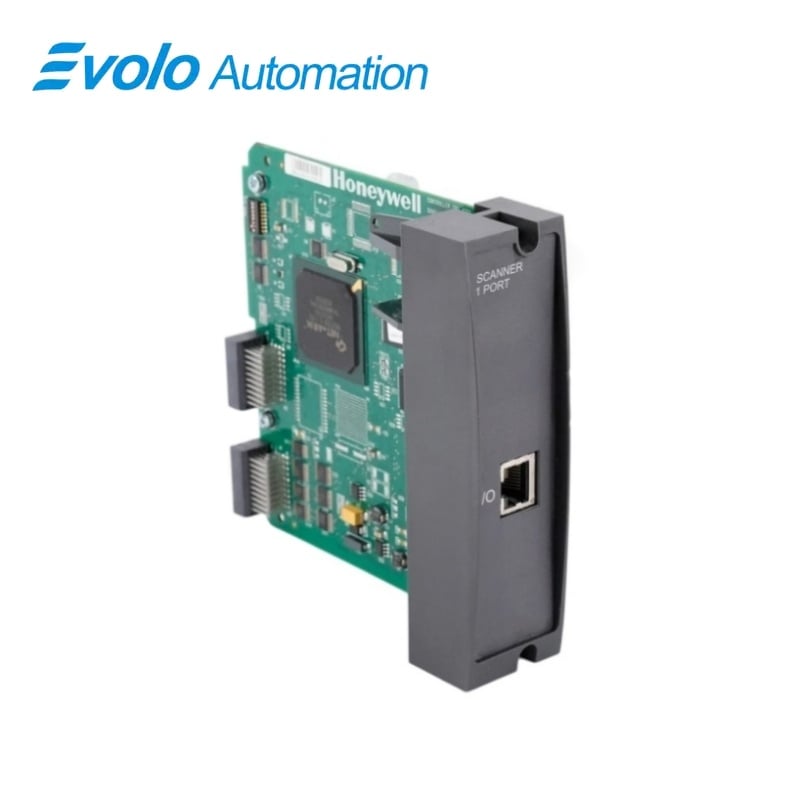
Honeywell HC900 900C53-0244-00 Remote I/O Scanner
Manufacturer: Honeywell
Condition: Brand New
Lead Time: In Stock
Warranty: 12 Months
Email: [email protected]
whatsApp: +86-18150117685
- Overview
- Hot Selling Models
- Recommended Products
Overview
At a Glance
| Brand | Honeywell |
|---|---|
| Model | 900C53-0244-00 |
| Product Type | Remote I/O scanner |
| Core Function | Transfers remote-rack I/O data and diagnostics |
| Application / Compatible Series | Honeywell HC900 remote I/O systems |
Match the complete catalog number and revision.
Record the scanner address before replacement.
Verify controller and remote-rack cabling.
Product Overview
Honeywell 900C53-0244-00 is an HC900 remote I/O scanner used in an expansion rack with I/O modules. It collects input-module data for the controller and delivers controller output data to the correct output modules.
Data exchange follows the controller scan to support deterministic operation, while module diagnostic conditions are monitored and reported upstream. The scanner address and installed network topology should be copied from the existing rack during replacement.
Key Functions
Remote Input Collection
Transfers input-module data from the remote rack to the controller.
Output Distribution
Routes controller output data to the appropriate output modules.
Diagnostic Reporting
Monitors I/O module status and reports detected diagnostic conditions.
Official Specifications
| Rack Location | Remote HC900 I/O rack |
|---|---|
| Input Data Path | Remote input modules to controller |
| Output Data Path | Controller to remote output modules |
| Data Exchange Timing | Synchronous with the controller scan |
| Rack Address Selection | DIP-switch setting |
| Diagnostic Handling | I/O module status monitored and reported to the controller |
| Network Type | Dedicated HC900 remote-I/O Ethernet connection |
| Multiple-Scanner Topology | External Ethernet switching is used when multiple scanners share a controller |
Frequently Asked Questions
Install it in the designated remote HC900 I/O rack position used by the existing system.
Record and reproduce the scanner address selected by the circuit-board DIP switches.
It collects data from the remote input modules and transfers it to the controller.
It receives controller output data and directs it to the appropriate remote output module.
Detected module-status conditions are monitored in the rack and reported to the controller.
Use the switching arrangement required by the installed topology when multiple remote scanners share one controller.
Check the catalog number, rack address, controller compatibility, cable routing and module seating.
Compatibility & Ordering Notes
Compatibility Checklist for 900C53-0244-00
Match the exact catalog number and hardware revision.
Record the rack address and Ethernet connections.
Verify controller compatibility and remote-rack slot assignment.
Confirm network-switch requirements before installation.