EN
EN




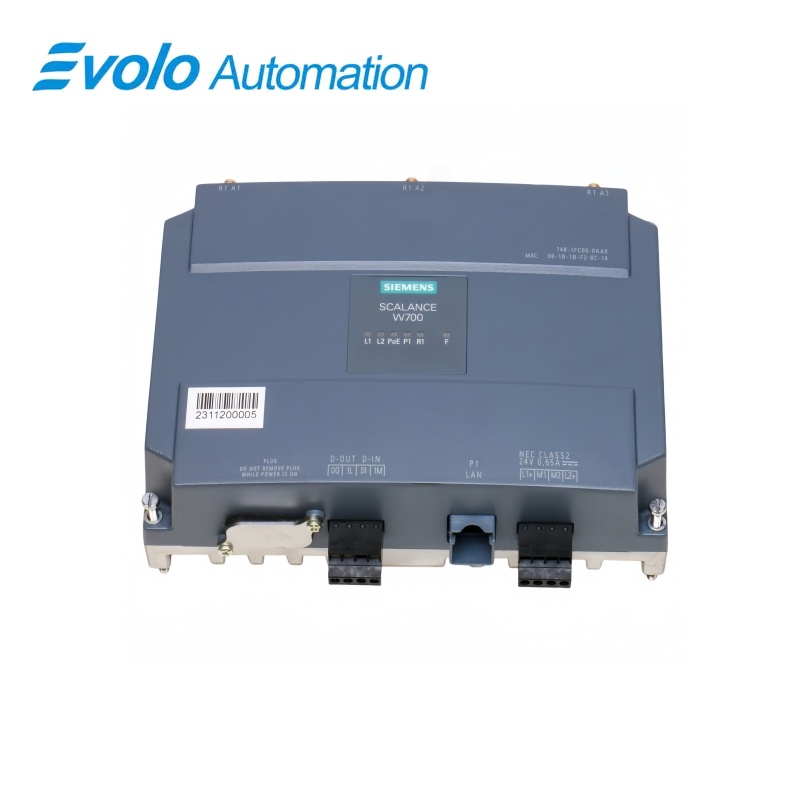
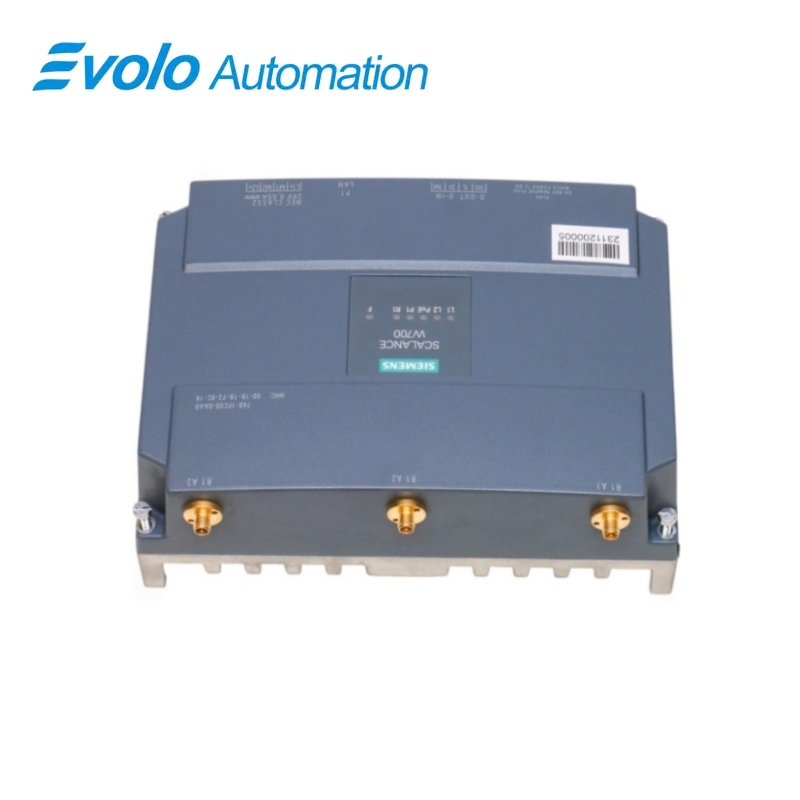
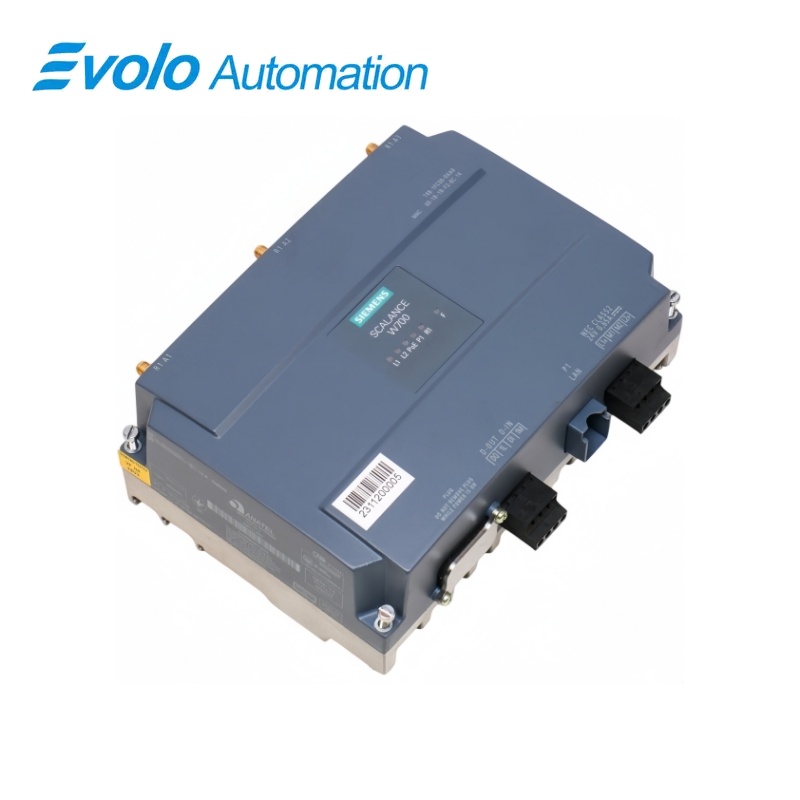
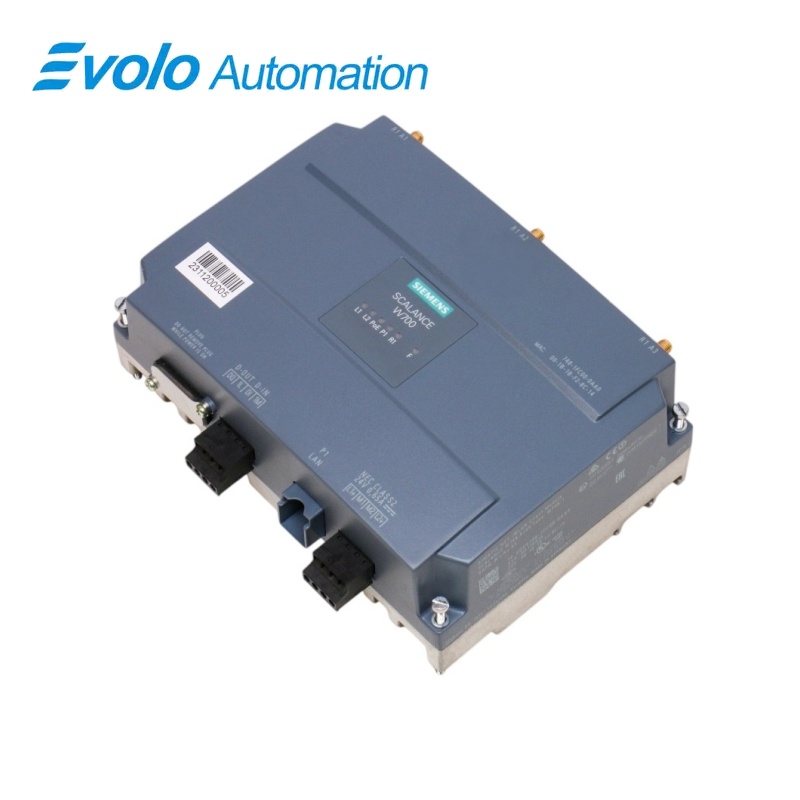
Siemens SCALANCE W748-1 RJ45 IWLAN Client 6GK5748-1FC00-0AA0
Manufacturer: Siemens
Condition: Brand New
Lead Time: In Stock
Origin: Germany
Warranty: 12 Months
Email: [email protected]
whatsApp: +86-18150117685
- Overview
- Product Overview
- Key Functions
- Official Specifications
- Frequently Asked Questions
- Compatibility & Ordering Notes
- Hot Selling Models
- Recommended Products
Overview
Siemens • SCALANCE W748
6GK5748-1FC00-0AA0 SCALANCE W748-1 RJ45 IWLAN Client
The SCALANCE W748-1 RJ45 is a one-radio industrial WLAN client with a Gigabit-capable RJ45 port, three R-SMA antenna connections and support for 2.4 GHz and 5 GHz operation.
At a Glance
| Brand | Siemens |
|---|---|
| Model | 6GK5748-1FC00-0AA0 |
| Product Type | Industrial wireless LAN client module |
| Core Function | Provides wireless client connectivity for wired industrial equipment |
| Application or Compatible Series | Control-cabinet industrial wireless networks |
Exact Identification
Match 6GK5748-1FC00-0AA0 character by character and confirm the complete SCALANCE W748-1 RJ45 IWLAN Client designation.
Interface Arrangement
Confirm the installed supply, ports, field connections and required accessories before wiring the replacement.
Configuration Check
Preserve the approved engineering project, network parameters and application data used by the installed system.
Product Overview
The SCALANCE W748-1 RJ45 is a one-radio industrial WLAN client with a Gigabit-capable RJ45 port, three R-SMA antenna connections and support for 2.4 GHz and 5 GHz operation.
The radio supports IEEE 802.11a/b/g/h/n with gross wireless throughput up to 450 Mbps. One autosensing RJ45 interface connects a wired device or segment at 10, 100 or 1000 Mbps. PoE, redundant 24 V DC input, WPA2 security and a signaling contact support control-cabinet deployments.
Key Functions
Dual-Band Industrial WLAN
The radio supports IEEE 802.11a/b/g/h/n with gross wireless throughput up to 450 Mbps.
Cabinet Ethernet Bridge
One autosensing RJ45 interface connects a wired device or segment at 10, 100 or 1000 Mbps.
Industrial Power and Security
PoE, redundant 24 V DC input, WPA2 security and a signaling contact support control-cabinet deployments.
Official Specifications
| Radio Interfaces | 1 |
|---|---|
| External Antenna Connections | 3 x R-SMA |
| Wireless Standards | IEEE 802.11a/b/g/h/n |
| Frequency Bands | 2.4 GHz and 5 GHz |
| Maximum Gross Wireless Rate | 450 Mbps |
| Spatial Stream Configuration | 3 x 3 |
| Maximum Connected Devices in Client Mode | 8 |
| Ethernet Port | 1 x RJ45 |
| Ethernet Data Rate | 10/100/1000 Mbps |
| Power over Ethernet | IEEE 802.3at Type 1 and Type 2, Class 3 |
| Auxiliary Power | Redundant 24 V DC |
| Degree of Protection | IP30 |
| Operating Temperature | -20 to +60 °C |
| Security Support | WPA2 / IEEE 802.11i/e |
Frequently Asked Questions
Can 6GK5748-1FC00-0AA0 connect a wired machine to both 2.4 GHz and 5 GHz WLANs?
Yes; configure the supported radio band and connect the machine through the RJ45 client port.
How many antennas should I plan for 6GK5748-1FC00-0AA0?
Provide three suitable antennas and cables for the three R-SMA connections and the intended radio layout.
Which wired link speeds are available on 6GK5748-1FC00-0AA0?
The RJ45 interface supports automatic 10, 100 and 1000 Mbps Ethernet operation.
Can 6GK5748-1FC00-0AA0 be powered through Ethernet?
Yes; it supports the documented PoE standards as well as redundant 24 V DC supply inputs.
What temperature range must the cabinet maintain for 6GK5748-1FC00-0AA0?
Keep the device between -20 and +60 °C during operation.
How should I retain the wireless configuration when replacing 6GK5748-1FC00-0AA0?
Back up the validated configuration and preserve the KEY-PLUG when the installation uses one.
What should I verify before returning 6GK5748-1FC00-0AA0 to service?
Check antenna connections, country approval, SSID, security settings, Ethernet link, power redundancy and the signaling contact.
Compatibility & Ordering Notes
Compatibility Checklist
- Use antennas and cables approved for the selected frequency band and installation.
- Observe the national radio approvals for the operating location.
- Restore the verified SSID, security, iFeatures and Ethernet settings before service.