EN




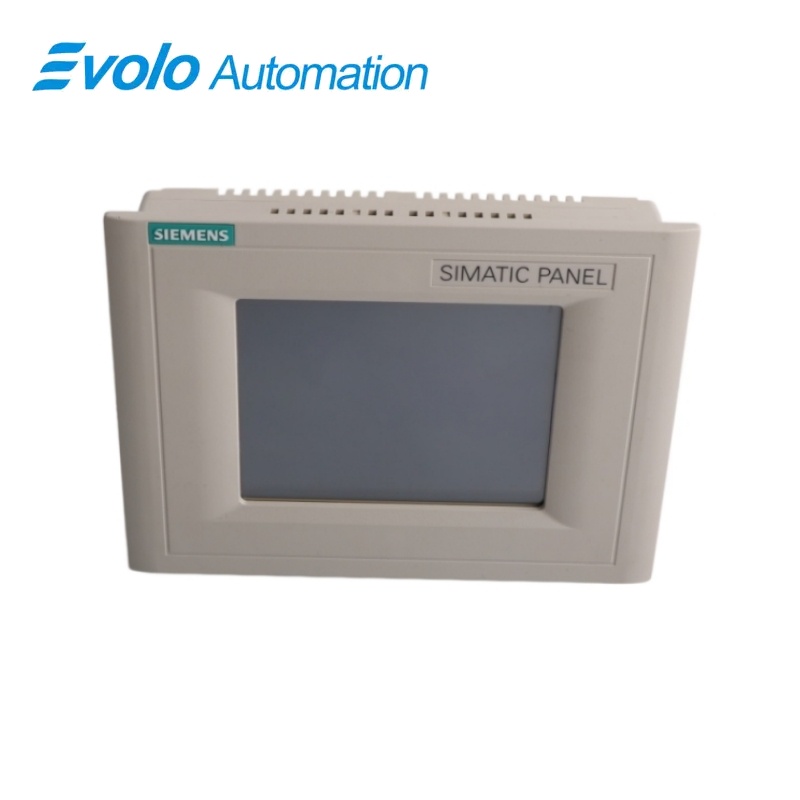
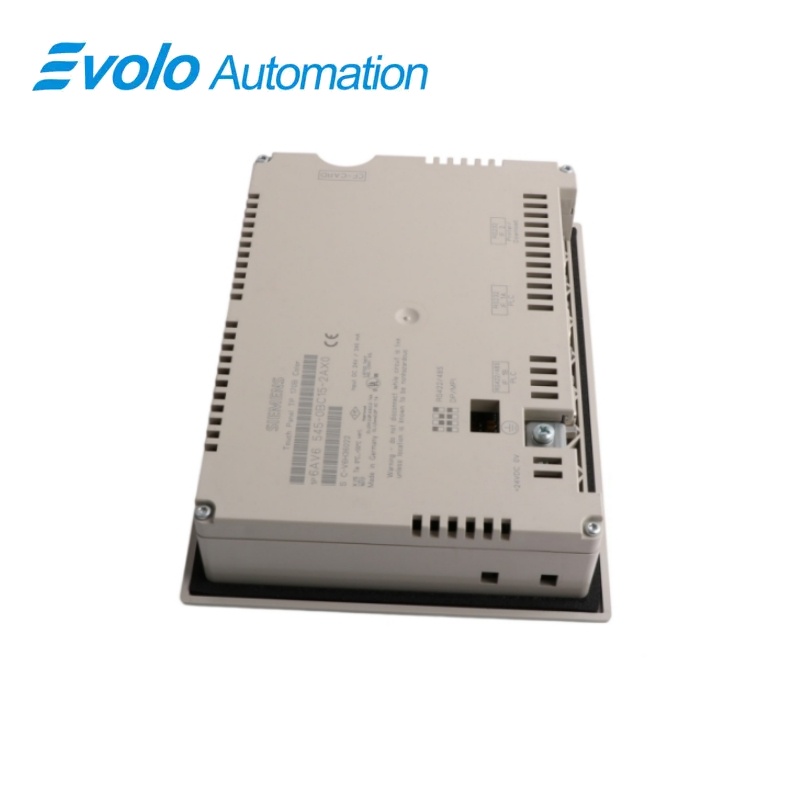
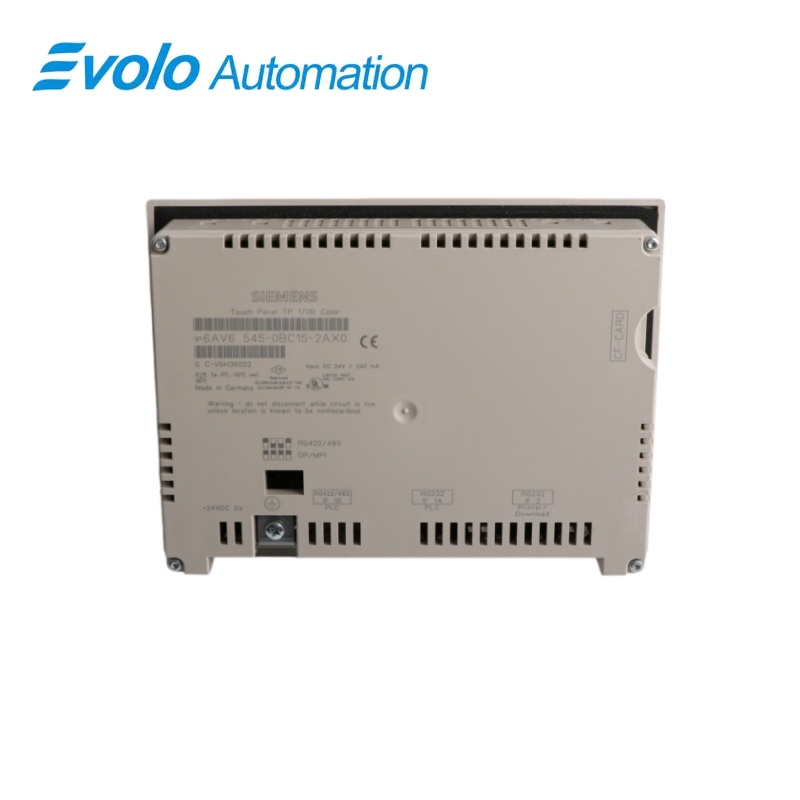
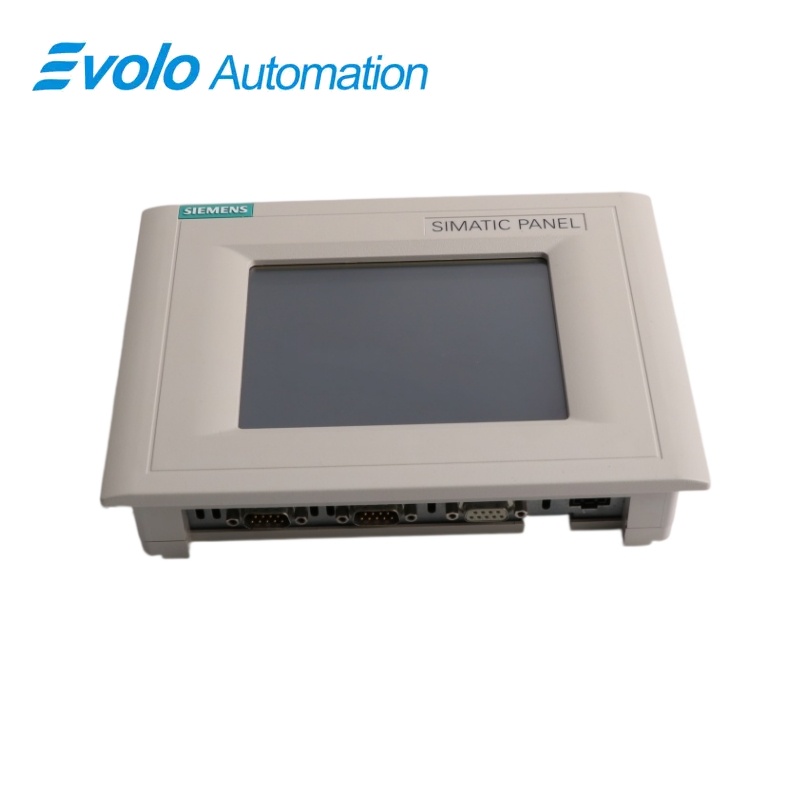
Siemens SIMATIC HMI 6AV6545-0BC15-2AX0 TP 170B Color Touch Panel
Manufacturer: Siemens
Condition: Brand New
Lead Time: In Stock
Origin: Germany
Warranty: 12 Months
Email: [email protected]
whatsApp: +86-18150117685
- Overview
- Hot Selling Models
- Recommended Products
Overview
- Match the exact TP 170B color execution rather than a TP 170A, monochrome TP 170B or OP 170B.
- Retain the original WinCC flexible project and verify the configured target device.
- Confirm the 24 V DC supply remains within 20.4 to 28.8 V.
- Record the RS 422/RS 485 DIL-switch position, baud rate and station address.
- Back up CompactFlash data before removing the installed panel.
- Check the cabinet cutout, mounting angle and operating-temperature limit.
- Verify every cable connector and pin assignment before energizing the replacement.
Siemens · SIMATIC HMI TP 170B
6AV6545-0BC15-2AX0 5.7-Inch Color Touch Panel
Siemens 6AV6545-0BC15-2AX0 is the color execution of the SIMATIC HMI TP 170B operator panel. It combines a 5.7-inch touch display, 768 KB working memory, CompactFlash expansion and serial interfaces for visualization and operator control in machine-level automation.
At a Glance
| Brand | Siemens |
|---|---|
| Model | 6AV6545-0BC15-2AX0 |
| Product Type | SIMATIC HMI Touch Panel |
| Core Function | Provides local machine visualization and touch-based operator control |
| Application or Compatible Series | SIMATIC automation systems engineered with WinCC flexible |
Exact Color Execution
Match the complete 0BC15-2AX0 article number because TP 170A, monochrome TP 170B and OP 170B variants use different hardware.
Communication Planning
Set the RS 422/RS 485 DIL switches for the connected SIMATIC controller and preserve the configured baud rate and station address.
Project Transfer
Archive the WinCC flexible project and CompactFlash data before replacing the installed panel.
Product Overview
Siemens 6AV6545-0BC15-2AX0 is the color execution of the SIMATIC HMI TP 170B operator panel. It combines a 5.7-inch touch display, 768 KB working memory, CompactFlash expansion and serial interfaces for visualization and operator control in machine-level automation.
Presents machine screens on a 320 x 240 pixel color display and accepts direct touch input. Uses a Type I CompactFlash card for transferable project and application data. Provides configurable RS 422/RS 485 and RS 232 connections for controller, transfer and peripheral communication.
Key Functions
Touch-Based Process Operation
Presents machine screens on a 320 x 240 pixel color display and accepts direct touch input.
Expandable Data Storage
Uses a Type I CompactFlash card for transferable project and application data.
Flexible Serial Integration
Provides configurable RS 422/RS 485 and RS 232 connections for controller, transfer and peripheral communication.
Official Specifications
| Display Technology | STN LCD with CCFL backlighting |
|---|---|
| Active Screen Area | 116 x 87 mm (5.7 inches) |
| Display Resolution | 320 x 240 pixels |
| Color Capability | 16 colors |
| Operator Input | Resistive touch screen |
| Working Memory | 768 KB |
| Memory Card | CompactFlash Type I |
| Rated Supply Voltage | 24 V DC |
| Permissible Supply Range | 20.4 to 28.8 V DC |
| Maximum Supply Transient | 35 V for 500 ms with at least 50 s between transients |
| Typical Current Consumption | Approximately 290 mA for the color display version |
| Maximum Constant Current | Approximately 900 mA |
| Serial Controller Interface | RS 422/RS 485 with DIL-switch configuration |
| Additional Serial Interfaces | Two RS 232 interfaces for communication and transfer functions |
| Operating Temperature | 0 to +50 degrees C vertically; 0 to +35 degrees C when inclined up to 35 degrees |
| Storage and Transport Temperature | -20 to +60 degrees C |
| Operating Relative Humidity | 20% to 90%, non-condensing |
| Operating Shock Resistance | 15 g for 11 ms |
Frequently Asked Questions
Which engineering project should I back up before replacing 6AV6545-0BC15-2AX0?
Back up the complete WinCC flexible project together with any recipes, archives and user data stored on the CompactFlash card.
Can 6AV6545-0BC15-2AX0 communicate over RS 485?
Yes, the combined serial interface can be configured for RS 485 by setting the rear DIL switches for the connected controller.
Which memory card fits 6AV6545-0BC15-2AX0?
Use a supported Type I CompactFlash card and verify that the archived project is compatible with the panel firmware.
What power supply should I provide for 6AV6545-0BC15-2AX0?
Provide a 24 V DC supply that remains within the permissible 20.4 to 28.8 V range.
How should 6AV6545-0BC15-2AX0 be installed in a warm cabinet?
Use vertical installation up to +50 degrees C or limit operation to +35 degrees C when the panel is inclined as much as 35 degrees.
Can I replace a monochrome TP 170B directly with 6AV6545-0BC15-2AX0?
Compare the project target, display execution, interface settings, cutout, firmware and transfer method before changing panel variants.
What should I check if 6AV6545-0BC15-2AX0 cannot communicate after replacement?
Verify the RS 422/RS 485 DIL-switch position, station address, baud rate, cable pinout and controller connection used by the restored project.