EN
EN




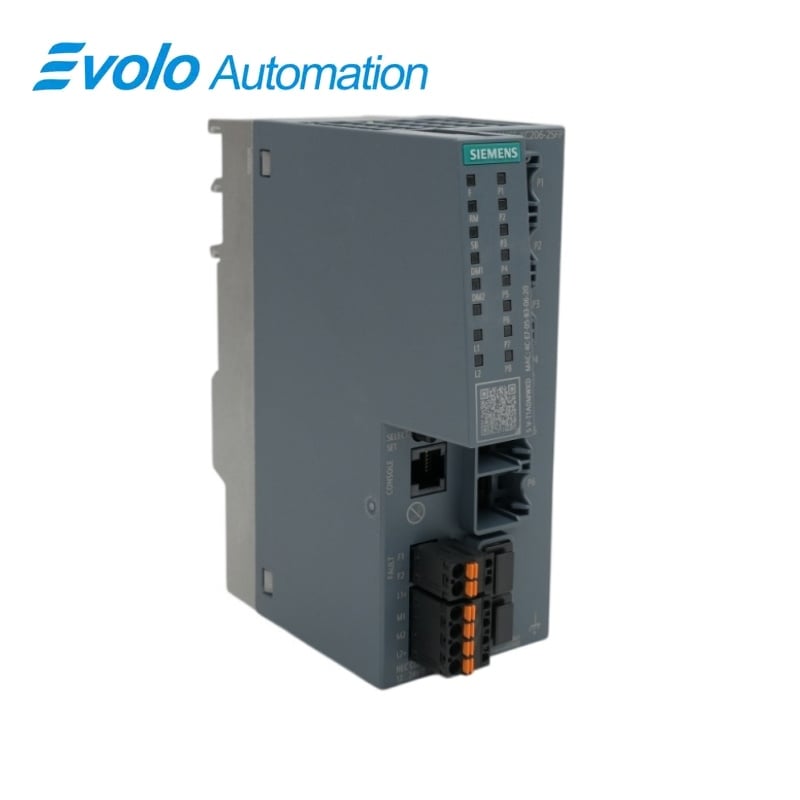
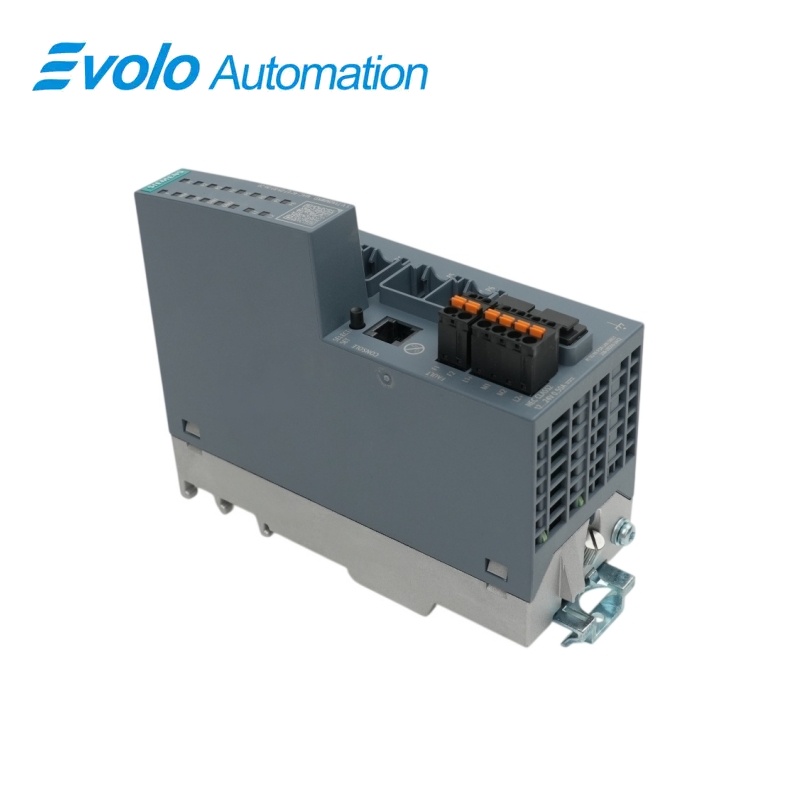
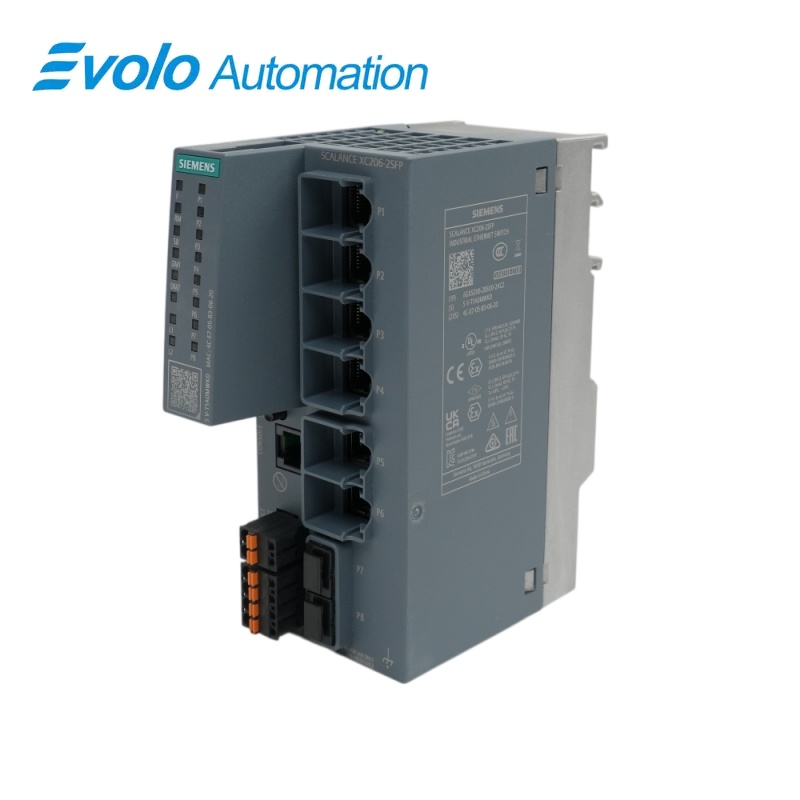
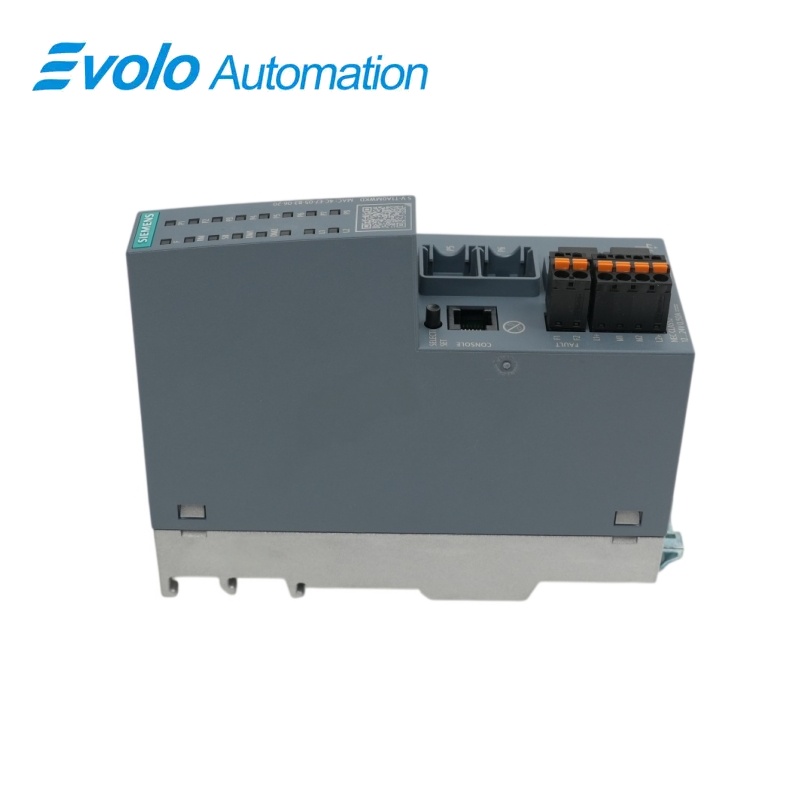
Siemens SCALANCE XC206-2SFP Managed Industrial Ethernet Switch 6GK5206-2BS00-2AC2
Manufacturer: Siemens
Condition: Brand New
Lead Time: In Stock
Origin: Germany
Warranty: 12 Months
Email: [email protected]
whatsApp: +86-18150117685
- Overview
- Product Overview
- Key Functions
- Official Specifications
- Frequently Asked Questions
- Compatibility & Ordering Notes
- Hot Selling Models
- Recommended Products
Overview
Siemens • SCALANCE XC-200 managed
6GK5206-2BS00-2AC2 SCALANCE XC206-2SFP Managed Industrial Ethernet Switch
The SCALANCE XC206-2SFP is a managed Layer 2 Industrial Ethernet switch with six 10/100 Mbit/s RJ45 ports, two 100/1000 Mbit/s SFP slots and industrial redundancy and diagnostic functions.
At a Glance
| Brand | Siemens |
|---|---|
| Model | 6GK5206-2BS00-2AC2 |
| Product Type | Managed Layer 2 Industrial Ethernet switch |
| Core Function | Switches industrial Ethernet traffic across copper and SFP links with PROFINET diagnostics and redundancy functions |
| Application or Compatible Series | SCALANCE XC-200 machine, plant and control-cabinet networks |
Exact Identification
Match 6GK5206-2BS00-2AC2 character by character and confirm the complete SCALANCE XC206-2SFP Managed Industrial Ethernet Switch designation.
Interface Arrangement
Confirm the installed supply, ports, field connections and required accessories before wiring the replacement.
Configuration Check
Preserve the approved engineering project, network parameters and application data used by the installed system.
Product Overview
The SCALANCE XC206-2SFP is a managed Layer 2 Industrial Ethernet switch with six 10/100 Mbit/s RJ45 ports, two 100/1000 Mbit/s SFP slots and industrial redundancy and diagnostic functions.
Six RJ45 ports connect 10/100 Mbit/s devices while two SFP slots provide 100 or 1000 Mbit/s optical uplinks. PROFINET IO device operation, EtherNet/IP compatibility and office functions including RSTP and VLAN support configured automation networks. The switch supports DIN rail, S7 mounting rail and wall mounting with redundant power inputs.
Key Functions
Mixed Copper and SFP Connectivity
Six RJ45 ports connect 10/100 Mbit/s devices while two SFP slots provide 100 or 1000 Mbit/s optical uplinks.
Industrial Network Integration
PROFINET IO device operation, EtherNet/IP compatibility and office functions including RSTP and VLAN support configured automation networks.
Flexible Cabinet Installation
The switch supports DIN rail, S7 mounting rail and wall mounting with redundant power inputs.
Official Specifications
| Copper Ports | 6 x RJ45 |
|---|---|
| Copper Port Data Rate | 10/100 Mbit/s |
| SFP Slots | 2 |
| SFP Data Rate | 100/1000 Mbit/s |
| Console Interface | 1 port |
| Power Inputs | Redundant |
| Operating Temperature | -40 to +70 °C |
| Mounting Methods | DIN rail, S7 mounting rail or wall |
| PROFINET IO Device Function | Supported |
| EtherNet/IP Compatibility | Supported |
| Configuration Memory | C-PLUG slot |
| Cybersecurity Certification | IEC 62443-4-2 |
| Net Weight | 0.52 kg |
| Packaging Dimensions | 125 x 60 x 147 mm |
Frequently Asked Questions
Which network connections can I use on 6GK5206-2BS00-2AC2?
Use the six RJ45 ports for 10/100 Mbit/s links and compatible SFP modules in the two 100/1000 Mbit/s slots.
Can 6GK5206-2BS00-2AC2 report diagnostics to a PROFINET controller?
Yes; configure the switch as a PROFINET IO device in the automation project.
How should I preserve the configuration before replacing 6GK5206-2BS00-2AC2?
Save the switch configuration and retain the validated C-PLUG when the installation uses one.
Which mounting options are available for 6GK5206-2BS00-2AC2?
Install the switch on a standard DIN rail, an S7 mounting rail or a wall using the approved hardware.
Can 6GK5206-2BS00-2AC2 use redundant power feeds?
Yes; connect and verify both documented power inputs when redundant supply operation is required.
What temperature range must be maintained around 6GK5206-2BS00-2AC2?
Keep the surrounding operating temperature between -40 and +70 °C.
What should I test after installing 6GK5206-2BS00-2AC2?
Verify both power feeds, every copper and SFP link, the PROFINET device name, redundancy behavior and switch diagnostics.
Compatibility & Ordering Notes
Compatibility Checklist
- Use only Siemens-approved SFP modules that match the required fiber type and link budget.
- Preserve the configured PROFINET name, management settings and C-PLUG data.
- Reconnect each copper and optical segment to its recorded port before functional testing.