EN
EN




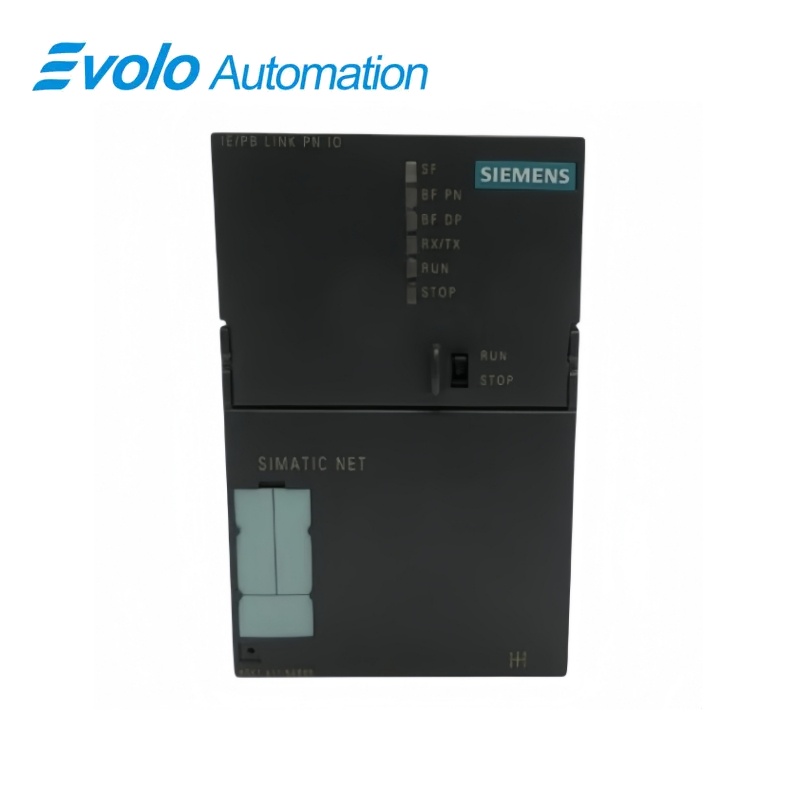
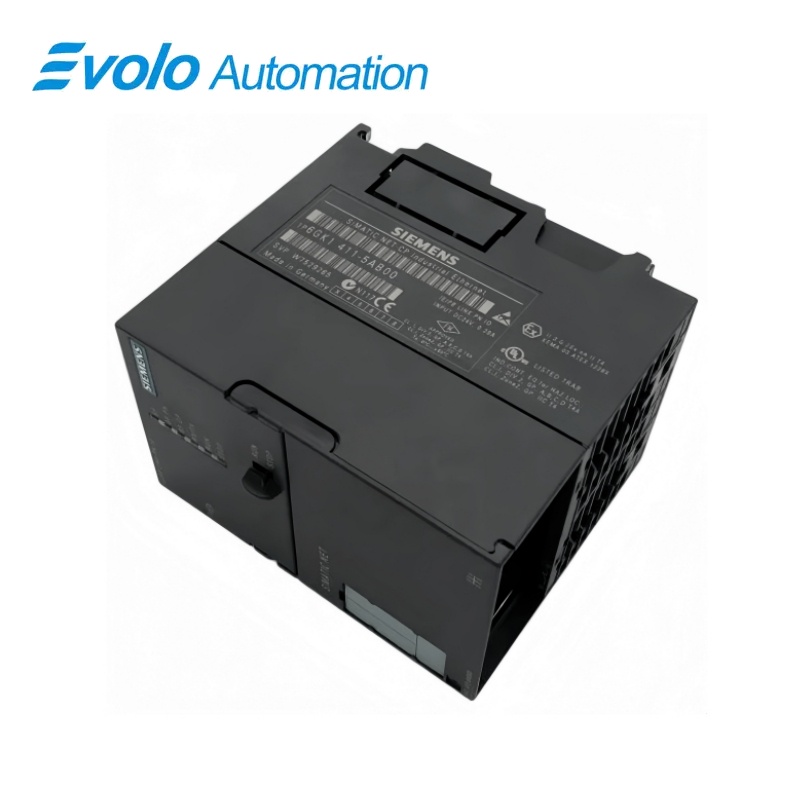
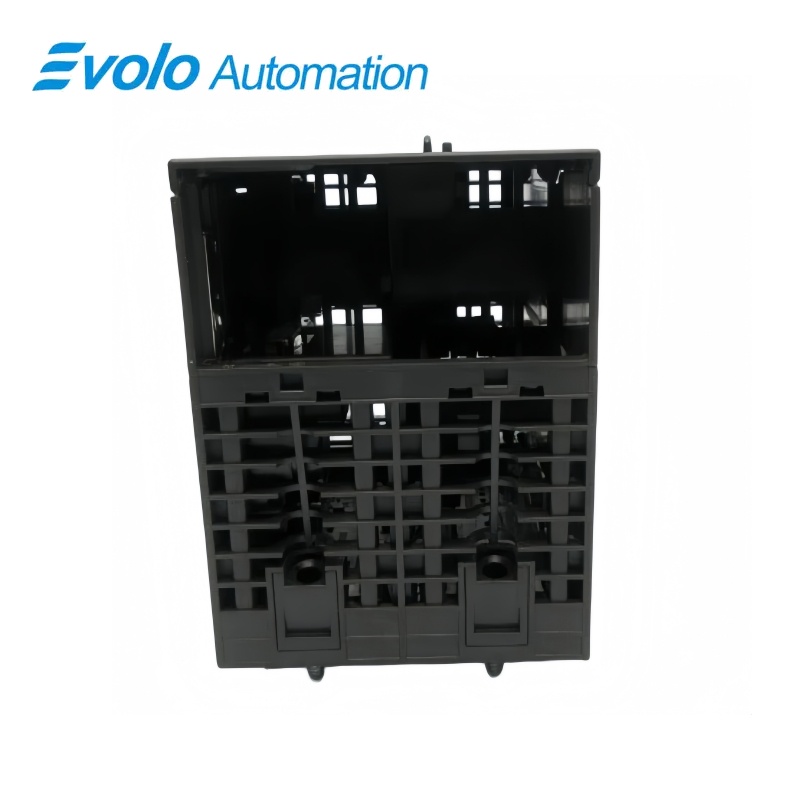
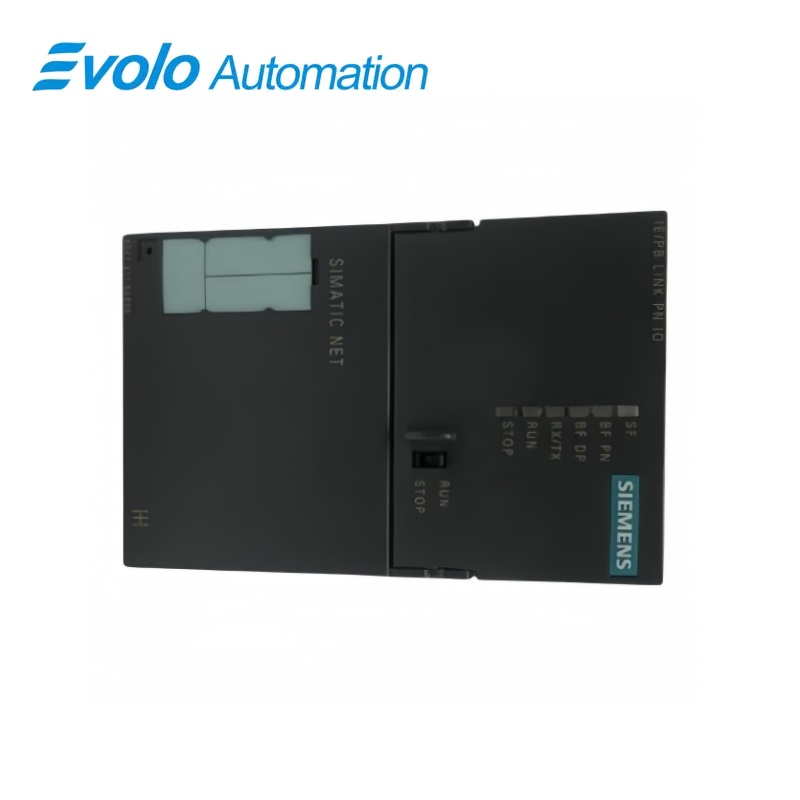
Siemens SIMATIC NET IE/PB LINK PN IO Gateway 6GK1411-5AB00
Manufacturer: Siemens
Condition: Brand New
Lead Time: In Stock
Origin: Germany
Warranty: 12 Months
Email: [email protected]
whatsApp: +86-18150117685
- Overview
- Product Overview
- Key Functions
- Official Specifications
- Frequently Asked Questions
- Compatibility & Ordering Notes
- Hot Selling Models
- Recommended Products
Overview
Siemens · SIMATIC NET
6GK1411-5AB00 SIMATIC NET IE/PB LINK PN IO Gateway
The IE/PB LINK PN IO is a gateway between Industrial Ethernet and PROFIBUS with PROFINET IO functionality, S7 routing and data-record routing.
At a Glance
| Brand | Siemens |
|---|---|
| Model | 6GK1411-5AB00 |
| Product Type | Industrial Ethernet-to-PROFIBUS gateway |
| Core Function | Connects Industrial Ethernet and PROFIBUS with PROFINET IO, S7 routing and data-record routing |
| Application or Compatible Series | Automation networks bridging Ethernet/PROFINET controllers to PROFIBUS DP devices |
Exact Identification
Match 6GK1411-5AB00 character by character and confirm the complete SIMATIC NET IE/PB LINK PN IO Gateway designation.
Interface Arrangement
Confirm the installed supply, ports, field connections and required accessories before wiring the replacement.
Configuration Check
Preserve the approved engineering project, network parameters and application data used by the installed system.
Product Overview
The IE/PB LINK PN IO is a gateway between Industrial Ethernet and PROFIBUS with PROFINET IO functionality, S7 routing and data-record routing.
The unit couples the two industrial networks without using the controller backplane. A PROFINET controller can access configured PROFIBUS DP devices through the gateway. S7 routing and data-record routing support engineering and acyclic device access.
Key Functions
Ethernet-to-PROFIBUS Gateway
The unit couples the two industrial networks without using the controller backplane.
PROFINET IO Device Function
A PROFINET controller can access configured PROFIBUS DP devices through the gateway.
Routing Services
S7 routing and data-record routing support engineering and acyclic device access.
Official Specifications
| Ethernet Transfer Rate | 10 to 100 Mbit/s |
|---|---|
| PROFIBUS Transfer Rate | 9.6 kbit/s to 12 Mbit/s |
| Ethernet Connection | 1 x RJ45 |
| PROFIBUS Connection | 1 x 9-pin Sub-D RS485 socket |
| Power Connection | 2-pole terminal block |
| Configuration Memory | C-PLUG supported |
| Rated Supply Voltage | 24 V DC |
| Maximum Current Consumption | 0.6 A |
| Power Loss | 10 W |
| Maximum DP Devices | 64 |
| Maximum Input Address Area | 2048 bytes |
| Maximum Output Address Area | 2048 bytes |
| Maximum S7 Connections | 32 |
| Protection Degree | IP20 |
| Operating Temperature | 0 to +60 °C |
| Dimensions | 80 x 125 x 120 mm |
| Net Weight | 0.6 kg |
Frequently Asked Questions
What networks can 6GK1411-5AB00 connect?
The gateway couples Industrial Ethernet or PROFINET to a PROFIBUS DP network.
Can 6GK1411-5AB00 route engineering access to PROFIBUS devices?
Yes; configure S7 routing and the supported data-record routing functions.
How many PROFIBUS devices can be managed through 6GK1411-5AB00?
The gateway supports up to sixty-four configured DP devices.
Which removable memory is used by 6GK1411-5AB00?
Use the approved C-PLUG to preserve the device configuration when required.
What should be backed up before replacing 6GK1411-5AB00?
Save the IP settings, PROFINET device name, PROFIBUS address, DP configuration, routing data and C-PLUG contents.
Which supply is required by 6GK1411-5AB00?
Provide a regulated 24 V DC supply through the two-pole terminal connection.
What should be tested after installing 6GK1411-5AB00?
Verify Ethernet links, PROFIBUS status, PROFINET data exchange, routing and diagnostics.
Compatibility & Ordering Notes
Compatibility Checklist
- Use the documented STEP 7 or TIA Portal version for the installed firmware.
- Preserve the C-PLUG and complete network configuration.
- Validate both Ethernet and PROFIBUS paths after replacement.