EN
EN




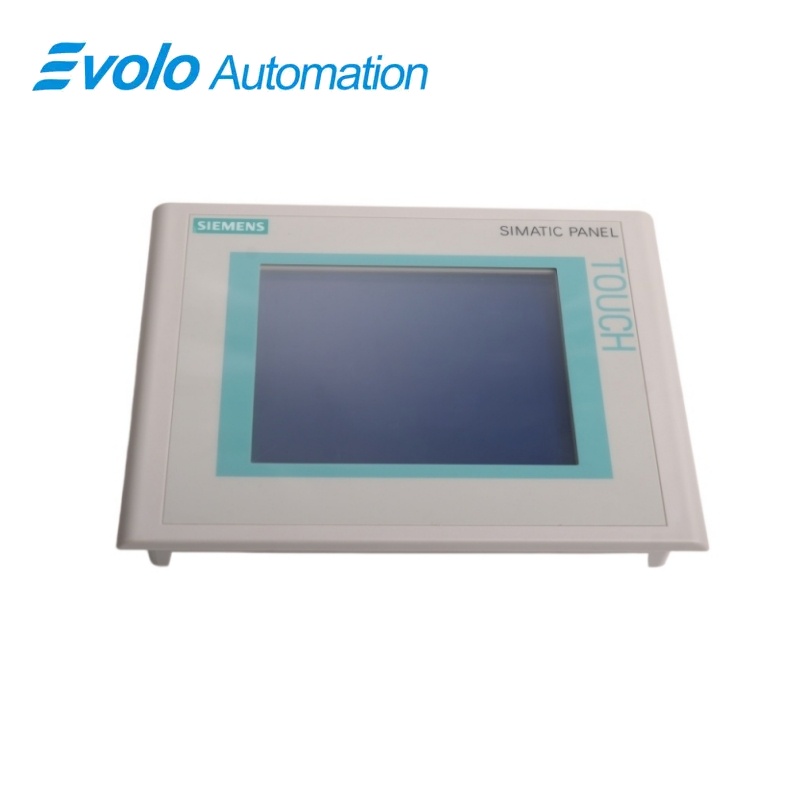
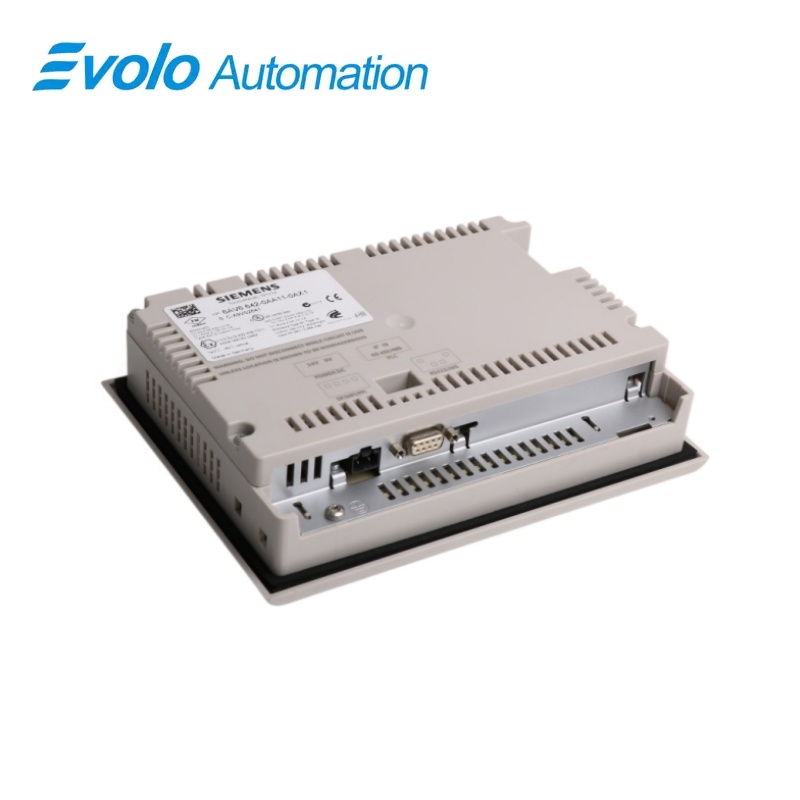
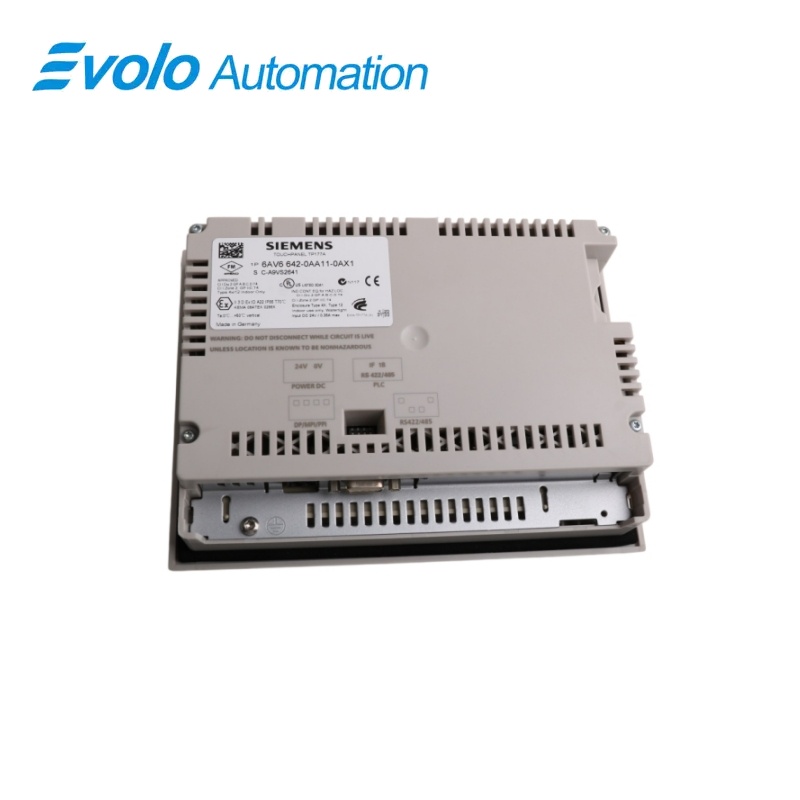
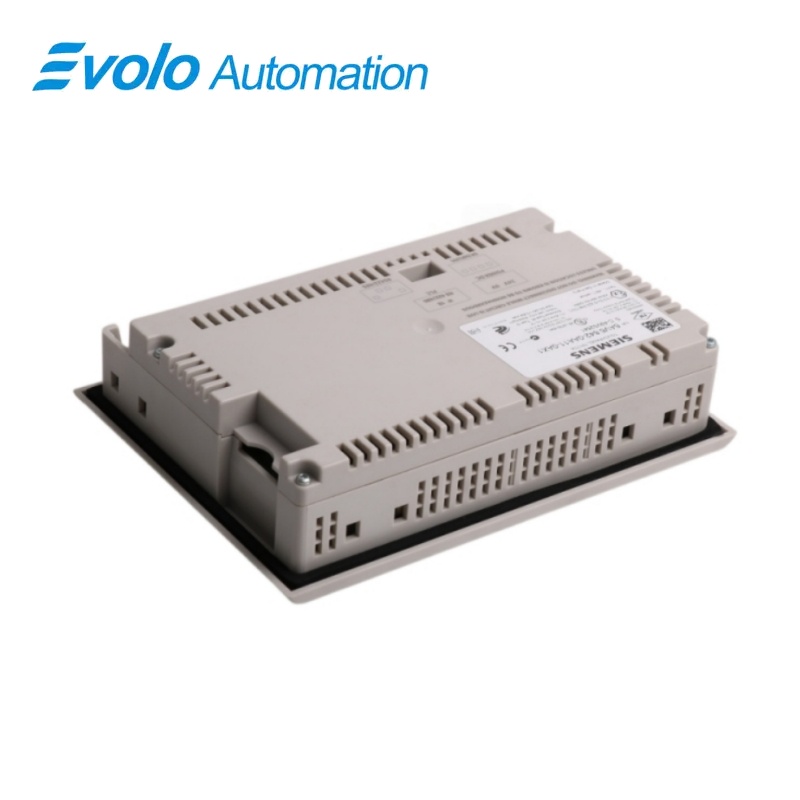
Siemens SIMATIC TP 177A 5.7-Inch Touch Panel 6AV6642-0AA11-0AX1
Manufacturer: Siemens
Condition: Brand New
Lead Time: In Stock
Origin: Germany
Warranty: 12 Months
Email: [email protected]
whatsApp: +86-18150117685
- Overview
- Product Overview
- Key Functions
- Official Specifications
- Frequently Asked Questions
- Compatibility & Ordering Notes
- Hot Selling Models
- Recommended Products
Overview
Siemens • SIMATIC HMI TP 177
6AV6642-0AA11-0AX1 SIMATIC TP 177A 5.7-Inch Touch Panel
The SIMATIC TP 177A is a 5.7-inch touch panel with a blue-mode STN display and an MPI/PROFIBUS DP interface for local machine operation and visualization.
At a Glance
| Brand | Siemens |
|---|---|
| Model | 6AV6642-0AA11-0AX1 |
| Product Type | Touch operator panel |
| Core Function | Provides local machine visualization and touch operation |
| Application or Compatible Series | Legacy SIMATIC operator stations |
Exact Identification
Match 6AV6642-0AA11-0AX1 character by character and confirm the complete SIMATIC TP 177A 5.7-Inch Touch Panel designation.
Interface Arrangement
Confirm the installed supply, ports, field connections and required accessories before wiring the replacement.
Configuration Check
Preserve the approved engineering project, network parameters and application data used by the installed system.
Product Overview
The SIMATIC TP 177A is a 5.7-inch touch panel with a blue-mode STN display and an MPI/PROFIBUS DP interface for local machine operation and visualization.
The 5.7-inch STN display presents a 320 x 240 pixel operator interface controlled directly from the touch surface. The integrated interface connects the panel to supported SIMATIC controllers over the configured MPI or PROFIBUS DP network. Projects for this hardware variant are configured with WinCC flexible 2004 Compact HSP or a compatible later engineering environment.
Key Functions
Blue-Mode Touch Display
The 5.7-inch STN display presents a 320 x 240 pixel operator interface controlled directly from the touch surface.
MPI and PROFIBUS DP Communication
The integrated interface connects the panel to supported SIMATIC controllers over the configured MPI or PROFIBUS DP network.
WinCC Flexible Engineering
Projects for this hardware variant are configured with WinCC flexible 2004 Compact HSP or a compatible later engineering environment.
Official Specifications
| Display Technology | STN blue-mode display |
|---|---|
| Screen Diagonal | 5.7 in |
| Display Resolution | 320 x 240 pixels |
| Touch Input | Analog resistive touchscreen |
| Controller Protocol | MPI/PROFIBUS DP |
| Serial Interface Mode | RS-422 or RS-485, selectable by the rear DIL switch |
| Engineering Software Baseline | Configurable from WinCC flexible 2004 Compact HSP |
| Rated Supply Voltage | 24 V DC |
| Permissible Supply Range | 20.4 to 28.8 V DC |
| Enclosure Protection | Front IP65 and NEMA 4X/NEMA 12 when mounted; rear IP20 |
| Operating Temperature | 0 to 50 °C in vertical installation; 0 to 40 °C when inclined |
| Operating Relative Humidity | 10% to 90%, non-condensing |
| Operating Air Pressure | 1080 to 795 hPa, corresponding to -1000 to 2000 m elevation |
| Operating Vibration Resistance | 10 to 58 Hz at 0.075 mm amplitude; 58 to 150 Hz at 1 g |
| Operating Shock Resistance | 15 g peak, 11 ms half-sine, three shocks in each direction of all three axes |
| Storage and Transport Temperature | -20 to 60 °C |
| Storage and Transport Humidity | 10% to 90%, non-condensing |
| Storage and Transport Air Pressure | 1080 to 660 hPa, corresponding to -1000 to 3500 m elevation |
| Packaged Drop Test | Maximum drop height 1 m |
| Transport Mechanical Limits | 5 to 8.4 Hz at 3.5 mm and 8.4 to 150 Hz at 9.8 m/s²; shock 250 m/s² for 6 ms, 1000 shocks |
Frequently Asked Questions
Which controller network can I connect to 6AV6642-0AA11-0AX1?
Use the integrated interface on a correctly engineered MPI or PROFIBUS DP segment.
Which software baseline is required to edit a 6AV6642-0AA11-0AX1 project?
Use WinCC flexible 2004 Compact HSP or a compatible later environment that supports the panel.
What display format should replacement screens for 6AV6642-0AA11-0AX1 preserve?
Preserve the 5.7-inch blue-mode layout at 320 x 240 pixels when migrating the operator project.
How should I prepare an existing project before replacing 6AV6642-0AA11-0AX1?
Archive the complete panel project, communication parameters, passwords and controller address settings before removal.
Can I wire 6AV6642-0AA11-0AX1 before checking the bus settings?
No; first confirm the configured MPI or PROFIBUS DP address, baud rate and termination arrangement.
What should I inspect on a used installation before fitting 6AV6642-0AA11-0AX1?
Check the mounting cutout, supply wiring, connector condition and the intended touch-panel project.
Which functions should I test after commissioning 6AV6642-0AA11-0AX1?
Test screen navigation, touch calibration, every controller tag, alarms, recipes and the communication fault response.
Compatibility & Ordering Notes
Compatibility Checklist
- Preserve the original project and controller communication parameters.
- Use only the supported MPI/PROFIBUS DP connection and approved programming accessories.
- Validate every screen object and process tag after downloading the project.