EN
EN




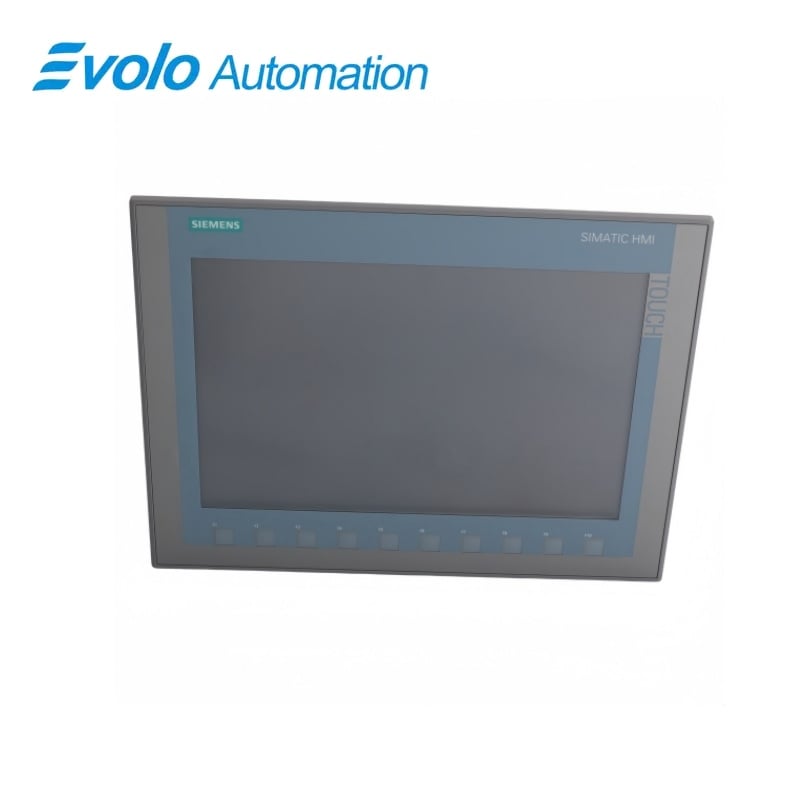
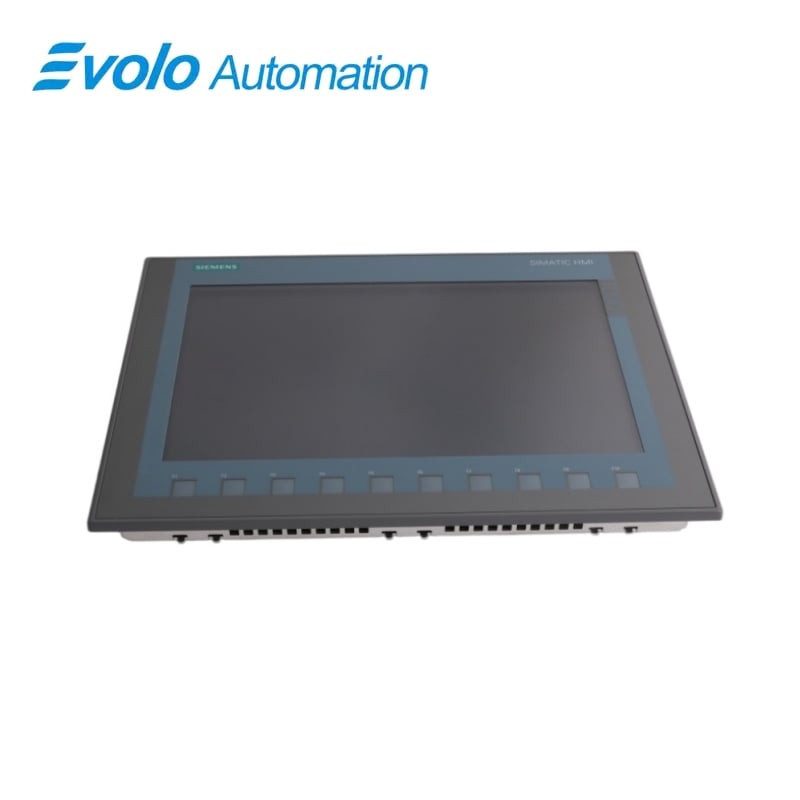
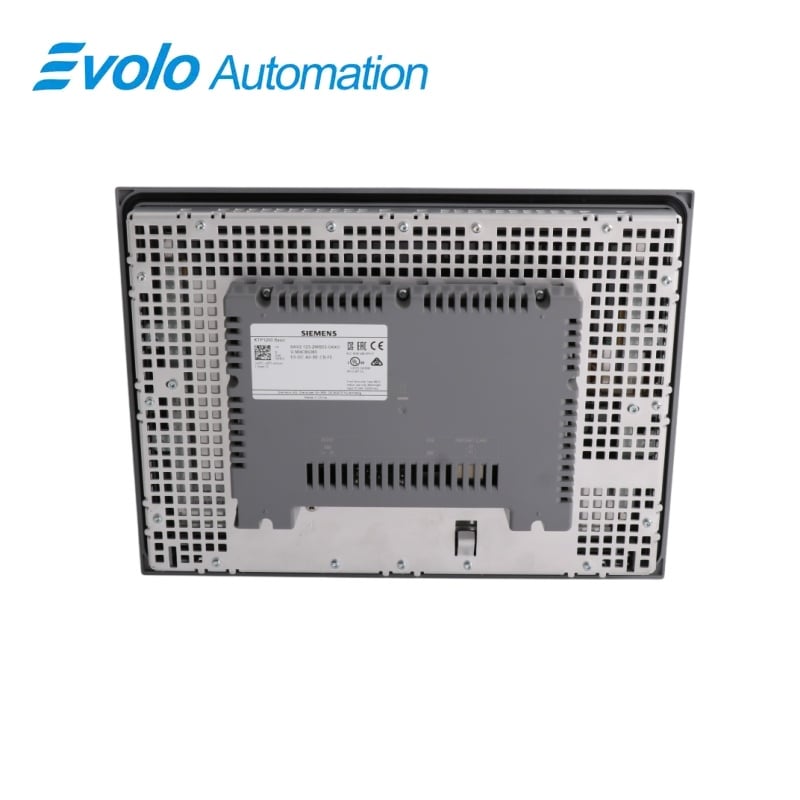
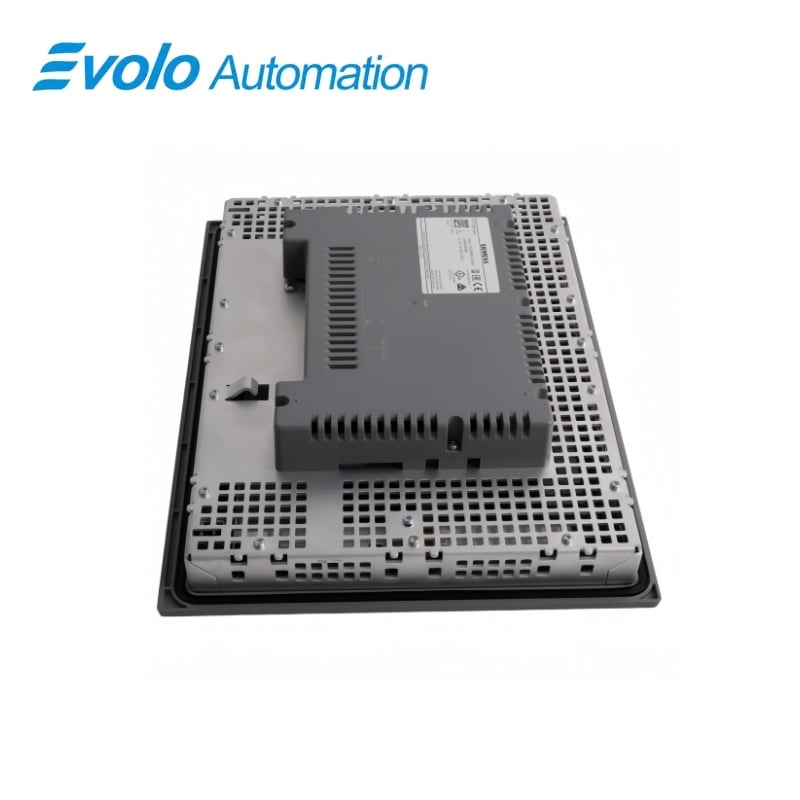
Siemens SIMATIC HMI KTP1200 Basic Color PN Panel 6AV2123-2MB03-0AX0
Manufacturer: Siemens
Condition: Brand New
Lead Time: In Stock
Origin: Germany
Warranty: 12 Months
Email: [email protected]
whatsApp: +86-18150117685
- Overview
- Product Overview
- Key Functions
- Official Specifications
- Frequently Asked Questions
- Compatibility & Ordering Notes
- Hot Selling Models
- Recommended Products
Overview
SIEMENS · SIMATIC HMI Basic Panels
6AV2123-2MB03-0AX0 SIMATIC HMI KTP1200 Basic Color PN Panel
The KTP1200 Basic Color PN combines a 12-inch widescreen TFT, key and touch operation, 65,536 colors and a PROFINET interface.
At a Glance
| Brand | Siemens |
|---|---|
| Model | 6AV2123-2MB03-0AX0 |
| Product Type | 12-inch key-and-touch PROFINET operator panel |
| Core Function | Provides widescreen machine visualization and local operation over PROFINET |
| Application or Compatible Series | SIMATIC automation systems engineered with WinCC Basic V13 or later |
Exact Identification
Match 6AV2123-2MB03-0AX0 character by character and confirm the complete SIMATIC HMI KTP1200 Basic Color PN Panel designation.
Interface Arrangement
Confirm the installed supply, ports, field connections and required accessories before wiring the replacement.
Configuration Check
Preserve the approved engineering project, network parameters and application data used by the installed system.
Product Overview
The KTP1200 Basic Color PN combines a 12-inch widescreen TFT, key and touch operation, 65,536 colors and a PROFINET interface.
The 1280 x 800 display provides a large workspace for machine screens. Hardware keys and analog-resistive touch support gloved and direct operation. The PN variant integrates with compatible Ethernet controller networks.
Key Functions
Widescreen Visualization
The 1280 x 800 display provides a large workspace for machine screens.
Dual Operating Methods
Hardware keys and analog-resistive touch support gloved and direct operation.
PROFINET HMI Connection
The PN variant integrates with compatible Ethernet controller networks.
Official Specifications
| Display Technology | TFT widescreen with LED backlighting |
|---|---|
| Screen Diagonal | 12 in |
| Active Display Area | 261.1 x 163.2 mm |
| Resolution | 1280 x 800 pixels |
| Display Colors | 65,536 |
| Backlight MTBF at 25 °C | 20,000 h |
| Touch Technology | Analog resistive |
| Operating Modes | Key and touch |
| Mounting Orientations | Portrait and landscape |
| Maximum Inclination Without External Ventilation | 35° |
| Rated Supply | 24 V DC |
| Permissible Supply Range | 19.2 to 28.8 V DC |
| Rated Current Consumption | 550 mA |
| Engineering Baseline | WinCC Basic V13 or later |
| Communication Interface | PROFINET |
| External Storage | USB supported |
Frequently Asked Questions
What should an engineer verify about display technology before replacing 6AV2123-2MB03-0AX0?
Confirm TFT widescreen with LED backlighting and compare it with the installed hardware, wiring and saved configuration before removal.
How should screen diagonal be matched when commissioning 6AV2123-2MB03-0AX0?
Use 12 in, then retain the matching interface, project and parameter settings during commissioning.
Is 6AV2123-2MB03-0AX0 suitable when the project requires the stated active display area?
It supports 261.1 x 163.2 mm; the complete system must also meet the electrical, mechanical and engineering requirements.
What installation check applies to resolution on 6AV2123-2MB03-0AX0?
Verify 1280 x 800 pixels, complete the associated wiring or configuration checks and record the result before startup.
Can 6AV2123-2MB03-0AX0 be substituted without confirming display colors?
No. Confirm 65,536 together with the connector arrangement and project settings before approving a replacement.
Why does backlight mtbf at 25 °c matter when integrating 6AV2123-2MB03-0AX0?
The required condition is 20,000 h; a mismatch can prevent communication, correct control or safe operation.
What should be tested for touch technology after installing 6AV2123-2MB03-0AX0?
Test operation with Analog resistive, review diagnostics and complete the required functional and safety checks before service.
Compatibility & Ordering Notes
Compatibility Checklist
- Match display technology (TFT widescreen with LED backlighting) to the installed system.
- Verify screen diagonal (12 in) before changing wiring or configuration.
- Back up all available project, parameter and network data, then complete the required functional and safety checks.