EN
EN




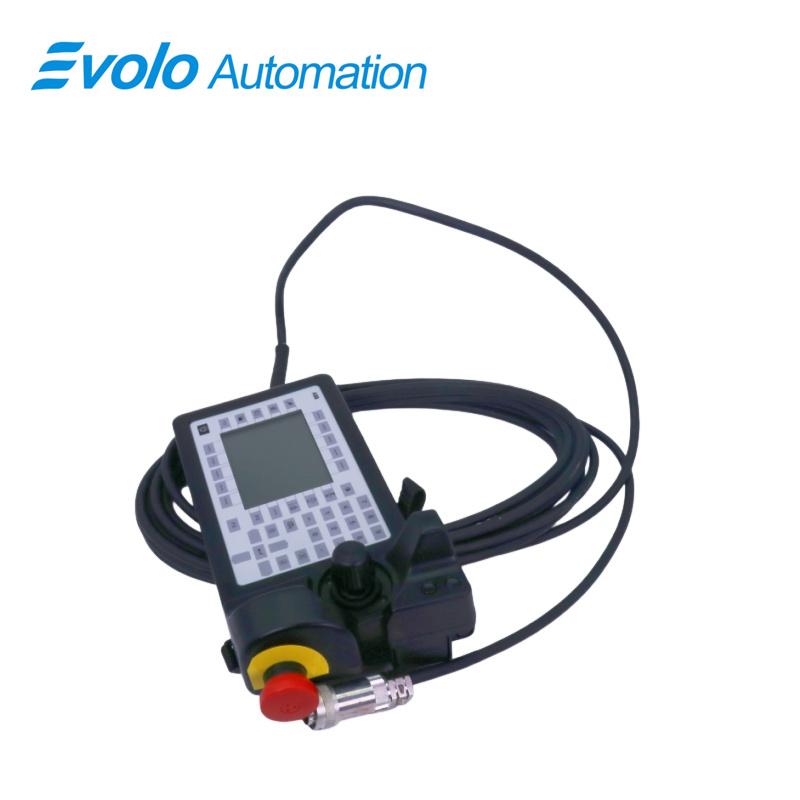
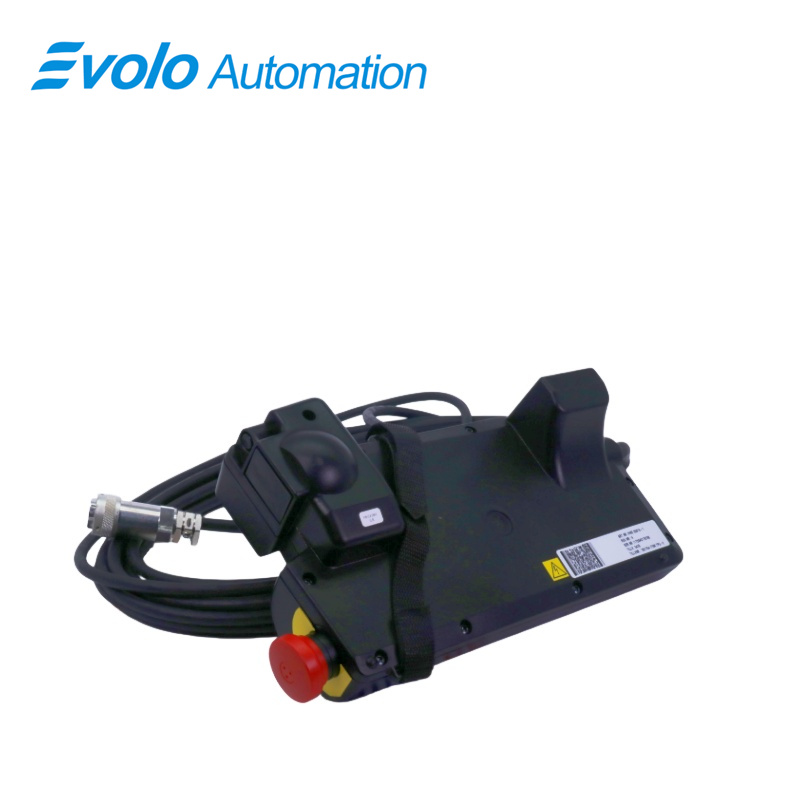
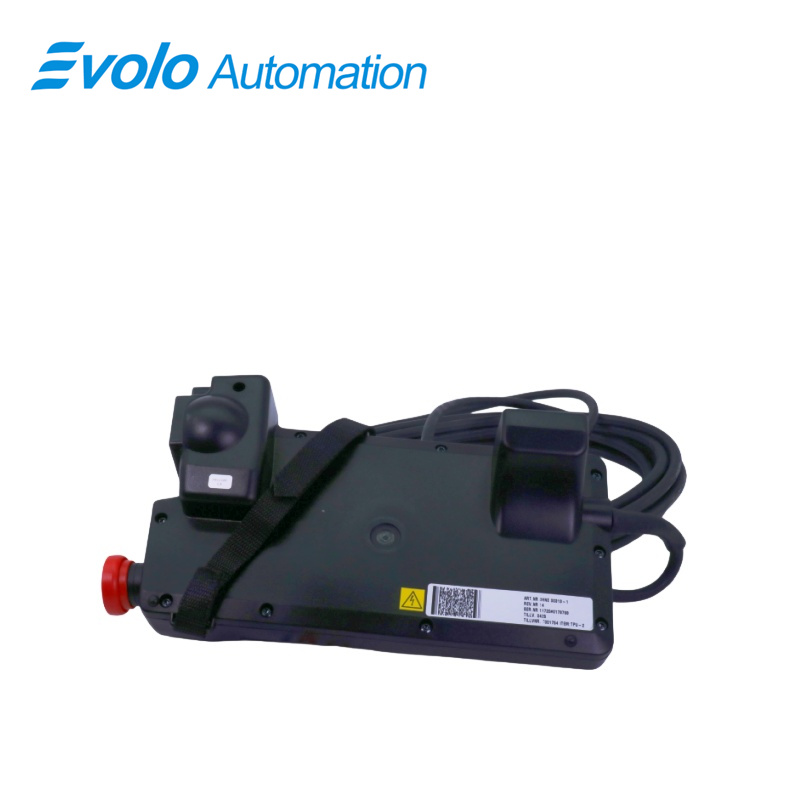
- Overview
- Specifications
- Description
- Applications
- Competitive Advantage
- FAQ
- Recommended Products
Overview
Place of Origin: |
Sweden |
Brand Name: |
ABB |
Model Number: |
3HNE00313-1 |
Packaging Details: |
Original new Factory Sealed |
Delivery Time: |
5-7 days |
Payment Terms: |
T/T |
Supply Ability: |
In stock |
Specifications
|
Parameter |
Value |
|
Part Number |
3HNE00313-1 |
|
Module Type |
Teach Pendant |
|
Dimensions |
32 × 18 × 12 cm |
|
Weight |
2.58 kg |
|
System Compatibility |
S4C / TPU2 (ABB IRB robot systems) |
|
Cable Length |
33 ft cord |
|
Backlight |
S4C backlight unit included |
|
Display |
LCD screen |
|
Interface Type |
Handheld operator interface |
|
Controls |
Keypad and joystick |
|
Emergency Stop |
Integrated |
|
Connection Type |
Hardwired pendant cable |
|
Program Unit |
Included (Prog. Unit with keypad/LCD display) |
Description
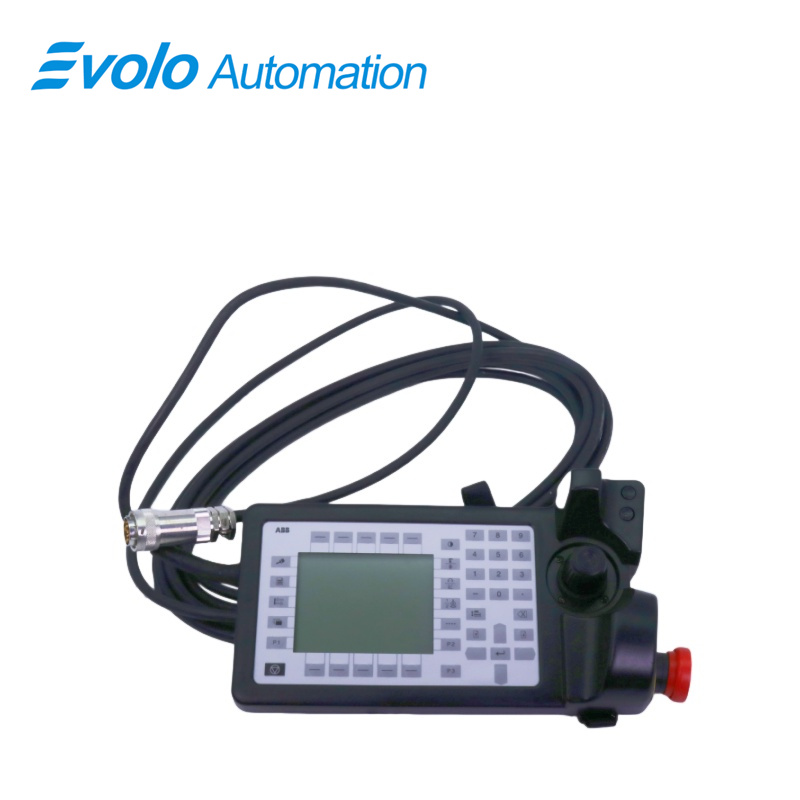
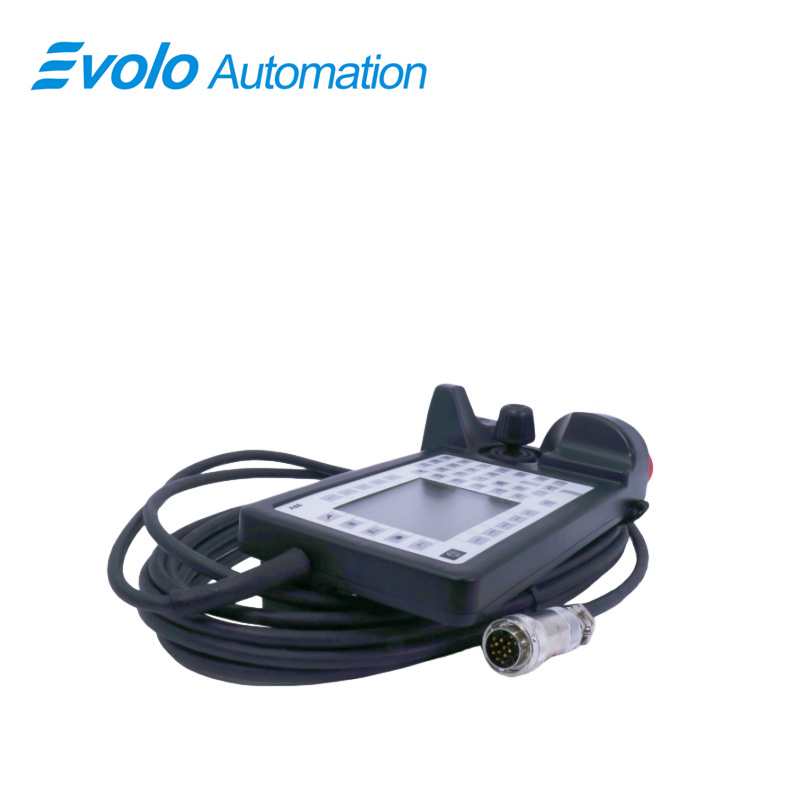
The 3HNE00313-1 Teach Pendant is a state-of-the-art human-machine interface (HMI) device specifically designed for ABB industrial robots. As a core component of ABB's robotic control system, the teach pendant serves as the primary means for programming, controlling, and monitoring ABB robots in manufacturing and automation environments.
Applications
Automobile manufacturing plant (weld joint debugging, trajectory programming)
Machine processing plant (workpiece coordinate system calibration, zero point reset)
Home appliance assembly plant (program upload/download, manual control handling)
Research and training plant (automated process development and operation demonstration)
Competitive Advantage
Efficient Robot Programming: Allows operators to program and control ABB S4C+ robots effortlessly.
User-Friendly Design: Intuitive buttons and screen layout for smooth operation.
Durable & Reliable: Built to withstand industrial environments with a rugged, ergonomic design.
Integrated Safety Controls: Equipped with an emergency stop and dead-man switch to ensure safe operation.
Seamless ABB System Integration: Fully compatible with ABB S4C+ controllers for plug-and-play usability.
FAQ
Q: How do I adjust the display on the teach pendant screen of 3HNE00313-1 if it's unclear?
A: Adjust the contrast using shortcut key combinations in the controller window. If it's still blurry, the backlight tube may be aging.
Q: Why does the robot move right when the joystick of 3HNE00313-1 deflects to the left?
A: This is usually due to a damaged joystick potentiometer or parameter misalignment. We recommend trying recalibration or replacing the joystick assembly.
Q: Can I unplug the teach pendant 3HNE00313-1 while the robot is running?
A: In the S4C+ system, unplugging the teach pendant will trigger an emergency stop unless a bypass shorting connector is installed.
Q: Can I reconnect the teach pendant cable of 3HNE00313-1 myself if it's broken?
A: It contains multiple shielded communication cables and safety circuits. Manual soldering is not recommended. We suggest replacing it with a dedicated pre-fabricated cable.
Q: Why doesn't the robot move when I press the enable switch (Deadman) on 3HNE00313-1?
A: Check if it's in "Manual Mode" and observe if there are any pending confirmation errors on the teach pendant.