EN




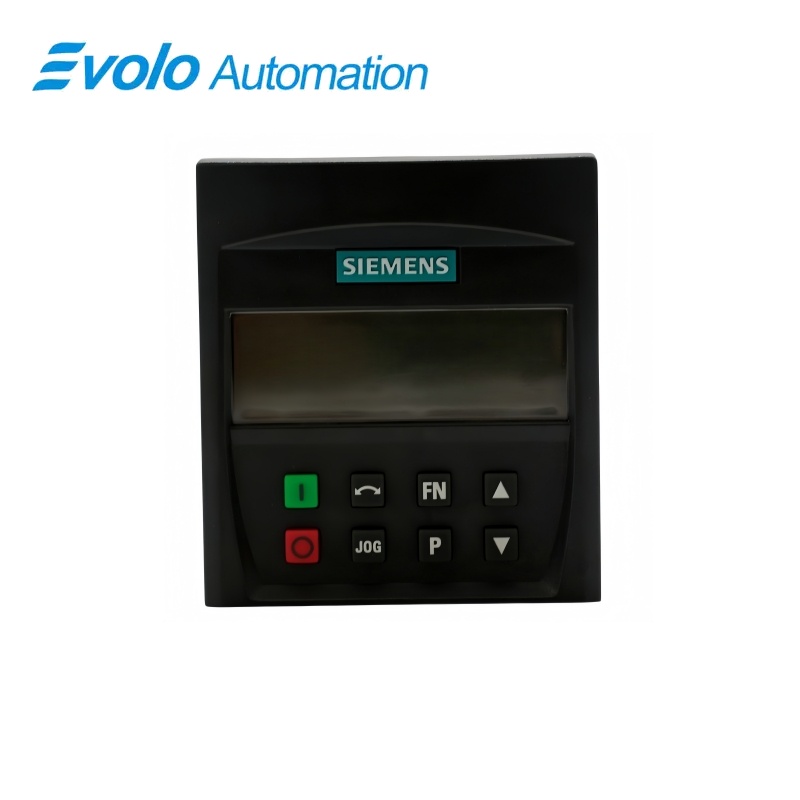
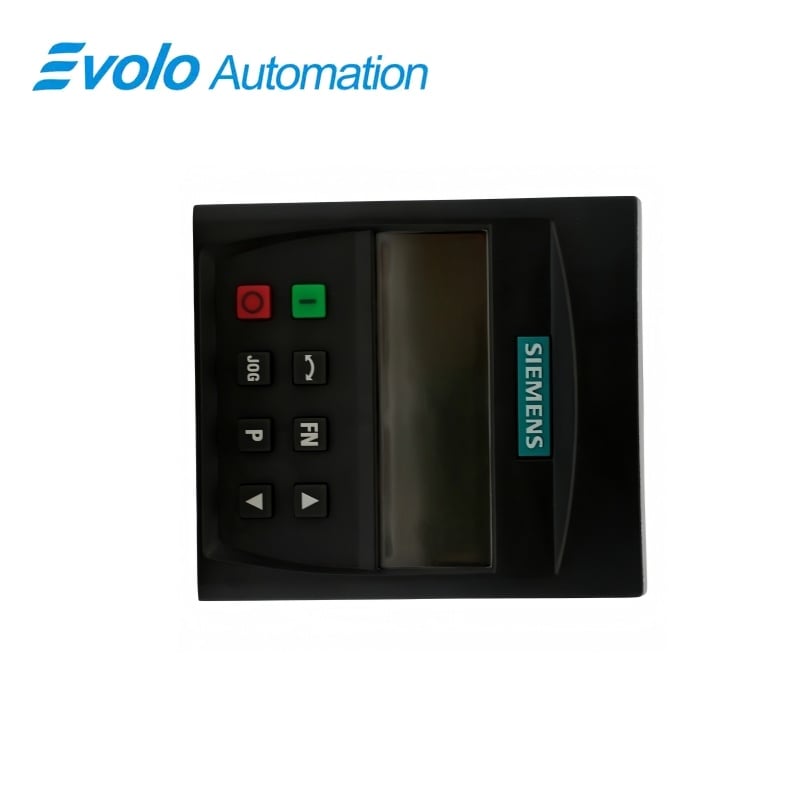
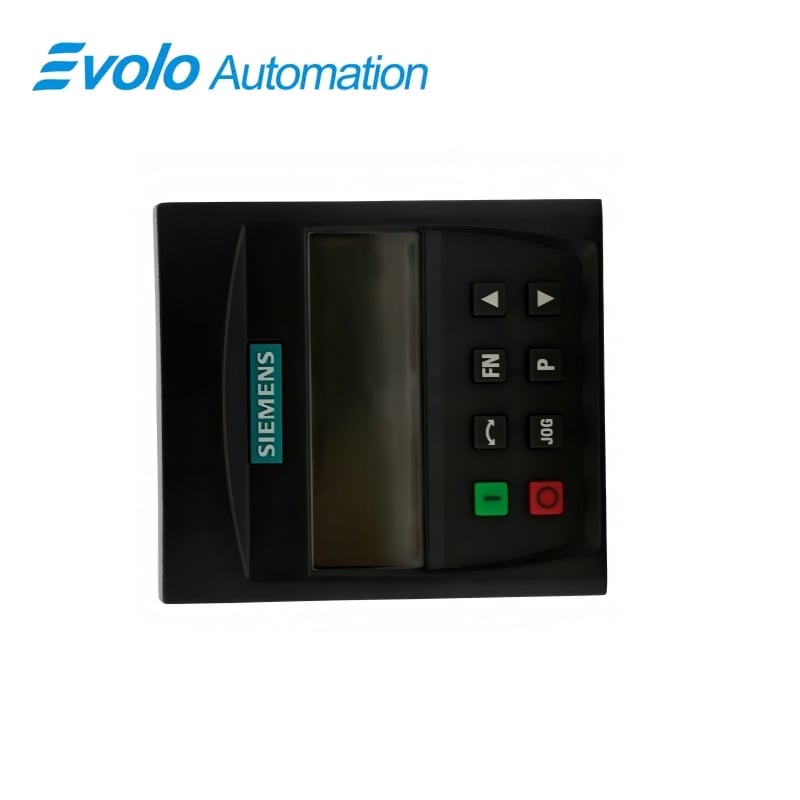
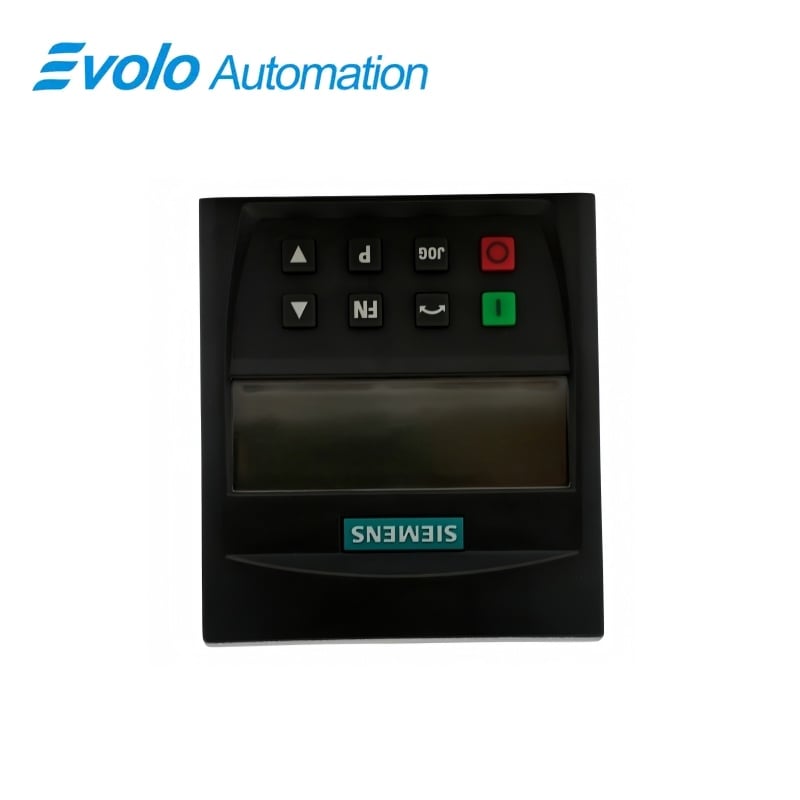
Siemens 6SE6400-0BP00-0AA1 MICROMASTER 4 Basic Operator Panel BOP
Fabricator: Siemens
Condición: Nuevo
Plazo de Entrega: En Stock
Origine: Magnae Britanniae
Garantía: 12 Meses
Inscriptio electronica: [email protected]
whatsapp: +86-18150117685
- Conspectus
- Hot Selling Models
- Producta commendata
Conspectus
- Check the exact MICROMASTER drive and panel option before ordering, including whether that drive requires a different operator-panel variant.
- Document existing command and setpoint-source settings before selecting local BOP control.
- Use a separate commissioning method when a transferable parameter backup is required.
- Keep the panel within its ambient limits and provide an enclosure appropriate to its IP20 / UL open-type rating.
6SE6400-0BP00-0AA1 MICROMASTER 4 Basic Operator Panel BOP
Compact BOP with a five-digit monochrome display for reading drive values, changing parameters and configuring local operation on compatible MICROMASTER drives.
Ad Primum Aspectum
| Nota | Siemens |
|---|---|
| Modellum | 6SE6400-0BP00-0AA1 |
| Typus Producti | Basic operator panel |
| Functio principalis | Local parameter editing and drive status display |
| Applicatio | MICROMASTER 4 drive commissioning and operation |
Accessus ad parametres
The keys and display support viewing and changing drive parameter values.
Operating information
The five-digit, seven-segment display shows parameter values, alarms, faults, setpoints and actual values.
Configured local operation
For MM420 operation from the panel, configure both the command source and the frequency-setpoint source to the BOP.
Product Overview
6SE6400-0BP00-0AA1 is the Basic Operator Panel for the MICROMASTER 4 drive family. Its monochrome display presents parameter numbers and values, alarm and fault information, setpoints and actual values during commissioning and service.
The panel allows parameter editing and local control when the drive command and setpoint sources are configured accordingly. It does not retain a transferable parameter set for copying between drives, so parameter backup must be handled through the drive commissioning workflow.
Key Functions
Accessus ad parametres
The keys and display support viewing and changing drive parameter values.
Operating information
The five-digit, seven-segment display shows parameter values, alarms, faults, setpoints and actual values.
Configured local operation
For MM420 operation from the panel, configure both the command source and the frequency-setpoint source to the BOP.
Official Specifications
| Display | Monochrome LCD, five-digit seven-segment indication |
|---|---|
| Gradus praesidium | IP20 / UL apertum typus |
| Dimensiones (L × H × D) | 71 × 80 × 16 mm |
| Ponderis netum | 0.300 kg |
| Temperatura operativa | −10 to +50 °C |
| Temperatura servandae | −40 usque ad +70 °C |
| Trānsportus temperatūra | −40 usque ad +70 °C |
| Maximum Relative Humidity | 95% ad 25 °C |
| Listed approvals | UL, CE and C-Tick (RCM) |
Quaestiones Frequenter Rogatae
Can 6SE6400-0BP00-0AA1 store a parameter set for copying to another drive?
No; the BOP can change parameters but cannot store parameter information for transfer between drives.
Which settings enable local control with 6SE6400-0BP00-0AA1 on an MM420?
Set P0700 to 1 for the BOP command source and P1000 to 1 for the BOP frequency-setpoint source.
Are the motor-control keys of 6SE6400-0BP00-0AA1 active by default on the MM420?
No; panel motor control must first be selected through the appropriate drive parameters.
What happens if 6SE6400-0BP00-0AA1 is removed while an MM420 uses it as its command source?
Removing the BOP stops the MM420 when P0700 is set to 1.
How is 6SE6400-0BP00-0AA1 fitted in place of the standard display panel?
Remove the standard SDP and fit the BOP in its place.
What information can be read from the display of 6SE6400-0BP00-0AA1?
The display presents parameter numbers and values, alarm and fault messages, setpoints and actual values.
Is 6SE6400-0BP00-0AA1 suitable for an exposed installation requiring a higher ingress rating?
The specified protection is IP20 / UL open type, so the enclosure design must provide the protection required by the installation.