EN
EN




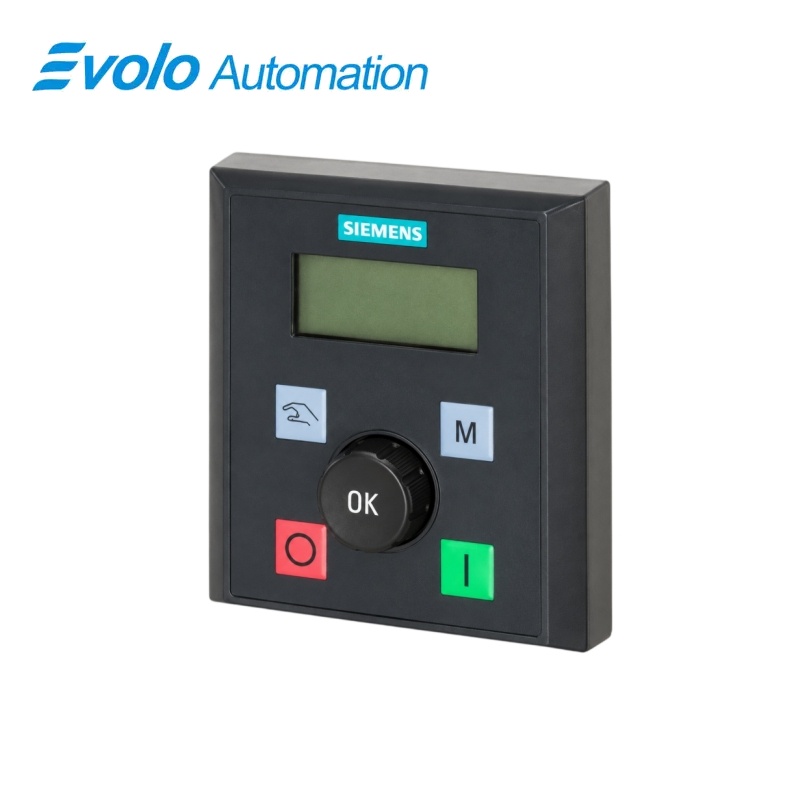
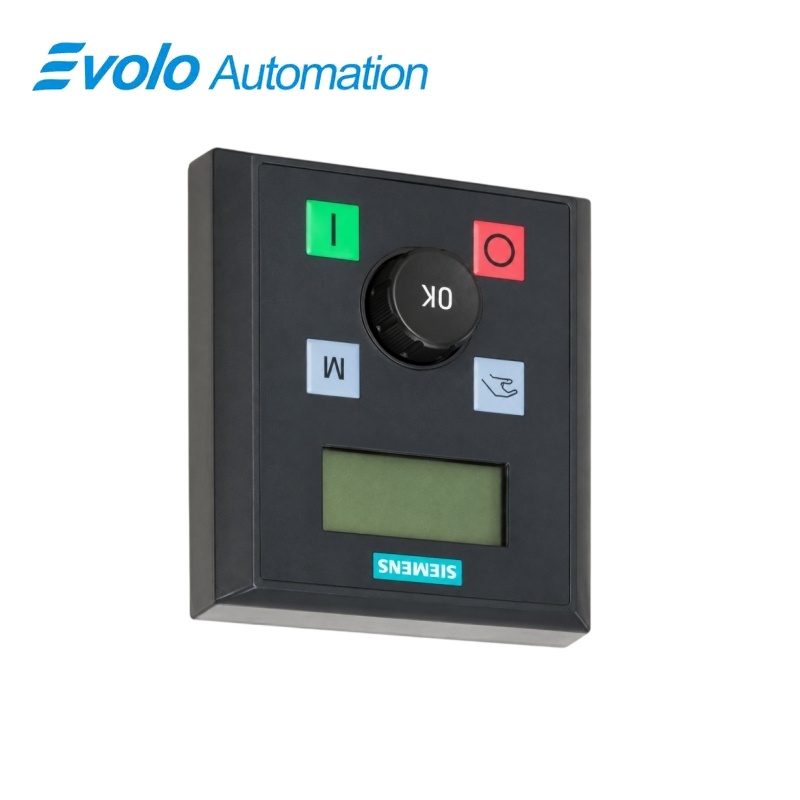
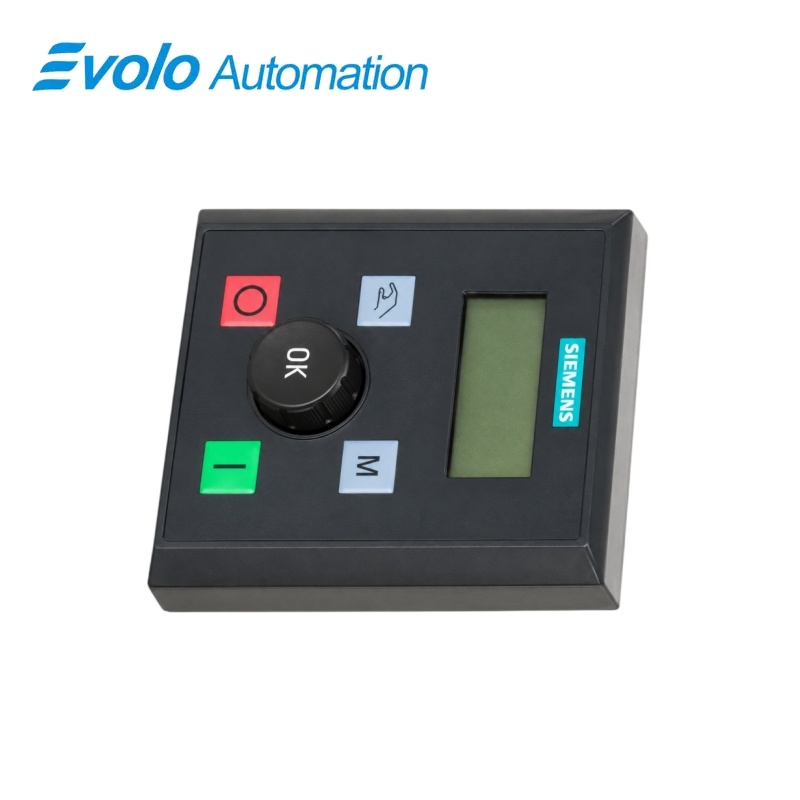
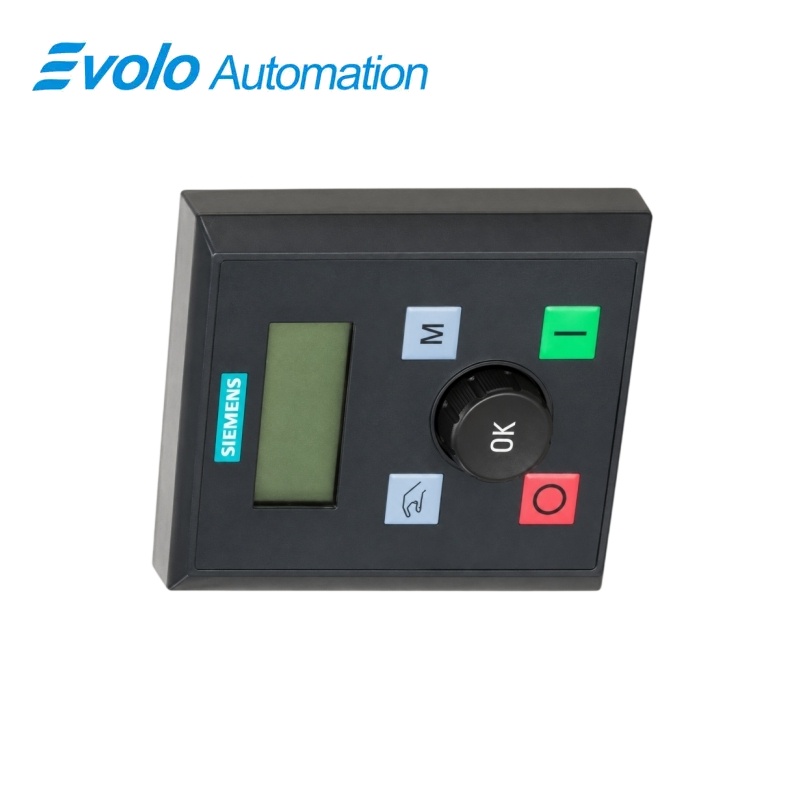
Siemens 6SL3255-0VA00-4BA1 SINAMICS V20 External Basic Operator Panel
Manufacturer: Siemens
Condition: Brand New
Lead Time: In Stock
Origin: Germany
Warranty: 12 Months
Email: [email protected]
whatsApp: +86-18150117685
- Overview
- Hot Selling Models
- Recommended Products
Overview
- Use the panel with a SINAMICS V20 converter and the designated BOP Interface Module.
- Connect the cable shield to the shield connection kit.
- Set the converter baud rate and USS address within the supported ranges.
- Prepare the cabinet door for the external panel dimensions and four M3 fixings.
- Use the specified fixing torque and −10 to +50 °C operating range.
- Apply the UL/cUL Type 1 rating only with the suitable cabinet-door installation.
6SL3255-0VA00-4BA1 SINAMICS V20 External Basic Operator Panel
A cabinet-door operator panel with rotary control, automatic USS baud-rate and address detection, and the V20 operating display including a commissioning indicator.
At a Glance
| Brand | Siemens |
|---|---|
| Model | 6SL3255-0VA00-4BA1 |
| Product Type | External basic operator panel |
| Core Function | Operates the converter from a remote panel position |
| Application | SINAMICS V20 with the BOP Interface Module |
Remote converter access
The external panel connects through the separately selected BOP Interface Module.
Automatic connection detection
The panel detects the converter baud rate and USS address at startup.
Door-mounted operation
Four M3 fixings secure the panel to a suitable cabinet door.
Product Overview
6SL3255-0VA00-4BA1 provides a remote operator interface for SINAMICS V20 converters.
The external panel uses the V20 BOP functions, with a rotary control for adjustment and a display that adds a commissioning icon to the familiar converter information.
Key Functions
Control the drive from the cabinet door
Start, stop, mode and setting functions are available through the external panel controls and rotary adjustment.
Find the connected converter automatically
At power-up, the panel identifies itself as BOP.20, displays its firmware version and detects the converter baud rate and communication address.
Display communication and commissioning status
The noCon message identifies a missing communication connection, while the commissioning icon corresponds to converter parameter P0010 = 1.
Official Specifications
| Overall Dimensions | 76 × 85 × 30 mm (W × H × D) |
|---|---|
| Operating Temperature | −10 to +50 °C |
| Door-Mounted Enclosure Rating | UL/cUL Type 1 when installed on a suitable cabinet door |
| Mounting Fixings | Four M3 screws, 8–12 mm long |
| Fixing-Screw Tightening Torque | 0.8 N·m ±10% |
| Selectable USS Baud Rates | 9,600; 19,200; 38,400; 57,600; 76,800; 93,750; 115,200 bit/s |
| USS Address Range | 0–31 |
| Communication-Loss Display | noCon, followed by renewed baud-rate and address detection |
| Commissioning Display Condition | Commissioning icon when P0010 = 1 |
| Startup Identification | BOP.20 followed by panel firmware version |
Frequently Asked Questions
Which interface module connects 6SL3255-0VA00-4BA1 to a V20 converter?
Use BOP Interface Module 6SL3255-0VA00-2AA1 for the external-panel connection.
What should I check when 6SL3255-0VA00-4BA1 displays noCon?
Check the cable connection because the panel has not detected communication and restarts baud-rate and address detection automatically.
Which converter parameter changes the baud rate used by 6SL3255-0VA00-4BA1?
Set P2010[0] to the required supported baud rate.
How do I change the USS address detected by 6SL3255-0VA00-4BA1?
Set the converter communication address with P2011[0] within the range 0–31.
Why is the commissioning icon visible on 6SL3255-0VA00-4BA1?
The icon indicates that the converter is in commissioning mode with P0010 set to 1.
What mounting screws and torque should I use for 6SL3255-0VA00-4BA1?
Use four M3 screws 8–12 mm long and tighten them to 0.8 N·m with a tolerance of ±10%.
Can I mount 6SL3255-0VA00-4BA1 where the ambient temperature reaches 60 °C?
The external panel is specified for an operating range of −10 to +50 °C.